
Calibre Sync - Your Ultimate eBook Library Management App
Calibre Sync is a powerful and user-friendly application designed to help book enthusiasts seamlessly manage and access their entire eBook collection across multiple devices and cloud services. Offering lifetime support at no extra charge and without subscription fees, Calibre Sync is the perfect companion for avid readers seeking convenience and efficiency in their digital library management.
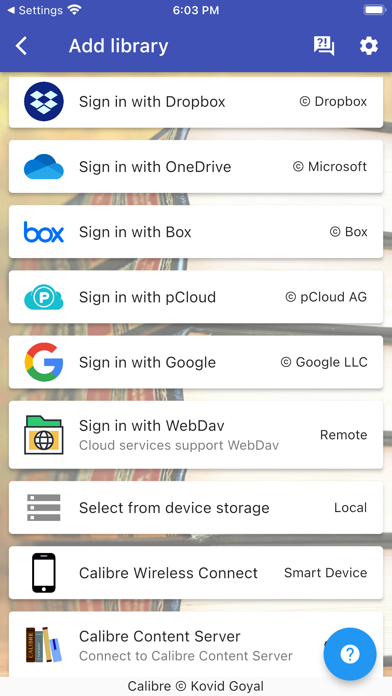
With Calibre Sync, users can connect to full Calibre libraries hosted on the most popular personal cloud services. It supports providers like Google Drive, Dropbox, Microsoft OneDrive, Box, pCloud, MEGA, WebDav, Nextcloud, and OwnCloud. This extensive compatibility makes it the most supported app for cloud service integration, allowing you to transform your device into a wireless smart device emulator that connects directly to Calibre.
Whether your libraries are stored on external storage devices or available via the Calibre Content Server, Calibre Sync ensures excellent performance for browsing, searching, sorting, downloading, and reading books directly on your device. Notably, the app supports multiple libraries across multiple cloud accounts simultaneously, providing flexible management tailored to your needs.
Key Features of Calibre Sync
- Unlimited Calibre libraries: Manage as many libraries as you like across different cloud services.
- Wireless connection: Effortlessly connect your device to Calibre as a smart device emulator.
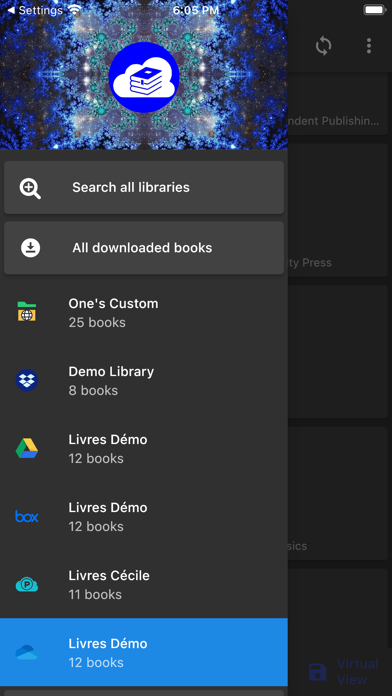
- Multiple libraries support: Switch seamlessly between libraries on various accounts and cloud providers.
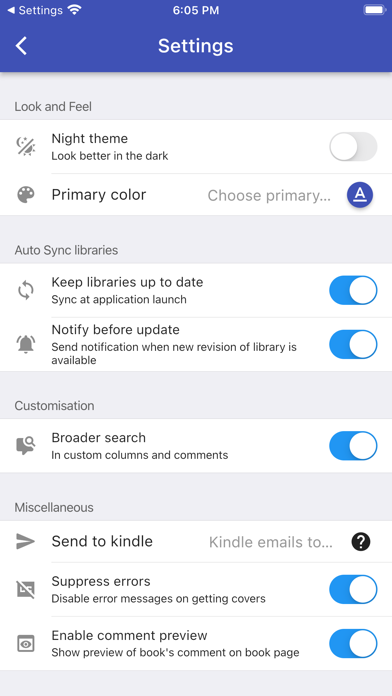
- Automatic library updates: Check and refresh your libraries each time you launch the app.
- Library management: Pull, refresh, or remove libraries with ease.
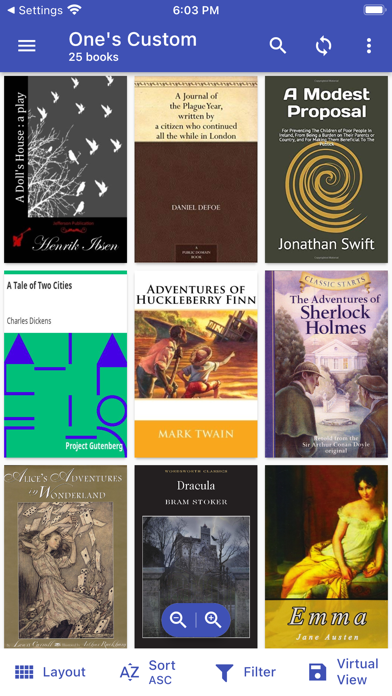
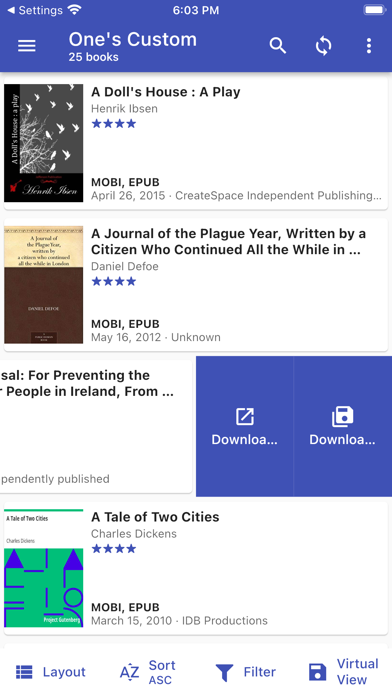
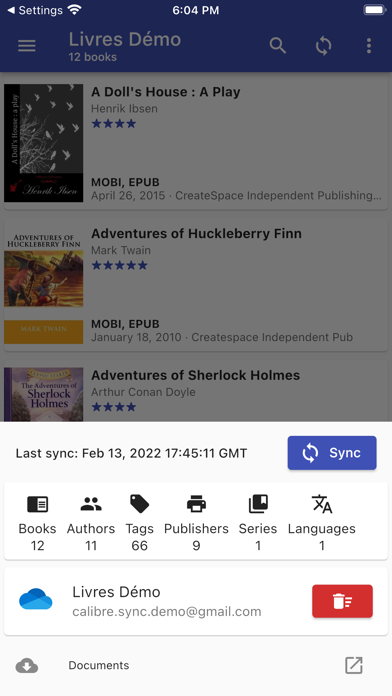
- Customizable layouts: View your library in list (detailed or simple), grid, or carousel formats.
- Library statistics: View detailed insights into your collection.
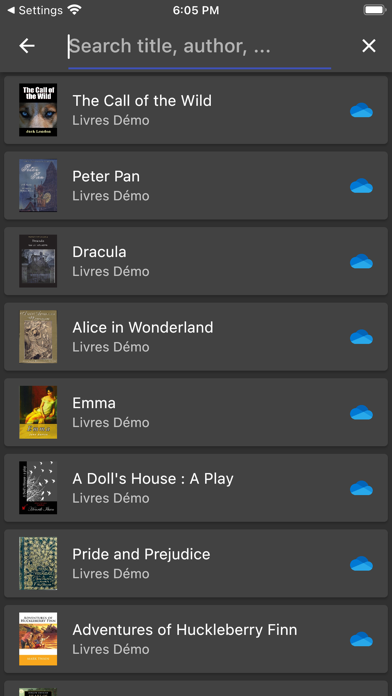
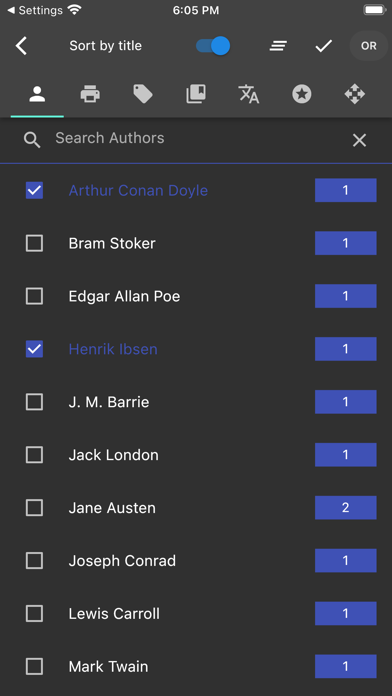
- Advanced search: Search by title, author, comments, or custom columns across all libraries.
- Filtering options: Apply filters based on authors, series, tags, language, publisher, formats, or custom columns.
- Sorting capabilities: Sort your library by title, author, ratings, or date (ascending or descending).
- Download management: Configure download locations for each library and quick sharing options.
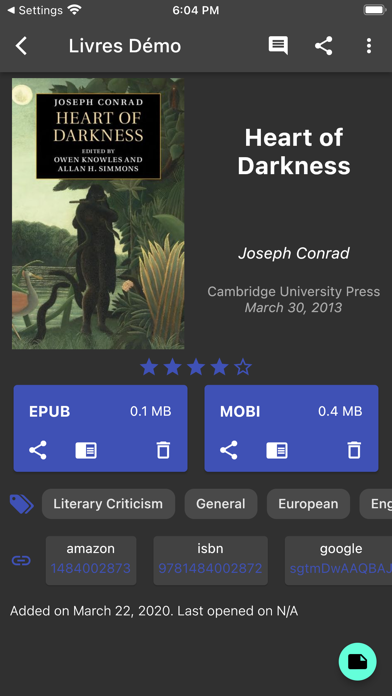
- Book details enhancements: Support for custom columns, viewing file sizes, and linking to sources like ISBN, Google Books, or Goodreads.
- Reading customization: Support for dark/light themes, zoom controls, swipe navigation, and easy sharing or opening in your preferred reader app.
- Note: While Calibre Sync handles library management and syncing, you'll need to install a dedicated eBook reader app to enjoy your books.
Easy Migration and Setup
Transitioning your existing Calibre library to cloud storage is straightforward. Simply open Calibre on your PC or laptop, select "Switch/create library..." from the menu, choose a folder within your preferred cloud drive in the "New Location" drop-down, and opt to move your current library. Once the sync completes, you can access your library via Calibre Sync on your device.
If you'd like to move libraries to your device storage, just copy the library directory directly. Remember, Calibre Sync isn't a reader app—be sure to install a compatible eBook reader to enjoy your books.
Notes and Compatibility
- Platform support: Calibre Sync works best on case-sensitive file systems such as Linux, recent macOS versions, or Windows with case sensitivity enabled.
- Permissions: It requires only storage permissions for saving downloaded books. For external SD card access on Android devices, ensure the SD card is available.
- API limitations: Due to restrictions in some cloud APIs (like Box), Calibre Sync may request write permissions even for download actions, but it guarantees no data modification occurs in your cloud account.
- Supported services: Dropbox (shared accounts supported), OneDrive (personal accounts), WebDav, Nextcloud, OwnCloud, pCloud, MEGA—and more, with certain platform-specific notes and limitations.
In summary, Calibre Sync offers a comprehensive solution for managing and accessing your eBook library seamlessly across multiple devices and cloud platforms. Its rich set of features—from wireless sync, multi-library support, customizable views, to advanced search and filtering—make it an essential tool for digital readers aiming for organization, convenience, and flexibility. Enjoy your reading experience with Calibre Sync, your personal eBook assistant that keeps your collection accessible anytime, anywhere.
For more detailed information and updates, visit Calibre Sync's official page.
Pros
- Seamless integration with Calibre library
- Compatibility with multiple devices and platforms
- Effective cloud synchronization features
- Intuitive and easy-to-use interface
- Flexible options for synchronization customization
Cons
- Limited offline capabilities
- Occasional delays during synchronization
- Requires initial setup of Calibre
- Some functionalities are available only in premium versions
- Initial configuration may be complicated











