
Nextcloud News: Your Ultimate News Aggregator and Reader
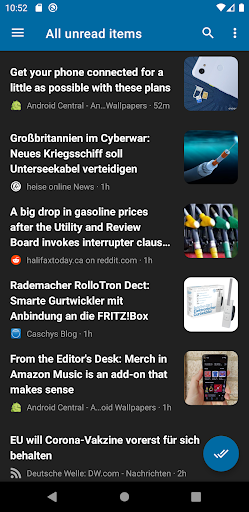
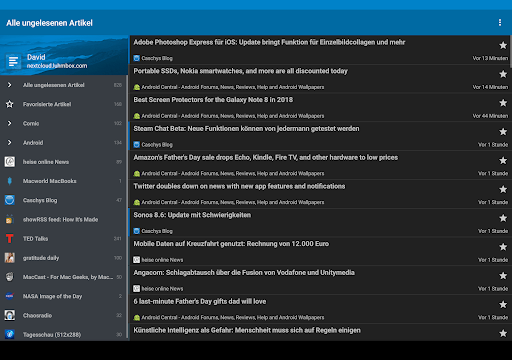
Are you overwhelmed by a flood of news articles, blog posts, and updates that seem impossible to keep up with? Nextcloud News is the perfect solution for staying informed without spending hours scrolling through countless websites. Designed to integrate seamlessly with your Nextcloud instance, this feed reader app brings your favorite news sources into a single, easy-to-navigate platform. Whether you're on the move or relaxing at home, Nextcloud News offers a range of features to enhance your news consumption experience.
Main Features of Nextcloud News
The Nextcloud News app provides a variety of functionalities aimed at making your reading experience smooth, customizable, and efficient. Key features include:
- Synchronization of feeds between Android devices and the Nextcloud News app
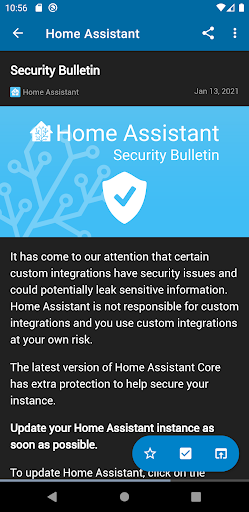
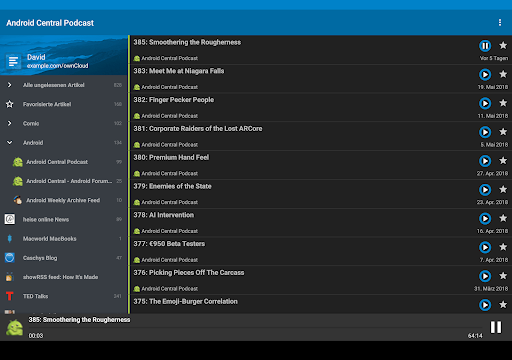
- Dark/Light Theme options to suit your visual preferences
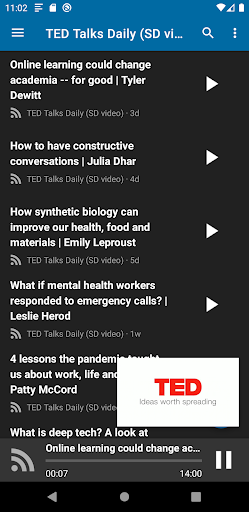
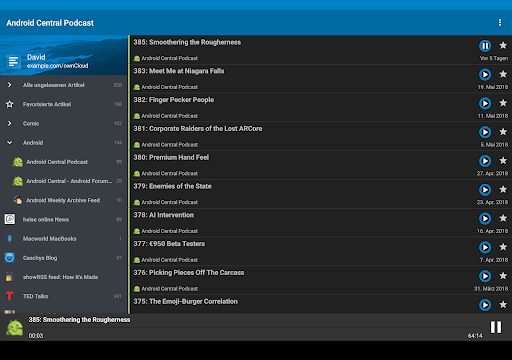
- Support for podcasts, allowing you to listen to your favorite shows on the go
- Compatibility with Android Auto for seamless in-car reading
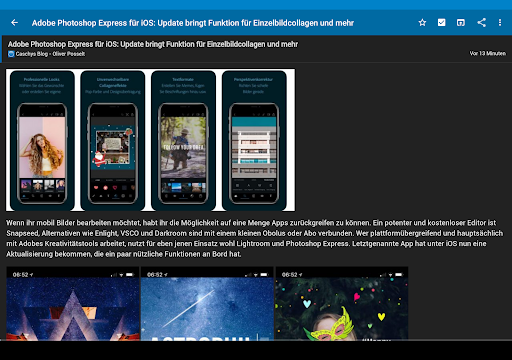
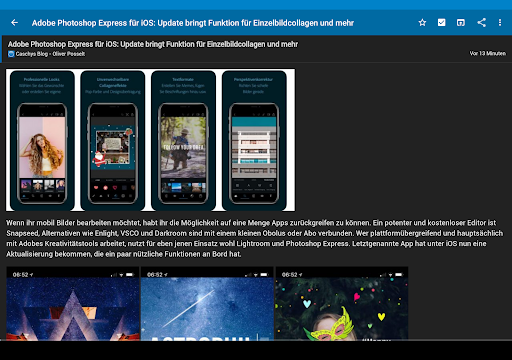
- Offline reading capabilities with cached images for when internet access is limited
- Background synchronization to keep your feeds up-to-date automatically
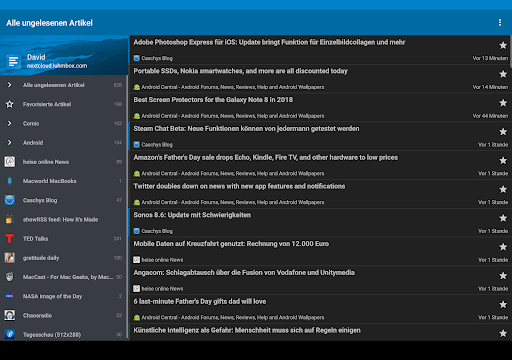
- Customizable Listview and font settings for a personalized interface
- Ability to mark articles as read while scrolling to enhance management of your feeds
- Convenient widget support for quick access on your home screen
- And much more to enhance your news reading experience!
To get the latest beta version and try out new features early, you can download it from Google Play.
This open-source app is licensed under AGPLv3 and is completely free to use. The source code is openly available on GitHub.
Getting Started with Nextcloud News
Starting with Nextcloud News is straightforward. Once you install the app and set up your Nextcloud server with the News app installed, you're ready to dive in. The intuitive and clean interface makes navigation a breeze, even for users without technical expertise. The app’s simplicity means you can focus on what matters most: your news.
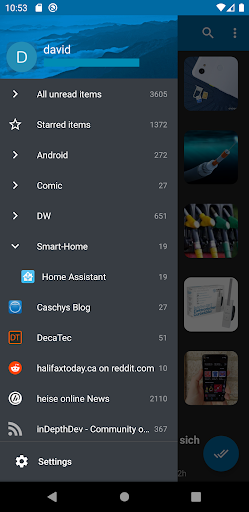
After setup, you can add your favorite feeds, organize them into folders, and customize your reading preferences. The app syncs feeds seamlessly, ensuring your content is always fresh and accessible—even offline.
Why Choose Nextcloud News?
If you value customization and a tailored reading experience, Nextcloud News delivers. You can modify themes to match your mood or reading environment and prioritize your feeds by organizing them into folders. This flexible organization helps you stay focused on topics that matter most. Whether it's tech news, sports updates, or entertainment gossip, you can categorize everything with ease.
The app supports full-text search, enabling you to find articles you read weeks ago swiftly. Sharing articles directly from the app promotes social interaction and knowledge sharing. Plus, with features like mark as favorite and widget support, managing your news becomes effortless and enjoyable.
Conclusion
In today's fast-paced information landscape, Nextcloud News stands out as a reliable, customizable, and user-friendly news aggregator. Its robust features, offline access, and seamless integration with your Nextcloud setup make it an invaluable tool for news enthusiasts and casual readers alike. Whether you're looking to streamline your news intake or keep up with specific topics, Nextcloud News offers the flexibility and efficiency you need. Embrace smarter news reading—download Nextcloud News today and stay informed effortlessly!
Pros
- Open-source and customizable.
- Compatible with existing Nextcloud setup.
- Supports RSS feeds.
- Provides Atom feed support.
- Works across multiple platforms.
- Enables offline reading.
Cons
- Requires a Nextcloud server to operate.
- Setup process may be challenging for newcomers.
- Lacks some advanced features.
- User interface appears outdated.
- May experience occasional synchronization problems.











