
Discover the Ultimate Convenience with the Apple TV Remote App
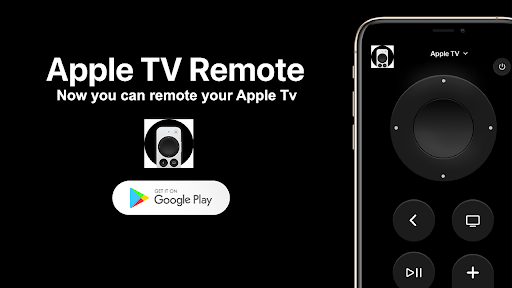
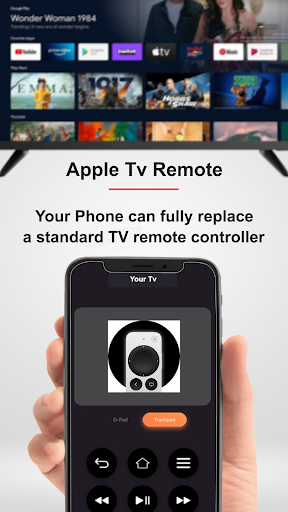
The Apple TV Remote app is a must-have tool crafted to elevate your entertainment experience. Designed for seamless control over your Apple TV, this innovative remote control app transforms your smartphone into a powerful, wireless remote. Whether you're navigating through your favorite shows or adjusting settings, the app offers unmatched convenience and simplicity, making it a perfect companion for your Apple TV setup. Download the Apple TV Remote app today and enjoy effortless media management right from your mobile device.
Key Features of the Apple TV Remote App
The app delivers a comprehensive suite of features tailored to enhance your viewing comfort:
- Works with Android phones and tablets: Compatible across various Android devices, broadening accessibility.
- Touchpad for content navigation: Effortlessly browse menus, apps, and media with intuitive swipe controls.
- Adjust volume: Control your TV volume directly from the app, replacing your physical remote.
- Play, pause, and control: Manage your media playback with ease, giving you full command over your content.
- No additional hardware needed: Simply connect and start controlling your Apple TV without extra gadgets.
- Automatic connection: The app pairs swiftly with your device for quick setup.
- Playback control: Easily navigate through your movies and shows with built-in playback options.
- Quick access to all apps: Jump directly into your favorite streaming services and apps anytime.
User-Friendly Design and Easy Setup
Designed with simplicity in mind, the Apple TV Remote app requires no complicated configuration. Just connect your Android device to the same WiFi network as your Apple TV, launch the app, and select your device to establish a connection. Once paired, controlling your Apple TV becomes a seamless experience, reminiscent of using a physical remote but with the added benefits of an intuitive touchscreen interface. Its user-friendly design ensures that anyone, regardless of technical skill, can operate the app effortlessly, making it a superior alternative to traditional remote controls.
Compatibility and Device Support
This versatile app supports a broad range of Apple TV models, ensuring compatibility for most users:
- Apple TV (1st, 2nd, and 3rd generation)
- Apple TV HD (4th generation)
- Apple TV 4K (1st, 2nd, 3rd, and 5th generation)
How to Connect Your Android Device to Apple TV
Getting started is straightforward:
- Ensure your Apple TV is connected to your home WiFi network.
- Turn on WiFi on your Android phone and connect it to the same network.
- Open the Apple TV Remote app and select your Apple TV from the list of available devices.
- Once connected, you can control everything—from playback to volume—directly from your phone.
Additional Benefits and Seamless Integration
The Apple TV Remote app isn't just functional—it’s designed to enhance your overall viewing experience. With features like voice command, thanks to Siri integration, finding shows or searching for content becomes effortless—just speak what you want to watch. The app also supports keyboard input, simplifying login procedures and search functions without the tedious on-screen typing. Plus, you can turn your TV on or off and adjust the volume effortlessly, consolidating control into a single, convenient app.
Why Choose the Apple TV Remote App?
Whether you're a tech enthusiast or simply wish to replace your physical remote, this app offers a superior and more intuitive alternative. Its seamless integration with the Apple ecosystem makes managing your media smoother than ever. Say goodbye to cluttered coffee tables and lost remotes—embrace the future of wireless remote control with the Apple TV Remote app today. Experience the convenience, speed, and modern control that elevate your entertainment setup to the next level.
Pros
- Seamless integration with Apple devices
- User-friendly interface for easy navigation
- Enables control of multiple Apple TVs
- Siri voice control for hands-free operation
- Quick access to media and settings
Cons
- Limited to Apple ecosystem devices
- Requires an iOS device to operate
- No haptic feedback on remote
- May occasionally experience lag or disconnection
- Lacks advanced customization options











