


VSD Viewer for Visio Drawings
Are you often in need of a reliable and efficient way to view Visio files while on the go? VSD Viewer for Visio Drawings is a powerful application designed specifically for Android devices, offering a seamless experience to open and examine Microsoft Visio diagrams effortlessly. Whether you're a professional requiring quick access to technical schematics or a student working on collaborative projects, this app is your ideal solution for viewing detailed Visio drawings anywhere, anytime.
Key Features of VSD Viewer
Universal Compatibility and Format Support
The VSD Viewer supports a wide range of Visio file formats, including VSD, VDX, VSDX, and even the VSD 2013 formats. This comprehensive compatibility ensures you can open and preview diagrams created with various versions of Microsoft Visio without any compatibility issues. It’s an ideal tool for those who handle different file types regularly, making it a versatile addition to your productivity toolkit.
Basic and Advanced Viewing Options
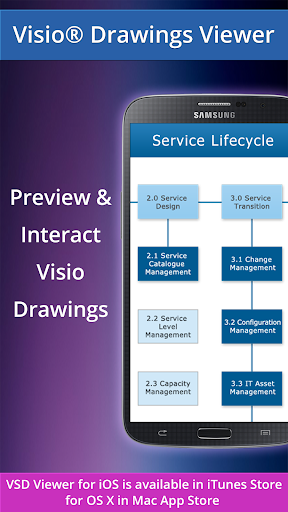
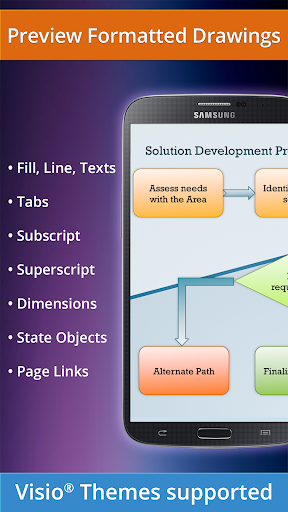
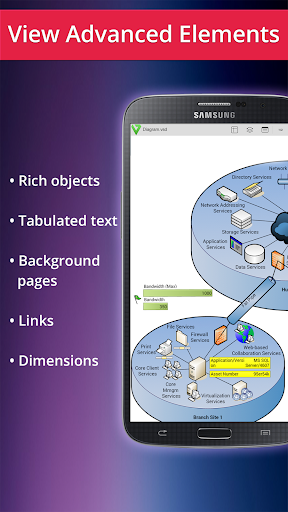
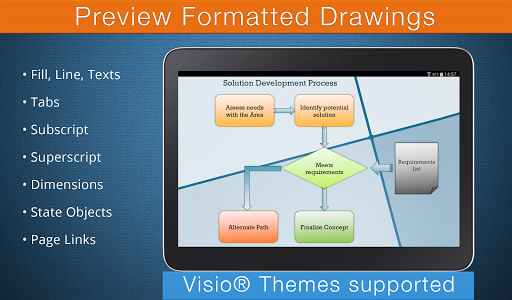
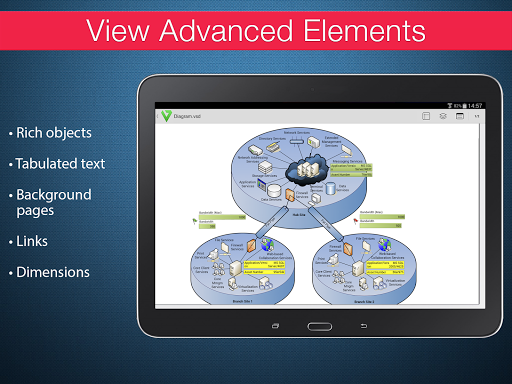
With the basic options, users can easily open and preview Visio diagrams, scroll, zoom, and navigate multipage documents smoothly. The app also allows you to copy texts from diagrams and view complex objects with lines, fills, gradients, and text formatting. For more detailed analysis, you can switch document guides, view objects placed outside page boundaries, and see hidden objects or layers. Additionally, the app supports original dimension units and page numbering for accurate referencing.
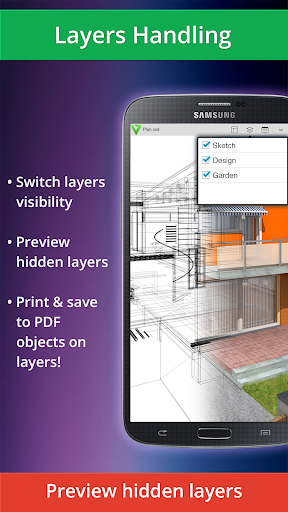
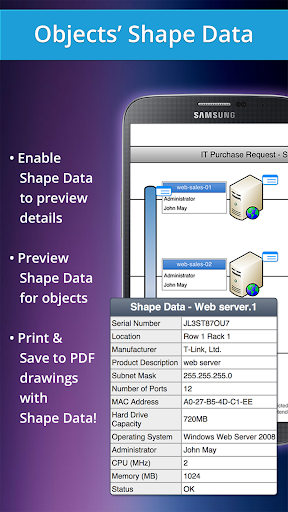
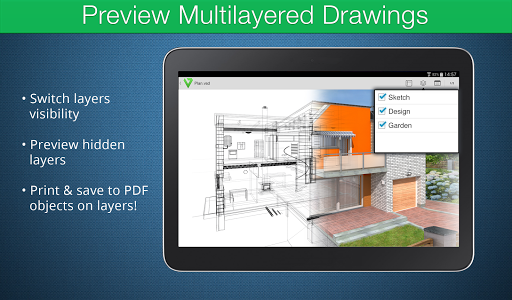
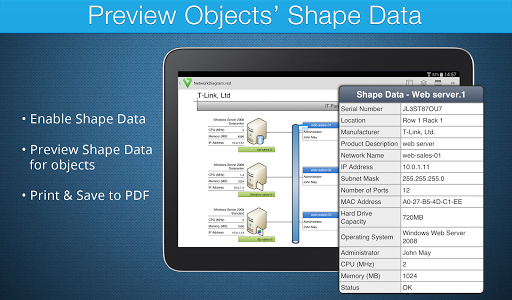
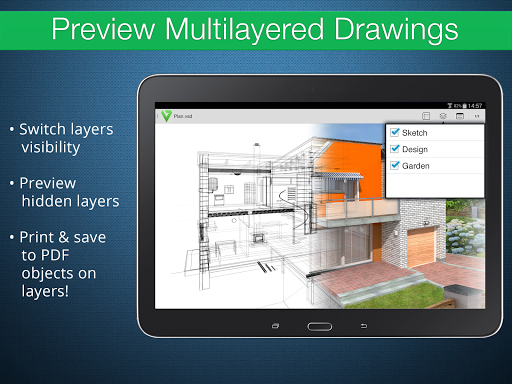
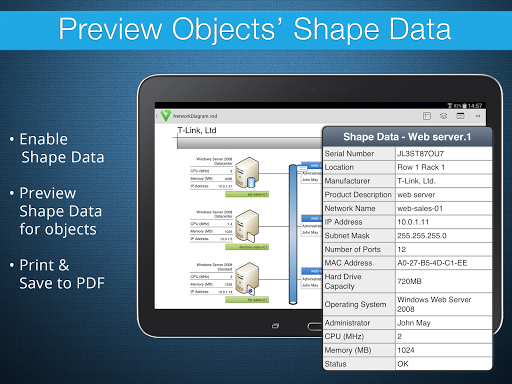
Advanced options take your experience further by enabling you to preview hidden layers, manage layer visibility, and examine shape data attached to objects. This makes VSD Viewer perfect not only for simple viewing but also for professional review of complex diagrams with multiple layers and data points.
Support for Complex and Multi-layered Drawings
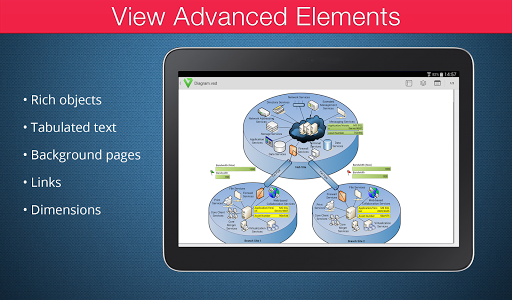
The application is designed to handle multilayered drawings with multiple objects, making it suitable for technical diagrams, flowcharts, floor plans, and more. You can effortlessly switch layers' visibility, which is crucial when analyzing detailed designs or editing complex documents. The support for built-in metafiles and page numbering further enhances the viewing experience, especially for extensive or intricate diagrams.
Performance and Limitations
While VSD Viewer offers robust features, processing very large documents or files with numerous images may require additional time. The rendering of metafiles relies on an internet connection, as these are processed via remote servers, which might cause slight delays. Despite these minor limitations, the app remains an excellent choice for quick and professional viewing of your Visio diagrams on Android devices.
Ease of Use and Integration
The app is built with an intuitive interface, making it accessible even for users with minimal technical experience. You can easily access your diagrams stored in popular cloud services such as Google Drive, Dropbox, and OneDrive, eliminating the need to transfer files manually between different platforms. Whether you are working from your phone or tablet, VSD Viewer helps you stay productive without relying on a desktop computer.
Conclusion: Why You Need VSD Viewer for Visio Drawings
If you regularly work with Visio diagrams, then VSD Viewer for Visio Drawings is an indispensable app to have. Its combination of user-friendly design, broad format support, and powerful viewing features makes it ideal for professionals, students, and anyone needing quick access to complex diagrams on their mobile devices. Downloading and using this app will elevate your productivity by allowing you to view detailed Visio files effortlessly, no matter where you are. Experience the convenience of mobile diagram viewing—try VSD Viewer today and see how it transforms your workflow.
Pros
- Supports VSD files
- Seamlessly opens VSDX formats
- Provides layer toggling for detailed visuals
- Enables smooth zooming and panning for complex diagrams
- Works with cloud storage services
- Intuitive interface suitable for beginners
Cons
- Limited editing features
- Lacks real-time collaboration
- May experience occasional lag with large files
- Free version includes advertisements
- Limited support for non-Visio file formats











