
Mirror Link Car Display: The Ultimate Smartphone Integration for Safer Driving
Are you tired of fumbling with your phone while driving, trying to access your favorite apps, navigation tools, or media? Introducing Mirror Link Car Display, an innovative app designed to seamlessly connect your smartphone with your vehicle’s infotainment system. This cutting-edge solution transforms your driving experience by providing a safe, convenient, and wireless way to mirror your phone’s screen onto your car's display, enhancing safety and entertainment on the road.
What Is Mirror Link Car Display?
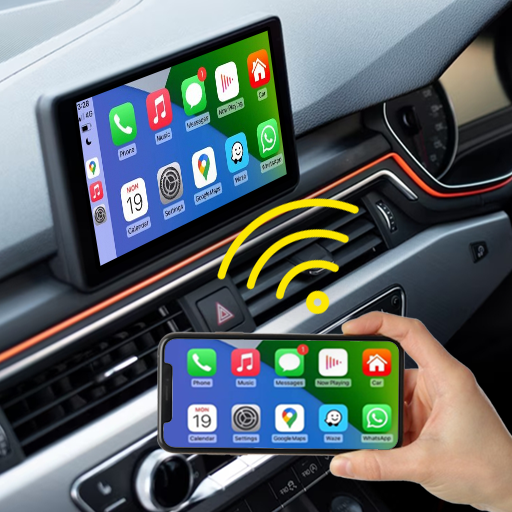
Imagine cruising down the highway with your smartphone screen mirrored flawlessly onto your car’s dashboard. With Mirror Link Car Display, you can effortlessly access your apps, navigation, music, messages, and more—without taking your eyes off the road. This app acts as a bridge, linking your phone to your vehicle’s infotainment system, making driving safer and more enjoyable. Whether you’re using Google Maps for directions, streaming your favorite playlists on Spotify, or quick messaging, the app ensures everything is accessible on a larger, more convenient screen.
Getting Started with Mirror Link Car Display
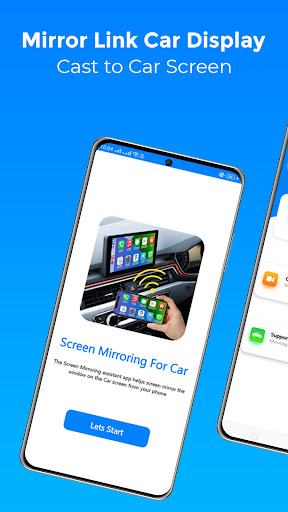
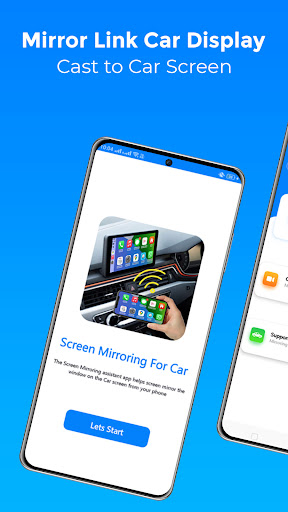
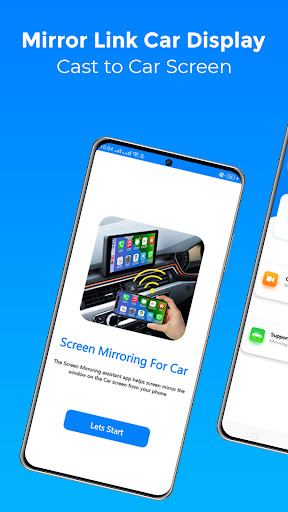
Setting up Mirror Link Car Display is straightforward. Download it from your device’s app store, then check that your car’s infotainment system supports features like MirrorLink or Android Auto. Connect your smartphone to your vehicle using a USB cable or Bluetooth, and your phone’s screen will be instantly displayed on your car’s screen. The user interface is intuitive and user-friendly, with large icons that make navigation easy even while on the move.
Key Features of Mirror Link Car Display
- Wireless Connectivity: The app supports wireless screen mirroring, enabling a cable-free experience. Simply connect via Wi-Fi or mirror your screen over your vehicle’s system seamlessly.
- Application Compatibility: Compatible with a wide range of apps, including navigation, music streaming, messaging, and more—making your drive more interactive and productive.
- Voice Control: Hands-free operation is at your fingertips. Use voice commands to navigate, play music, or send messages, ensuring your focus remains on the road.
- Easy Automation: The app can automatically connect when you start your vehicle, with options to play, pause, or stop media depending on the connection status.
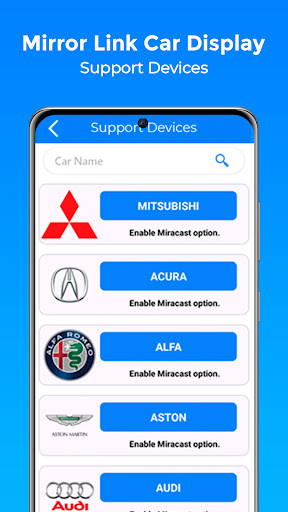
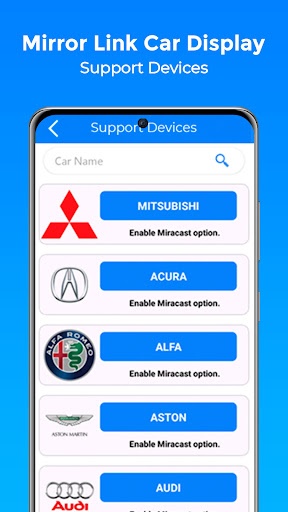
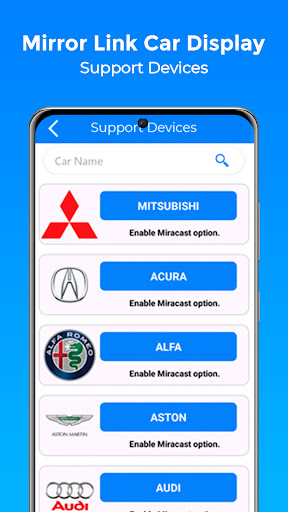
- Universal Compatibility: Works with all vehicle brands and supports any device with a web browser, ensuring broad usability.
Performance on the Road
This app excels in providing a smooth, lag-free mirroring experience with minimal delay—crucial for real-time navigation and audio streaming. Its high-quality audio system ensures crystal-clear calls and voice commands, keeping you connected without sacrificing safety. While some users may experience occasional connectivity hiccups, most find that restarting the app or re-establishing the connection resolves these issues promptly, making your driving trip more comfortable and hassle-free.
How to Use Mirror Link Car Display
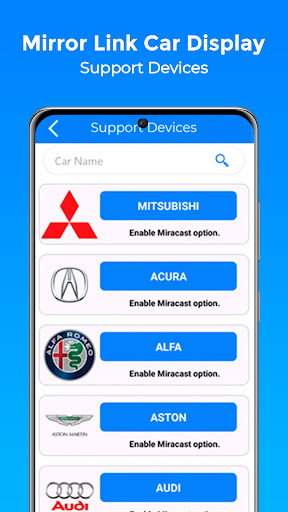
- Ensure both your phone and your vehicle’s infotainment system support Miracast or other wireless display options.
- Activate the Miracast function on your car dashboard.
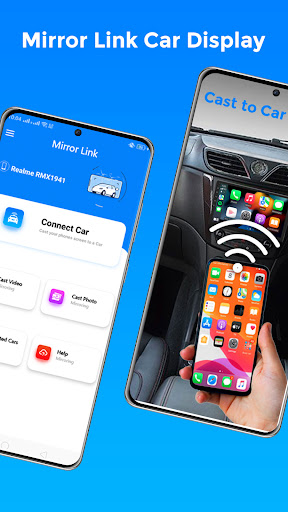
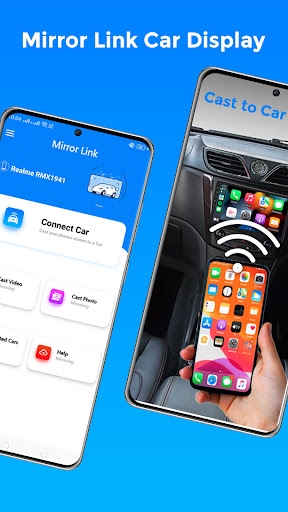
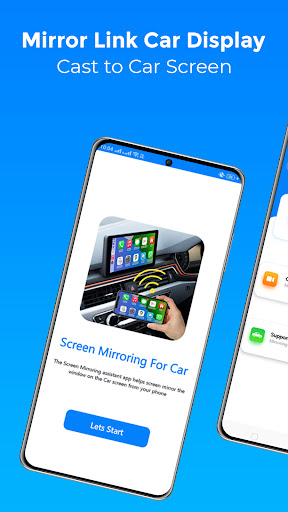
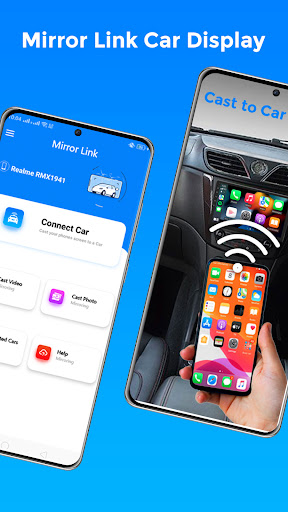
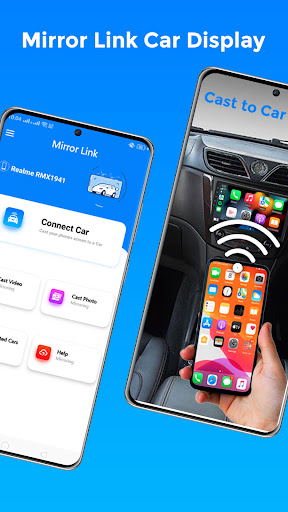
- Open the Mirror Link Car Display app and select Connect Car.
- Wait for your device to be detected and establish the connection.
- Enjoy a seamless mirror experience, displaying your phone’s content on your car screen.
Enhancing Your Driving Experience
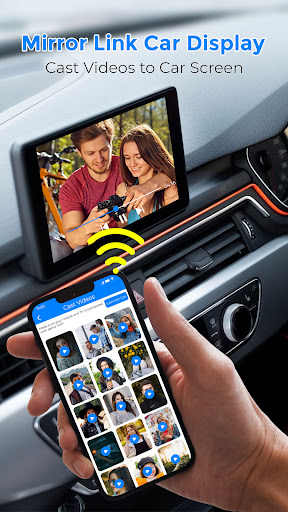
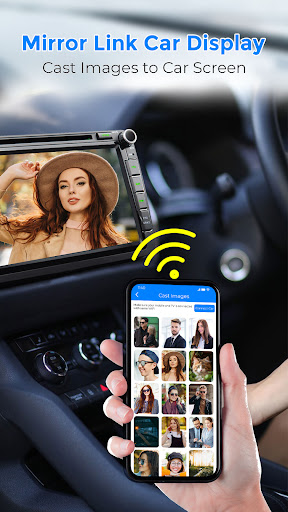
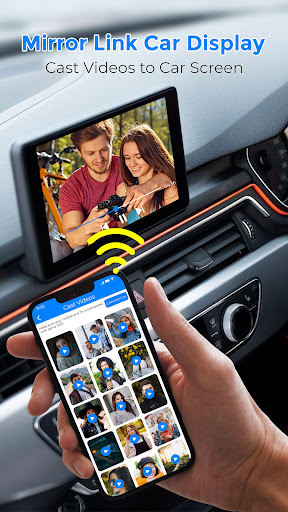
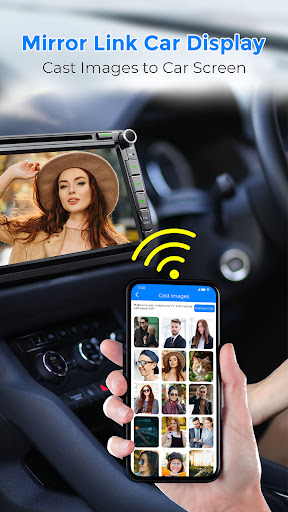
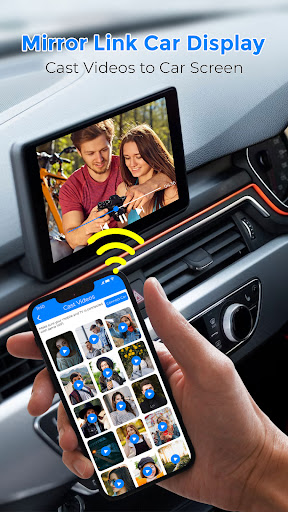
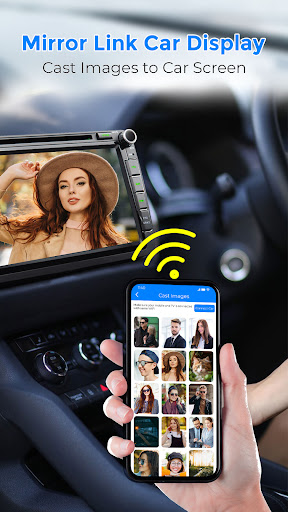
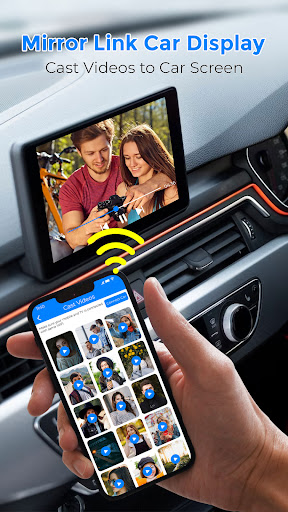
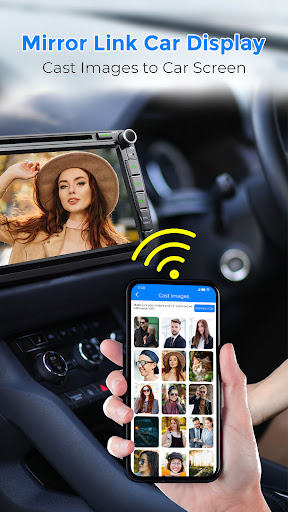
With Mirror Link Car Display, you essentially turn your car into a smart, connected device that enhances safety and convenience. You can switch between apps effortlessly—be it navigations, streaming platforms, or messaging apps—without ever needing to handle your phone directly. The app supports screen sharing for videos, photos, and even automated media playback when connecting or disconnecting, creating a truly integrated experience.
Conclusion
Mirror Link Car Display is a versatile and user-friendly solution for modern drivers seeking a safer way to interact with their smartphones while on the road. Its wireless connectivity, broad device compatibility, and real-time performance make it an essential app for anyone looking to maximize their vehicle’s multimedia capabilities. Whether you’re navigating, streaming, or communicating, this app ensures you stay focused and safe, transforming your driving journey into a more connected and enjoyable experience.
Pros
- Seamless integration with vehicle systems
- Provides real-time navigation updates
- Compatible with various smartphone brands
- Intuitive and user-friendly interface
- Improves driving safety
Cons
- Limited compatibility with some apps
- Dependent on a stable internet connection
- Potential concerns over data privacy
- Occasional connectivity disruptions
- Can quickly drain smartphone battery











