

Introduction to LumaFusion: The Powerhouse of Mobile Video Editing
Welcome to LumaFusion, the gold standard for storytellers and video editing enthusiasts worldwide. This professional-grade video editing app offers a fluid and intuitive touch-screen experience, transforming your mobile device into a portable editing studio. Whether you're a seasoned filmmaker or a casual content creator, LumaFusion provides powerful tools to craft stunning videos with ease and precision, anytime and anywhere.
Core Features of LumaFusion
Professional Editing Made Easy
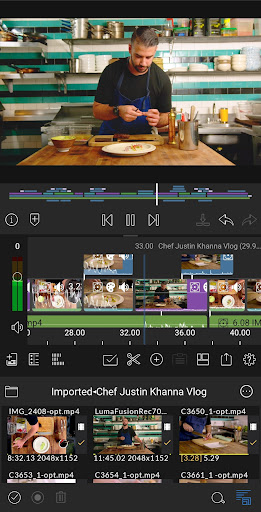
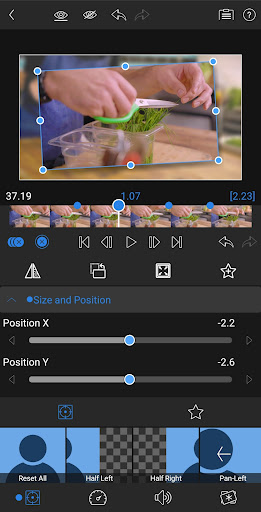
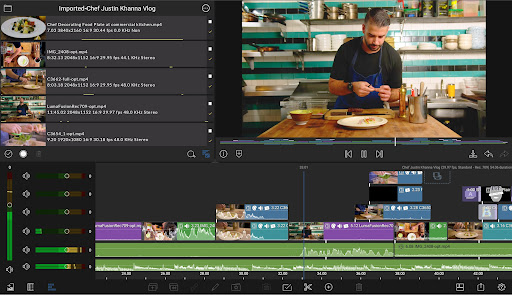
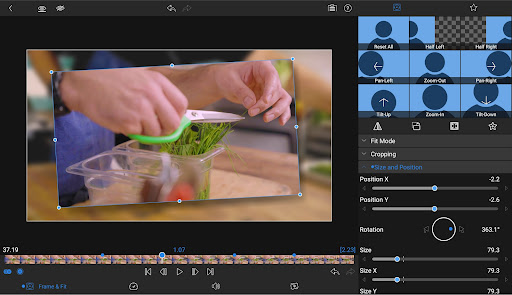
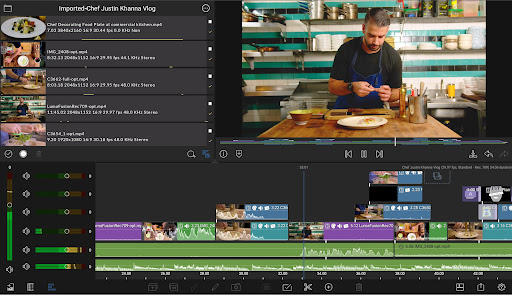
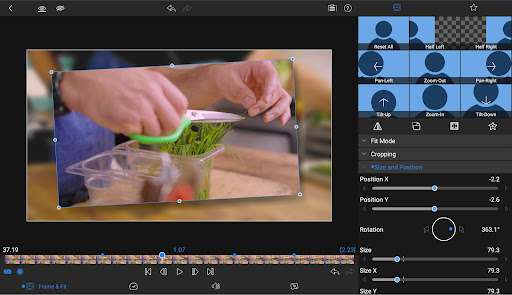
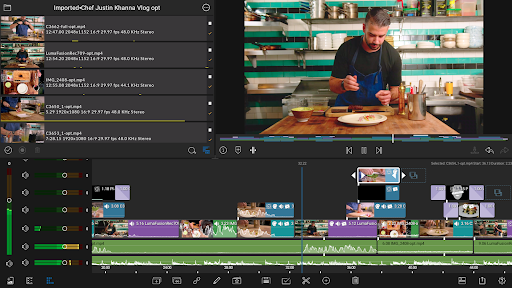
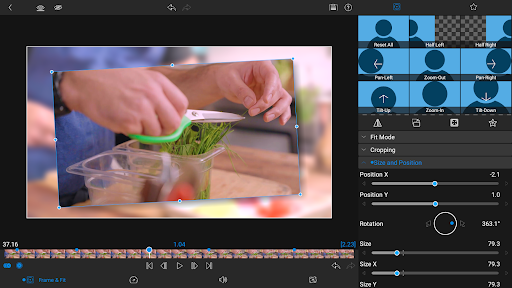
LumaFusion stands out with its extensive editing capabilities designed for both beginners and experts. It supports up to six video-with-audio or graphic tracks, allowing you to create complex multilayered projects with ease—even in 4K resolution. Additionally, there are six audio-only tracks to build immersive soundscapes. The app's world’s most flexible track-based and magnetic timeline ensures fluent editing, making adjustments smooth and straightforward. Creative transitions keep your story dynamic, while features like Markers, tags, and notes help you stay organized. You can even record voiceovers directly within the app while previewing your project, making the editing process seamless.
Layered Effects and Color Correction
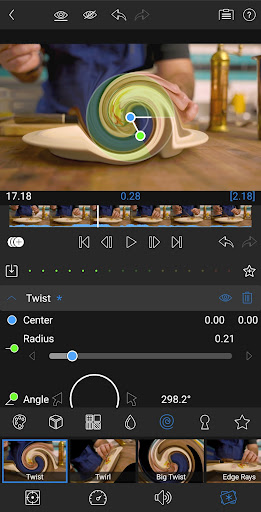
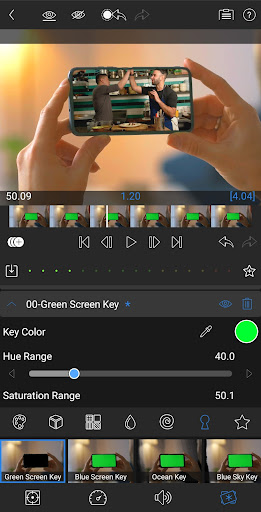
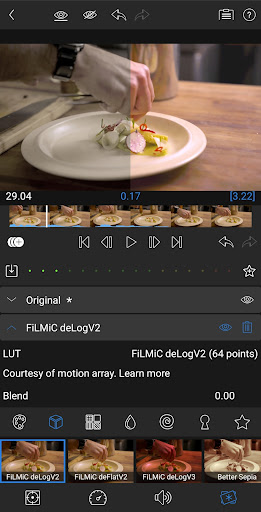
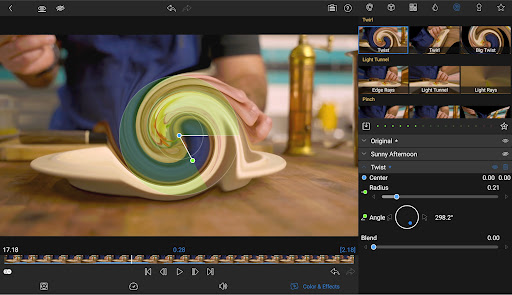
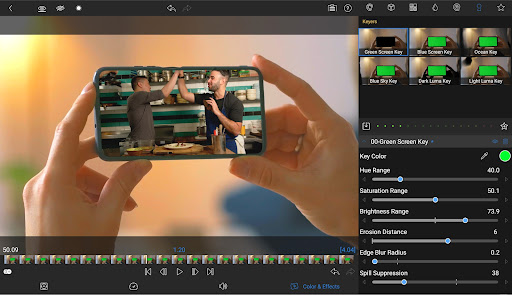
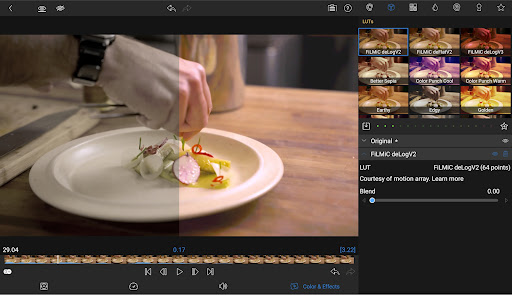
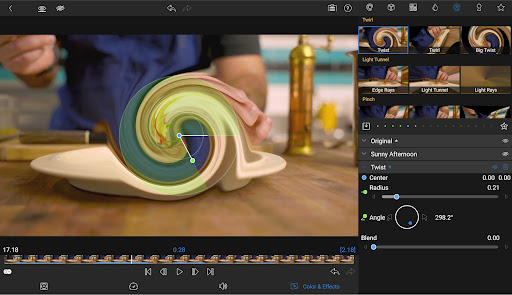
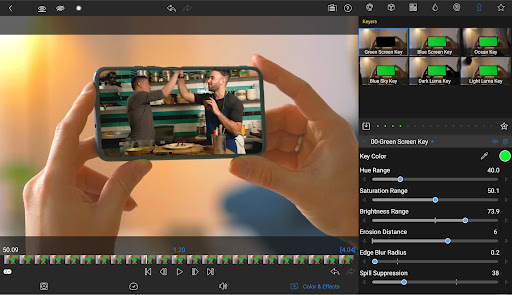
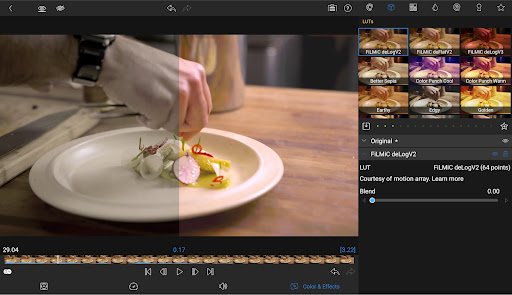
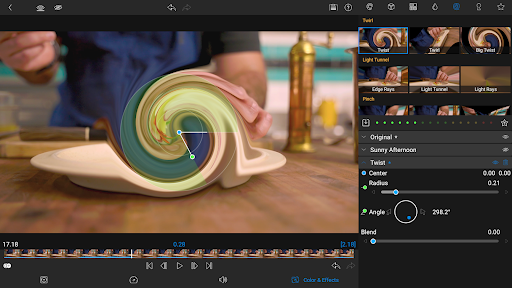
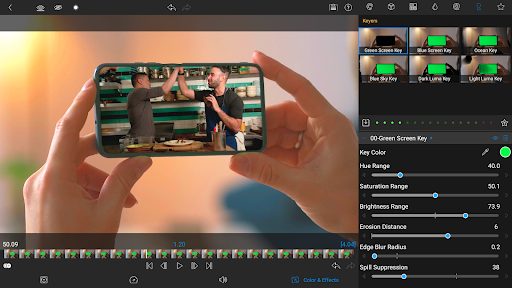
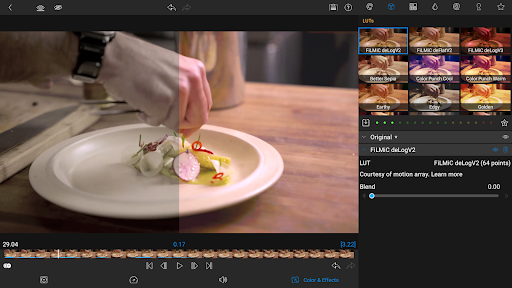
Harness your creativity with a comprehensive suite of effects. Use green screen, luma, and chroma keys for creative compositing, and experiment with powerful color correction tools to achieve your signature aesthetic. Visual scopes such as video waveform, vector, and histogram assist in precise adjustments. Import and apply .cube or .3dl LUTs for professional color grading. Create animations with unlimited keyframes and save your favorite looks with customizable text and effect presets, making it easy to share and collaborate.
Advanced Audio Control
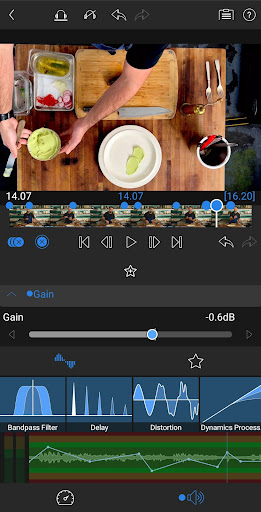
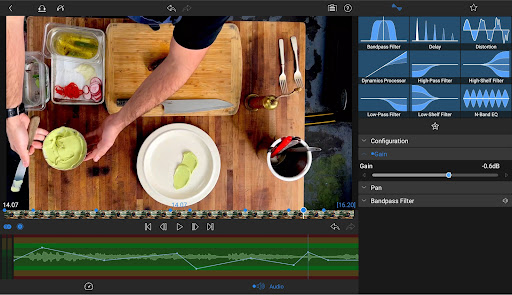
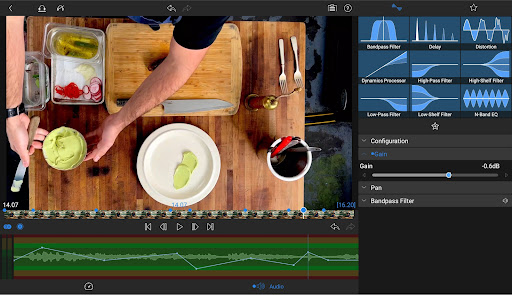
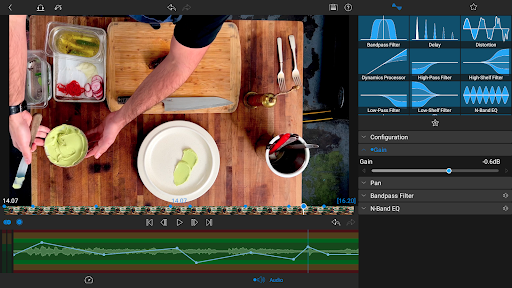
Audio editing is equally robust, featuring controls like graphic EQ, parametric EQ, and precise keyframing for levels, panning, and EQ adjustments. Support for stereo and dual-mono audio enables detailed sound design, perfect for interviews or multi-microphone setups. With audio ducking, balance background music and dialogue effortlessly, ensuring clarity and professional quality.
Creative Titles and Multilayer Text
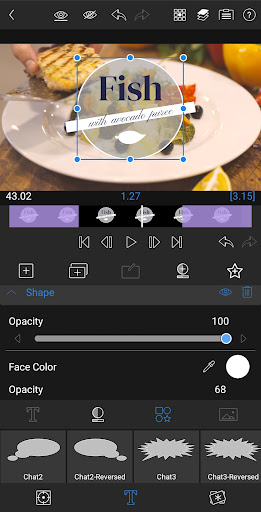
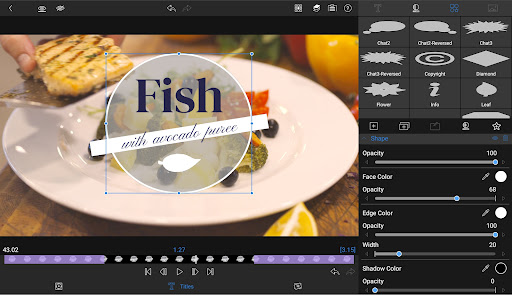
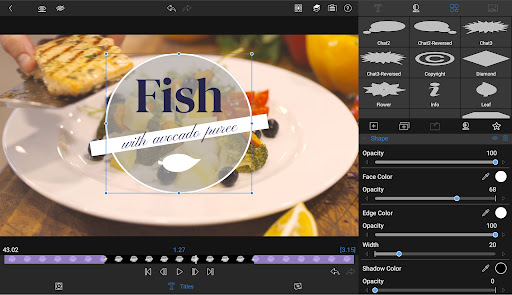
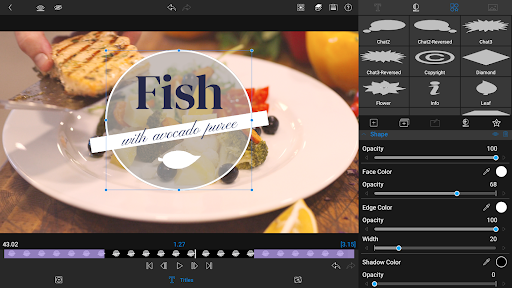
Design eye-catching titles with multilayer text options, combining shapes, images, and text to craft unique graphics. Customize fonts, colors, borders, and shadows to match your branding or style. Import your own custom fonts and save title presets for collaboration or quick reuse.
Project Flexibility and Media Library
LumaFusion offers versatility with aspect ratios suitable for all uses—from widescreen cinema to social media formats. It supports a wide range of project frame rates from 18fps to 240fps, accommodating various workflows. Access your media library directly from your device, including USB-C drives and cloud storage, making it easy to work with files wherever they are stored.
Sharing and Export Options
When your masterpiece is complete, control the resolution, quality, and format for export. Share your videos seamlessly to social media platforms, cloud services, or local storage. Thanks to project transfer capabilities, you can continue editing projects across multiple devices without hassle.
Speed Ramping and Keyframing Enhancements
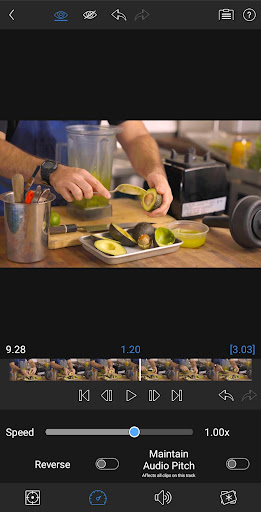
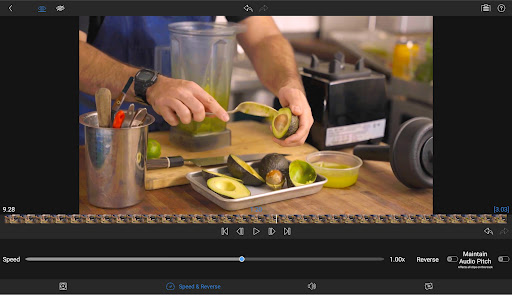
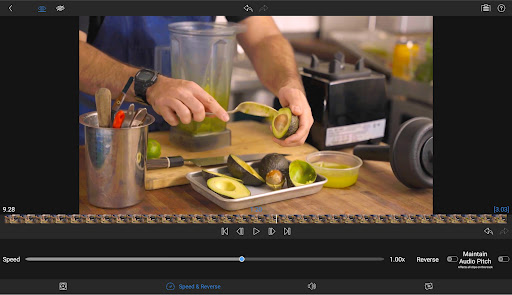
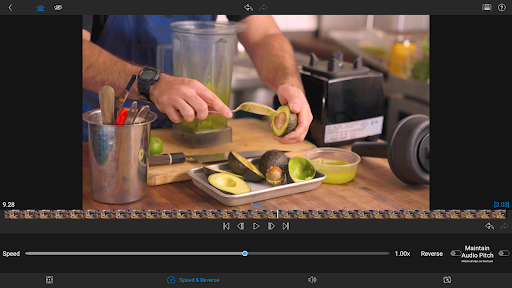
Enhance your editing with speed ramping to add cinematic motion effects, and utilize Bézier curves to animate titles, graphics, and clips naturally. Adjust timing on the fly with the ability to move keyframes and zoom in for precision. These features are available through a single, one-time in-app purchase or as part of the Creator Pass subscription.
Creator Pass Subscription
Unlock extensive resources with the Creator Pass, giving you access to Storyblocks for an immense library of royalty-free music, sound effects, and videos. It also includes enhanced features like speed ramping and advanced keyframing, empowering your creative process.
Exceptional Support and Tutorials
LumaFusion offers online tutorials and comprehensive reference guides to help users maximize the app's potential. Dedicated support services ensure assistance whenever needed, making it easier to perfect your videos.
Why Choose LumaFusion for Your Video Projects?
In today's content-driven world, having a versatile and powerful video editing app is essential. LumaFusion combines professional-grade features with portability, empowering creators to produce high-quality videos from their smartphones or tablets. Its intuitive interface, rich feature set, and seamless media integration make it the go-to choice for video editors of all levels. Whether crafting YouTube vlogs, social media clips, short films, or professional presentations, LumaFusion helps bring your creative visions to life with confidence.
Conclusion
If you're seeking a comprehensive mobile video editing solution, look no further than LumaFusion. With its robust toolkit, user-friendly design, and extensive support resources, it elevates your editing experience. Start transforming your raw footage into captivating stories today—because with LumaFusion, the possibilities are endless.
Pros
- User-friendly and intuitive interface.
- Wide selection of editing tools available.
- Supports editing of 4K videos.
- Free to use with no subscription fees.
- One-time purchase option.
- Highly customizable workspace.
Cons
- Limited options for audio editing.
- Android version is not available.
- Steep learning curve for beginners.
- Occasional app crashes have been reported.
- Does not include advanced color grading tools.











