
Frequently Asked Questions
What is the Galaxy SmartTag and how does it work?
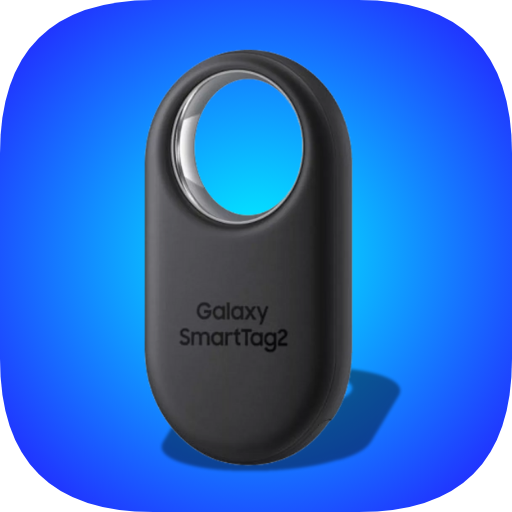
The Galaxy SmartTag is a versatile tracking device designed to help you locate your belongings. It connects to your smartphone via Bluetooth, allowing you to find items through the SmartThings app. When attached to items like keys or bags, you can make the tag ring using the app to locate it quickly. The app also provides a map showing the last known location of the tag if it's out of range, ensuring you always know where your important items are.
Is the Galaxy SmartTag compatible with non-Samsung devices?
Although the Galaxy SmartTag is optimized for Samsung devices, it can also be used with non-Samsung Android phones. To access full features, such as leveraging the SmartThings Find network for offline tracking, it's recommended to use it with a Samsung device. Ensure your phone supports Bluetooth Low Energy (BLE) 5.0 or later for optimal performance.
How long does the battery last on the Galaxy SmartTag?
The Galaxy SmartTag uses a replaceable CR2032 battery that can last up to 300 days with regular use. This long battery life minimizes the need for frequent recharges or replacements. When the battery is low, it can be easily replaced to keep the SmartTag operational.
Can I use the Galaxy SmartTag to control smart home devices?
Yes, the Galaxy SmartTag can be used to control smart home devices via the SmartThings app. You can set up automation features to trigger actions such as turning on lights or adjusting the thermostat when you arrive home. This adds convenience and enhances automation in your daily routine.
What should I do if my Galaxy SmartTag is lost or stolen?
If your Galaxy SmartTag is lost or stolen, you can utilize the SmartThings Find feature to locate it. This service taps into the Galaxy device network to help find your tag even if it is offline. Log into the SmartThings app, view the map with your tag's last known location, and mark it as lost. This will notify nearby Galaxy users to assist in locating your device, increasing the chances of recovery.
You May Like

AusweisApp Bund
Libraries & Demo
3.2
Galaxy S9 Plus Ringtones
Libraries & Demo
4.6
Gamers GLTool with Game Tuner
Libraries & Demo
4.5
Multi Web Chat - Read Secretly
Libraries & Demo
3.8
Hacker: Secret Codes & Ciphers
Libraries & Demo
4.1
Smart Data Transfer-File Share
Libraries & Demo
3.9
Scandit SDK Showcase
Libraries & Demo
4.3
Mobs Maker for Minecraft PE
Libraries & Demo
3.5
Graphics Manager : GFX Addon
Libraries & Demo
4.2
Drone Remote Control
Libraries & Demo
4.2
Wireless Reverse Charging
Libraries & Demo
3.9
Study Bible with explanation
Libraries & Demo
4.8