
Introduction to the Audyssey MultEQ Editor App
If you're passionate about achieving the perfect sound in your home entertainment setup, the Audyssey MultEQ Editor app is an essential tool to elevate your audio experience. Designed for both Android and iOS devices, this app allows audio enthusiasts and home theater aficionados to go beyond basic calibration and delve into detailed sound customization. With its user-friendly interface and advanced features, the Audyssey MultEQ Editor app empowers you to fine-tune your home audio system with precision, creating an immersive listening environment tailored specifically to your room and preferences.
Unleashing the Power of Precision Audio Calibration
The core strength of the Audyssey MultEQ Editor app lies in its ability to offer personalized sound adjustments that are usually reserved for professional-grade audio equipment. The app seamlessly integrates with Denon and Marantz AV receivers equipped with Audyssey MultEQ technology, allowing you to see and manipulate calibration settings directly from your smartphone or tablet. Whether you're looking to correct room acoustics issues or simply want to refine the sound to match your taste, this app provides comprehensive tools to enhance your home theater or audio system.
Key Features of the Audyssey MultEQ Editor App
1. View and Confirm Speaker Setup
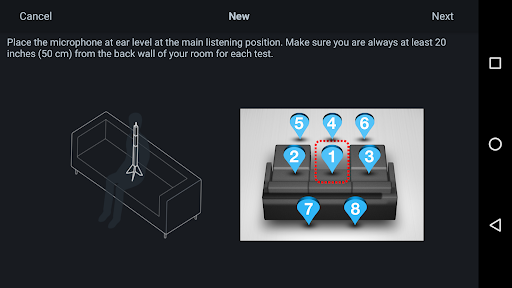
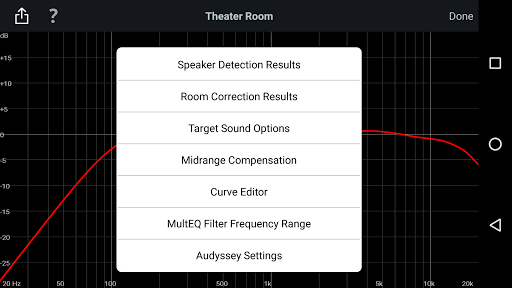
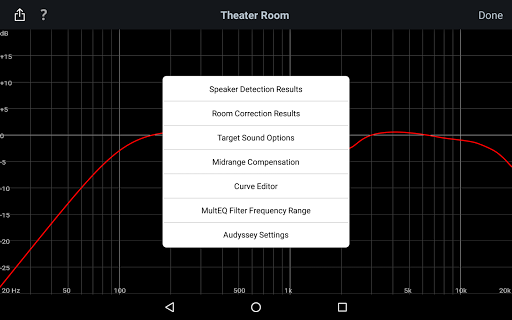
The app enables you to view the speaker detection results, making it easy to verify your speakers are correctly installed and identified. This feature ensures accurate calibration from the start.
2. Visualize Calibration Impact
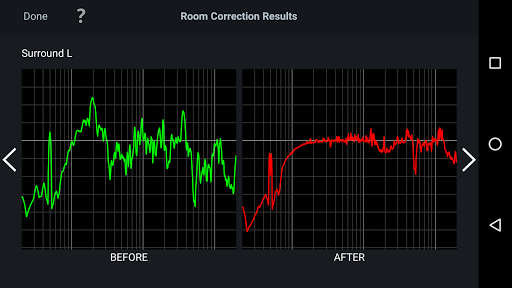
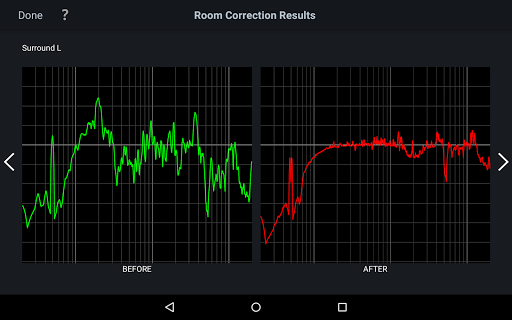
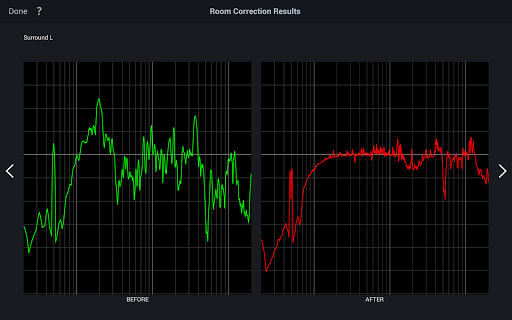
It provides an insight into before and after calibration results, which allows you to easily assess how much room acoustics are affecting your sound and identify specific issues needing adjustment.
3. Customizable Target Curves
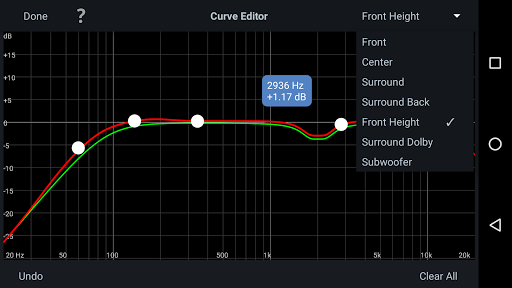
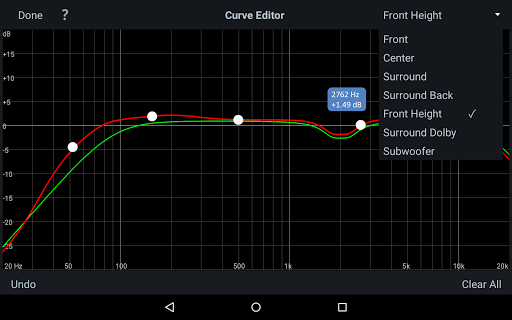
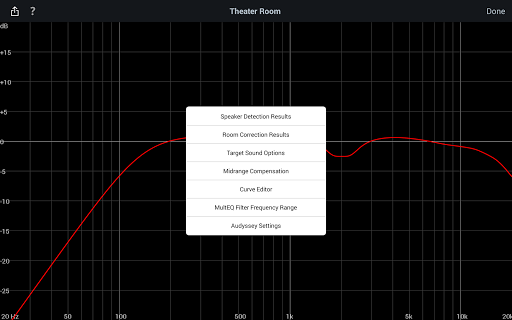
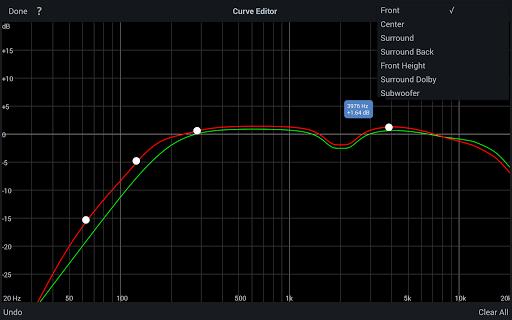
You can edit the Audyssey target curve for each channel pair, enabling you to tailor the frequency response—whether you prefer a brighter sound or a smoother, flatter profile.
4. Fine-Tune Frequency Rolloff
Adjust the overall EQ frequency rolloff for each speaker pair and switch between two high-frequency rolloff curves to optimize high-end performance.
5. Enable Midrange Compensation
Easily enable or disable midrange compensation to influence whether your sound is brighter or more natural.
6. Save and Load Profiles
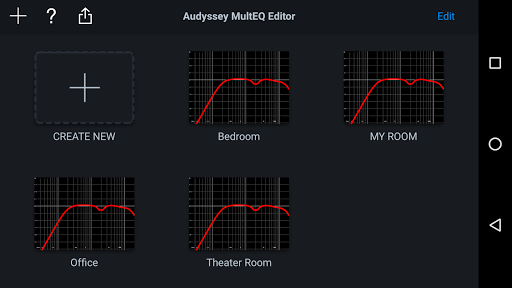
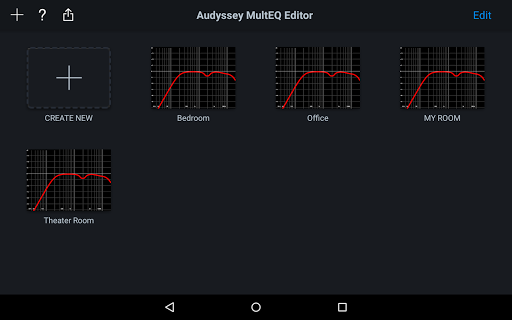
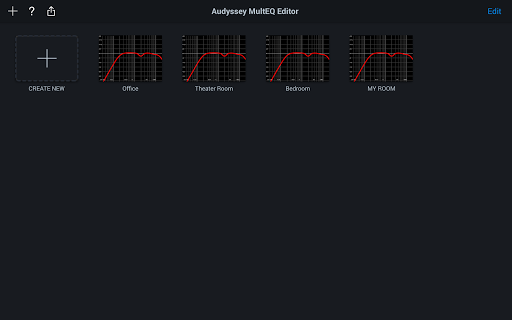
With the ability to save and load calibration results, you can quickly switch between different sound profiles tailored for movies, music, or gaming.
Compatibility and Hardware Requirements
The Audyssey MultEQ Editor app requires specific hardware in your AV receiver to function properly. It is compatible with a wide range of Denon and Marantz models, but it’s essential to verify your device support before purchase. The app supports multiple languages, including English, French, German, Spanish, and others, automatically detecting your device’s OS language setting.
Ideal for Audio Enthusiasts and Home Theater Aficionados
Designed for individuals who demand professional-grade sound quality, the Audyssey MultEQ Editor app bridges the gap between simple calibration and advanced audio tuning. It offers a visual interface that displays detailed system settings, making it accessible for users regardless of technical expertise. Whether you're an audiophile or a home theater enthusiast, this app facilitates a personalized audio experience that complements your room acoustics and listening preferences.
Final Thoughts
In summary, the Audyssey MultEQ Editor app is a game-changing tool that transforms standard home audio calibration into a detailed and customizable process. Its intuitive interface, combined with powerful features such as frequency response customization, calibration profile management, and detailed visualization, makes it a must-have for anyone serious about their sound setup. Though it requires specific hardware support, the level of control provided well justifies the investment for audiophiles and home theater owners looking to optimize their audio environment. Give your home cinema the professional touch it deserves — explore the Audyssey MultEQ Editor app today and enjoy a truly tailored listening experience.
Pros
- Customizable sound profiles
- Enhances audio calibration
- User-friendly interface
- Supports real-time sound adjustments
- Compatible with multiple devices
Cons
- Limited to certain AV brands
- Requires technical knowledge
- No free trial; paid application
- Occasional connectivity problems
- Setup may be complicated for beginners











