









Introduction to AirPin PRO - AirPlay & DLNA
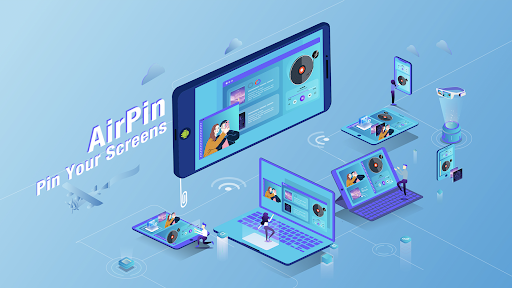
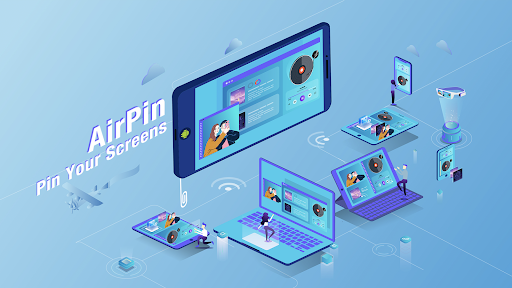
Are you looking for a seamless way to stream content from your iOS, Android, or Windows devices to your TV or big screen? AirPin PRO - AirPlay & DLNA is an innovative screen mirroring and media streaming receiver app designed to transform your entertainment experience. Compatible with Android phones, tablets, smart TVs, set-top boxes, and projectors, this app makes sharing media effortless and versatile.
Key Features of AirPin PRO - AirPlay & DLNA
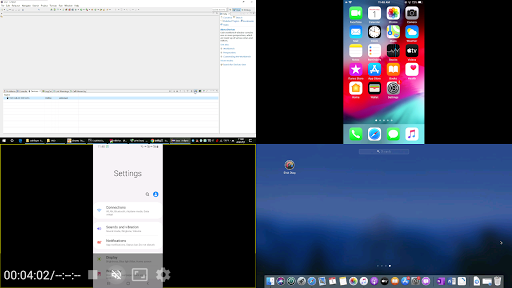
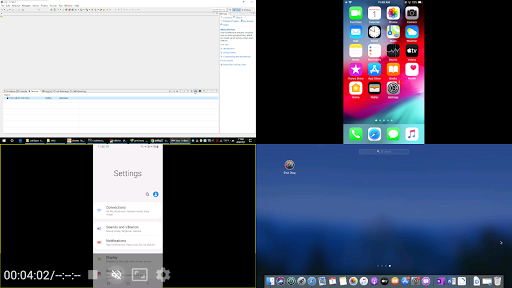
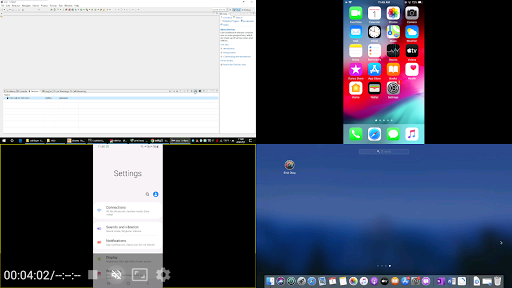
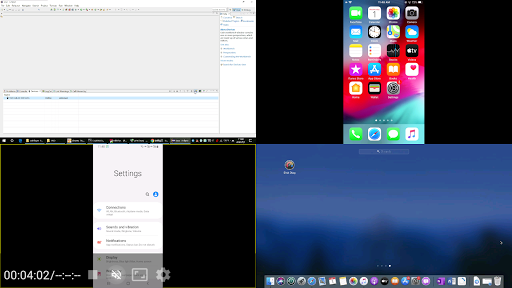
AirPin PRO boasts a rich set of features tailored for smooth media sharing and screen mirroring. One of its standout capabilities is the ability to display multiple device screens simultaneously — up to four at once, ideal for presentations or multi-participant viewing. The standard version supports displaying one device at a time, making it perfect for casual use.
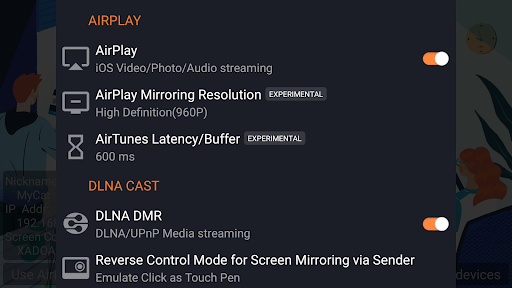
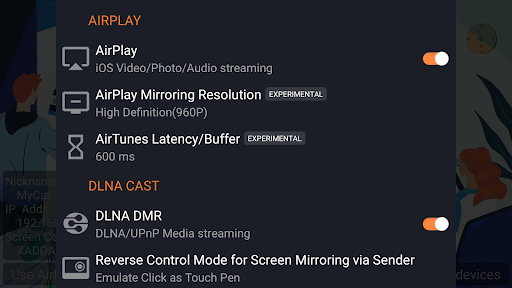
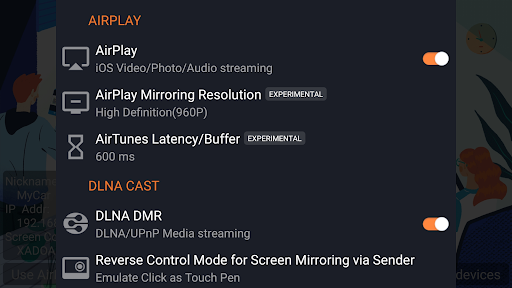
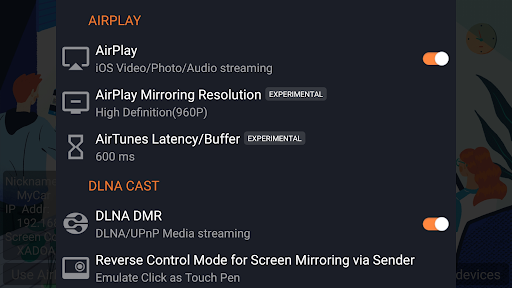
This app is renowned as the first Android app supporting both AirPlay and DLNA (initial release in July 2012), allowing you to share media from Apple's iOS, Windows, and Android devices seamlessly to your larger display. You can stream videos, music, or mirror your device screens effortlessly from iPhone, iPad, or MacBook via AirPlay.
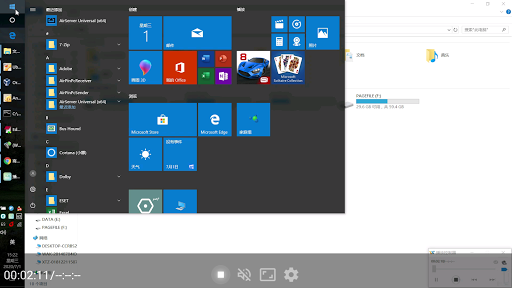
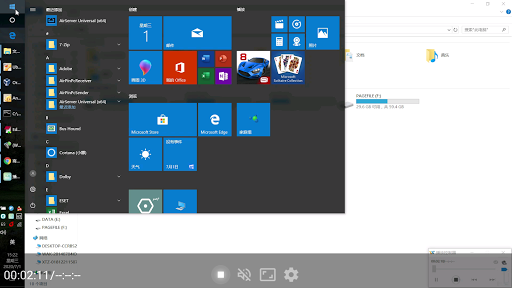
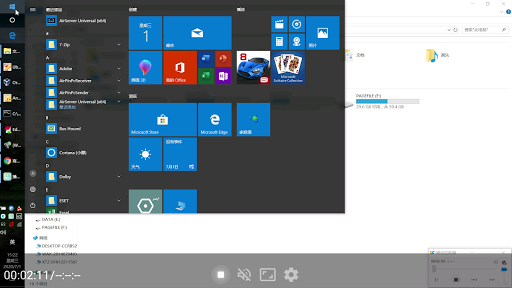
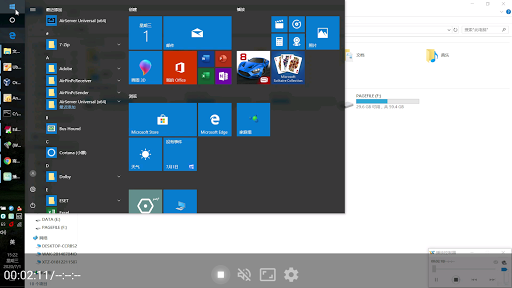
For Windows users, installing the AirPinPcSender.exe on your PC enables you to share your desktop or media files directly to AirPin. Android users can install AirPinCast from Google Play to mirror or stream content from their Android devices. The app supports various connection types, including DLNA and UPnP, broadening its compatibility across devices.
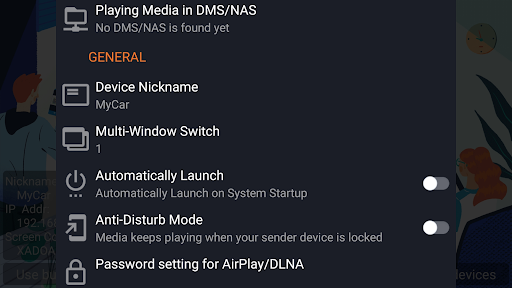
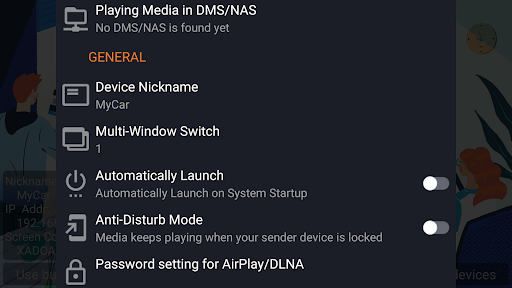
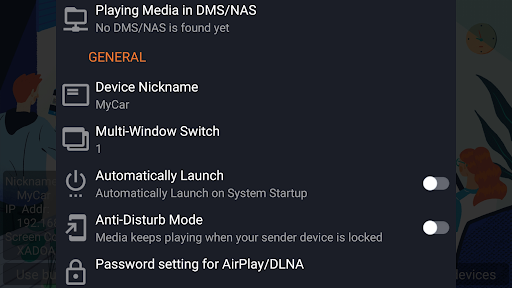
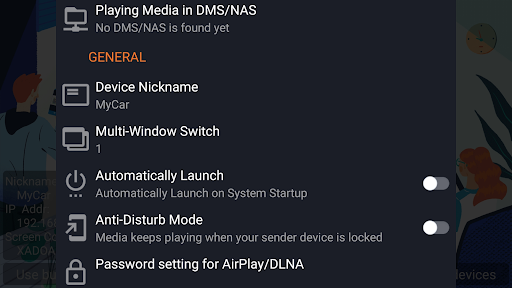
Enhanced security features include password protection to restrict access, and the app supports background audio streaming to ensure continuous playback. Regular updates and bug fixes keep the app reliable, while configurable startup and shutdown options make it user-friendly.
Advantages and Unique Selling Points
Multi-Device Support & Simultaneous Display
Display up to four device screens at once, enabling dynamic sharing and multitasking scenarios, ideal for classrooms or collaborative meetings.
Support for Latest Streaming Technologies
As the first app supporting the latest YouTube AirPlay streaming and slideshow photo streaming, AirPin PRO offers cutting-edge features not found elsewhere.
Security & Privacy
Enjoy password-protected streaming for secure media sharing, giving you peace of mind during private presentations or personal use.
Versatile Media Pulling & Streaming
Directly pull media content from DLNA servers, NAS, or Samba shares, making it a versatile media player that supports various content sources without complicated configurations.
Android & Windows Compatibility
Support for Android mirroring and streaming via AirPinCast, together with Windows streaming through AirPinPcSender, creates a comprehensive ecosystem for your media needs.
Performance and User Experience
AirPin PRO delivers high-quality streaming without noticeable lag or buffering, even with high-definition content. The app supports 5.1 surround sound, enhancing audio immersion for audiophiles.
Screen mirroring is smooth and supports external media players. The app's design emphasizes ease of use with an intuitive interface that allows quick setup and effortless navigation, even for users unfamiliar with technical details.
Additional features like auto-start, service shutdown controls, and anti-disturb mode contribute to a seamless experience. Whether you’re sharing photos, videos, or gaming, AirPin PRO stands out for its reliability and performance.
Conclusion
If you desire a versatile, easy-to-use streaming solution for your home or workspace, AirPin PRO - AirPlay & DLNA is an excellent choice. Its support for multiple device types, high-quality streaming, and innovative features make it a must-have app for transforming your media consumption. Say goodbye to cables and complicated setups — let AirPin PRO unlock your device’s full streaming potential and elevate your entertainment experience to the next level.
Pros
- Enables smooth media streaming across different devices
- Supports a variety of streaming protocols
- Intuitive and user-friendly interface
- Delivers high-quality video and audio output
- Regularly updated with improvements
Cons
- May experience occasional disconnections
- Full functionality requires purchasing a paid version
- Limited options for customization
- Some devices may face compatibility issues, especially older models
- Initial setup process can be complex











