
Discover the Magic of the Moon with Moon Calendar Watch
For astronomy enthusiasts and casual skywatchers alike, Moon Calendar Watch stands out as a comprehensive tool that brings the celestial dance of the moon and sun right to your wrist. This innovative app not only displays moon phases but also provides precise times for sunrise, sunset, moonrise, and moonset based on your specific GPS location. Whether you’re planning a nighttime walk, an outdoor adventure, or simply want to deepen your understanding of the lunar cycle, this app has everything you need for an immersive experience.
Main Features of Moon Calendar Watch
Moon Phase Depiction and Calendar
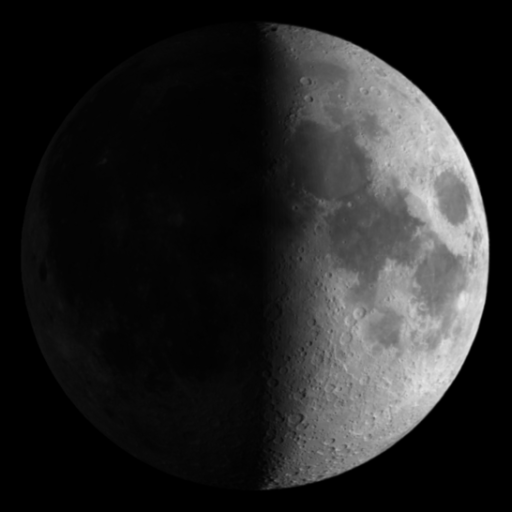
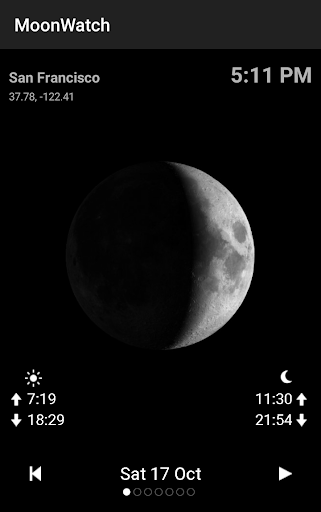
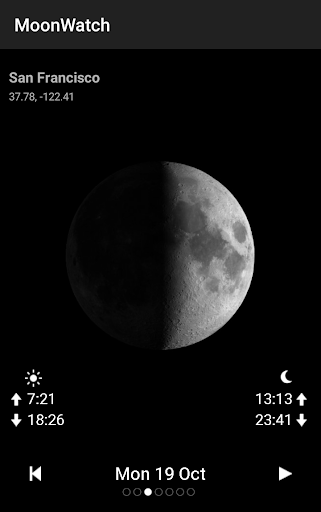
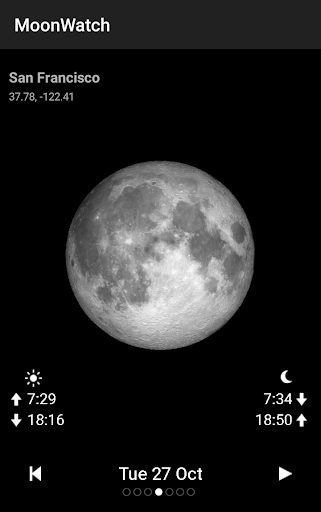
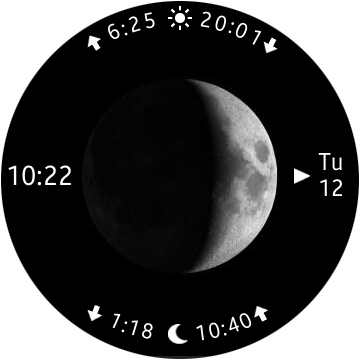
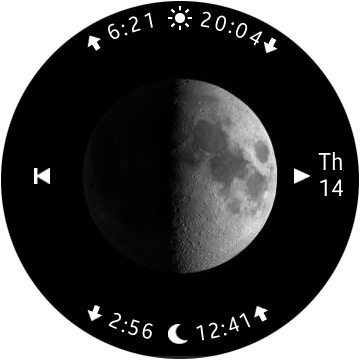
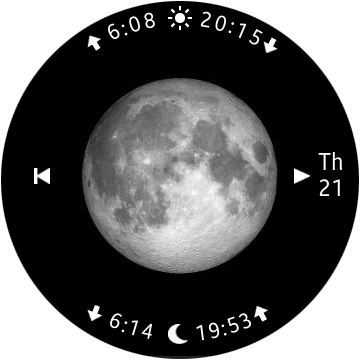
The app offers detailed moon phase imagery and descriptions, so you can easily identify whether it's a new moon, full moon, or any phase in between. Swipe left or right to transition seamlessly between days, allowing you to view the moon phases for upcoming or past days. An engaging animation of the Moon Phase Calendar provides a quick and visually appealing overview of the lunar cycle, enabling you to track the passage of the moon effortlessly.
Precise Astronomical Data
Using your GPS location, Moon Calendar Watch calculates accurate timings of sunrise, sunset, moonrise, and moonset. This precise data is invaluable for planning outdoor activities or simply appreciating the natural rhythms of day and night. Additionally, the app supports viewing the moon phase calendar on various smartwatches, including Samsung Gear S2, S3, Wear OS, Garmin, and Amazfit. You can enjoy offline viewing once the data is updated, making it perfect for remote locations without internet access.
Device Compatibility & Independence
The app's watch compatibility ensures you can enjoy its features directly on your smartwatch without relying on your phone after initial data synchronization—simply run the phone app weekly to keep moon data current. A dedicated Watchface for Wear OS is included, although it does not feature any tile or complication. Despite some misleading Google Play descriptions, the core experience remains straightforward and user-friendly.
Why Moon Calendar Watch Stands Out
Engaging User Experience
The application's sleek, intuitive interface makes navigation effortless, whether you’re a seasoned astronomer or just love gazing at the night sky. The design emphasizes clarity, with educational tidbits accompanying each moon phase to enhance your lunar knowledge. This blend of functionality and learning turns every interaction into a mini celestial lesson.
Personalized Notifications & Lunar Insights
One of the app's most compelling features is customizable notifications for specific moon phases or celestial events. This proactive approach ensures you never miss a full moon, new moon, or other significant lunar phenomena, making it an indispensable tool for photographers, hikers, or anyone captivated by the lunar cycle.
Enhancing Your Night Sky Experience
Moon Calendar Watch not only informs but also inspires with its detailed data and attractive visuals. It transforms your device into a personal planetarium, allowing you to plan lunar observations or moonlit outings with confidence and curiosity. Its offline capabilities and broad device support make it a reliable companion for those who wish to deepen their connection to the universe.
Conclusion
If you’re seeking a practical yet enchanting moon phase tracker and lunar calendar, Moon Calendar Watch is a superb choice. Combining precise astronomical data with a user-friendly interface and broad smartwatch support, this app makes exploring the night sky easier and more enjoyable than ever. Whether you’re an avid astronomer, an outdoor enthusiast, or simply someone who admires the moon’s beauty, this app will serve as your personal lunar assistant—helping you stay connected with the celestial rhythms that govern our world.
Pros
- Attractive interface design
- User-friendly navigation
- Precise lunar data
- Customizable alerts
- Compatible with other calendar applications
Cons
- Limited free features available
- Advertisements may be disruptive
- Lack of widget support
- Occasional synchronization problems
- Requires an internet connection











