

Introducing BuzzKill Notification Manager
Ever felt overwhelmed by relentless notifications and wished for a smarter way to manage them? BuzzKill Notification Manager is designed to be your personal assistant in handling notifications, ensuring you stay focused on what matters most while still keeping you informed about important updates. With its robust set of features, BuzzKill transforms how you perceive and control notifications on your device, making digital life more manageable and less distracting.
Seamless Setup and Intuitive Interface
Getting started with BuzzKill is as simple as downloading it from your app store. The interface is straightforward and user-friendly, allowing even beginners to customize their notification experience without hassle. Unlike complex apps that bombard you with options, BuzzKill focuses on delivering essential features in an easy-to-navigate layout, ensuring you can set up your preferences swiftly and effortlessly.
Powerful Features for Notification Control
Customizable Notification Filtering
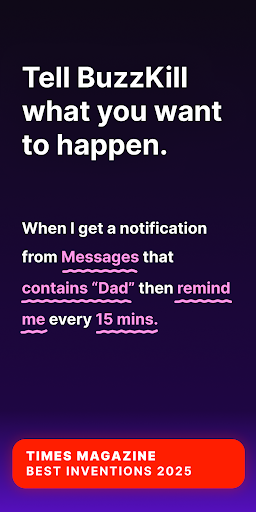
One of BuzzKill’s standout functionalities is its ability to filter notifications based on your personal rules. For example, you can silence work emails after working hours or mute social media alerts during family time. This level of customization allows you to create a distraction-free environment tailored to your schedule, enhancing productivity and relaxation.
Important Notification Highlights
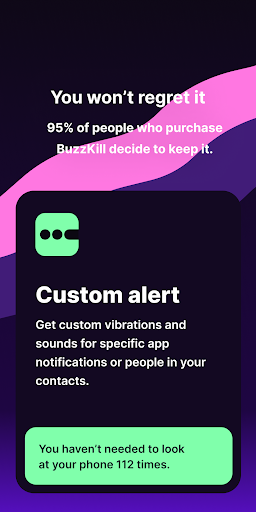
The app offers a way to emphasize critical notifications. You can set reminders for missed alerts or designate notifications that require your immediate attention, ensuring that vital messages aren’t missed regardless of your busy schedule.
Automatic Notification Dismissal
If cluttered notifications bother you, BuzzKill provides an automatic dismiss feature. It can swipe away unwanted notifications seamlessly, helping you maintain a clean notification panel without missing the essential ones.
Interactive Features for Better Engagement
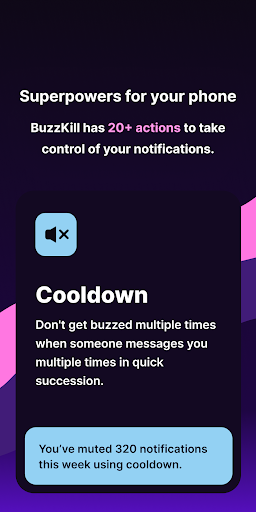
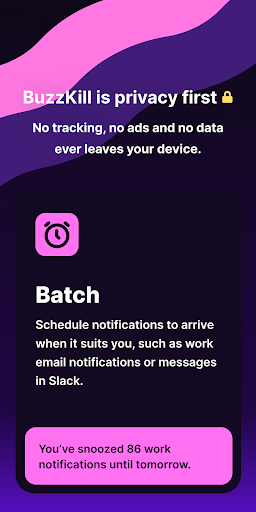
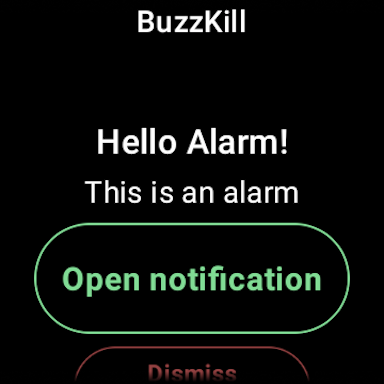
Beyond filtering and dismissing, BuzzKill includes tools like Reply, which can automatically respond to messages if they haven’t been opened for a while. The Snooze feature allows batching notifications for better scheduling, while Alarm can alert you for specific events like security camera updates. The Undo option offers a safety net if you accidentally dismiss a notification, giving you a second chance to engage with it.
Privacy-First Approach
Privacy is at the core of BuzzKill. There are no ads, no trackers, and no data ever leaves your device. The app does not require an internet connection for core functionalities, ensuring your data remains local and secure. If privacy is a priority, BuzzKill is an excellent choice for managing notifications without compromising your personal information.
Wear OS Compatibility
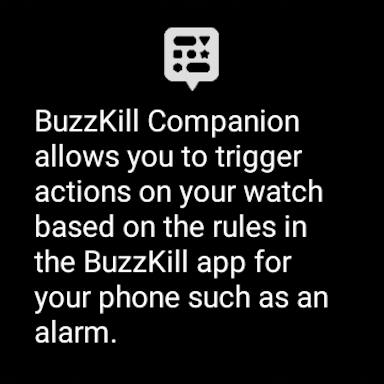
For smartwatch users, BuzzKill offers a companion app for Wear OS. You can trigger specific actions directly from your watch—such as activating alarms based on rule triggers—making notification management even more accessible and convenient on your wrist.
Accessibility Support
With optional Accessibility Service API, BuzzKill can automate actions like tapping buttons within notifications. No data leaves your device, and you are only prompted to enable this feature if you want to create rules that require it.
Limitations on Phone Calls
While primarily focused on notifications, BuzzKill offers limited support for phone calls. Although custom sounds or vibrations for calls aren’t configurable, you can set rules to temporarily allow calls or manage how they interact with your notification filters.
Why Choose BuzzKill?
If you’re tired of being bombarded by endless notifications, BuzzKill Notification Manager provides a tailored solution to keep your digital environment under control. Whether you want to mute distractions during work or ensure you never miss an emergency alert, BuzzKill adapts to your lifestyle. Its privacy-first approach means you can use it confidently, knowing your data stays on your device without intrusive tracking or ads.
From its easy setup to its powerful filtering and reminder features, BuzzKill is the smart way to enhance your notification management. Its compatibility with Wear OS and optional accessibility tools make it a comprehensive solution for all device users. What makes BuzzKill truly stand out is its focus on privacy and user control—traits that are vital in today’s digital age.
In short, BuzzKill Notification Manager is not just an app—it's a step towards reclaiming your focus, protecting your privacy, and simplifying your digital life. If you're looking to reduce digital clutter while staying connected to what truly matters, give BuzzKill a try and experience the peace of mind it brings to your daily routine.
Pros
- Custom notification filters
- Mute annoying notifications
- Block spam effectively
- Easy to use interface
- Enhances productivity
Cons
- Limited free version
- Occasional bugs
- Requires permissions
- Not compatible with all apps
- Steep initial learning curve











