

Introduction to Pro Emulator for Game Consoles
Remember those days when you used to sit in front of your TV, controller in hand, ready to conquer the world of your favorite game console? Well, here’s a little secret to relive those golden days on your mobile device: Pro Emulator for Game Consoles. This app is like a time machine ready to whisk you back to the era of classic gaming, all from the palm of your hand.
Bringing Retro Gaming to Your Fingertips
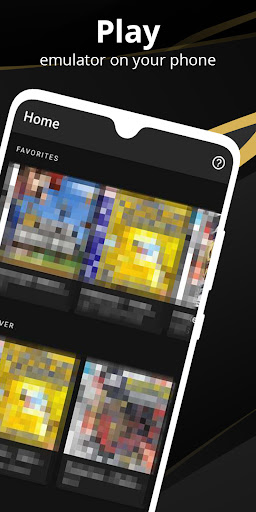
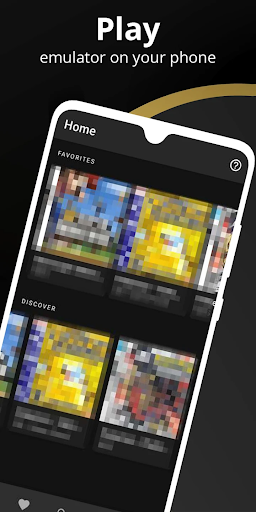
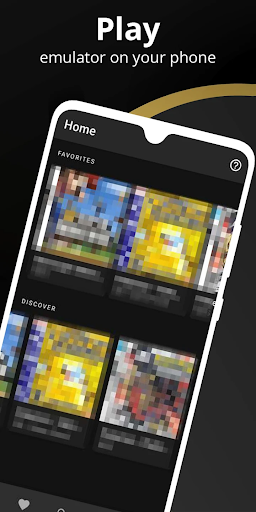
With Pro Emulator for Game Consoles, you’re not just installing an app; you’re opening a portal to the past. Setting it up is as easy as pie. Once you’ve got it running, you’ll be greeted by a sleek interface that’s both intuitive and nostalgic. The app supports an impressive array of consoles, so whether you were a fan of the Nintendo era or the Sega supremacy, there’s something here for everyone.
Powerful Performance for Seamless Gaming
Now, let’s talk about performance. I’ve tried my fair share of emulators, and let me tell you, not all of them live up to the hype. But this one? It’s a game-changer. The graphics are smooth, the sound is crisp, and the controls are surprisingly responsive. It’s almost as if you’re holding the original controller in your hand. Plus, the app is regularly updated, ensuring compatibility with the latest devices and operating systems. That’s something I genuinely appreciate.
Feature Highlights of Wize Pro Emulator
Key Features for a Superior Retro Gaming Experience
The Wize Pro Emulator offers a multitude of features designed to enhance your gaming experience, including:
- • Automatically save and restore game states
- • Quick save/load with slots
- • Lightning-fast emulation that conserves device battery
- • Very high game compatibility with nearly all titles running smoothly
- • Link cable emulation across devices using Bluetooth or Wi-Fi
- • Gyroscope, tilt, solar sensor, and rumble emulation
- • High-level BIOS emulation—no BIOS file needed
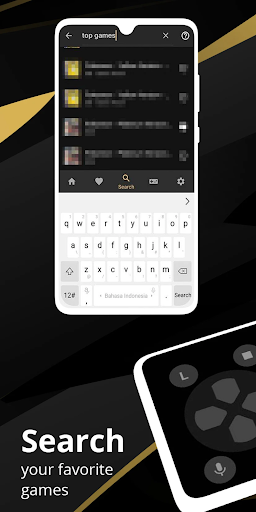
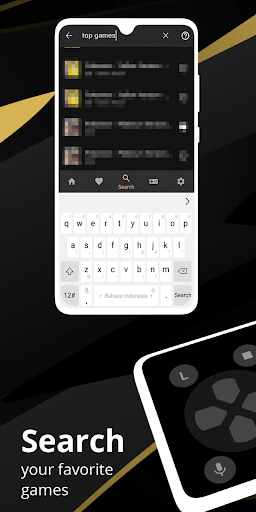
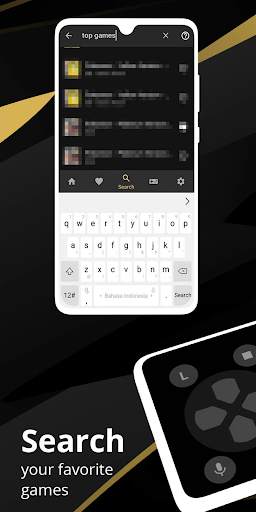
- • ROMs scanning and indexing
- • Support for IPS/UPS zipped ROM patching
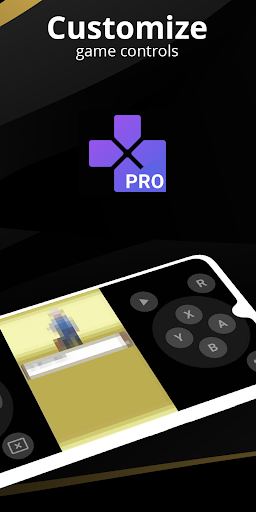
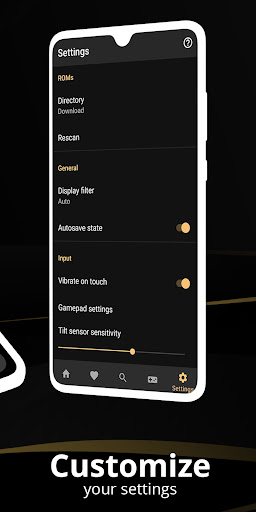
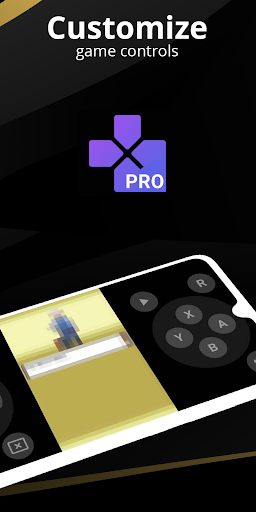
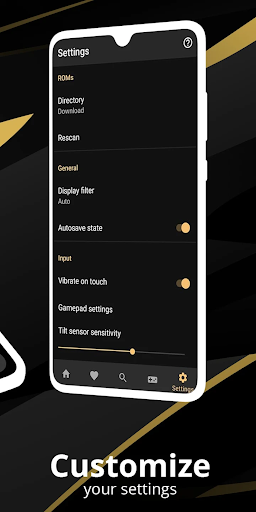
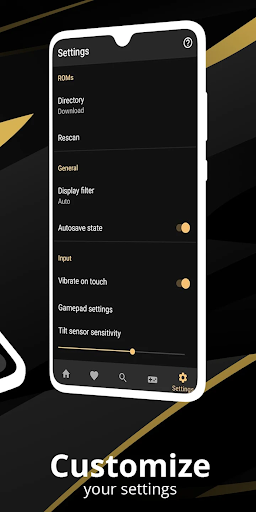
- • Optimized touch controls customization — size and position
- • OpenGL rendering backend for enhanced graphics
- • Support for external controllers like MOGA controllers
- • Tilt to stick support
- • Clean, well-designed user interface seamlessly integrated with Android
- • Create and switch between different key-mapping profiles
- • Create shortcuts for quick access to favorite games
- • Fast-forward and slow down game speed
- • Local multiplayer with multiple gamepads
- • Cloud save synchronization
- • Display simulation options like LCD or CRT effects
Compatibility and Legal Considerations
Our emulator software accurately replicates classic gaming consoles, allowing enthusiasts to relive the golden age of gaming. It’s compatible with a wide range of legally obtained ROMs, whether through digital purchases or physical copies converted into digital files. However, we emphasize that using our emulator to play games you do not own may infringe on copyright laws. We strongly discourage illegal activity and only support the use of our software for legally acquired content.
Emphasizing Nostalgia and Modern Convenience
Remember the thrill of sitting in front of your TV, controllers in hand, conquering your favorite games? Now, with Pro Emulator for Game Consoles, you can bring that nostalgia anywhere. This app delivers not just a faithful recreation of classic gaming hardware but also offers a suite of modern features that make gaming more flexible and enjoyable. From customizable controls and high-quality graphics filters to multiplayer support and intuitive UI, every aspect is designed to enhance your retro gaming experience.
Conclusion: The Ultimate Retro Gaming Companion
If you’re a retrogaming enthusiast or someone looking to explore the golden era of console gaming, Pro Emulator for Game Consoles is a must-have app. It combines powerful emulation capabilities with user-friendly features, making it easy to jump into your favorite titles. Whether on your phone or connected to your TV, this emulator offers an authentic, seamless, and exciting way to revisit the classics. So, grab your virtual controller, load your ROMs, and start reliving those cherished gaming memories today!
Pros
- Supports multiple gaming consoles.
- Allows customization of control settings.
- Highly compatible with various games.
- Receives regular updates and bug fixes.
- User-friendly and easy to navigate interface.
Cons
- Demands high device specifications.
- Some features require in-app purchases.
- Occasional issues with performance.
- Limited support for online multiplayer modes.
- Can rapidly deplete device battery life.











