


Discover the Creative World of MoshUp: Your Ultimate Video and Facial Mashing App
Are you ready to explore a fun, innovative way to transform your videos and create hilarious facial mashups? Look no further than MoshUp, an engaging application designed to bring out your creative side. Whether you're into live datamoshing or playful face swaps, this app offers a range of features that make content creation both easy and entertaining. Let’s delve into what makes MoshUp a must-have app for digital artists, social media enthusiasts, and casual users alike.
Unleash your Creativity with Live Datamoshing
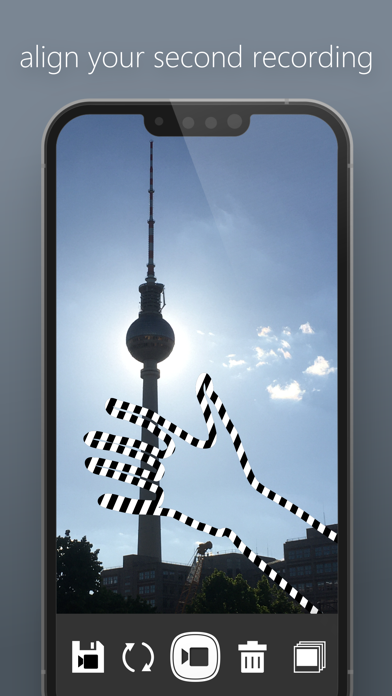
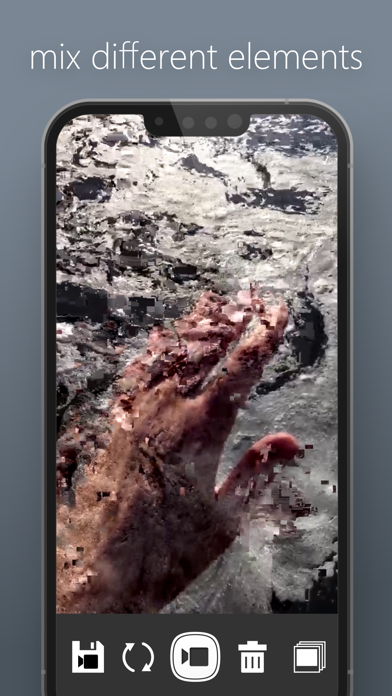
With MoshUp, you can perform live datamoshing directly from your smartphone. This technique creates mesmerizing glitch effects by distorting your videos in real-time. Simply film one scene, then record a different scene, and watch as the first footage is transformed by the motion of the second. The app’s innovative mapping effects allow you to craft unique visual artworks that captivate viewers. A handy feature lets you hold the screen to repeat the last frame—a perfect tool for creating looped, hypnotic visuals. Furthermore, the latest version of MoshUp introduces the ability to import videos from your gallery, giving you greater flexibility to experiment with existing footage. Whether for artistic projects or just for fun, datamoshing with MoshUp opens up a world of creative possibilities.
Playful Face Mashups and Filters for Endless Fun
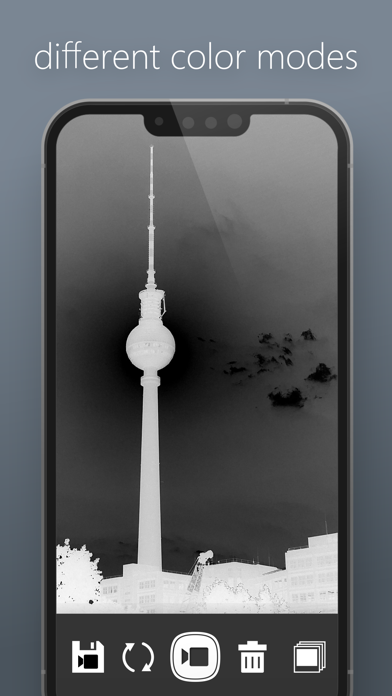
Have you ever wondered what it would be like to blend your face with a friend’s, a celebrity’s, or even your pet’s? MoshUp makes this possible with its whimsical face-mashing feature. The app is basically a digital costume party right in your pocket, allowing you to create hilarious, bizarre, or eerily realistic face swaps in seconds. Easy to get started, MoshUp is available on both Android and iOS platforms. Its intuitive interface ensures that even users new to photo editing can navigate effortlessly. Once inside, you can record in real-time or upload existing videos from your device to generate instant mashups. The app also boasts a variety of filters and effects to spice up your creations, making each mashup truly one of a kind.
Share Your Creations and Connect with Friends
A standout feature of MoshUp is its seamless integration with social media platforms. Sharing your fun and bizarre mashups on Instagram, Facebook, or other networks is just a tap away. Watching friends and family react to your hilarious edits can add a whole new level of enjoyment to your creative process. Whether you’re showcasing your latest face swap or glitch art, MoshUp helps you broadcast your creativity effortlessly.
Performance, Usability, and Development Insights
Designed for smooth performance, MoshUp runs efficiently even on older devices, thanks to its optimized coding. The editing tools strike a perfect balance between advanced features and user-friendliness, making it suitable for beginners and experienced users alike. While many features are freely accessible, some advanced effects and higher-resolution exports require a purchase through the premium version. As the app is still in development, occasional bugs or performance hiccups might occur depending on your device. Developers are actively working to improve compatibility and stability, so user feedback is encouraged to help make the app better.
Conclusion: An App That Combines Creativity and Fun
In summary, MoshUp offers a versatile platform for both experimental video editing and hilarious facial mashups. Its innovative datamoshing capabilities combined with playful face swapping tools make it a standout app for entertainment, social sharing, and artistic expression. Perfect for parties, casual fun, or just passing the time, MoshUp encourages you to get creative, share laughs, and surprise your friends with your digital artistry. Give it a try and unlock endless possibilities for visual mischief—you won't be disappointed!
Pros
- Innovative video morphing effects
- User-friendly interface
- Fast processing speed
- Wide range of filters
- Regular updates
Cons
- Limited features in the free version
- Occasional application crashes
- Requires a high-performance device
- Does not support landscape mode
- Requires internet connection for full functionality











