


Introduction to Screen Mirroring Pro App
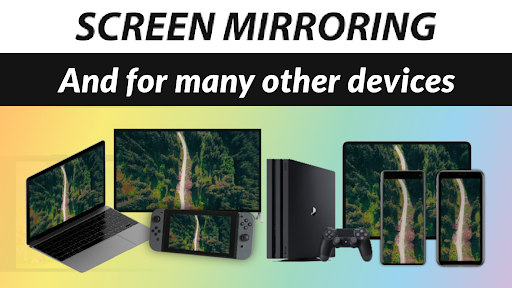
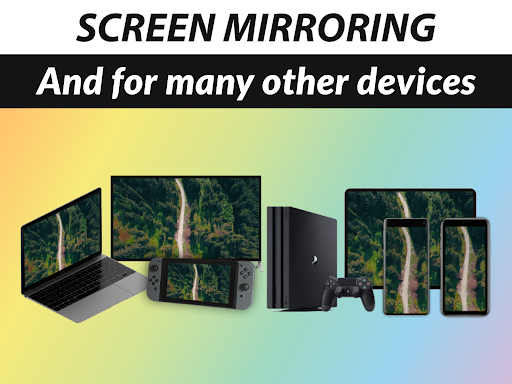
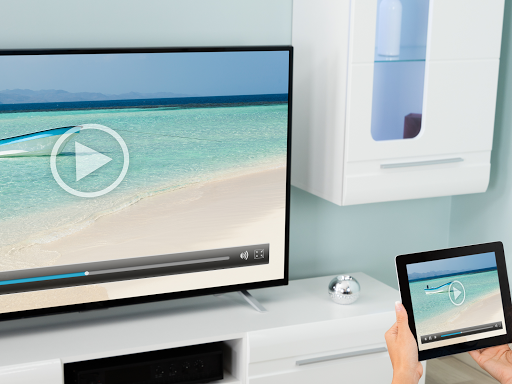
Are you tired of the hassle involved in projecting your smartphone or device screen onto a larger display? Whether it's for sharing family photos, streaming videos, playing mobile games, or presenting work documents, having a reliable and user-friendly screen mirroring tool can make all the difference. The Screen Mirroring Pro App is designed to be your ultimate solution for effortless content sharing—anytime, anywhere. Built with a focus on simplicity and high performance, this app transforms your device into a wireless caster, allowing you to mirror your screen directly to a variety of devices including Smart TVs, PCs, laptops, gaming consoles, and even smart appliances like refrigerators.
Key Features of the Screen Mirroring Pro App
Seamless Wireless Connection
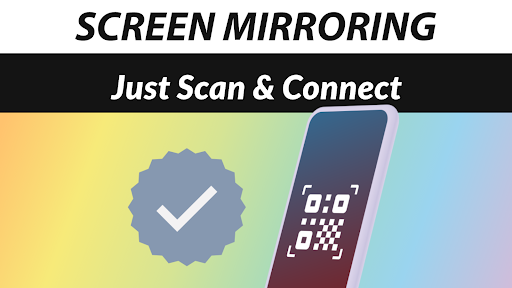
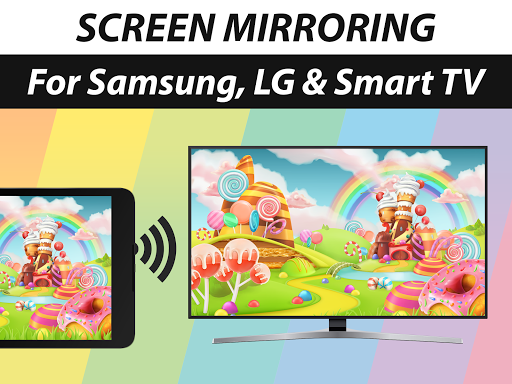
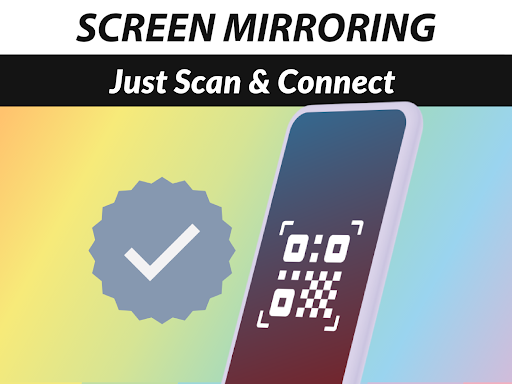
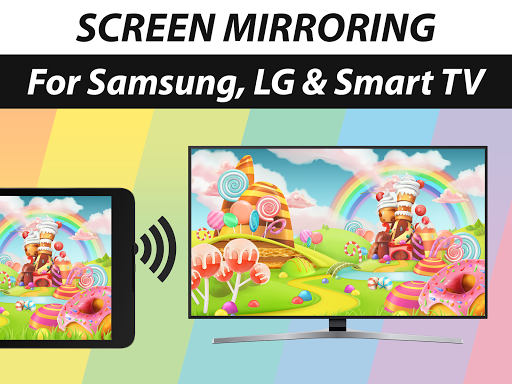
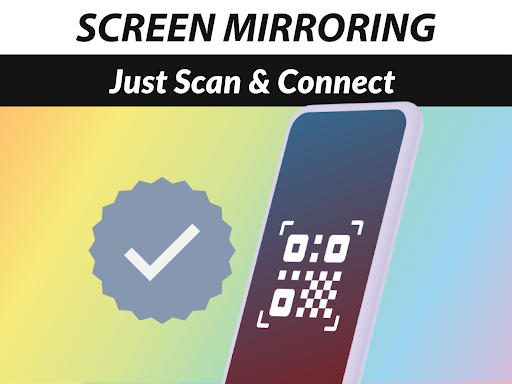
The app enables you to mirror your screen with sound to a wide range of devices such as Samsung TV, LG TV, Sony TV, and other brands. No adapters or cables are needed—simply connect over WiFi or Internet (DSL/Cable/Fibre) for a completely wireless experience. Setting up is straightforward; the app provides clear guidance for connecting your device, making it accessible even for those who aren't tech-savvy.
High-Quality Display and Audio
Enjoy a live HD quality mirror experience. Whether you're sharing high-definition videos, gaming, or navigating through apps, expect crisp visuals without lag or delay. The sound is supported on Android 10+ devices, with performance depending on your receiver device's capabilities. The app's optimized performance ensures the audio remains synchronized with the video, providing a seamless viewing experience.
Versatile Device Compatibility
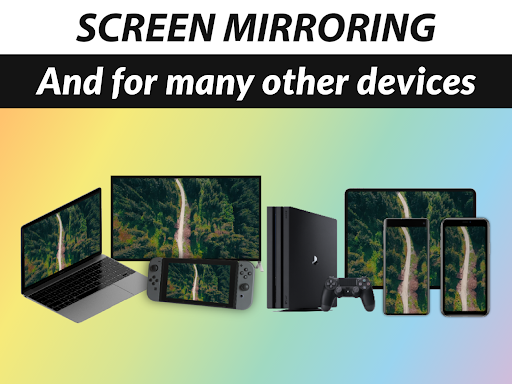
This app supports any device with an integrated web browser, including smartphones, tablets, and computers. It works flawlessly with a variety of smart TVs such as Panasonic, Hisense, Philips, TCL, and more. Additionally, there's no need to install companion apps on the receiving device—making the setup process even easier. For maximum performance, especially when streaming high-quality content, a good Wi-Fi connection, ideally on the 5GHz Wi-Fi, is recommended.
User-Friendly Interface
Navigate effortlessly through the app's sleek and intuitive interface. The layout is designed to be user-friendly, with helpful tips integrated into the experience to ensure you make the most of its features. Whether you're sharing photos, videos, websites, or presentations, you'll find it simple and quick to get started.
Why Choose Screen Mirroring Pro App?
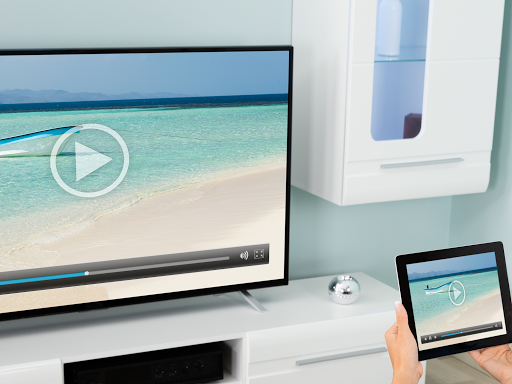
If you're searching for a fast, easy, and reliable screen mirroring solution, the Screen Mirroring Pro App stands out as a top choice. Its powerful performance, broad device compatibility, and straightforward setup make it suitable for both personal entertainment and professional presentations.Imagine effortlessly casting your phone's display onto a larger screen for family movie nights, or sharing your work slides during a meeting—all without tangled wires or complicated configurations. The app’s ability to share photos, videos, games, websites, apps, presentations, and documents ensures that you’re well-equipped to handle any sharing scenario.Backed by the developers of the renowned VIDEO & TV CAST app, which boasts over 100 million downloads worldwide, this app brings professional-grade features accessible to everyday users. Whether you want to project on a Smart TV, PC, or gaming device, this app makes it simple to connect and enjoy your content on a larger screen.
Final Thoughts
In summary, the Screen Mirroring Pro App is a versatile, reliable, and user-oriented solution that redefines how you share and display content. Its robust compatibility, high-quality output, and intuitive design make it an excellent tool for both casual users and professionals. If you're looking to enhance your multimedia experience without the clutter of wires or complex setups, give this app a try and experience the convenience of wireless screen sharing. It’s truly a game-changer in the world of content projection!
Pros
- Easy device connection
- High-quality video streaming
- Supports multiple formats
- User-friendly interface
- Stable and reliable performance
Cons
- Limited free features
- May experience lag on older devices
- Requires a strong Wi-Fi connection
- Contains ads in the free version
- Lacks support for some devices











