

Introduction to CamCard: The Ultimate Digital Business Card Solution
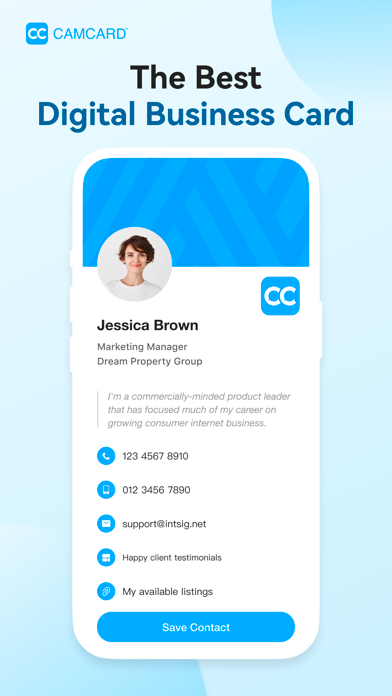
In today’s fast-paced professional world, managing and sharing contact information efficiently is more important than ever. CamCard emerges as a leading solution, providing users with a seamless way to create, store, and share digital business cards. Whether you're attending networking events, meetings, or simply want to declutter your wallet, CamCard offers a comprehensive platform designed to elevate your professional interactions.
Key Features of CamCard
Customizable Templates
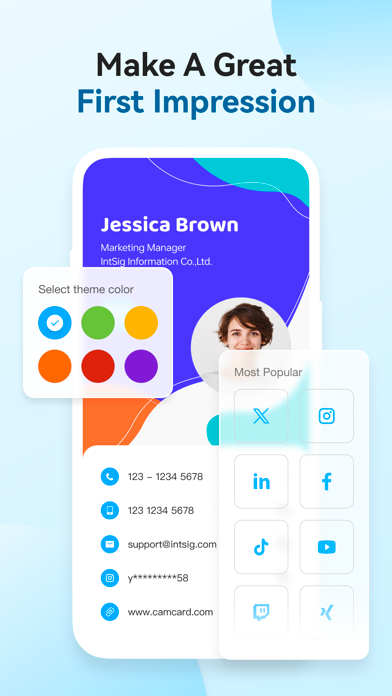
Personalize your digital business cards with a variety of elegant design templates. You can add your own photo, include your company logo, and choose from stylish layouts to make your card stand out. This customization ensures your digital card truly represents your personal or brand identity.
Versatile Sharing Options
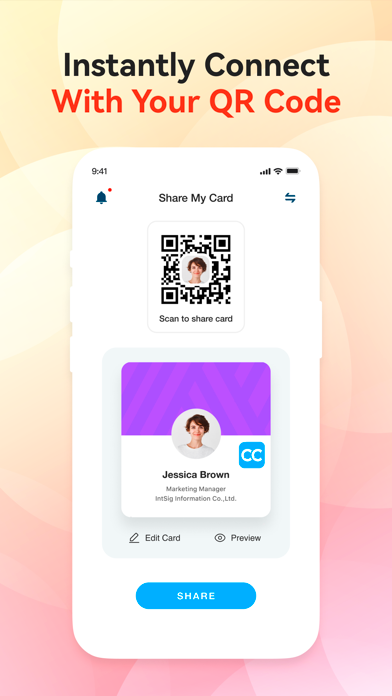
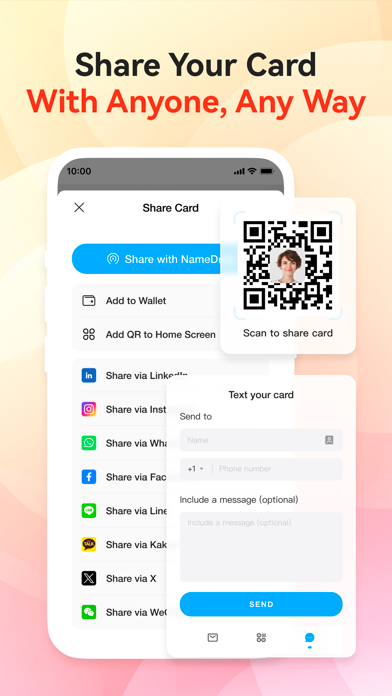
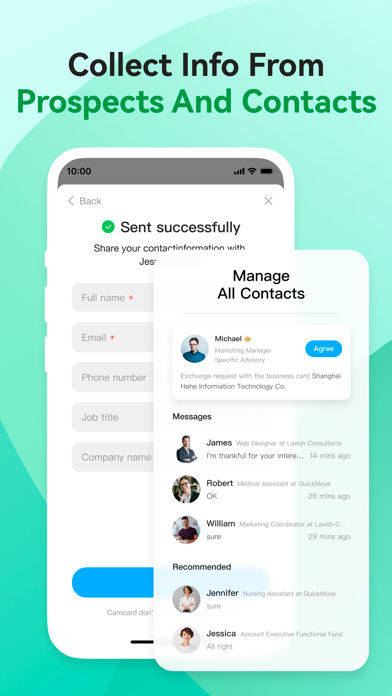
Share your digital business card effortlessly through multiple channels. Use personalized SMS messages, email, or generate a unique URL link. For quick and contactless sharing, CamCard also supports QR codes, allowing others to scan and get your details instantly.
Email Signatures & Virtual Backgrounds
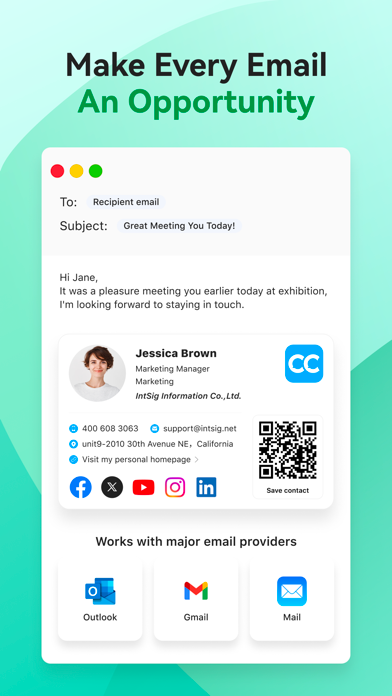
Enhance your professional communication by linking your digital card to a custom email signature. Additionally, design virtual backgrounds for video conferences to showcase your brand creatively and consistently.
Accurate Business Card Scanner
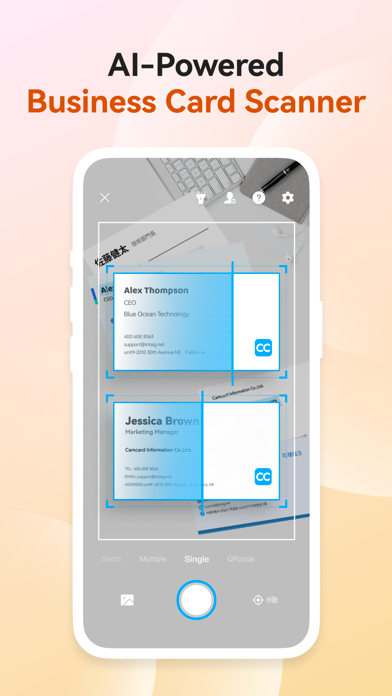
CamCard leverages advanced OCR technology for high-precision business card scanning. The app also includes manual verification features, which enhance the accuracy of contact details stored in your digital account. This feature minimizes errors and simplifies contact management.
Business Card Management
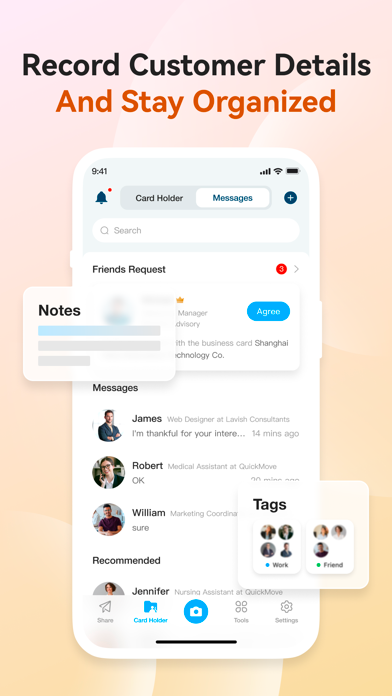
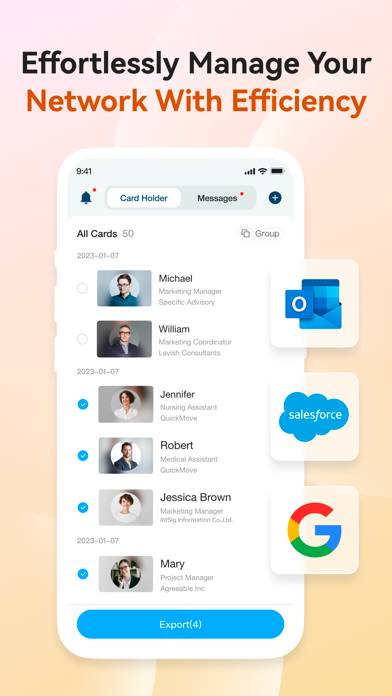
Organize your contacts efficiently by adding notes, tags, and categories to each card. The app syncs with popular CRM systems, making it easy to integrate your contacts into your existing professional database.
Data Security & Privacy
Security is a top priority with CamCard, which is certified by ISO/IEC 27001. This ensures your data is well-protected and your privacy is maintained at all times, meeting international standards for data security.
Premium Features and Subscriptions
Upgrade to CamCard Premium to access exclusive tools such as exporting contacts to Excel, syncing with Salesforce and other CRM platforms, and unlocking premium templates and backgrounds. The premium subscription also offers an ad-free experience, VIP recognition, and a secretary scan mode where your assistant can handle card scanning for you.
Premium Subscription Plans and Payment Details
CamCard offers flexible subscription options: $9.99 per month or $49.99 annually. Subscription payments are processed through your Google Play account, with automatic renewal unless canceled beforehand. Manage your subscription settings within your Google Play account to turn off auto-renewal.
Why Choose CamCard for Digital Business Cards?
CamCard is more than just a scanner; it’s a comprehensive contact management tool designed to streamline your networking efforts. Its user-friendly interface makes setup easy, and its robust features help professionals organize their contacts efficiently. By digitizing your business cards, CamCard reduces paper waste, enhances sharing capabilities, and keeps your network accessible at your fingertips.
Imagine having a personal assistant who always keeps your contacts organized, searchable, and ready to share — that’s exactly what CamCard provides. Whether you're a business executive, freelancer, or student, integrating CamCard into your professional routine can significantly boost your networking effectiveness and productivity.
Start building better connections today with CamCard — download now and experience effortless contact management. For more information, consult the Privacy Policy and Terms of Service.
Pros
- Easy to scan business cards
- Accurate data extraction
- Cloud backup available
- User-friendly interface
- Supports multiple languages
Cons
- Limited free version
- Occasional scanning errors
- Privacy concerns with data
- Sync issues reported
- No desktop version











