

Overview of QuickEdit Text Editor Pro
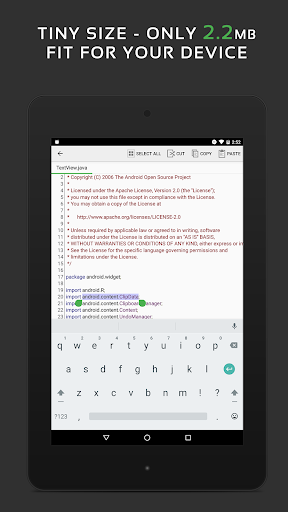
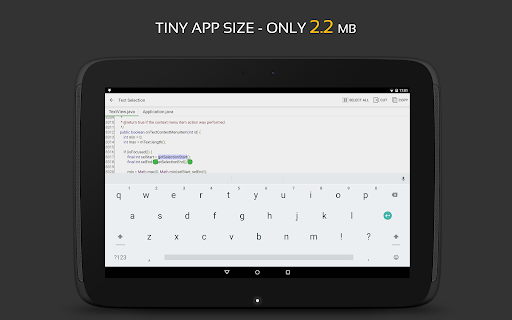
QuickEdit Text Editor Pro is a fast, stable, and feature-rich application designed to meet the needs of both casual users and professional developers. Optimized for smooth performance on phones and tablets, it serves as an excellent plain text editor and a powerful code editor supporting over 50 programming languages. Whether you're editing simple notes or complex code files, QuickEdit ensures a seamless experience with its optimized performance and intuitive user interface.
Main Features of QuickEdit Text Editor Pro
Versatile Editing Capabilities
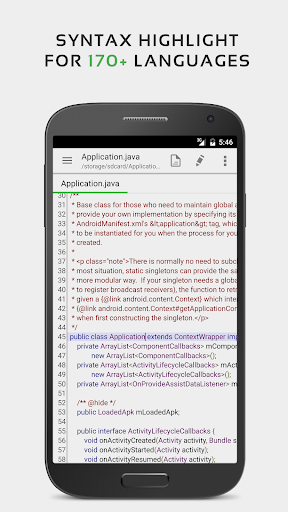
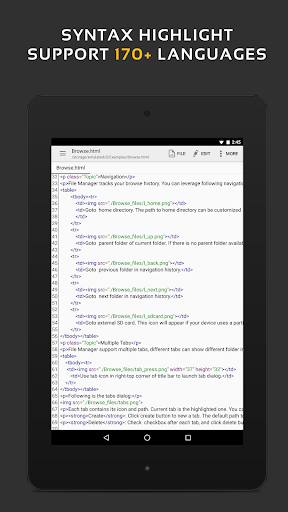
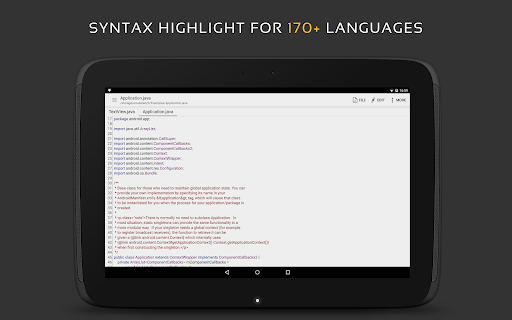
This application acts as an enhanced notepad, featuring robust tools for syntax highlighting across languages such as C++, C#, Java, XML, Javascript, Markdown, PHP, Perl, Python, Ruby, and more. Users can effortlessly edit system files on rooted devices or work with files stored in cloud services like Google Drive, Dropbox, and OneDrive.
Programming and Compilation
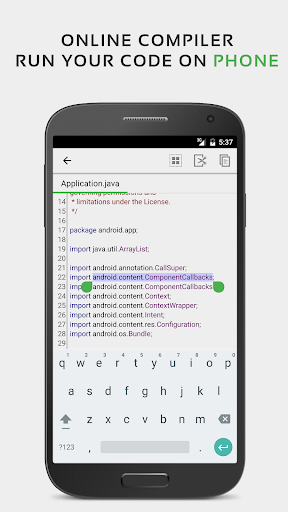
QuickEdit includes an online compiler that enables users to compile and run code in over 30 common programming languages such as Java, Python, PHP, C/C++, and Rust. This feature makes it ideal for developers who want to test snippets or quickly debug their code directly within the app.
Rich Text and Code Editing Features
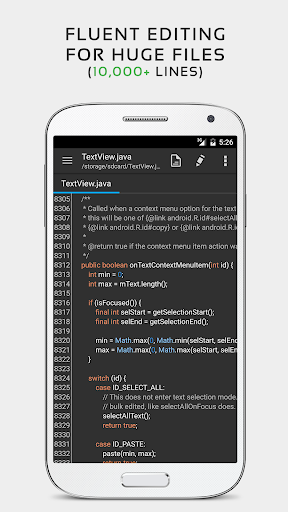
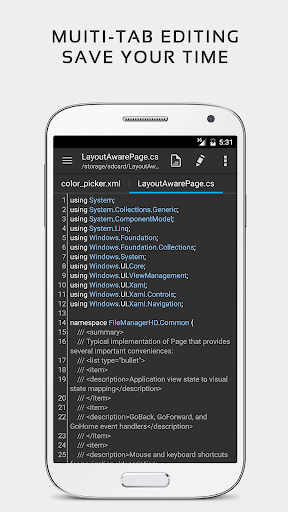
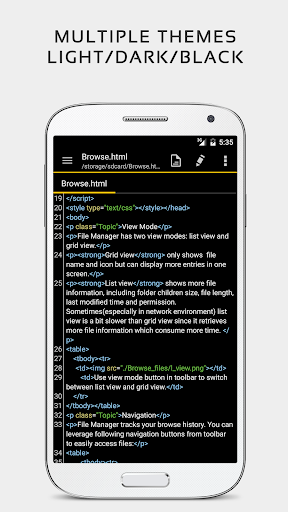
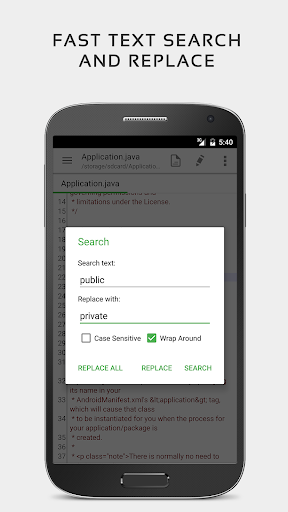
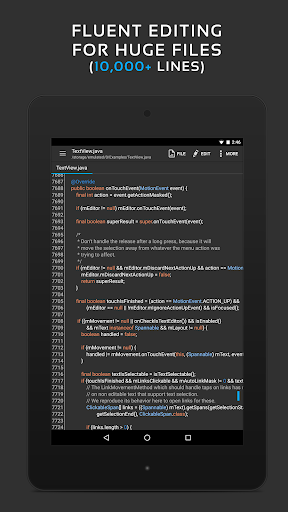
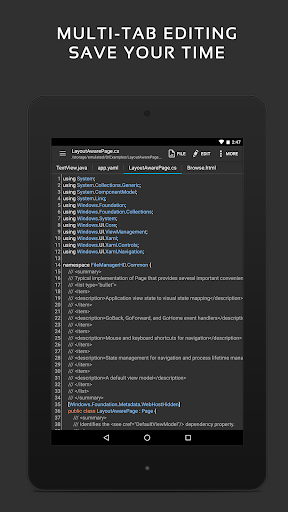
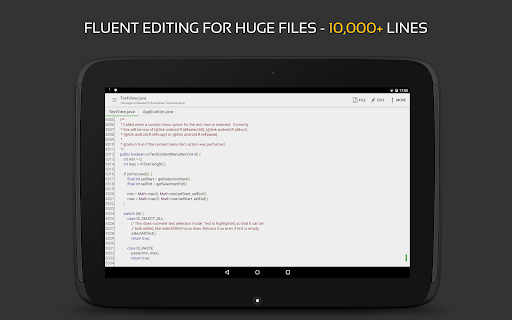
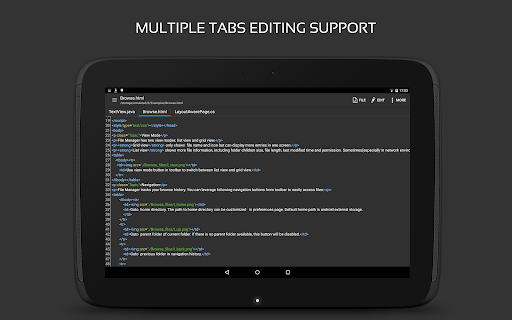
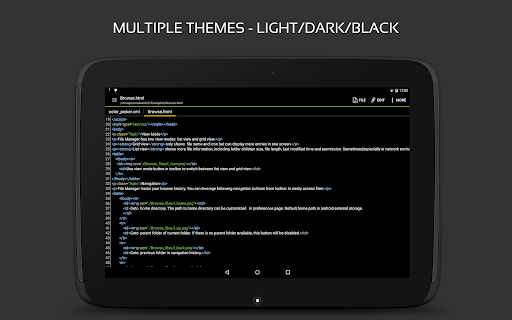
The app offers a high-performance environment with no lag even when handling large files exceeding 10,000 lines. It supports multiple open tabs for efficient multitasking, line number visibility control, undo/redo actions without limits, and customizable indentation. Users can quickly search and replace content, input hex color values, and toggle light or dark themes for comfortable editing.
Navigation and User Experience
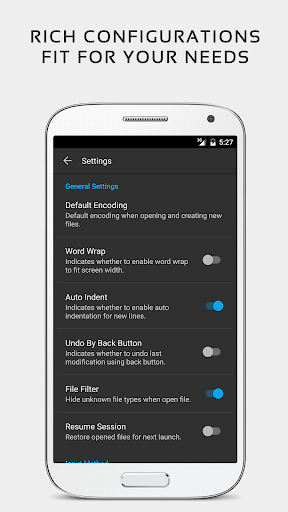
Navigation is streamlined with features like direct line targeting, fast scrolling both vertically and horizontally, and options to show or hide line numbers. The editing process is further enhanced with various font choices and adjustable font sizes, making the app suitable for all user preferences.
File Management and Compatibility
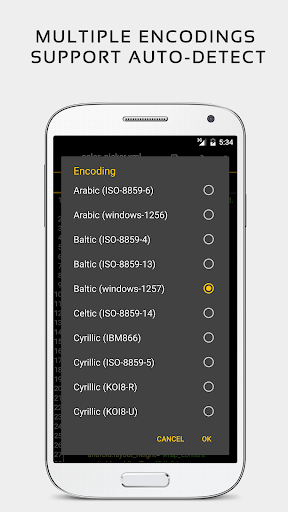
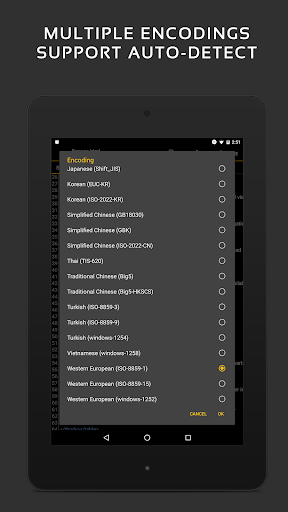
QuickEdit simplifies file management by allowing access to recent files and collections. It supports file transfer via FTP and can open documents directly from cloud platforms. The app's auto-detection of charset and encoding ensures compatibility across different file types and languages.
Additional Features
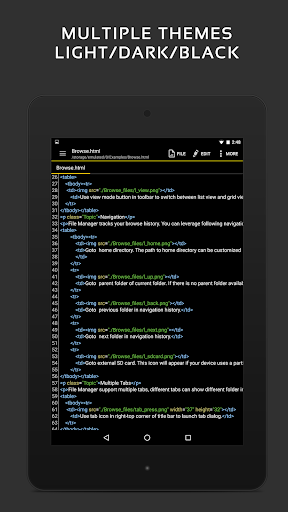
The app supports HTML, CSS, and Markdown previews, making it useful for web developers. It also includes features for editing common system files, logs, INI files, and even hacking games for advanced users. The design supports both light and dark themes to enhance visual comfort during prolonged editing sessions. Best of all, the ad-free version ensures an uninterrupted workflow.
User Experience and Personal Insights
Real-World Experience with QuickEdit Pro
Many users find QuickEdit Text Editor Pro to be remarkably efficient and user-friendly. Its clean and intuitive interface allows for quick onboarding, while its powerful features support a broad spectrum of editing tasks. The cloud integration capability stands out, enabling users to seamlessly work across multiple devices without worry about file synchronization issues.
The performance is consistently reliable, with the app handling large files smoothly and supporting keyboard shortcuts similar to desktop editors. This makes it a perfect tool for developers and power users who need an efficient, robust, and flexible text editing solution on their mobile devices. The ability to customize the appearance and the integration with cloud services significantly enhances productivity and user satisfaction.
Whether you're editing code on the go or simply managing notes and logs, QuickEdit offers a comprehensive package that combines ease of use with advanced features. Its ongoing updates and support for multiple languages make it a top choice for those demanding a trustworthy mobile text and code editor.
Pros
- Fast and responsive user interface.
- Supports syntax highlighting for many programming languages.
- Allows editing in multiple tabs simultaneously.
- Offers customizable color schemes.
- Can be used offline without advertisements.
Cons
- Fewer advanced features compared to desktop versions.
- Lacks cloud synchronization for projects.
- Occasional minor bugs and crashes.
- Limited support for handling large files.
- Does not include collaboration features.











