

Introduction to Securly Home
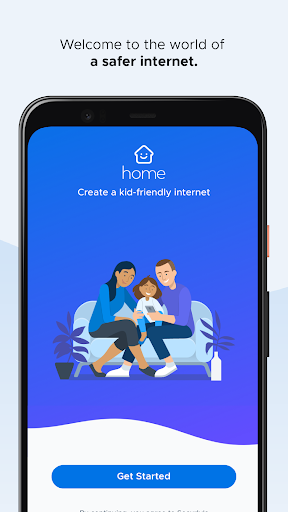
Bring the one online safety solution trusted by over 15,000 schools into your home with Securly Home. This innovative app helps parents manage their child's internet activity for school devices when they go home, providing peace of mind and control. Say goodbye to the stress often associated with sending school devices back and forth. Securly Home is a free feature included with your school’s Filter purchase, making it simple and accessible for families to enhance online safety at home.
Key Features of Securly Home
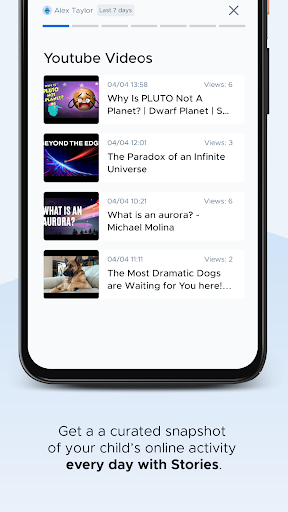
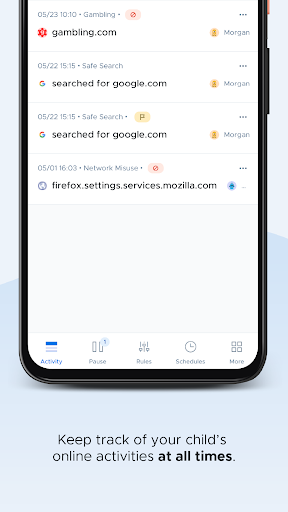
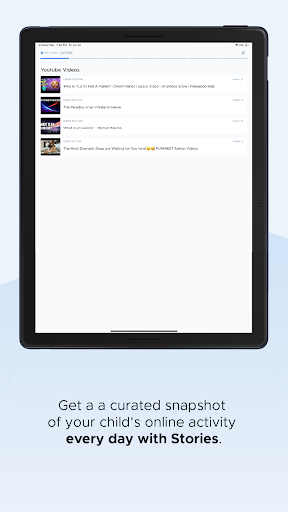
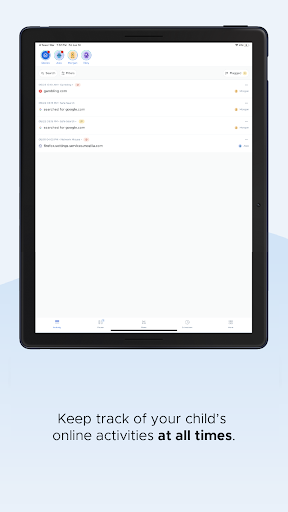
Securly Home empowers parents to keep their children safe online through a suite of user-friendly tools designed to monitor and control internet access. One of its standout features is the real-time activity feed, which lets parents see what their child is doing online at any moment — whether at school or at home. This helps you stay informed and intervene if necessary, promoting proactive online safety management.
Web Filtering and Site Restrictions
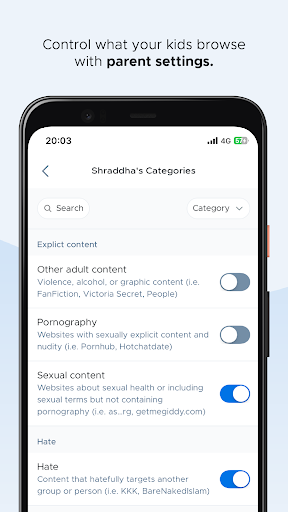
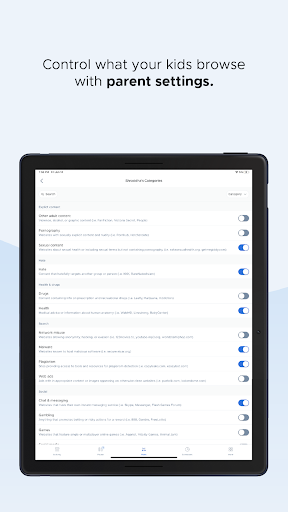
The app includes advanced web filtering technology that blocks inappropriate or harmful content. This ensures that children do not stumble onto unsafe websites, providing an additional layer of security and peace of mind for parents. You can easily customize rules specifically for your child's device at home, tailoring restrictions to suit your family's values and needs.
Screen Time Management
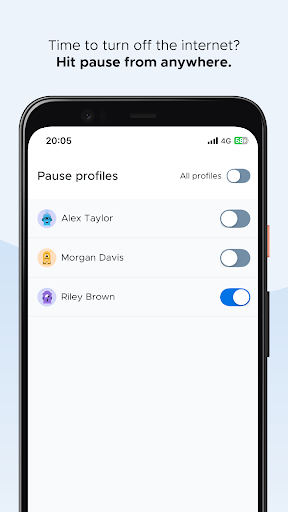
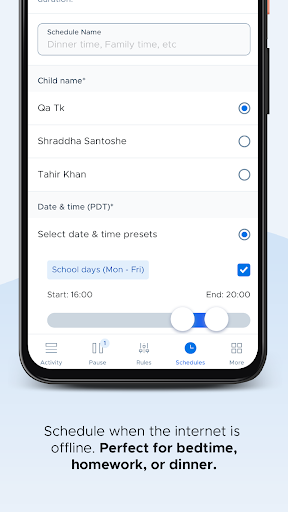
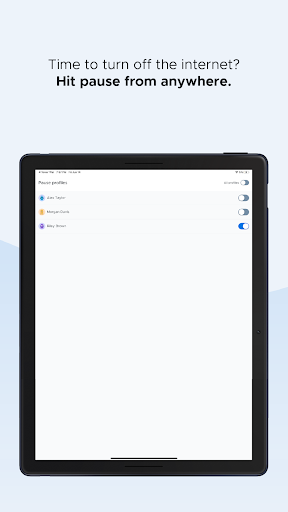
Another time-saving feature is the ability to limit screen time from anywhere using the control’s pause button. Whether it’s enforcing a bedtime or study schedule, you can temporarily pause internet access whenever necessary, fostering a balanced digital lifestyle for your child.
Notifications and Offline Scheduling
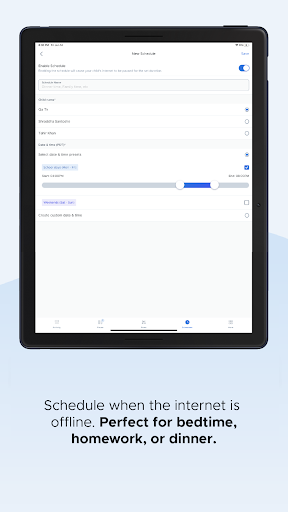
Securly Home also offers notifications about concerning activity, such as signs of bullying or self-harm, helping parents address issues promptly. Plus, with offline scheduling, you can determine when the internet is accessible or offline, making it easier to enforce boundaries even when devices are offline.
How Securly Home Works
Designed to work exclusively with school-owned devices, Securly Home provides an intuitive interface available on both Android and iOS platforms. Setting up the app is straightforward — install, connect, and customize in just a few steps. The dashboard allows parents to manage settings easily whether at home or on the go. The convenient accessibility ensures you can maintain control at any time, from anywhere.
Why Choose Securly Home?
In today’s digital environment, protecting children online is more critical than ever. Securly Home offers a robust suite of parental control tools that not only restrict inappropriate content but also empower parents to create a safe digital space for kids. The app’s combination of web filtering, activity monitoring, real-time alerts, and screen time management makes it a comprehensive solution for modern parenting challenges.
Final Thoughts
Whether you’re concerned about online safety, managing screen time, or monitoring your child’s activity, Securly Home provides a reliable, easy-to-use platform to address these needs. It’s more than just a parental control app — it’s a proactive tool that helps foster healthy digital habits while ensuring safety. If you're looking for a trusted and effective way to supervise your child's internet use, Securly Home could be a perfect addition to your family’s online safety toolkit.
Pros
- User-friendly interface for easy navigation
- Real-time alerts for suspicious activities
- Customizable settings to suit individual preferences
- Provides comprehensive activity reports
- Works across multiple devices
Cons
- Limited features available in the free version
- Occasional false alarms or alerts
- Requires a stable internet connection
- May affect device performance
- Subscription costs can be high











