


Introduction to CarLink: MirrorLink & Car Play
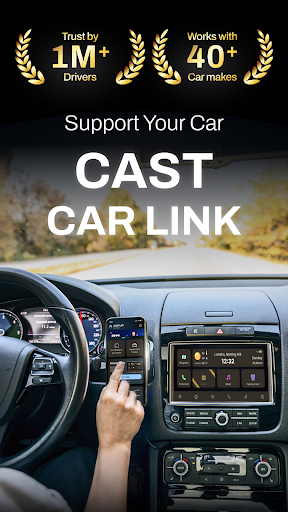
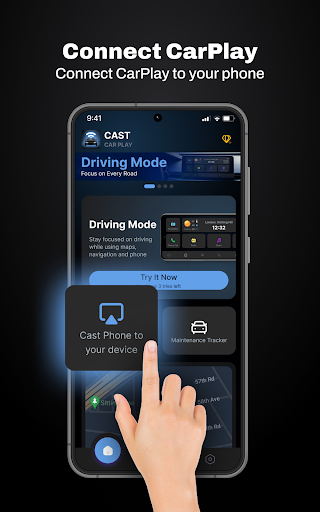
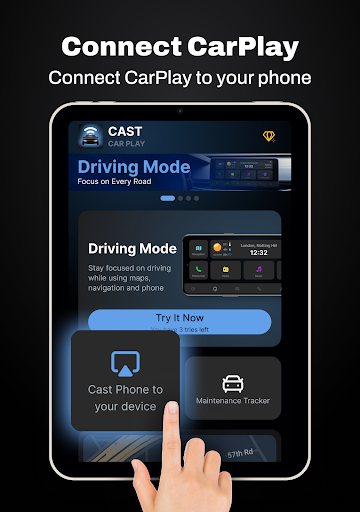
If you’ve ever wished for a smoother, more integrated way to connect your smartphone to your car’s infotainment system, then CarLink: MirrorLink & Car Play might be the perfect solution. Designed for drivers who want a seamless and safer in-car experience, this app transforms the way you interact with your vehicle’s display. From navigation to entertainment, CarLink offers a comprehensive suite of features that enhance connectivity and convenience on every journey.
Main Features of CarLink: MirrorLink & Car Play
<strong>Screen Mirror</strong>
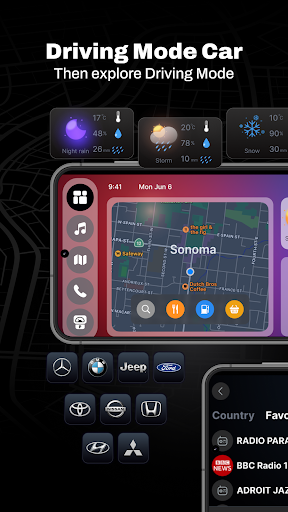
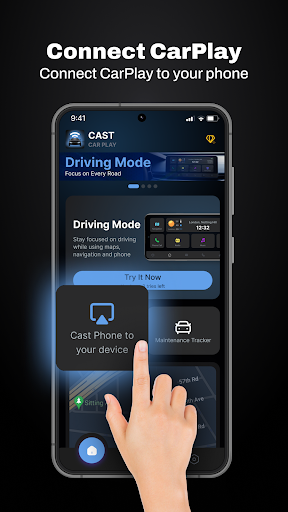
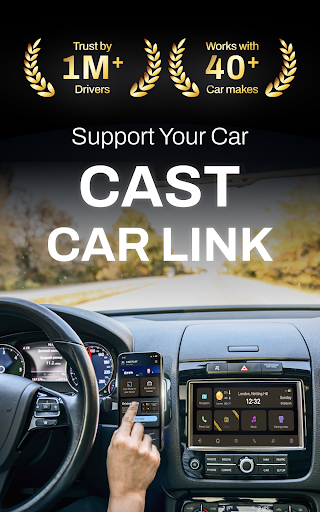
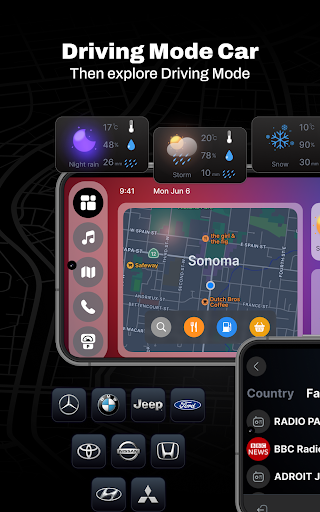
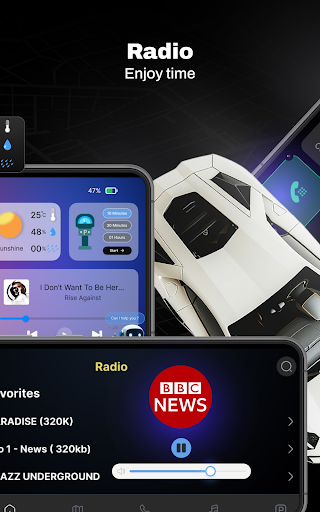
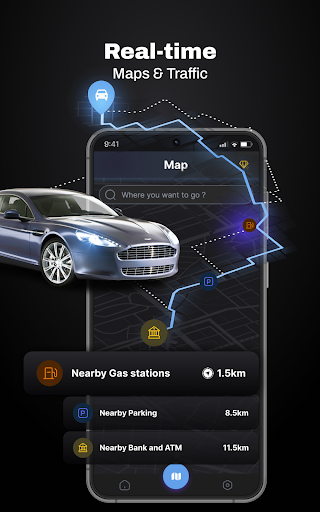
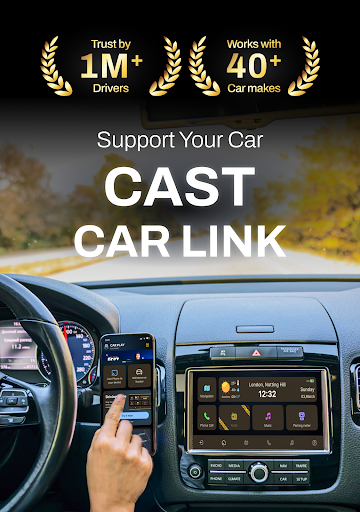
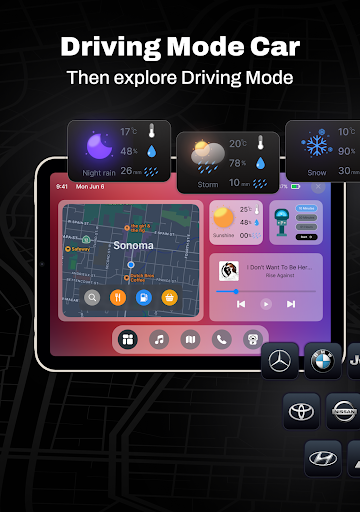
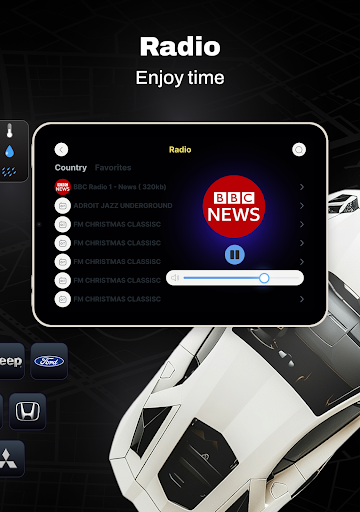
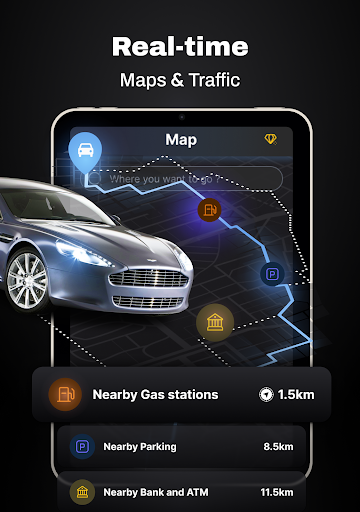
One of the core advantages of CarLink is its ability to mirror your Android phone's screen directly onto your car’s dashboard. This allows easy access to essential apps such as navigation, music streaming, radio, weather updates, parking meters, and even the current time, all displayed in a clear and accessible interface. Whether you're using Google Maps for navigation or streaming your favorite playlist, everything is visible and within reach, reducing the need to handle your phone while driving.
<strong>Hands-Free Control</strong>
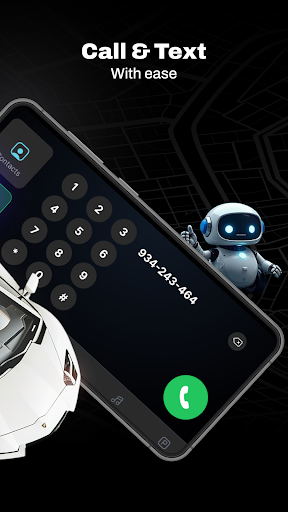
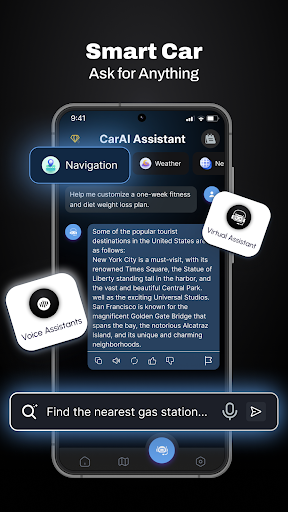
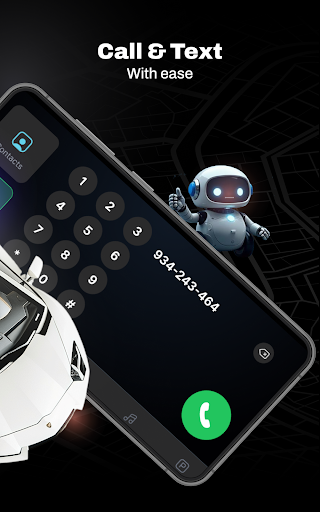
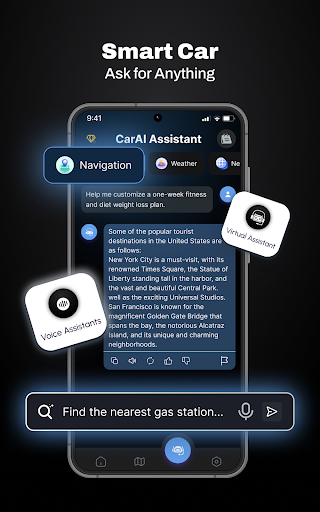
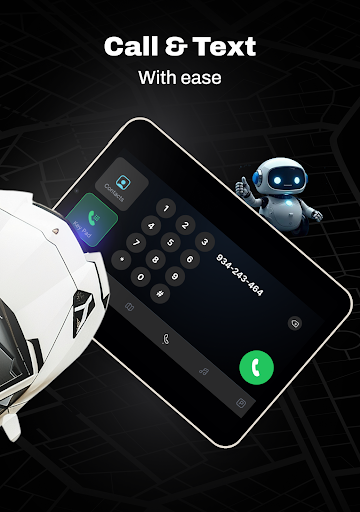
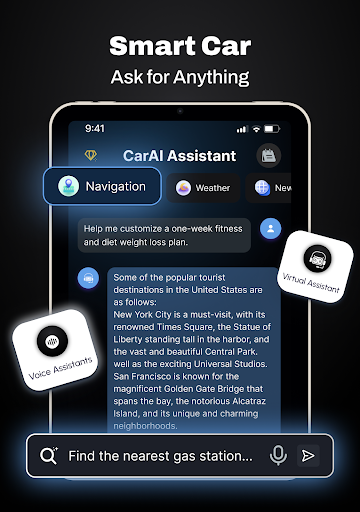
Safety is paramount, which is why CarLink provides hands-free control features through voice commands. With this functionality, you can make calls, choose music, or access various functions without taking your eyes off the road or your hands off the steering wheel. This distraction-free interface helps promote safer driving while keeping you connected and entertained throughout your journey.
<strong>Safety & Maintenance Tracking</strong>
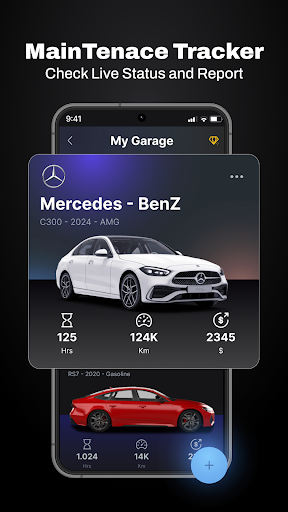
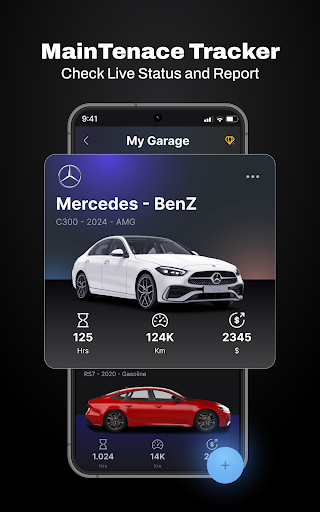
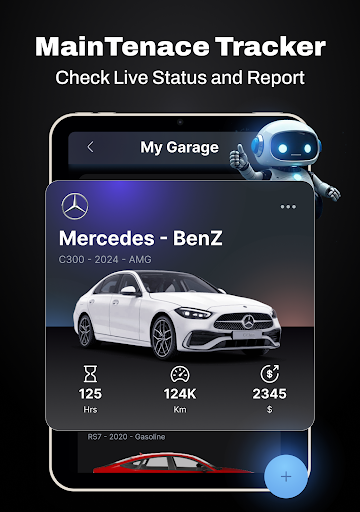
The app also prioritizes vehicle health with automated safety & maintenance tracking. It monitors your car’s condition and sends notifications about upcoming service needs, such as oil changes, tire rotations, or brake inspections. This proactive approach ensures your vehicle remains in optimal condition, helping you avoid unexpected breakdowns and maintain safety on the road.
<strong>Detailed Reports</strong>
Getting insights into your vehicle’s performance is simple with detailed reports on fuel consumption, battery health, engine oil life, mileage, and tire pressure. Real-time updates powered by GPS keep you informed about your vehicle’s current status, enabling smarter driving decisions and better vehicle management.
<strong>Enhanced Driving Experience</strong>
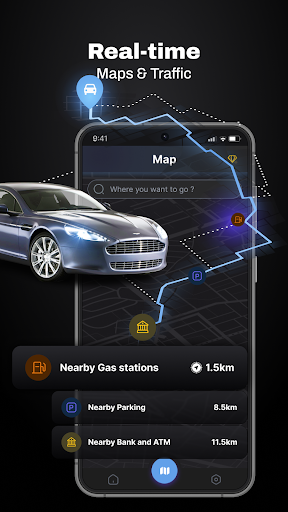
CarLink elevates your driving with features like personalized access to navigation and route planning, making your trips smarter and more efficient. Its support for a wide range of car models and infotainment systems ensures broad compatibility, while maintaining a stable connection with Android Auto guarantees smooth performance during your drives. Engineered for high-quality visuals and crisp audio, the app provides an immersive experience that keeps you entertained and informed.
<strong>Real-Time Updates and Digital Garage</strong>
Stay updated with real-time reminders and notifications on vehicle health and navigation alerts. Managing multiple vehicles becomes effortless thanks to the Digital Garage feature, which allows you to organize and access all your cars within a single app. Whether you drive a Tesla, Toyota, BMW, or another supported brand, CarLink adapts to your needs.
Why Choose CarLink: MirrorLink & Car Play?
This app is ideal for drivers seeking hassle-free, seamless smartphone integration with their vehicle's infotainment system. Its user-friendly setup and intuitive interface make it easy for anyone to get started, even if you're not particularly tech-savvy. The robust functionality, including car navigation, music playback, maintenance alerts, and detailed reports, offers everything you need for a smarter and safer driving experience.
With CarLink, you can stay connected, stay safe, and enjoy your drives more than ever before. Whether you're a daily commuter or an avid road tripper, this app transforms your car into a true smart vehicle companion. Download now and take your vehicle connectivity to the next level!
Legal & Support Information
For more information, terms of use can be found here. Privacy policies are available here. For support, contact the developers via email.
Pros
- Seamless connection between phone and car
- Compatible with both Android and iOS devices
- Intuitive and user-friendly interface
- Improves driving safety
- Supports a wide variety of compatible apps
Cons
- Can deplete phone battery quickly
- Dependent on a strong internet connection
- Limited free features available
- Compatibility depends on the car model
- Potentially distracting if used improperly











