

Discover the Twinkly App: The Ultimate Smart Lighting Control
The Twinkly App is a feature-rich platform designed to elevate your home illumination experience. Whether you're aiming to create stunning holiday displays, add ambiance to everyday moments, or experiment with dynamic lighting effects, this app offers an array of tools to control and customize your smart lights seamlessly. With intuitive controls and innovative features, Twinkly transforms ordinary lighting into an extraordinary visual experience.
Key Features of the Twinkly App
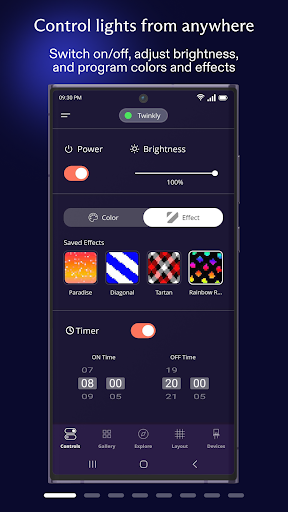
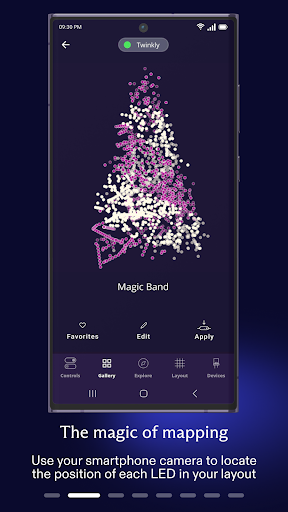
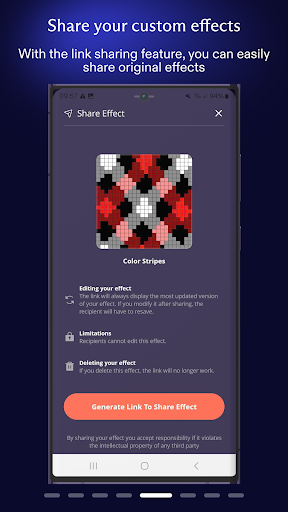
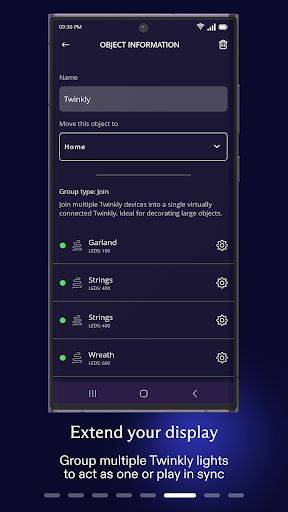
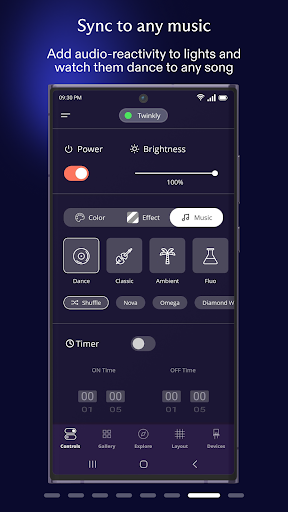
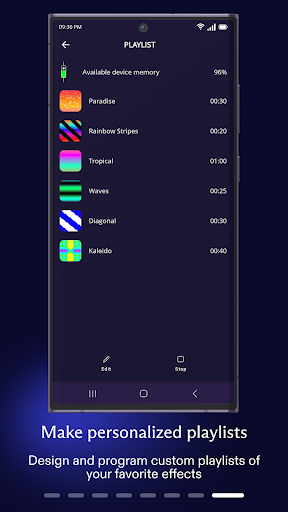
The Twinkly App boasts an impressive suite of functionalities that cater to both casual users and lighting enthusiasts. You can map your lights to play, customize, and craft original effects inspired by your style. The app allows you to group devices for synchronized displays, create elaborate installations, and assign user roles for shared control. Additionally, you can set timers and build playlists, enabling automated lighting sequences to suit your mood or occasion. Fine-tune the brightness, ensuring your lights perfectly complement your space. For hands-free convenience, Connect with Amazon Alexa or Google Assistant allows voice commands to control your lighting setup effortlessly. Plus, with the Twinkly Music feature, your lights can sync to music and sounds, turning any gathering into a vibrant light show.
Getting Started with Twinkly
Embarking on your Twinkly journey begins with setup. While initial configuration may involve some technical steps, such as downloading the app and connecting your devices to Wi-Fi, the process is straightforward. The Twinkly App is available on both Android and iOS platforms, ensuring accessibility for all users. Once connected, you'll have access to a powerful toolkit for designing mesmerizing lighting displays. Though occasional connection issues might occur, a quick restart usually resolves these minor hurdles, paving the way for an enjoyable experience.
Design and Personalize Your Lighting Effects
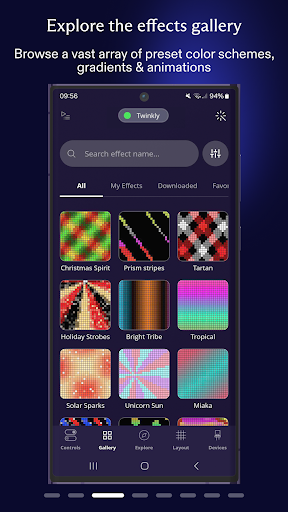
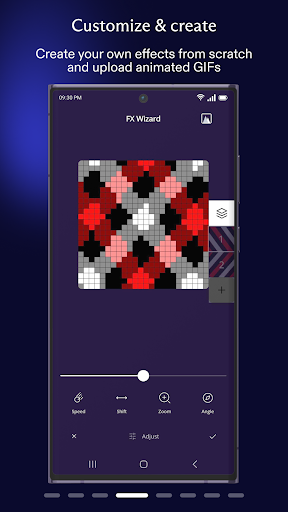
One of the most captivating aspects of the Twinkly App is its ability to help you craft unique lighting effects. Choose from a variety of pre-set effects or unleash your creativity by designing your own patterns and animations. The app provides an extensive color palette and pattern options, allowing you to match your lighting to any event or mood. The music sync feature adds an interactive dimension, making your lights pulse, dance, or shimmer in harmony with your favorite songs—perfect for parties, celebrations, or simply setting a lively atmosphere at home.
User Experience and Tips
The Twinkly App offers an intuitive and user-friendly interface designed to simplify complex lighting controls. While the multitude of options might seem overwhelming at first, spending a little time exploring the features will quickly make you comfortable. Connecting new devices is generally seamless, though some users might experience brief connection drops—these are easily fixed with a quick app restart. The app's flexibility and creative potential make it an invaluable tool for anyone interested in smart, decorative lighting.
Why Choose Twinkly for Your Smart Lighting Needs?
In conclusion, Twinkly revolutionizes decorative lighting by offering unparalleled customization and control. It’s more than just turning lights on or off; it’s about creating immersive experiences that enhance your environment. Whether decorating for holidays, parties, or everyday ambiance, Twinkly’s extensive features empower you to design stunning visual displays. Though some initial setup may require patience, the ability to personalize your lighting setup makes the effort worthwhile. If you appreciate innovative tech and artistic expression, the Twinkly App is a must-try for elevating your home’s lighting aesthetic and impressing guests with mesmerizing light shows.
Pros
- User-friendly interface
- Wide range of customizable lighting options
- Syncs with music for dynamic effects
- Compatible with voice assistants
- Frequent software updates
Cons
- Requires a stable internet connection
- Can be costly for larger setups
- Limited offline functionality
- App performance may be slow on older devices
- Setup process can be complex for beginners











