
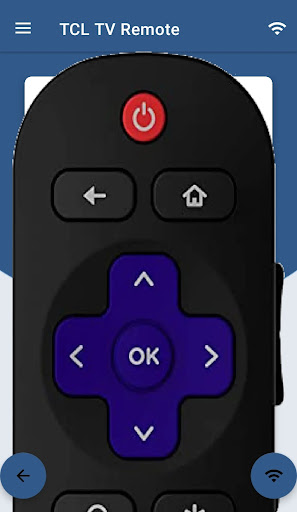
Discover the Benefits of the TCL Android TV Remote App
Are you tired of hunting down your traditional TV remote, only to find it buried under couch cushions or missing altogether? The TCL Android TV Remote app offers a smart, convenient solution that transforms your smartphone into a powerful remote control for your TCL Smart TV. Designed to enhance your viewing experience, this app combines ease of use with advanced features, making it an essential tool for any TCL TV owner.
Seamless Setup and Compatibility
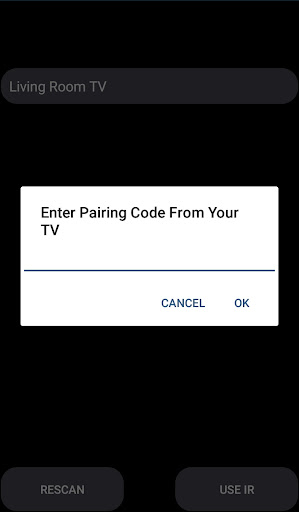
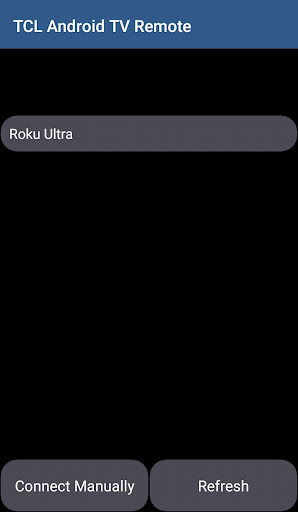
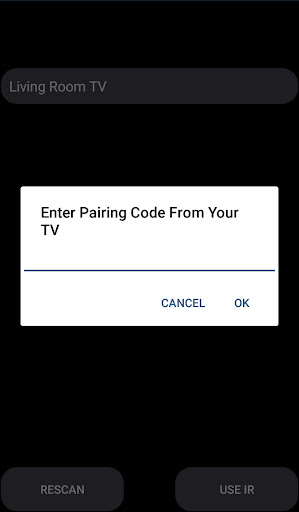
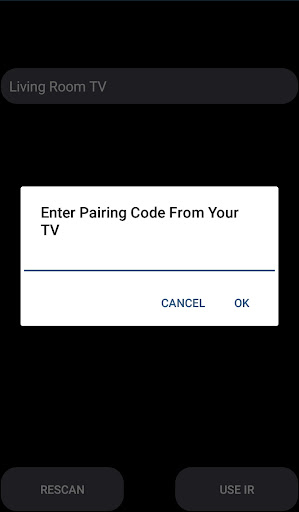
Getting started with the TCL Android TV Remote app is straightforward and fuss-free. Simply download the app from the Google Play Store, ensure your mobile device and TCL Smart TV are connected to the same Wi-Fi network, and follow the prompts to pair your devices. Once connected, you'll need to enter the PIN displayed on your TV screen to establish the link. This simple process ensures quick setup without complicated configurations.
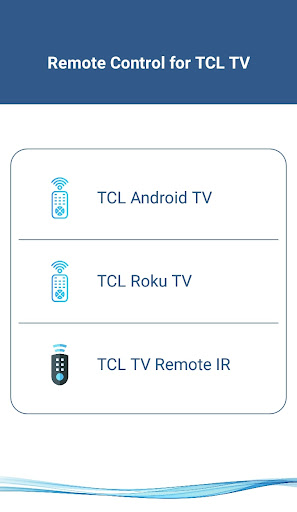
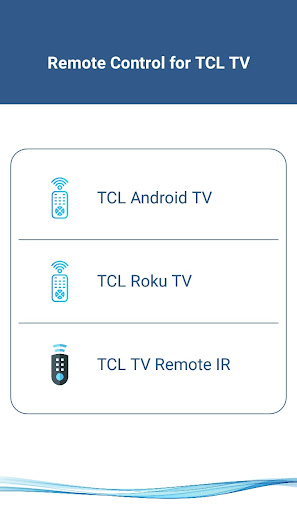
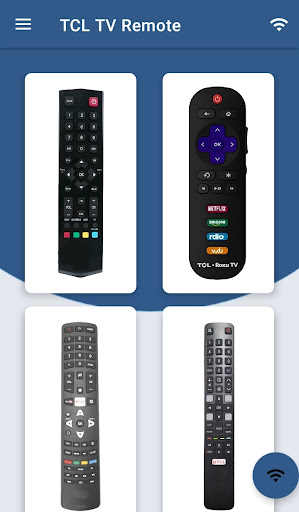
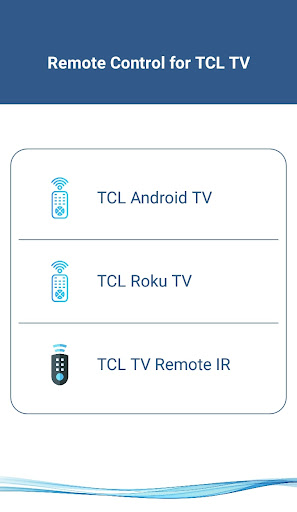
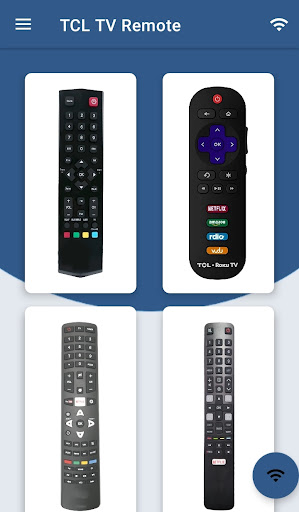
The app supports all TCL Smart TVs running Android OS or Android TV Remote. It’s compatible with TCL Android TVs, Android Chromecast OS, and even traditional IR-enabled TCL TVs—provided your phone is equipped with an IR blaster. Whether you own a TCL Roku TV or an older model, this app is designed to cater to your specific device, making it a versatile remote replacement.
Supported Devices and Connectivity
- Supported TCL Android TVs: Compatible with all TCL Smart TVs running Android OS or Android TV Remote.
- Network Compatibility: Requires both your mobile device and TV to be on the same Wi-Fi network for optimal functionality.
- Traditional IR Devices: Supports all traditional TCL TVs if your phone features an IR blaster, enabling universal remote capabilities.
Powerful Features for a Better Viewing Experience
The TCL Android TV Remote app is packed with features that make controlling your TV more intuitive and fun:
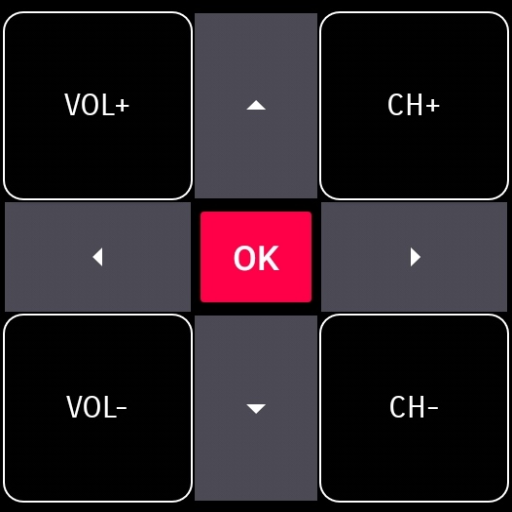
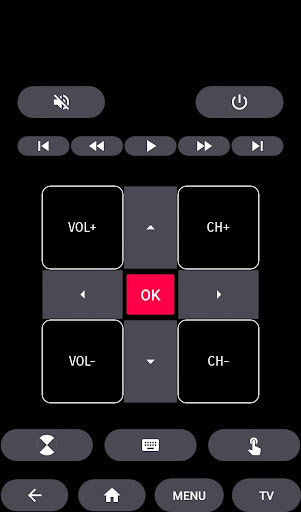
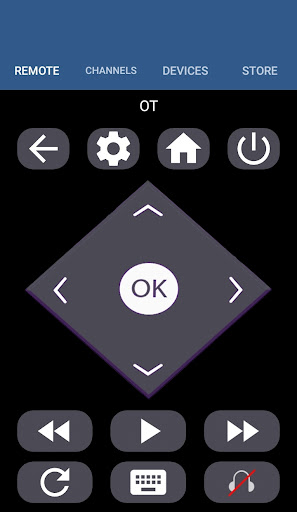
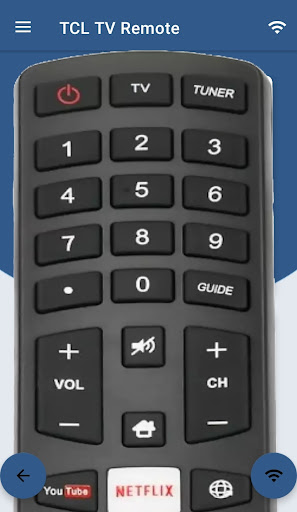
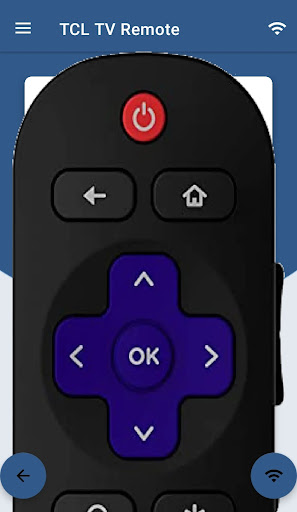
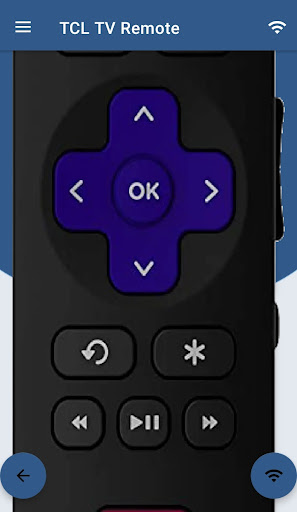
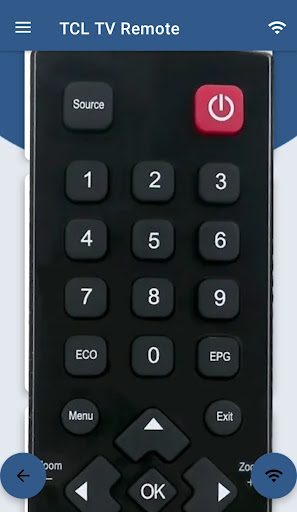
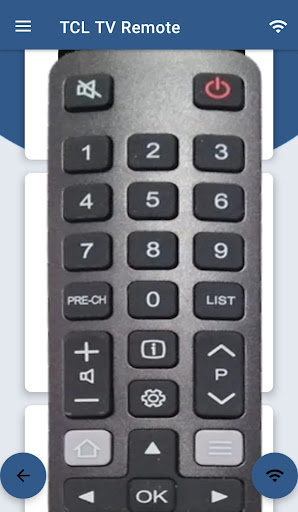
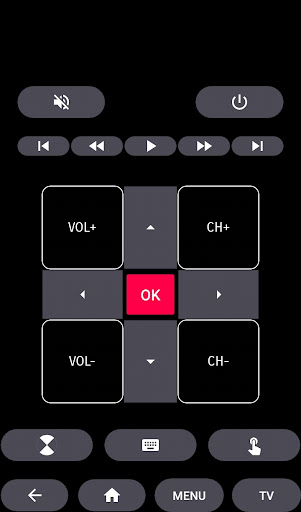
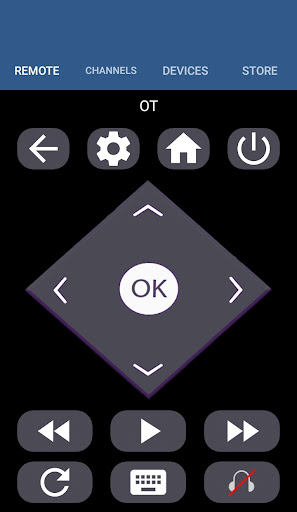
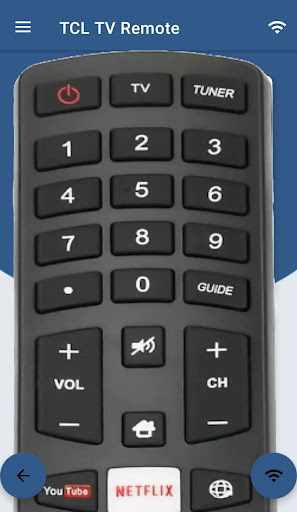
- Basic Controls: Turn your TV on/off, adjust volume, change channels, and mute with just a tap.
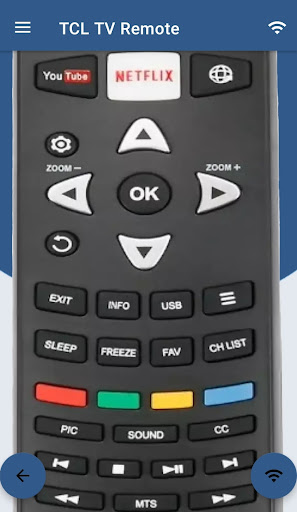
- Navigation & Media Control: Navigate through menus, browse streaming apps, and play or pause your favorite content easily.
- Home & Touch Pad: Return to the main menu or use the touchpad to browse extra smoothly.
- Voice Control: Just press the mic button and speak commands like "Open Netflix", "Increase volume", or ask about the weather, turning your phone into a voice-activated remote assistant.
- Keyboard Input: Use your phone’s keyboard to quickly search for content, making text entry hassle-free compared to traditional remotes.
- Multi-media Management: Control playback and manage multimedia settings without switching devices.
Traditional Remote Simulation
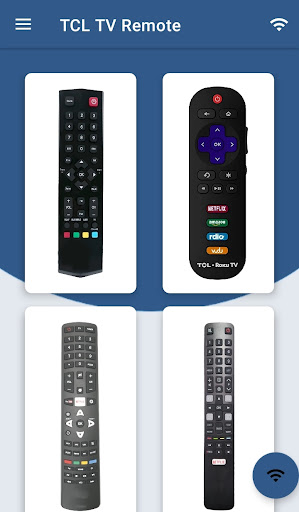
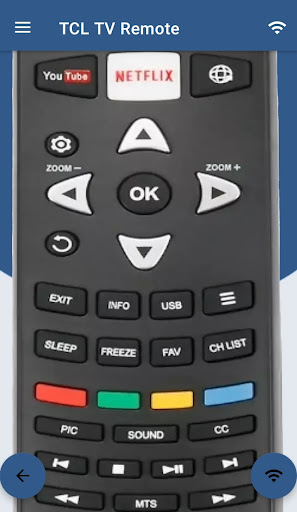
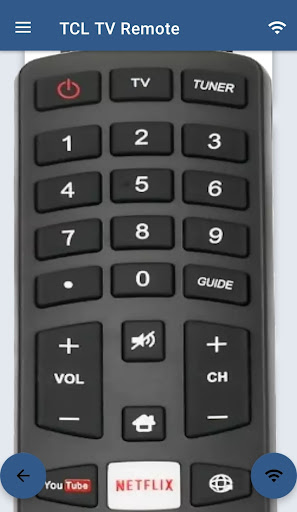
The app also replicates all functions of the physical remote, supporting traditional TCL Android TVs. This means you can enjoy a complete remote control experience directly from your smartphone, whether you’re adjusting volume, changing channels, or accessing specific menus.
Why Choose the TCL Android TV Remote App?
This app is a must-have for TCL TV owners seeking greater convenience. Its sleek, intuitive interface ensures an effortless user experience, while features like voice control and keyboard input boost efficiency. Plus, the seamless connectivity ensures reliable operation with minimal lag or disconnections, enhancing your overall viewing enjoyment.
Although not an official TCL application, the TCL Android TV Remote app offers a professional-grade remote experience that rivals traditional remotes. Whether you own a TCL Roku TV, Android TV, or a classic IR-enabled model, this versatile app helps eliminate the frustration of misplaced remotes and adds a layer of smart control to your entertainment setup.
Final Thoughts
All in all, upgrading to the TCL Android TV Remote app means transforming your smartphone into a multifunctional remote control powerhouse. From easy setup and broad device support to advanced features like voice commands and seamless connectivity, this app enhances your TV viewing adventure. Say goodbye to bulky remotes and hello to the future of smart TV control. Why not give it a try today and discover how much more enjoyable your TCL Smart TV experience can be?
Pros
- Easy to set up and connect with the TV.
- User-friendly interface with intuitive controls.
- Supports voice commands for hands-free operation.
- Offers a touchpad for easy navigation.
- Compatible with various TCL TV models.
Cons
- Occasional lag in response time.
- Limited functionality compared to physical remote.
- Requires Wi-Fi connection to operate.
- Ads can be intrusive at times.
- May not support older TCL TV models.











