

Introducing Bark - Parental Controls
Key Features of Bark - Parental Controls
Content Monitoring
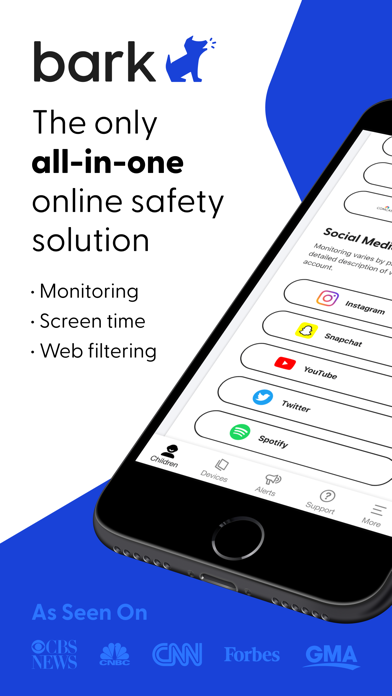
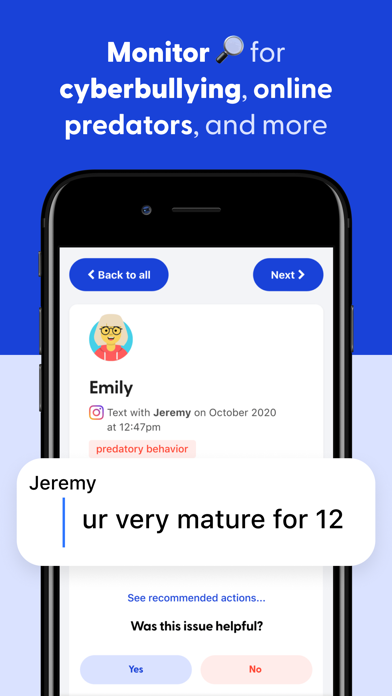
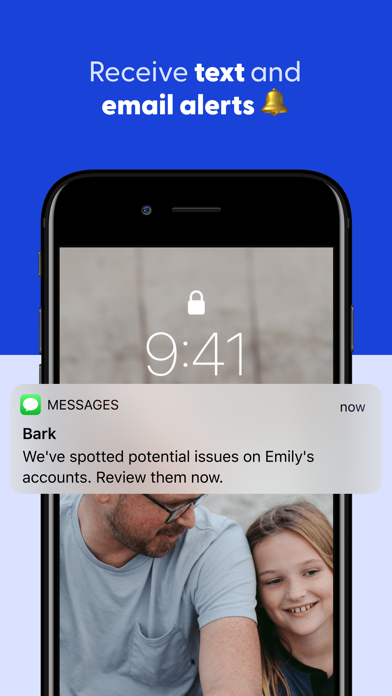
Bark actively monitors your child's social media interactions, text messages, emails, and over 30+ apps and platforms such as YouTube. The app is equipped to detect issues like cyberbullying, suicidal ideation, adult content, the presence of sexual predators, profanity, threats of violence, and other online dangers. Parents receive timely alerts only when potential problems arise, ensuring you’re informed without intrusive snooping. This targeted content monitoring makes Bark an indispensable tool for online safety and digital parenting.
Screen Time Management
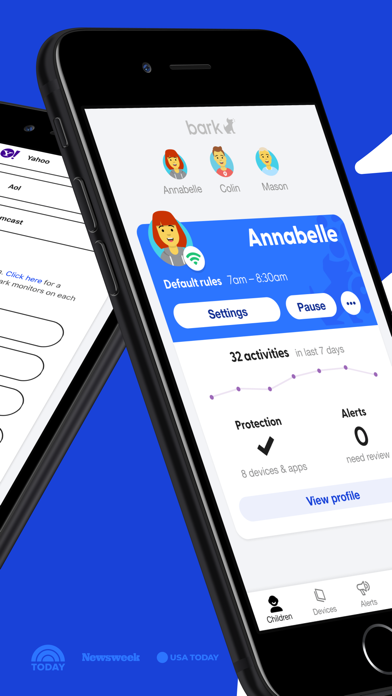
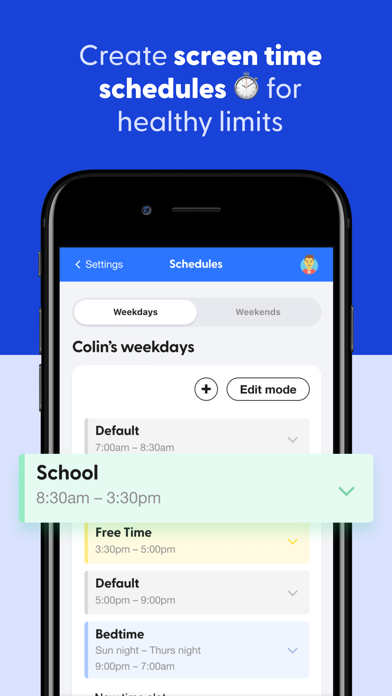
Balancing screen time is crucial for children’s overall well-being. Bark offers robust screen time management features that allow parents to set daily limits, create schedules, and control when devices can connect to the internet—whether via cellular data or Wi-Fi. This empowers families to encourage healthy device habits, reduce late-night usage, and promote a balanced lifestyle.
Web Filtering Capabilities
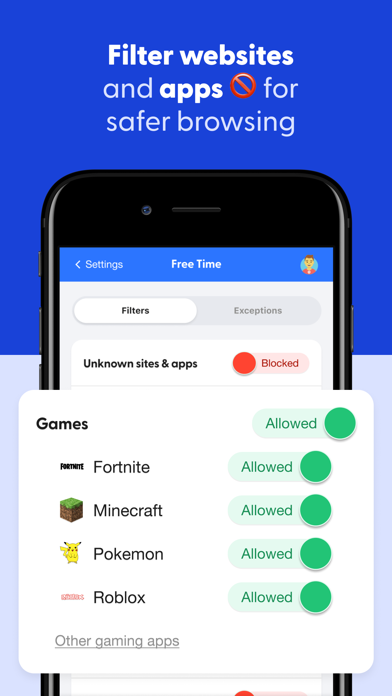
The app includes a customizable web filter that enables parents to permit or block specific websites. You can choose to allow access to certain categories like streaming services, online gaming, or sexual content. This granular control helps create a safer online environment, preventing children from visiting inappropriate sites or accidentally accessing harmful content.
Bark Home
For comprehensive home internet safety, Bark offers Bark Home, a small device compatible with your Wi-Fi router. When connected, it allows you to manage screen time and filter websites and apps across all devices connected to your home's Wi-Fi—such as smart TVs, video game consoles, laptops, and tablets. Bark Home requires an active subscription, providing an added layer of protection for the entire household network.
Affordable Pricing Plans
Bark offers flexible pricing options, including a monthly plan for $14 or an annual subscription for $99. For families seeking essential features like screen time management and web filtering, Bark Jr is available at $5/month or $49 annually. These affordable plans make it accessible to families committed to fostering safe digital experiences for their children.
Getting Started with Bark - Parental Controls
Setting up Bark is straightforward. After downloading the Bark app for parents and guardians, you’ll need to install the Bark for Kids app on your child’s device. This process enables monitoring, screen time controls, and content filtering. The setup guide is user-friendly, making it easy even for those with limited technical expertise. For Android users, visit bark.us/android to complete installation and get started on safeguarding your child's digital journey.
Why Choose Bark - Parental Controls?
In an era where children are exposed to a vast digital landscape, having a reliable parental control app like Bark is essential. It acts as a digital watchdog, alerting you to potential threats while respecting your child’s privacy. The app’s focus on privacy-conscious monitoring means you’re not snooping but still doing your part to ensure online safety.
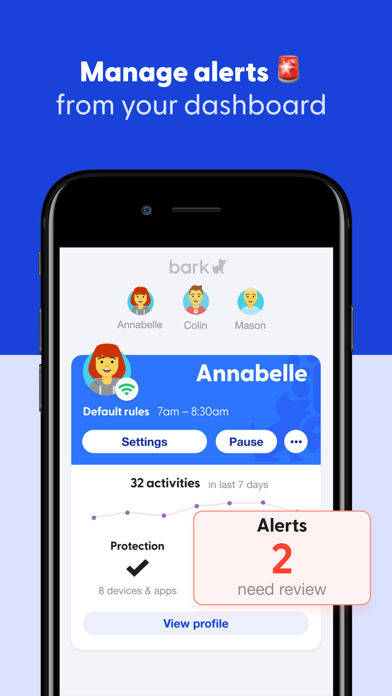
Its proactive alert system ensures you’re notified of issues like cyberbullying, inappropriate content, or potential online predators, allowing you to respond quickly. The customizable notifications prevent information overload, so you only receive alerts about what truly matters. This balance between oversight and trust makes Bark a trusted partner in digital parenting.
Overall, Bark - Parental Controls stands out as a user-friendly, feature-rich solution that helps parents manage their child's online activity effectively. With its focus on safety, privacy, and manageable controls, Bark can be an invaluable tool to navigate the challenges of digital parenting and keep your children’s online experiences positive and secure.
Pros
- Comprehensive web filtering options
- Real-time location tracking
- Screen time management
- Customizable restrictions
- User-friendly interface
Cons
- Limited free version features
- Requires internet connection
- May slow down device
- Complex setup for beginners
- Limited customer support
You May Like

Findmykids: Kids GPS Tracker
Parenting
4.6
Pregnancy + | Tracker App
Parenting
4.8
شرطة الأطفال - مكالمة وهمية
Parenting
4.2
Ovulation Calendar & Fertility
Parenting
4.8
Little Stories: Bedtime Books
Parenting
4.8
Pregnancy App
Parenting
4.9
Parental Control App- FamiSafe
Parenting
4.4
Contraction Timer & Counter 9m
Parenting
4.8
Kinedu: Baby Development
Parenting
3.1
Scout: Family Location 360
Parenting
4
Qustodio Parental Control App
Parenting
3.6
Baby + | Your Baby Tracker
Parenting
4.7