
Hubspace App: The Ultimate Solution for Smart Home Control
In today’s rapidly evolving smart home landscape, managing multiple devices across different brands can become complicated and time-consuming. Enter Hubspace, an innovative mobile application designed to streamline smart home management by bringing all your connected devices into a single, easy-to-use platform. With Hubspace, users can effortlessly set up, control, and monitor their smart home devices, creating a seamless living environment that responds to their needs.
Effortless Setup and Integration
One of the standout features of Hubspace is its simplified setup process. Unlike traditional smart home apps that often require extensive configurations, Hubspace supports a broad range of smart devices and allows you to connect them quickly and easily. Connecting new devices is often as simple as scanning a QR code, eliminating the need to sift through complicated manuals or online tutorials. This user-friendly approach makes smart home automation accessible to everyone, regardless of technical expertise.
Intuitive User Interface for All Ages
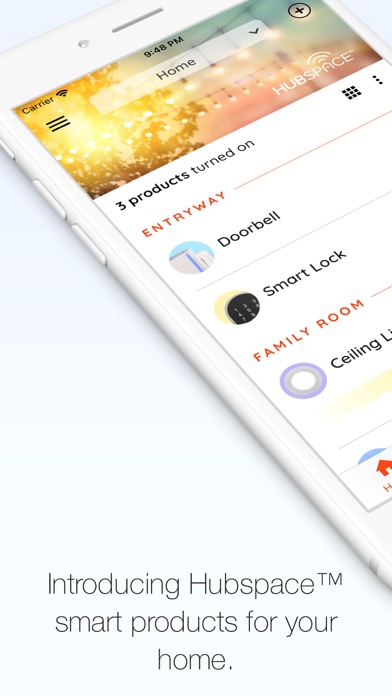
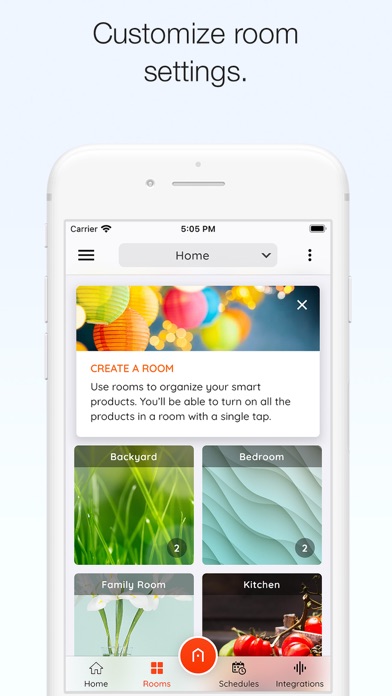
The dashboard of Hubspace boasts a clean, intuitive design that caters to users of all ages. Whether you're a tech-savvy homeowner or new to smart devices, you'll find it easy to navigate the app and access your connected devices. Real-time updates allow you to monitor your smart products status at a glance, and managing devices such as thermostats, lights, or security cameras is just a few simple taps away. The straightforward interface enhances user experience and ensures that controlling your smart home feels natural and stress-free.
Comprehensive Device Control
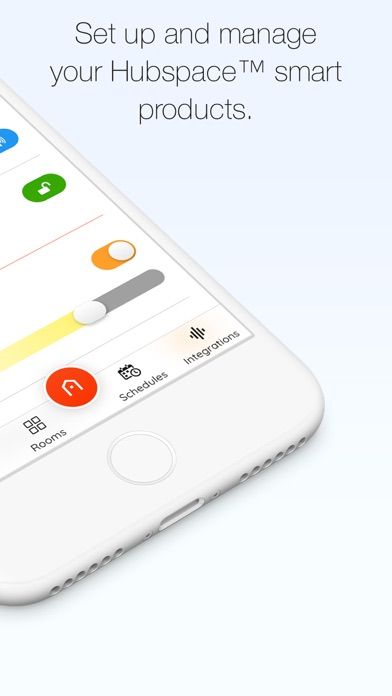
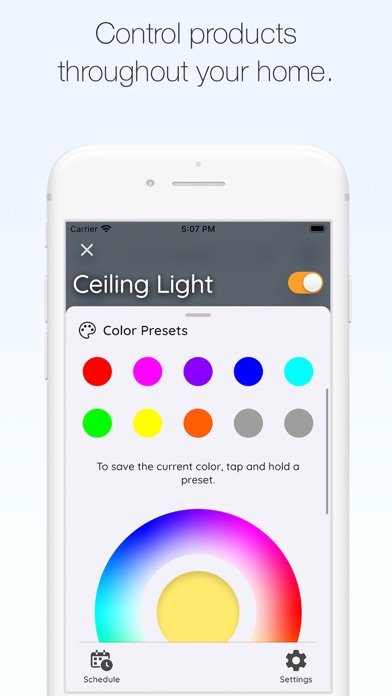
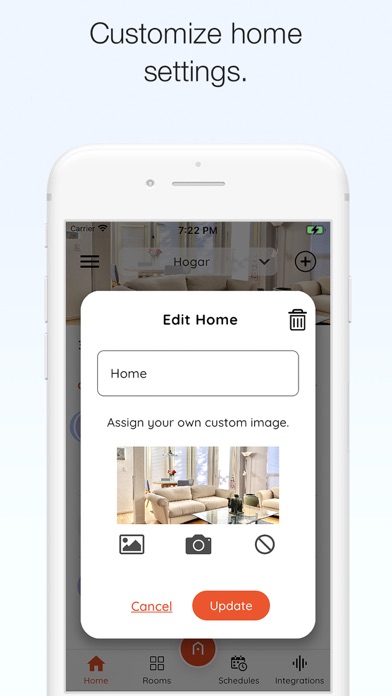
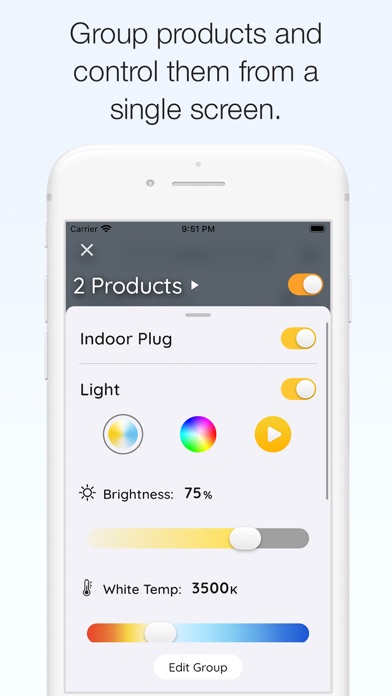
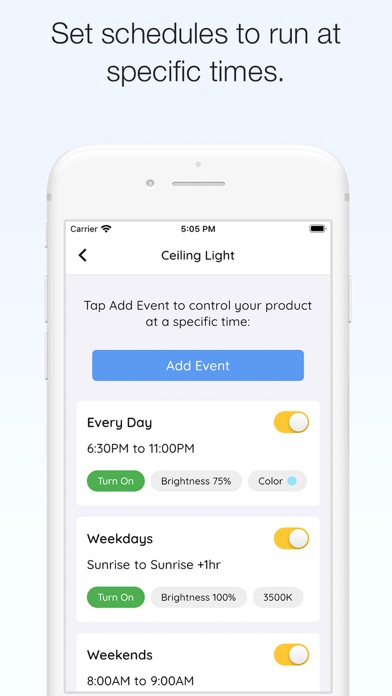
With Hubspace, you gain full control over your smart devices, with features including ON/OFF controls, change light color temperature and colors, control fan speed, grouping products, and setting schedules. These capabilities allow you to customize your home environment effortlessly. Additionally, the app supports integration with popular voice assistants such as Google Assistant and Amazon Alexa, enabling voice commands that make managing your smart home even more convenient.
Voice Control for Modern Convenience
Imagine waking up and starting your day with just your voice. Hubspace's compatibility with voice assistants like Alexa and Google Assistant transforms your home into a responsive, voice-controlled environment. Say phrases like “Good morning,” and watch your curtains open, lights turn on, and your favorite playlist begins—all hands-free. This feature not only adds convenience but also enhances accessibility for users with mobility challenges.
Enhanced Security and Privacy
Security is a critical aspect of any smart home system, and Hubspace addresses this with high-level encryption to protect your personal data. You can customize security settings to fit your specific needs, ensuring peace of mind as you automate and control your home. Hubspace’s commitment to privacy is demonstrated through its transparent policies and secure data handling practices.
Transforming Your Living Environment
Whether you're a casual user or a smart home enthusiast, Hubspace offers a comprehensive solution that simplifies your home automation experience. Its ease of setup, intuitive design, extensive device compatibility, and voice control capabilities make it a powerful tool to enhance daily living. Imagine a home that responds seamlessly to your routines—lights adjust, climate is optimal, and security is monitored—all managed effortlessly through app controls.
So, if you're looking to cut through the complexity and bring harmony to your connected home, Hubspace might just be the app you've been searching for. It’s not just about convenience; it’s about transforming your house into a smarter, safer, and more comfortable space.
Pros
- User-friendly interface for easy navigation
- Seamless integration with smart devices
- Energy monitoring for efficient usage
- Customizable scenes and schedules
- Remote access via cloud service
Cons
- Limited compatibility with non-supported devices
- Occasional connectivity issues
- Requires a stable internet connection
- No voice control feature
- Limited advanced automation options











