
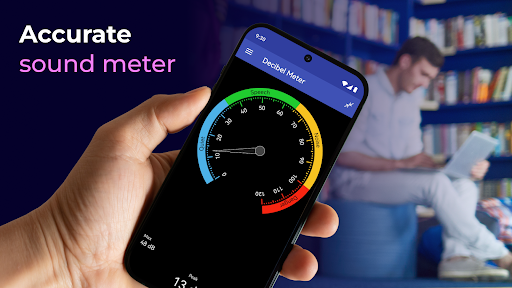
Decibel Meter: Sound Meter App – Your Ultimate Sound Measurement Tool
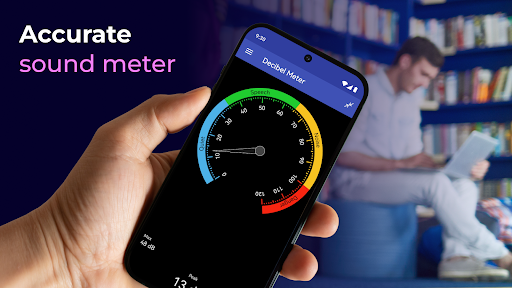
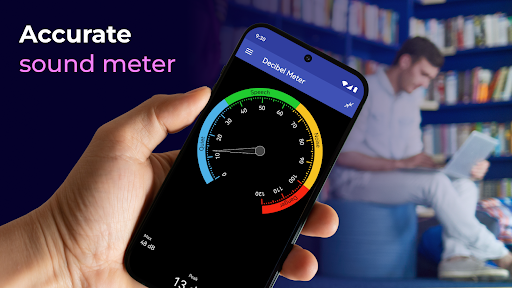
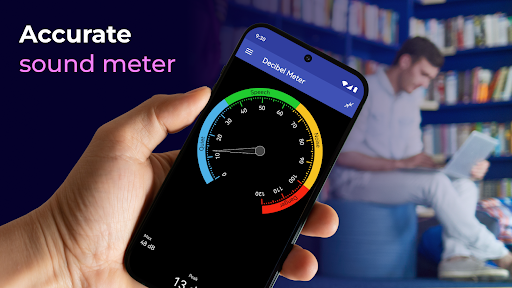
Are you curious about the noise levels in your environment or looking for an accurate way to measure sound volume? Decibel Meter: Sound Meter app is the perfect solution designed for both casual users and professionals alike. This innovative sound meter app transforms your smartphone into a precise decibel measuring device, offering real-time sound level monitoring with easy-to-understand feedback. Whether you're assessing noise pollution, tuning your musical instruments, or conducting acoustic research, this app provides reliable and detailed sound measurements at your fingertips.
Overview of Features
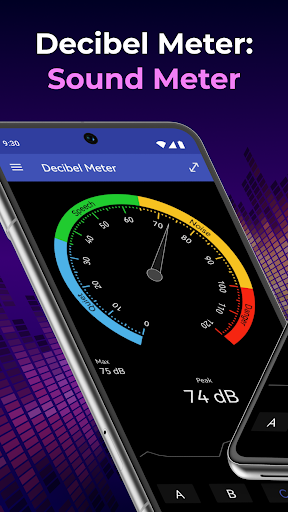
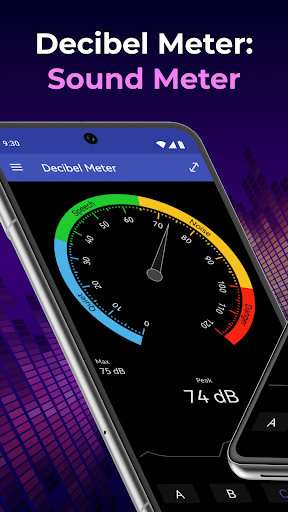
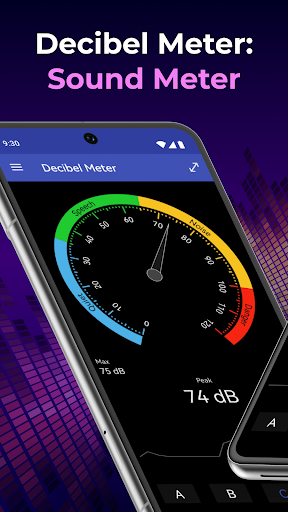
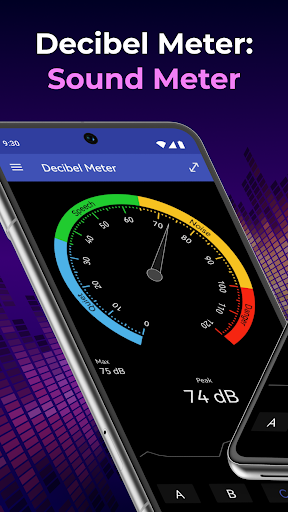
The Decibel Meter app stands out with its sleek interface and comprehensive functionality. It is available on both Android and iOS, making it accessible to a broad user base. Effortless installation and intuitive design make it simple for anyone to start measuring sound levels immediately. With real-time decibel readings displayed prominently, users get instant feedback on the sound volume in their surroundings, accompanied by explanations of the volume intensity to help interpret the data accurately.
Key Features of Decibel Meter
- Accurate Sound Measurements: Utilizing advanced algorithms, this sound meter app provides precise decibel (dB) readings, giving users confidence in the data obtained.
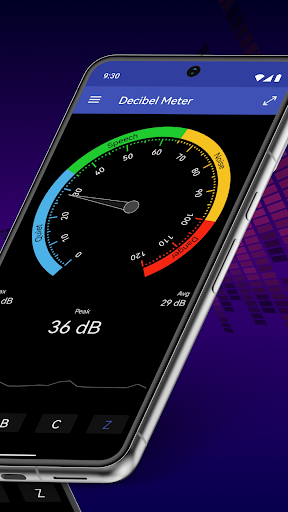
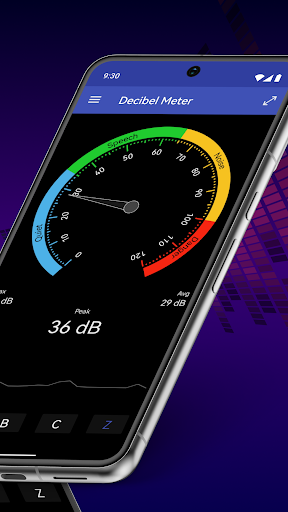
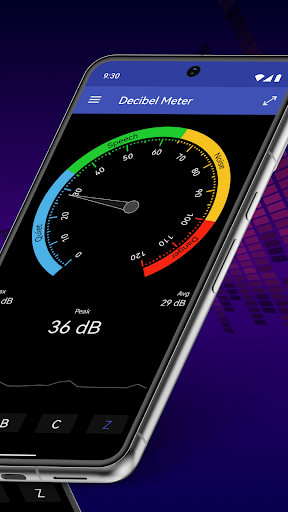
- Real-Time Volume Display: The core feature delivers instant updates on current sound levels, allowing users to monitor fluctuations dynamically.
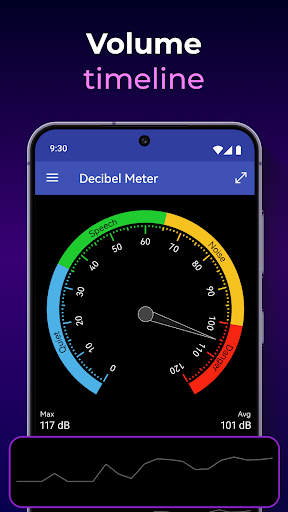
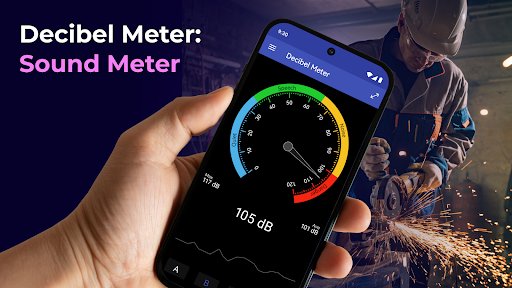
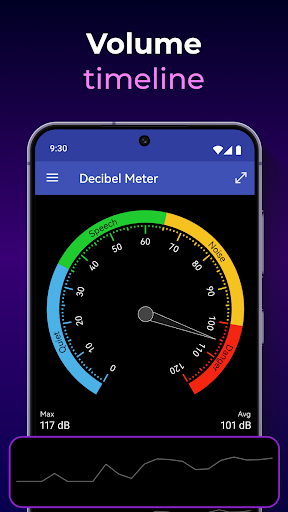
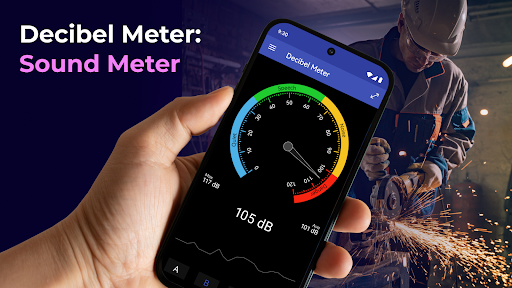
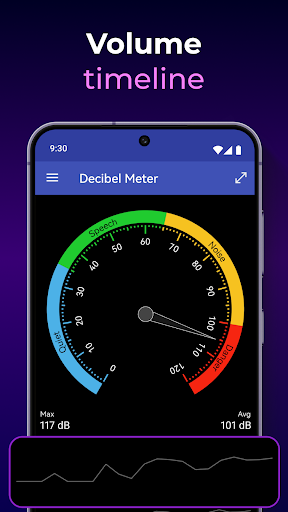
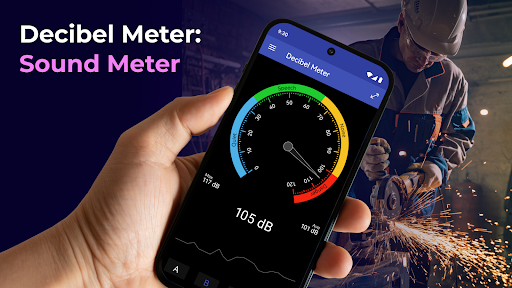
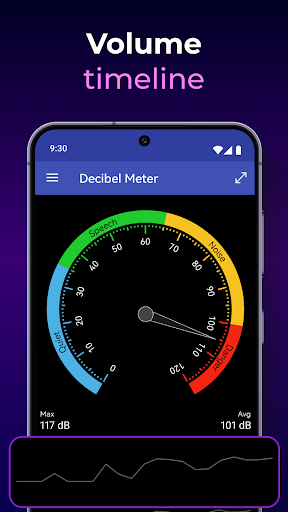
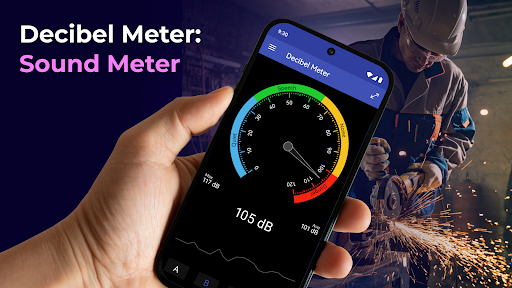
- Volume Timeline: Positioned at the bottom of the display, this visual timeline showcases sound variation over time, perfect for identifying noise patterns.
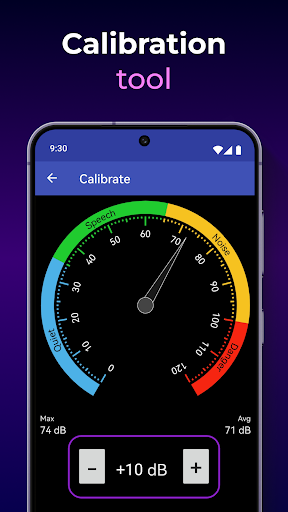
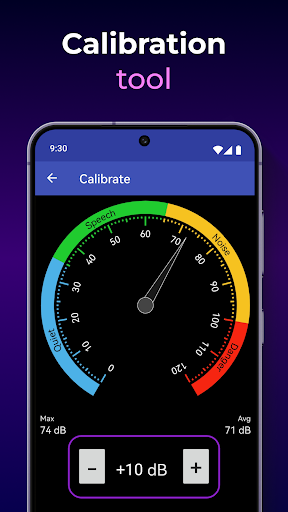
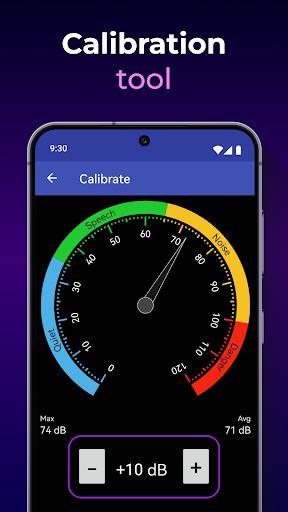
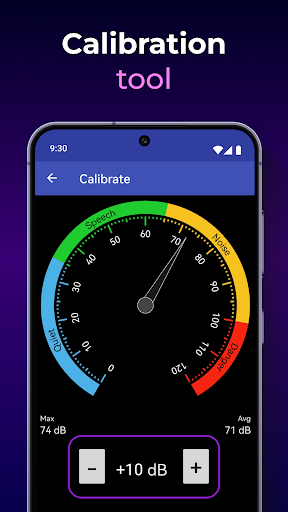
- Custom Calibration: To optimize accuracy, users can calibrate the app based on their device's microphone characteristics, ensuring measurements are tailored to their specific equipment.
- Easy-to-Use Interface: Designed with simplicity in mind, the app features bold buttons and clear labels, making it accessible even for beginners or non-technical users.
- Data Export & Analysis: For more in-depth analysis, users can record and export sound data, facilitating professional research or detailed noise analysis.
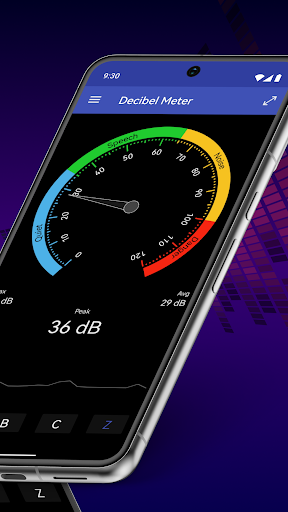
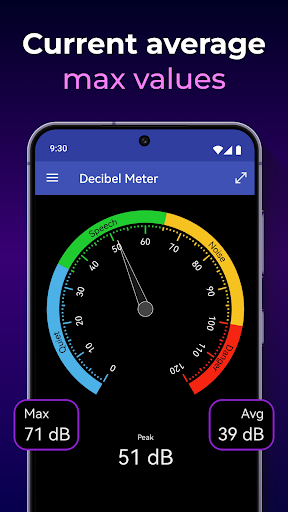
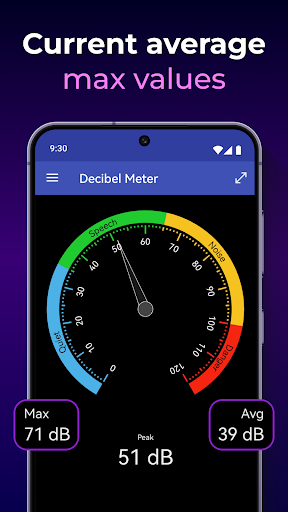
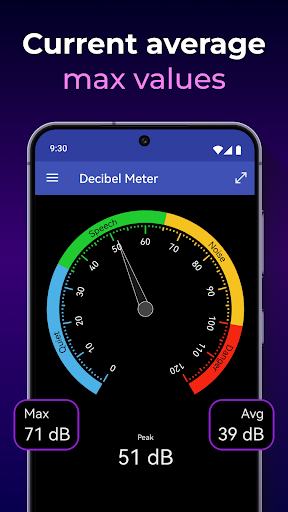
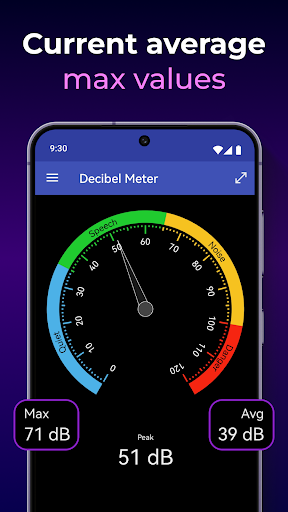
- Peak, Average, and Minimum Levels: These metrics provide a comprehensive understanding of the sound environment, highlighting maximum noise peaks and typical levels over time.
How to Use the Decibel Meter App
- Launch the App: Open the Decibel Meter to begin measuring immediately.
- Monitor Sound Levels: Observe the main display for real-time decibel readings, with explanations to interpret the volume of surrounding sounds.
- Calibrate the Device: Use the settings menu to calibrate the microphone, ensuring your measurements reflect true sound intensity.
- Review Sound Data: Check the volume timeline below to analyze noise fluctuations and identify patterns over time.
Why Choose Decibel Meter: Sound Meter
- Reliable & Precise: Engineered with accuracy in mind, this app guarantees trustworthy sound level measurements, making it suitable for both personal curiosity and professional requirements.
- Customizable: Calibration features allow you to adjust settings for your specific device’s microphone, enhancing measurement fidelity.
- User-Friendly Design: The combination of visual cues, real-time data, and straightforward controls makes measuring sound levels accessible for all users.
- Versatile Applications: Whether you're conducting noise pollution studies, tuning musical equipment, or simply curious about your environment, this app adapts to multiple needs seamlessly.
Join Thousands of Satisfied Users
If you're in search of a sound level meter that balances accuracy, usability, and advanced features, Decibel Meter: Sound Meter app is your best choice. Its ability to deliver [accurate sound measurements](https://example.com/accurate-sound-measurements), along with visual analysis tools, makes it a must-have in your mobile toolbox. Download today and take the guesswork out of sound measurement — experience professional-grade noise monitoring right from your smartphone.
Pros
- Accurate measurement of sound levels.
- Intuitive and easy-to-use interface.
- Provides real-time noise monitoring.
- Allows customizing alert notifications.
- Free from intrusive advertisements.
Cons
- Limited functionalities in the free version.
- Requires in-app purchases for additional features.
- Needs microphone permission to operate.
- Consumes battery rapidly.
- Not appropriate for professional-grade applications.











