


AR Drawing: Art, Trace, Sketch - App Overview
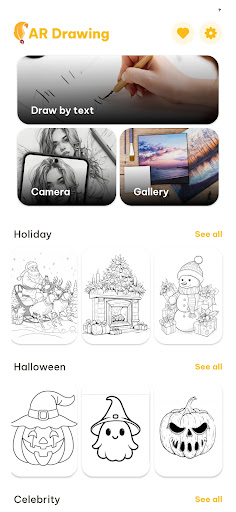
Are you passionate about drawing but find it challenging to maintain proper proportions and accuracy? AR Drawing: Art, Trace, Sketch emerges as the ultimate augmented reality (AR) tracing application designed to elevate your artistic skills with innovative, user-friendly features. This app allows you to effortlessly project sketches onto real paper, making the process of learning and creating art more interactive and engaging. Whether you're a beginner eager to learn drawing or a professional seeking quick tracing tools, this app simplifies the creative process and turns your device into a personal art tutor.
Main Features of AR Drawing: Art, Trace, Sketch
AR Tracing Technology
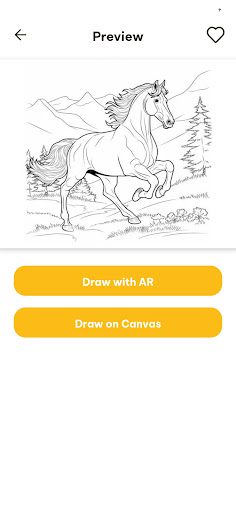
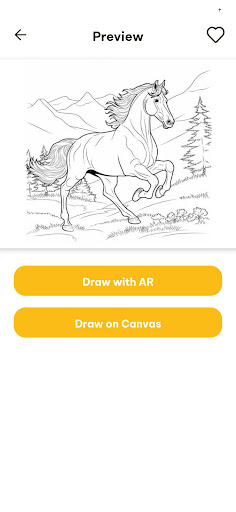
The core of this app is its AR tracing technology, which projects virtual sketches onto real paper, guiding you step-by-step through drawing. This cutting-edge feature eliminates the need for traditional projectors by leveraging your device’s camera, allowing for seamless and accurate tracing experiences.
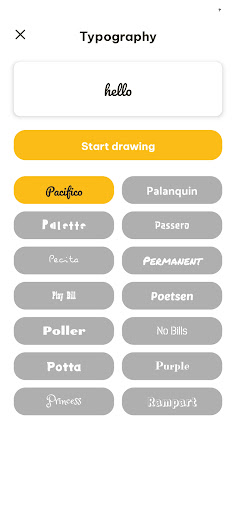
Custom Image to Sketch
Upload your favorite images—be it photos, illustrations, or designs—and transform them into AR sketches ready for tracing. This opens up endless possibilities for personalizing your artwork and practicing various styles or subjects.
Multiple Drawing Categories
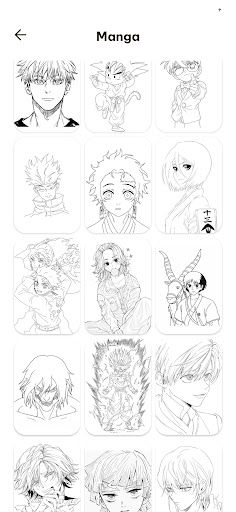
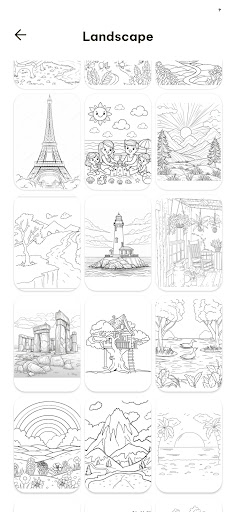
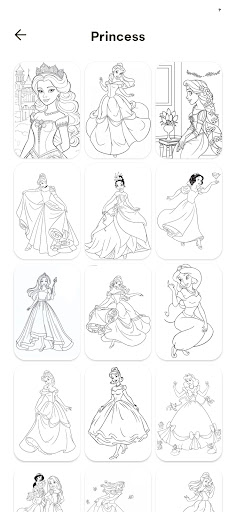
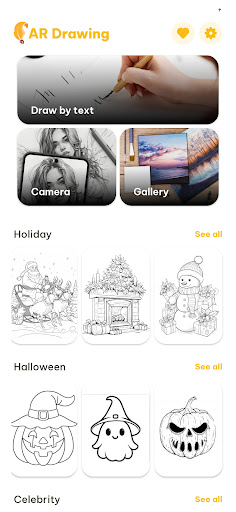
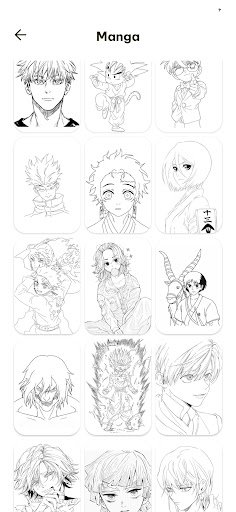
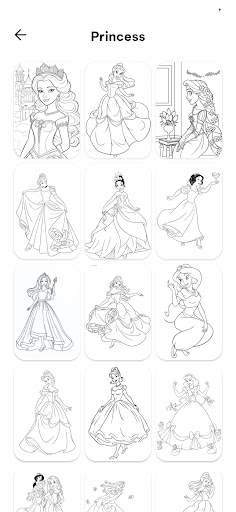
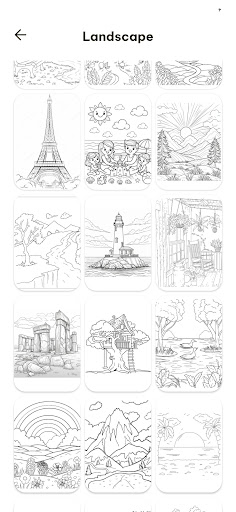
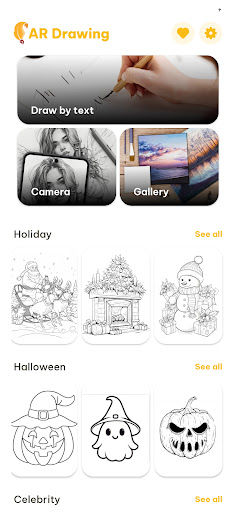
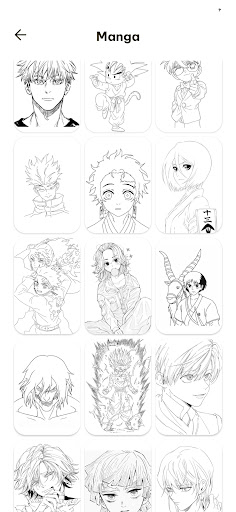
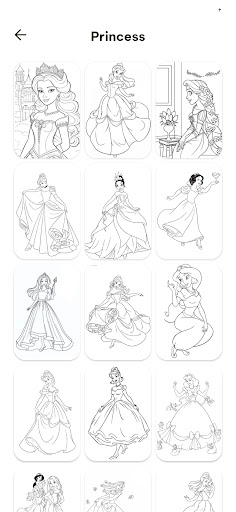
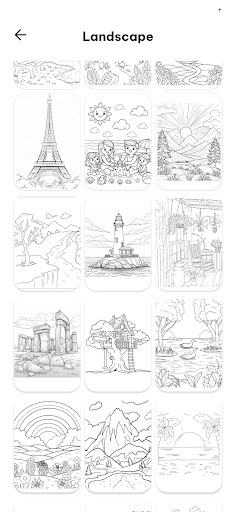
Choose from a rich library of templates categorized into themes like anime, animals, nature, cartoon characters, and more. These curated templates assist users in exploring different drawing styles and subjects effortlessly.
Adjustable Transparency
Modify the visibility of sketches by adjusting transparency levels, helping you focus on different parts of the drawing process and easing the tracing difficulty.
Step-by-Step Drawing Tutorials
Ideal for beginners, these tutorials break down complex images into manageable steps, fostering improving drawing skills while keeping the process simple and enjoyable.
Easy Zoom & Rotate
Fine-tune the position of your projected sketch through intuitive zoom and rotation controls, ensuring perfect alignment with your paper.
Save & Share Your Artwork
Capture your finished drawings and share them directly on social media platforms or with friends, showcasing your creative progress.
How AR Drawing: Art, Trace, Sketch Works
- Choose a sketch – Select from a diverse collection of templates, including animals, cartoons, flowers, and more.
- Position your device – Use your phone or tablet’s camera to project the sketch onto your paper or any flat surface.
- Trace the lines – Follow the on-screen guidelines and draw with precision, mimicking the projected outline.
- Adjust the sketch – Resize, rotate, and reposition the virtual image to align perfectly with your drawing surface.
- Save & share – Capture your masterpiece and share your artwork easily via social media or with friends.
Who Is This App Designed For?
This innovative app caters to a broad audience interested in art and drawing, including:
- Beginners and aspiring artists who want to learn how to draw step by step.
- Children interested in exploring their creativity and improving their sketching skills.
- Hobbyists seeking a fun and interactive way to practice drawing.
- Professional artists looking for a quick, accurate tracing tool that enhances their workflow.
With its intuitive interface and versatile features, AR Drawing: Art, Trace, Sketch makes drawing accessible, enjoyable, and effortlessly satisfying for users at any skill level. All you need is your device, a pencil, and paper to start creating stunning artwork with augmented reality assistance.
Why Choose AR Drawing: Art, Trace, Sketch?
This app democratizes art creation by removing traditional barriers like complex tools or expensive equipment. Its augmented reality capabilities provide a hologram-like tracing experience that feels both futuristic and intuitive. Plus, the inclusion of customizable templates and import options makes it a flexible tool for various artistic projects. Whether you’re exploring basic sketches or working on detailed illustrations, this app adapts to your creative needs, making art-making more engaging and less daunting.
As an excellent tool for art education, hobbyist exploration, or professional workflows, AR Drawing: Art, Trace, Sketch brings fun and precision together on your device’s screen. Its constant updates and community features enable users to share their work, get inspired, and discover new techniques.
Get Started with Your Artistic Journey Today
Embrace the future of digital art with AR Drawing: Art, Trace, Sketch. Download the app now on your Android or iOS device, select a template or import your own image, and let the augmented reality magic turn your paper into a canvas of endless creative possibilities. Whether for learning, fun, or professional use, this app transforms how you draw and brings your artistic visions to life with ease and excitement.
Pros
- Helps improve drawing skills.
- Offers a variety of drawing tools.
- User-friendly interface.
- Supports multiple languages.
- Regular updates and new features.
Cons
- Requires a stable internet connection.
- Some tools are behind a paywall.
- May drain battery quickly.
- Limited free version features.
- Ads in the free version.











