

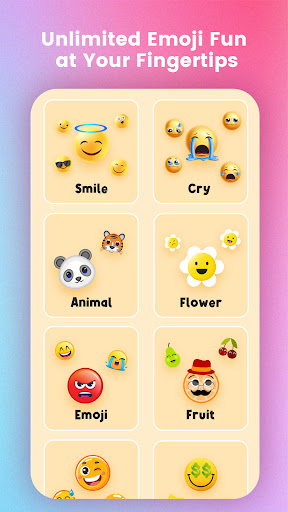
Discover the Exciting World of Emoji Maker Pro-DIY&Mashup
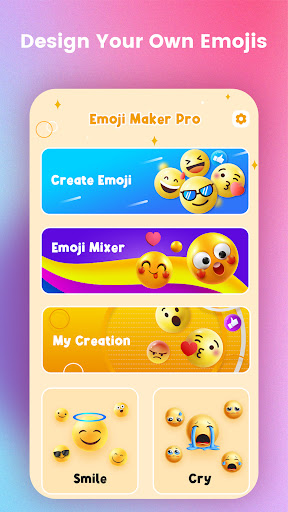
Are you tired of using the same dull emojis in your chats? Want to inject a dose of personality and fun into your digital conversations? Emoji Maker Pro-DIY&Mashup is the perfect app to unleash your creativity and revolutionize how you express yourself online. Designed for emoji enthusiasts and anyone who loves customizing their messaging experience, this innovative tool offers a treasure trove of features that make creating, mixing, and sharing personalized emojis both easy and enjoyable.
Unleash Your Creative Potential with Custom Emojis
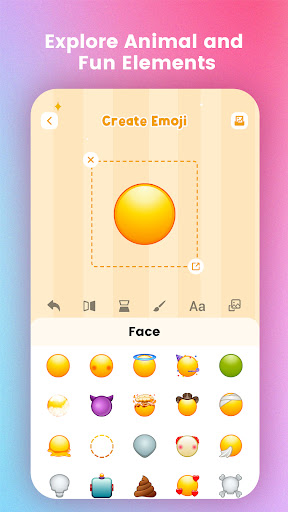
With Emoji Maker Pro-DIY&Mashup, you gain access to an extensive library of elements to craft your own emoji universe. The app provides a wide selection of components such as eyes, mouths, accessories, and more, allowing you to assemble emojis that perfectly match your mood, personality, or unique style. Whether you're envisioning a quirky, cute, or cool emoji, the intuitive drag-and-drop interface makes design straightforward—even for beginners. Think of it as your personal digital art studio dedicated solely to emoji creation. The possibilities are limitless, as your imagination is the only boundary.
Exciting Features to Enhance Your Messaging Experience
•Emoji DIY:
Choose from a vast array of elements to create any emoji you desire! From playful to expressive, the customization options allow you to bring your ideas to life. The process is fun, simple, and highly personalized—making every emoji a true reflection of you.
•Emoji Mashup:
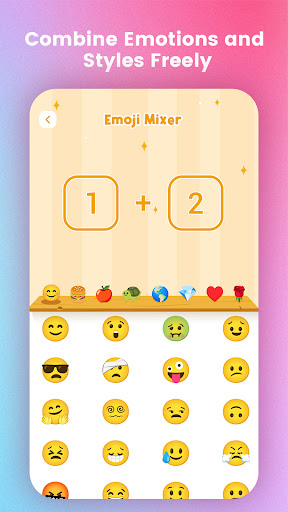
Combine two random emojis to discover a new, unexpected expression! With every mashup, surprises await, offering an endless stream of fresh and engaging emojis. It’s a fantastic way to surprise friends and add a playful twist to your messages.
•Sticker Packs:
Explore a variety of expressive sticker packs to enhance your chats. These stickers help convey your emotions vividly and make your conversations more lively and engaging. You can even create and customize your own sticker packs to keep your messaging truly unique.
Seamless Integration & Sharing Capabilities
One of the standout features of Emoji Maker Pro-DIY&Mashup is its seamless integration with your device’s keyboard. This means your custom emojis and stickers can be used effortlessly across all popular messaging apps like WhatsApp, iMessage, Facebook Messenger, and more. No complicated steps—just a simple tap, and your unique creations are ready to send.
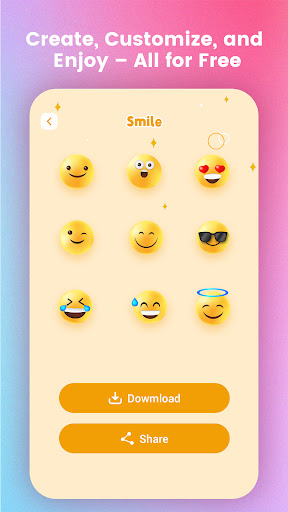
Sharing your personalized emojis is equally straightforward. Save your designs or share them directly with friends, enhancing your group chats with one-of-a-kind emojis that spark curiosity and admiration. It’s incredibly satisfying to see your custom creations pop up during conversations, often prompting friends to ask, “How did you make that?” This sharing feature fosters a community of creative emoji enthusiasts, where users can explore emojis made by others and find inspiration for their next masterpiece.
Why Emoji Maker Pro-DIY&Mashup Is a Must-Have
Overall, Emoji Maker Pro-DIY&Mashup stands out as an exceptional tool for personalizing your digital communication. Its user-friendly interface makes designing emojis accessible to everyone, regardless of artistic skill level. With continuous updates adding new elements and features, your creative toolkit keeps expanding, ensuring fresh options to keep your emojis unique and vibrant.
Whether you’re a casual user, a social media enthusiast, or someone who loves standing out with custom content, this app is perfect for adding a personal touch to your messages. Express your mood more accurately, entertain friends, and bring more personality to every chat session—all with a few taps and a splash of creativity. So, dive into Emoji Maker Pro-DIY&Mashup and start building your own emoji empire today!
Pros
- Extremely customizable emoji choices
- Easy-to-use interface
- Regular updates adding new features
- Ability to save created emojis
- Ideal for social media enthusiasts
Cons
- Includes in-app purchases
- Advertisements can be disruptive
- Few features available for free
- Needs internet connection to function
- Some options may be difficult for newcomers











