

Discover the Power of Turbolearn - AI Note Taker
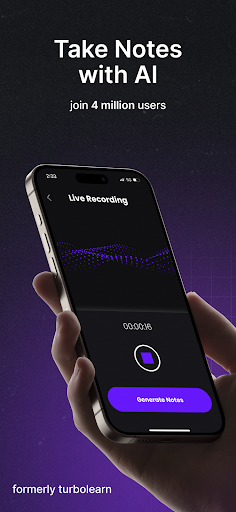
Are you overwhelmed by a flood of notes from lectures, meetings, or study sessions? If organizing and optimizing your notes has become a challenge, then Turbolearn - AI Note Taker is the innovative solution you’ve been waiting for. This cutting-edge app harnesses artificial intelligence to transform your recordings and documents into beautifully formatted, interactive notes, making your study and work routines more efficient and engaging.
Intelligent Note Generation and Content Summarization
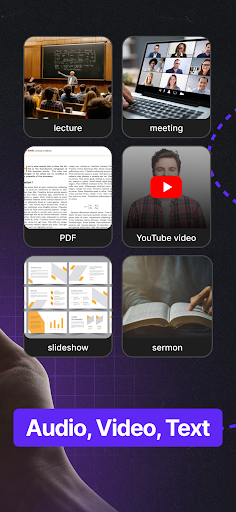
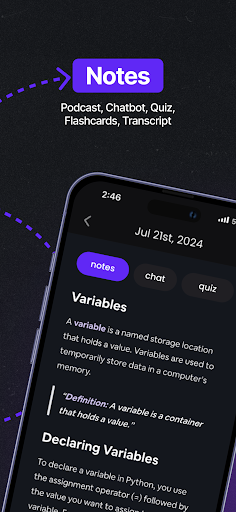
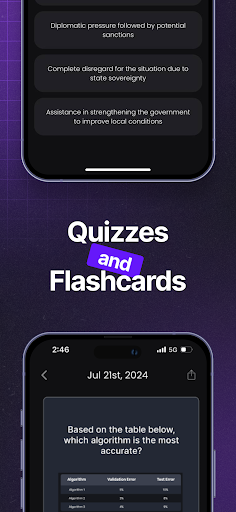
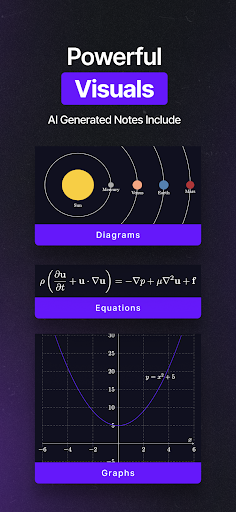
With Turbolearn, you can effortlessly convert long YouTube videos, PDFs, and recorded meetings into concise, comprehensive notes. The app’s AI engine excels at summarizing complex topics, allowing you to learn new subjects faster without sifting through endless material. Whether you’re reviewing a lecture, webinar, or research paper, Turbolearn creates study material that includes tables, emojis, diagrams, and equations—rich content designed to enhance understanding and retention. This feature makes Turbolearn an excellent choice for students, educators, and professionals aiming to optimize their learning process.
Interactive Notes with Chat Functionality
One of the standout features of Turbolearn is its integrated chatbot that accompanies each note. This intelligent assistant enables you to ask context-dependent questions, receive detailed answers, and obtain quotes from your uploaded content. This seamless interaction turns static notes into dynamic learning tools, providing clarity and personalized support whenever you need it—making studying or reviewing sessions more interactive and less monotonous.
Cross-Platform Compatibility for Seamless Study Sessions
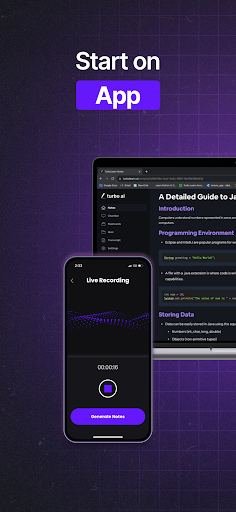
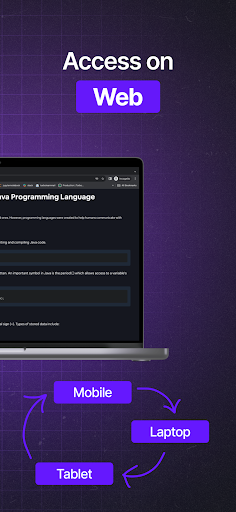
Never worry about losing your notes or being confined to one device. Turbolearn supports cross-platform synchronization, ensuring your notes are accessible across both the app and website. Whether you create notes on your smartphone during a commute or review them on your laptop at home, the experience remains smooth and uninterrupted. Additionally, on-the-go features like voice notes make capturing ideas quick and easy, further enhancing your productivity.
Organization Made Easy with Folders and Sharing
Keep your notes well-organized with customizable folders, categorizing your study materials by subject, project, or priority. The sharing feature allows you to effortlessly distribute your notes with classmates, colleagues, or students, facilitating collaborative learning and teamwork. This level of organization and shareability makes Turbolearn a comprehensive tool for both personal use and group projects.
Security and Personalization for a Tailored Experience
Security is a priority for Turbolearn. The app employs robust encryption methods to ensure your data remains private and protected. Moreover, users can personalize their experience by adjusting themes, font sizes, and other interface settings, making note-taking not just productive but also enjoyable and aligned with individual preferences.
Why Choose Turbolearn? Our Verdict
Positioned as a superior alternative to tools like Coconote, Wave AI, Mindgrasp, and Study Fetch, Turbolearn - AI Note Taker combines smart AI-powered features with ease of use, cross-platform accessibility, and robust security. Whether you're a student looking to streamline your study process or a professional needing efficient meeting notes, this app adapts to your needs and enhances your organizational skills. Dive into Turbolearn today and experience a smarter way to manage your notes—your future self will thank you.
Pros
- Integrates seamlessly with popular note-taking applications.
- Provides accurate real-time note transcription.
- Includes customizable templates for efficient note creation.
- Supports multiple languages for wider accessibility.
- Ensures secure data storage with end-to-end encryption.
Cons
- Limited functionality when offline.
- Requires a subscription for access to premium features.
- May experience occasional lag during real-time processing.
- User interface can be overwhelming for new users.
- Customer support options are limited.











