

Discover the Power of Offscreen Video Recorder: The Ultimate Screen Recording App
Are you looking for a versatile and discreet way to record videos on your device? Look no further than the Offscreen Video Recorder app. Designed for users who want seamless, hassle-free recording, this innovative app allows you to capture videos effortlessly, even when your device screen is turned off or while running other applications. Whether you're documenting important moments, gathering evidence, or creating tutorials, the Offscreen Video Recorder offers unmatched flexibility and convenience, transforming your device into a powerful recording tool.
Key Features That Make Offscreen Video Recorder Stand Out
Discreet Background Recording
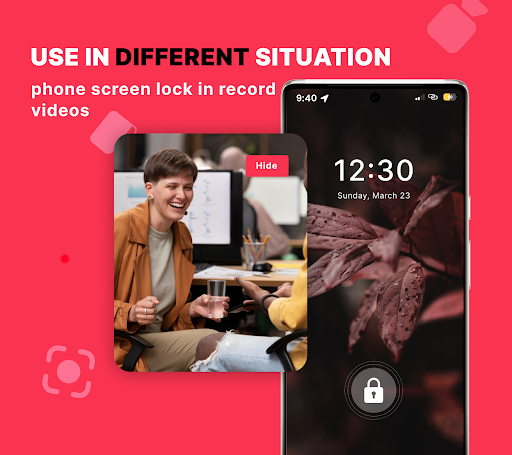
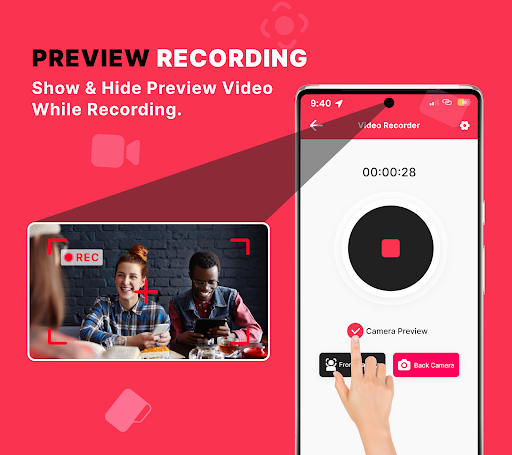
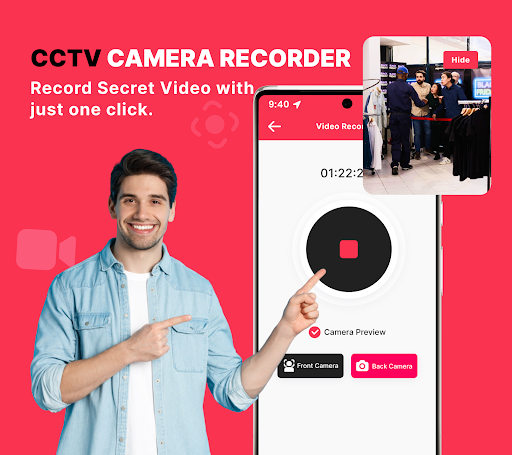
One of the most impressive aspects of the Offscreen Video Recorder is its ability to record videos silently in the background. You can start recording and then switch to other apps or turn off your screen without interrupting the footage. This feature is perfect for capturing sensitive moments, monitoring activities, or creating uninterrupted recordings without anyone noticing.
User-Friendly Interface & Easy Setup
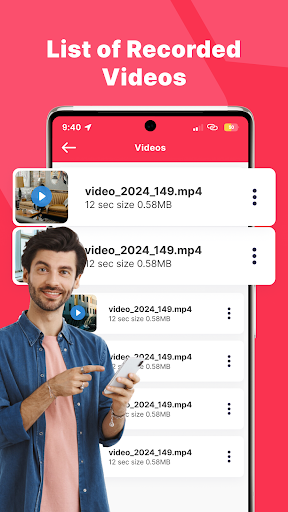
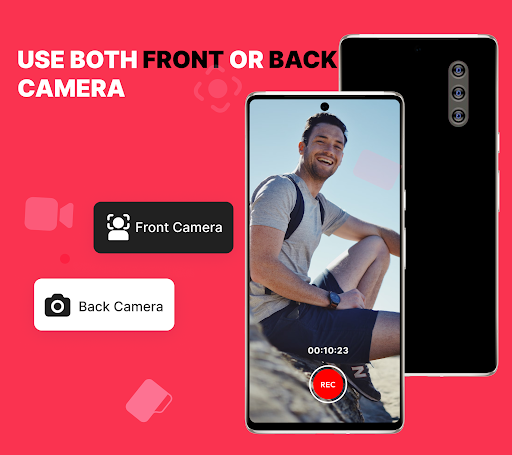
Getting started with this app is a breeze. Its intuitive interface ensures that even users with minimal technical experience can navigate and configure settings effortlessly. You can quickly begin recording with just a tap and set up scheduled recordings for later, which adds an extra layer of convenience to your workflow.
Customizable Recording Preferences
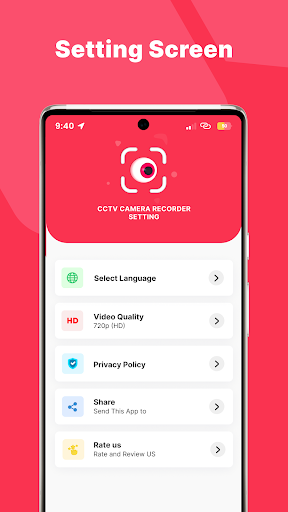
The app offers a range of customizable options, including video resolution, duration, and quality settings. By tailoring these parameters, you can optimize your recordings for different purposes—whether for high-definition footage or conserving storage space. Additionally, a passcode lock feature helps to secure your recordings from unauthorized access.
Recording While Screen Is Off
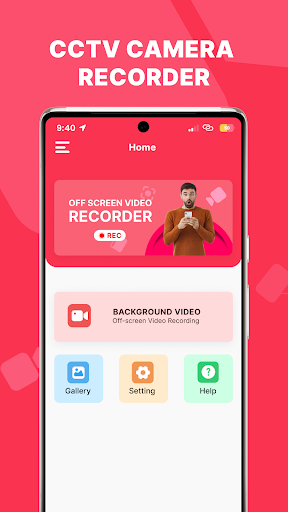
A standout feature of the Background Video Recorder functionality is its ability to capture videos with the screen turned off. This level of flexibility is ideal for discreet documentation, security surveillance, or personal recordings, giving you full control over your recording environment.
Transform Your Device Into a Surveillance System
Background CCTV Video Recorder
Beyond personal use, the app enables your device to function as a surveillance system. With reliable, high-quality video recording, you can monitor your home or office remotely. The app's seamless operation ensures you don’t miss any vital moments, making it an excellent tool for security and safety.
Why Offscreen Video Recorder Is a Must-Have
If you’re seeking a reliable screen recording solution that is quick to set up and unobtrusive during operation, this app ticks all the boxes. Its powerful features, such as background recording, scheduled captures, and security options, make it suitable for a wide range of users—from content creators and gamers to security professionals. Additionally, the app’s lightweight footprint ensures your device's performance remains unaffected, even during prolonged recordings.
Final Thoughts
Overall, Offscreen Video Recorder brings together simplicity and sophistication in a compact package. It offers an efficient way to record videos discreetly, with features that cater to both casual users and professional needs. Whether you need to record tutorials, gameplay, or monitor your property discreetly, this app provides an intuitive experience that doesn't compromise on quality or security. Unlock the full potential of your device and elevate your screen recording with Offscreen Video Recorder—your go-to app for effortless and discreet video capturing.
Pros
- Records in the background seamlessly
- Simple and intuitive interface
- High video quality
- Low battery consumption
- Supports multiple formats
Cons
- Limited editing features
- Ads can be intrusive
- Requires in-app purchases
- Occasional bugs reported
- Limited customer support











