










Introduction to Inoreader: News & RSS Reader
Key Features of Inoreader
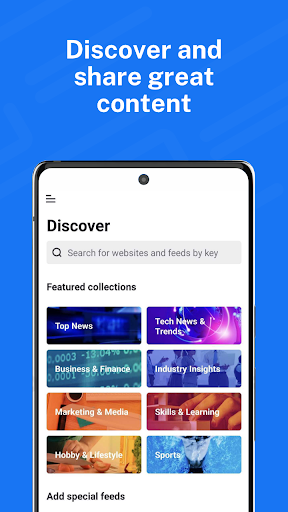
Discover and Share Content Effortlessly
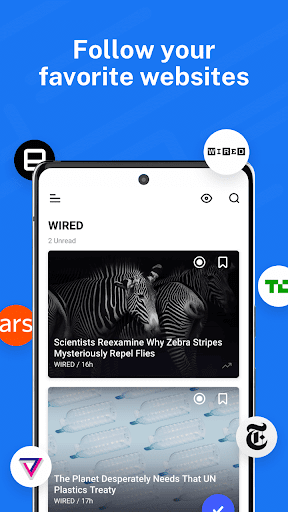
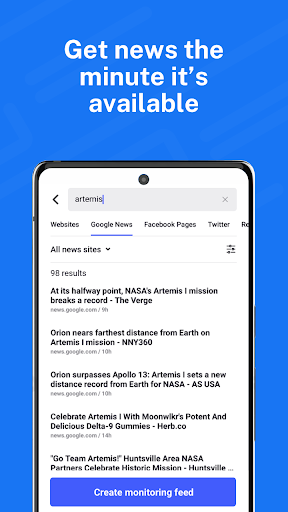
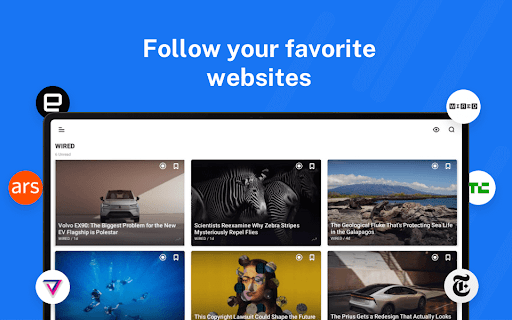
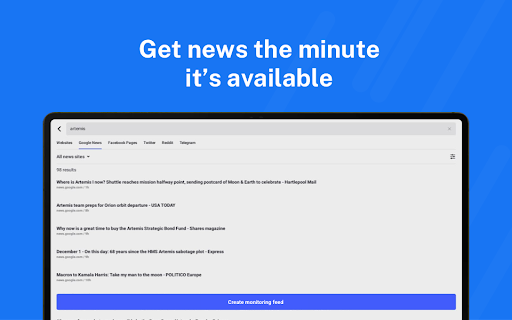
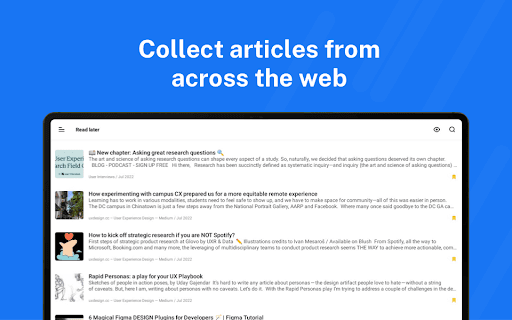
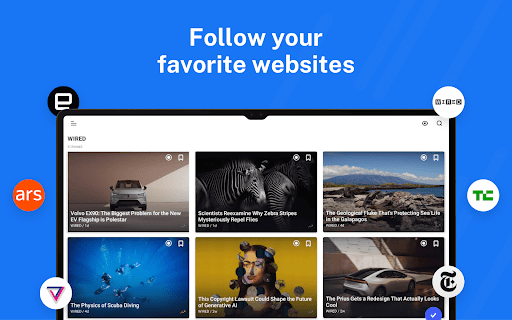
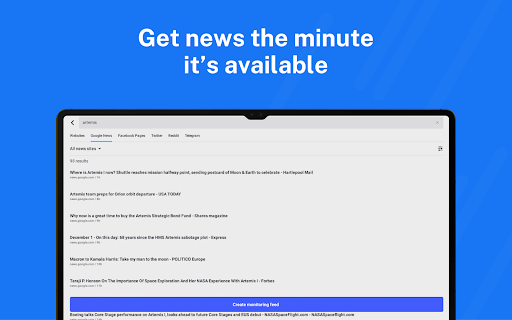
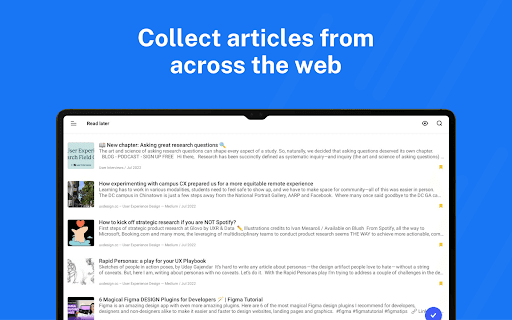
Inoreader lets you subscribe to a limitless number of sources including websites, blogs, newsletters, and social media feeds like Facebook, Reddit, and Telegram channels. You can collect articles from across the web, save them for offline reading, and explore curated collections created by the Inoreader team to highlight the best sources. The app also enables easy sharing across social media and messaging platforms, making content distribution simple and efficient. Stay ahead with real-time updates on breaking news and create dedicated monitoring feeds to track topics or brands that matter most to you.
Personalized Reading and Automation Tools
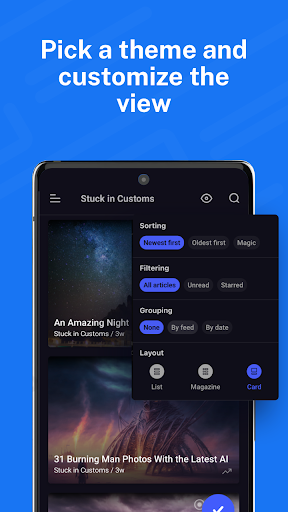
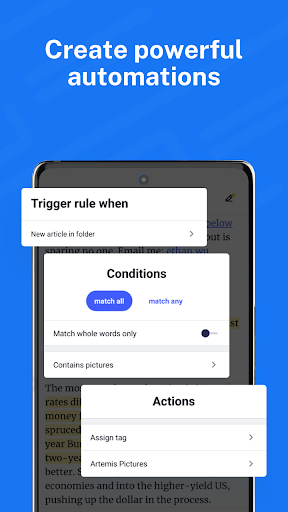
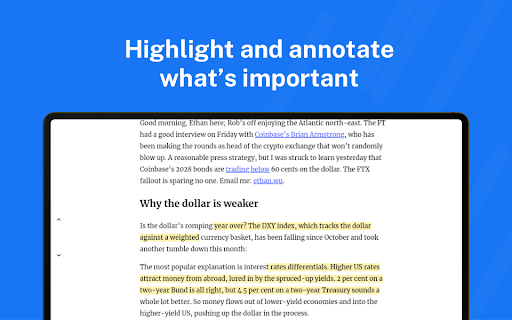
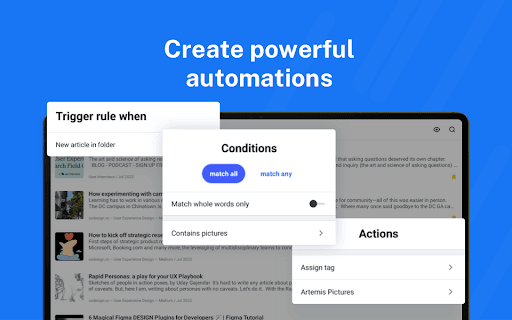
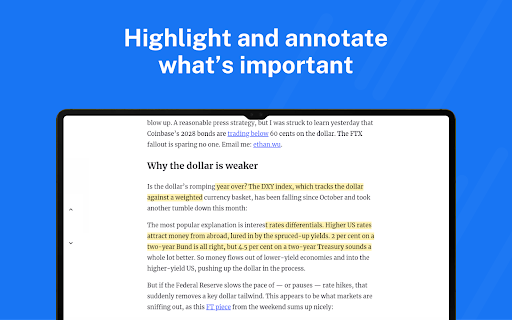
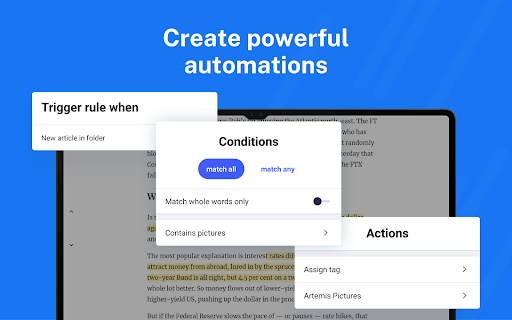
Inoreader offers a highly customizable reading experience. You can tailor layouts and themes to suit your preferences, organize feeds with folders and tags, and annotate important sections for future reference. Highlight keywords to enhance quick scanning and even translate articles into your preferred language without additional extensions. Its automation capabilities allow you to set rules that filter or prioritize content, saving time and effort. Additionally, you can load full articles directly within the app and listen to news updates via text-to-speech features, perfect for on-the-go consumption. Download articles for offline reading or integrate with services like Pocket, Evernote, OneNote, Google Drive, and Dropbox for streamlined content management.
Intuitive Interface and Advanced Search
As praised by WIRED, Inoreader provides a well-designed, user-friendly interface with robust search and discovery options. The search function is powerful enough to find specific articles or explore topics of interest effortlessly. For those who love being organized, the tagging system allows easy categorization and retrieval of saved content.
Subscription Options and Premium Features
The Inoreader Pro subscription unlocks additional features and is available through an annual plan. Subscriptions can be conveniently purchased using credit or debit cards via Google Pay, with automatic renewal unless canceled 24 hours before the current period ends. This premium plan enhances your experience with extra automation, unlimited saves, and advanced filtering options, making it ideal for power users.
Why Choose Inoreader?
Whether you're a casual reader or a news professional, Inoreader caters to all levels with its blend of simple usability and advanced functionality. It enables you to filter out unnecessary content, focus on what truly matters, and stay organized with minimal effort. Its integration with various platforms makes it a comprehensive content curation tool, perfect for creating a personalized news ecosystem.
Recognized by CNET and Zapier as one of the most feature-rich RSS readers, Inoreader provides everything you need to stay ahead of the curve. Its keyword highlighting, full-content loading, offline access, and automation tools make it a standout choice in the crowded field of news aggregation apps. Most importantly, it helps combat media burnout by filtering out social media overload and delivering quality, relevant content directly to you.
Conclusion
Pros
- Highly customizable user interface.
- Supports a wide variety of feeds.
- Provides offline reading mode.
- Connects seamlessly with other applications.
- Delivers fast and responsive performance.
Cons
- Premium features require a subscription.
- Initial setup may be confusing.
- Limited functionality in the free version.
- Occasional synchronization issues reported.
- Contains advertisements in the free version.











