

ComEd Mobile App: Simplifying Energy Management
The ComEd app offers a free and convenient way for customers to stay connected with their energy accounts right from their smartphones or tablets. Whether you're a residential customer looking to monitor your household energy consumption or a business seeking efficient management of multiple accounts, this application provides a comprehensive platform to handle all your needs seamlessly. Designed for both Android and iOS devices, the app combines user-friendly features with powerful tools that help you stay in control of your energy usage and billing details.
Key Features of the ComEd App
The advanced capabilities integrated into the ComEd app make energy management straightforward and accessible. Among its outstanding features are:
- Easy sign-in using fingerprint authentication or the "keep me signed in" option for quick access.
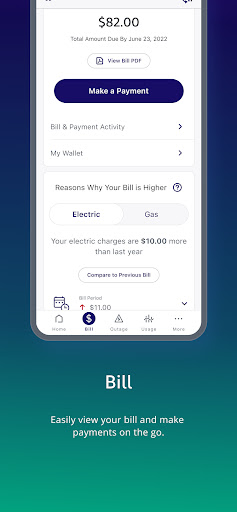
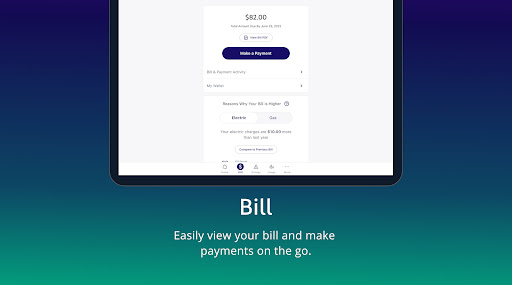
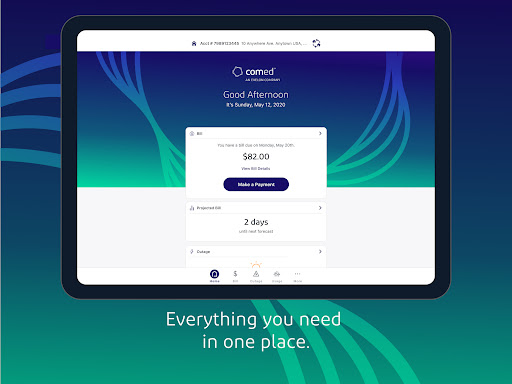
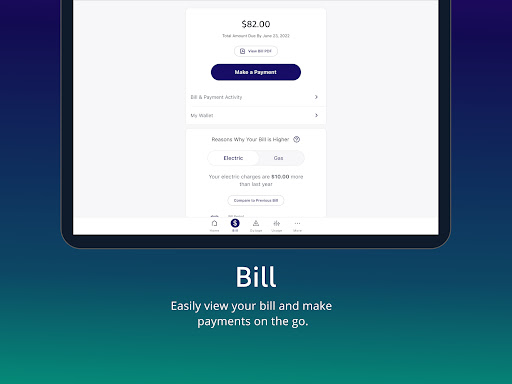
- Effortless bill payments with flexible options tailored to your preferences.
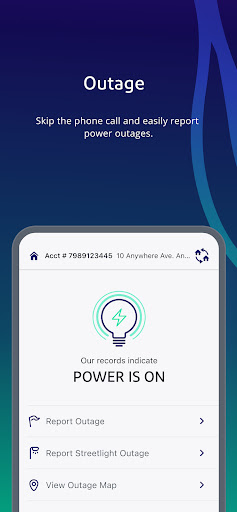
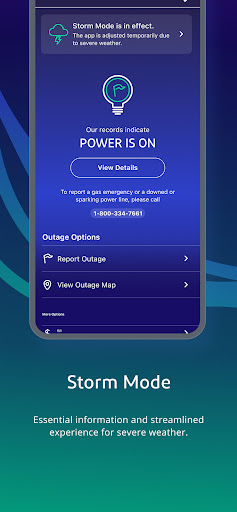
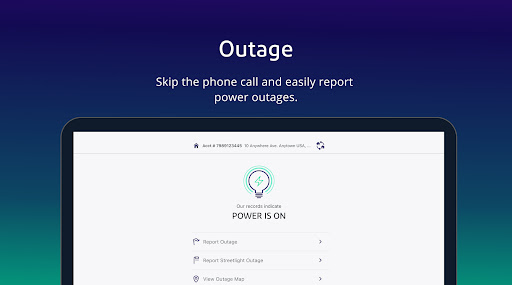
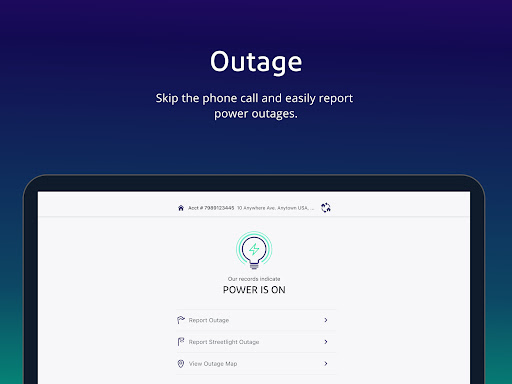
- Report outages instantly, ensuring prompt assistance without needing to sign in each time.
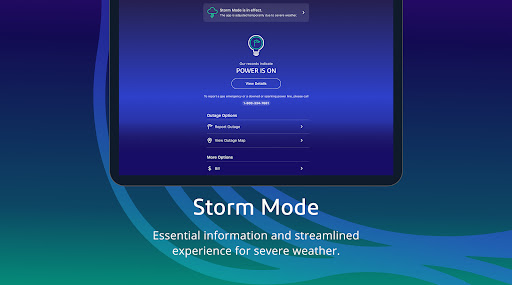
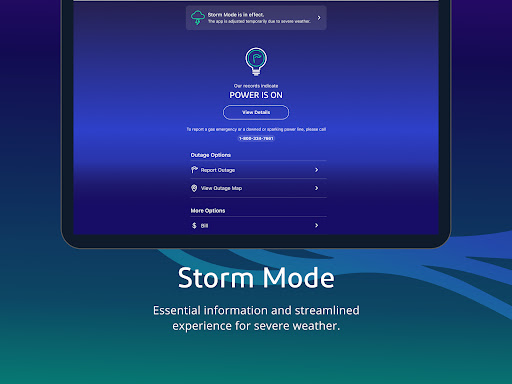
- Real-time outage status updates to keep you informed about restoration progress.
- Interactive outage map displaying affected areas for transparent communication.
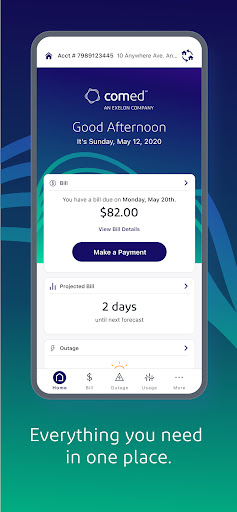
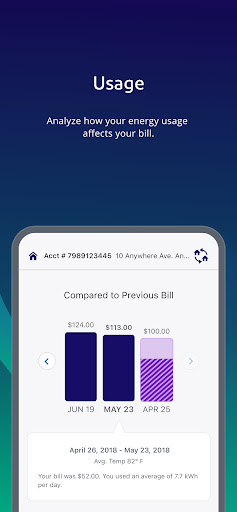
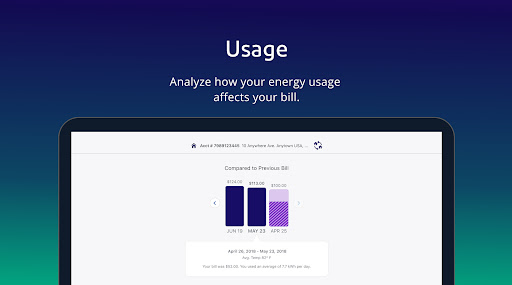
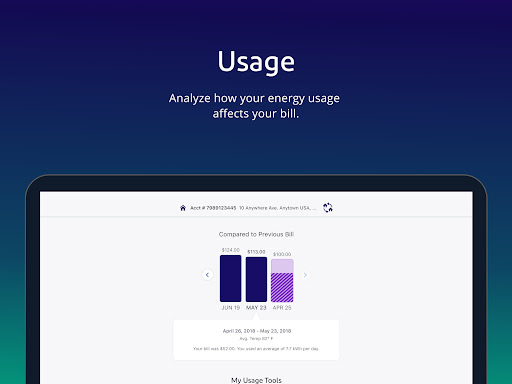
- Access your current bill and view detailed usage data trends to monitor consumption patterns.
- Check your account balance and recent activity for better financial oversight.
- Manage AutoPay and Budget Billing settings to plan your payments efficiently.
- Option to report outages without signing into your account for quick action.
- View usage history and compare different billing periods to track energy saving efforts.
- Preview your bill forecast and set up notifications for outage updates, upcoming payments, and bill availability.
- Participate in the Hourly Pricing program and view hourly rate information to optimize energy costs.
Enhancing Your Energy Management Experience
Using the ComEd app, users gain more than just basic account access. It’s like having a personal energy advisor right in your pocket, empowering you to make informed decisions about your energy consumption. The intuitive design ensures that even users with limited tech experience can navigate through various functionalities effortlessly.
As a bonus, the app offers detailed usage data and trends analysis, helping you identify patterns and opportunities to reduce energy waste. For instance, if you have solar panels, the app provides insights into your energy generation versus consumption, aiding in maximizing renewable energy benefits.
Notifications alert you about important updates such as bill due dates, outage status changes, and upcoming payments—keeping you informed and helping avoid late fees or prolonged outages. The support feature allows for direct chat with customer service agents, ensuring prompt assistance on any issues.
Why Download the ComEd App?
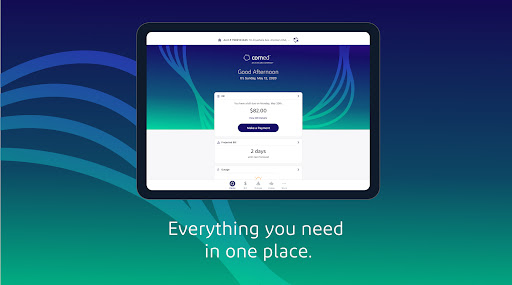
The ComEd app is more than just a utility management tool; it’s a comprehensive platform designed to help you save energy, time, and money. Whether you want to track your usage, pay bills quickly, or stay updated on outages, this app consolidates all functionalities into a simple, accessible interface.
If you're someone who values control over your energy expenses and seeks to adopt more sustainable practices, the ComEd app is an ideal companion. It simplifies complex tasks, offers valuable insights through usage trends and forecasts, and enhances communication with your energy provider—all from a single platform.
So, why wait? Download the ComEd app today and start transforming the way you manage energy. Stay connected, save money, and make smarter choices about your electricity consumption—effortlessly.
Pros
- User-friendly interface enabling easy navigation
- Provides real-time outage updates and alerts
- Offers convenient bill payment options
- Includes detailed energy consumption reports
- Features customizable notifications for account alerts
Cons
- Limited functionalities for non-residential users
- Reports occasional app crashes
- Requires a stable internet connection
- Customer support availability is limited
- Some features may be difficult to locate











