


Introduction to the Security Camera App
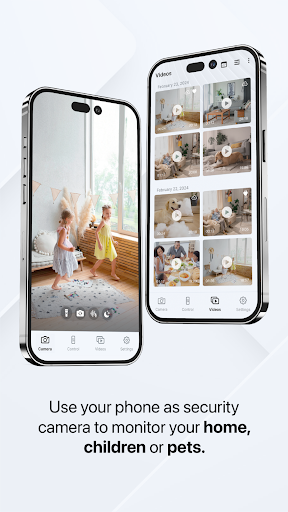
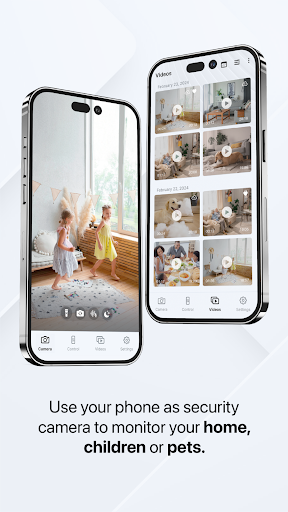
Are you looking for an easy and cost-effective way to enhance your home security? The Security Camera App transforms your smartphone into a reliable surveillance device, allowing you to monitor your home, children, or pets seamlessly. With a range of powerful features, this app offers a smart solution for DIY security without the need for dedicated hardware. Whether you want to keep an eye on your living space while away or ensure your loved ones are safe, this app delivers peace of mind with minimal setup effort.
Key Features of the Security Camera App
This innovative app packs a multitude of functionalities designed to help you enhance your home safety and security effortlessly:
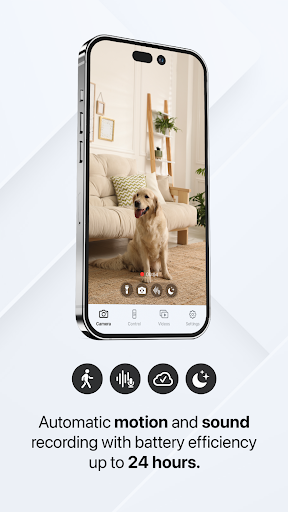
• Automatic motion and sound recording
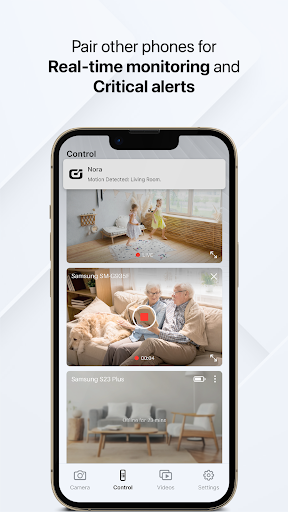
• Real-time control and monitoring
• Encrypted data and connection
• Sync and access your videos on all devices
• Automatic notifications and alerts
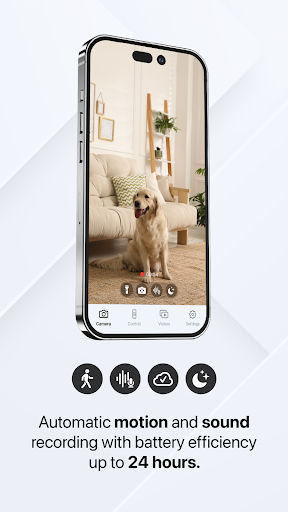
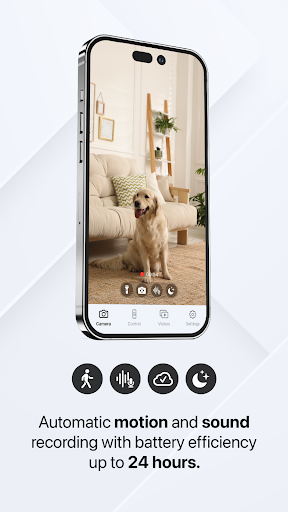
• Battery efficiency of up to 24 hours
• Switch between front and rear camera
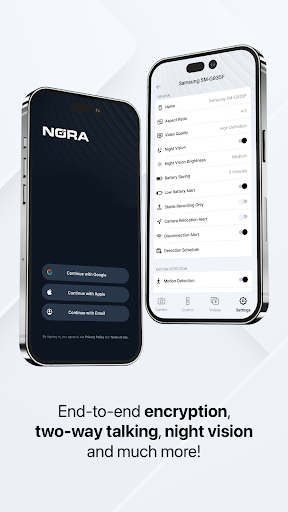
• Night vision
• Flashlight feature
• Adjustable detection zones and schedules
• Zoom functionality on camera
• Remote control of other phones
• Two-way audio communication
• Enhanced AI detection (early access)
Automatic Recording for Peace of Mind
One of the standout features is the automatic motion and sound recording. When movement occurs within the camera’s view, the app instantly captures video footage using your phone’s front or rear camera. All videos are securely stored locally and uploaded to encrypted cloud storage, ensuring that your recordings remain private. You can access these clips remotely from any connected device, providing reliable surveillance even if your primary device is offline. This feature is especially convenient as it requires no pairing process and works well on devices without constant internet connectivity, making it suitable for a variety of home setups.
Real-Time Monitoring and Instant Alerts
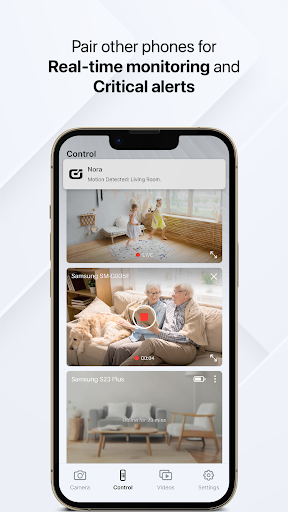
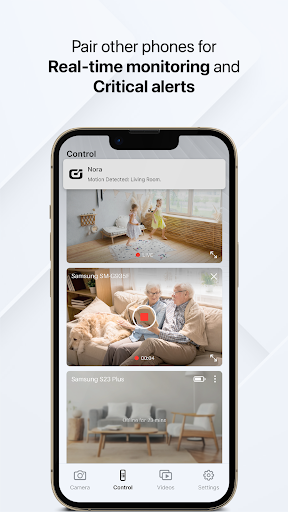
Stay connected with live streaming capabilities that let you view your camera feed in real-time. Whether you’re at work or on the go, you can monitor your home directly from your smartphone or tablet. The app also pushes instant notifications whenever motion or sound is detected, alerting you to possible security breaches or other critical events. Custom detection zones and schedules mean you can fine-tune the app to focus only on areas that matter most, reducing false alerts triggered by everyday movements like moving curtains or pet activity.
Enhanced Privacy, Security, and Stability
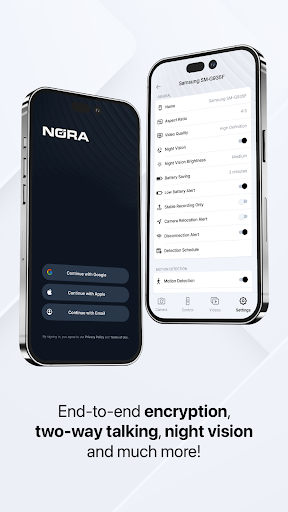
Security and privacy are top priorities. The app employs end-to-end encryption to secure your data, ensuring only you can access your recordings and control your device. Additionally, the app offers robust stability and reliability, supporting offline operation and cellular network connectivity. This independence from Wi-Fi or power disruptions makes it a dependable choice for around-the-clock security. Connecting up to 10 devices—including phones, tablets, and desktop browsers—allows comprehensive multi-device management, giving you flexibility in monitoring your property.
Customization and AI Features
You can tailor the app to suit your specific needs by scheduling recording hours and customizing detection zones. Moreover, enhanced AI recognition (beta) provides advanced motion detection capabilities, shape recognition, and improved performance efficiency. These AI-powered features help reduce false alarms and enable smarter security alerts, giving you early access to the latest innovations in home surveillance technology.
User Experience and Final Thoughts
Setting up the Security Camera App is straightforward—even for non-tech-savvy users. A simple installation process guides you through connecting to Wi-Fi and configuring detection settings. The app’s clean and intuitive interface provides a smooth user experience, making it easy to monitor your home remotely. The ability to repurpose an old smartphone as a security device offers an economical solution for DIY enthusiasts seeking added peace of mind. Keep in mind, for optimal performance, your device should be plugged in to avoid battery drain, and a stable internet connection is recommended for real-time alerts and remote access.
Conclusion
Overall, the Security Camera App combines powerful features with ease of use to create an effective home security solution. Its flexible setup, robust encryption, and innovative AI detections make it a top choice for homeowners wanting a DIY security system. By turning your spare smartphones into surveillance devices, this app offers a cost-efficient method to safeguard your property and loved ones, providing peace of mind at an affordable price.
Pros
- Easy to set up and configure.
- High-quality video streaming.
- Real-time alerts and notifications.
- Supports multiple camera connections.
- User-friendly interface.
Cons
- Requires stable internet connection.
- Subscription needed for cloud storage.
- Limited free features.
- Potential privacy concerns.
- Occasional app crashes.











