





Overview of TV Cast - Cast for Chromecast
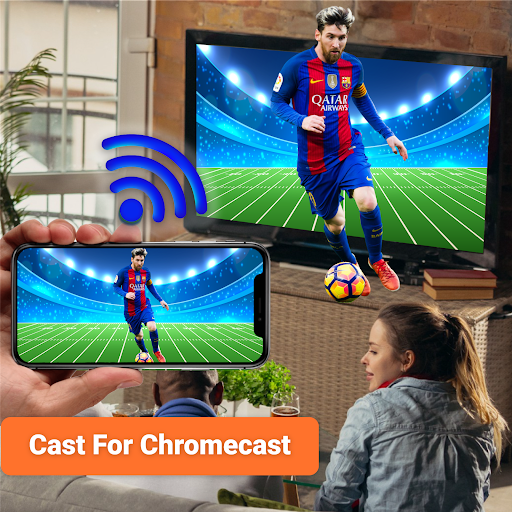
Imagine a world where you can effortlessly stream your favorite videos, photos, and music directly from your smartphone to a Chromecast-enabled TV or other smart devices—no more tangled HDMI cables or complicated setups. TV Cast - Cast for Chromecast is the ultimate solution that transforms your mobile device into a powerful streaming tool, allowing you to enjoy content on the big screen with ease and convenience.
Key Features and Functionality
Easy Screen Mirroring and Casting
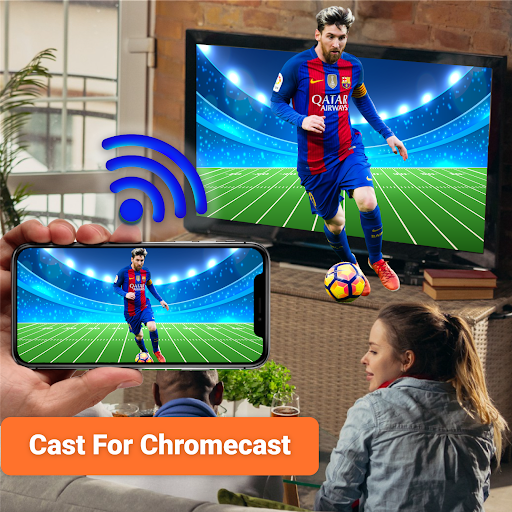
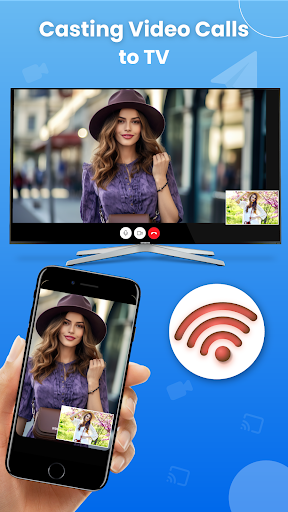
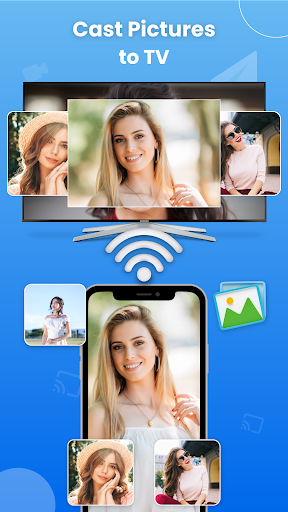
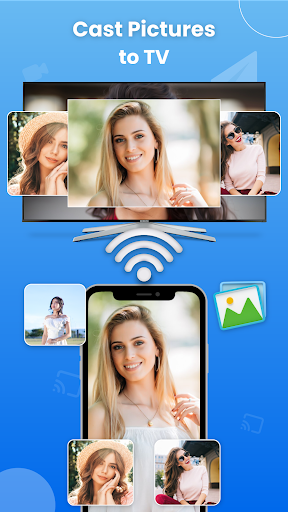
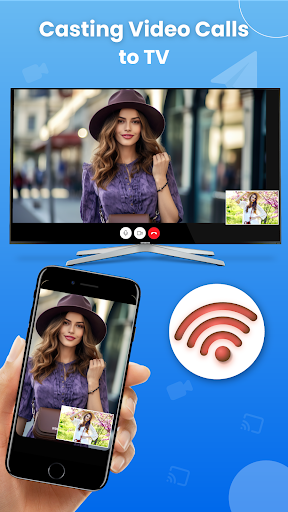
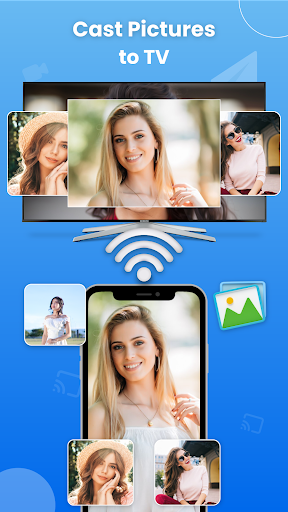
This app provides seamless screen mirroring capabilities, enabling you to project your entire phone screen onto your TV, whether it’s a Roku, Fire TV, Samsung, LG, or other smart TV. By simply connecting your devices to the same Wi-Fi network, you can instantly enable live screencast. Whether you want to share photos, videos, or even browse the web on a larger display, TV Cast - Cast for Chromecast makes it straightforward.
Supports Multiple Media Types
Not just limited to videos and photos, this app supports an extensive range of media formats including audiobooks, PDFs, and E-books. This versatility makes it ideal for entertainment, work, or educational purposes, delivering high-quality HD streaming for all your media needs.
Web Browsing and Live Streaming
One of the standout features is the ability to cast your web browser to your TV. Stream live sports, watch movies, or catch up on TV shows directly from the internet, all on the big screen. This feature enhances your viewing experience and transforms your TV into an internet-enabled media hub.
Device Compatibility and Remote Control
The app supports casting to a wide array of devices including Chromecast, Roku, Fire TV, Samsung Smart View, LG, Xbox, and more. Additionally, it allows remote control access, so you can adjust volume, switch channels, or control playback directly from your smartphone.
Cast Phone-to-Phone and Multi-Device Sharing
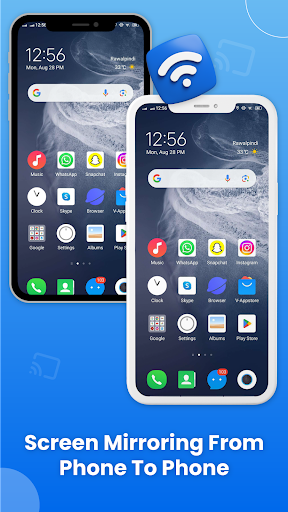
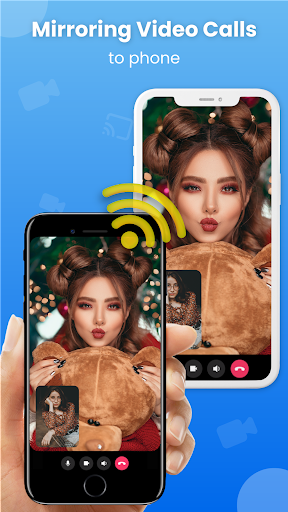
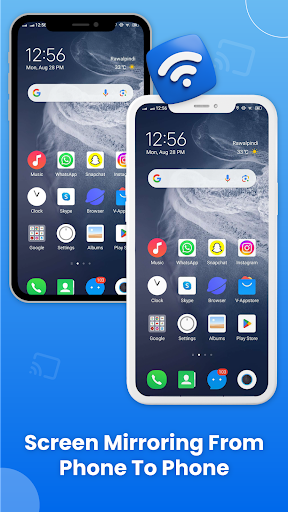
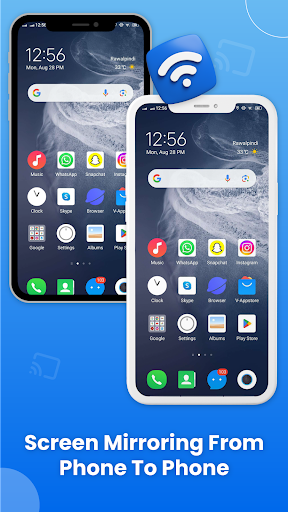
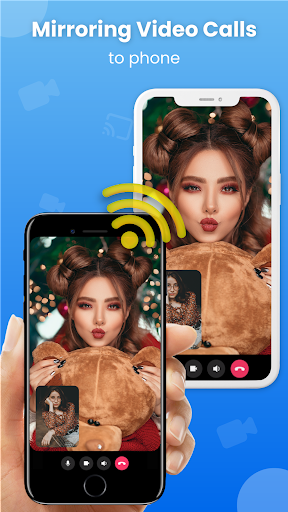
Want to share your screen with another phone? The app includes Cast Phone to Phone features, making it easy to mirror content between two mobile devices or allow remote camera access for video chatting or security monitoring. It’s an all-in-one solution for media sharing.
How to Use and Supported Devices
Getting started is simple: connect both your smartphone and your target device (TV, Chromecast, etc.) to the same Wi-Fi network. Launch the TV Cast - Cast for Chromecast app, tap the cast button, and enjoy instant streaming. The app supports a broad range of devices including Fire Stick TV, DLNA receivers, and smart TVs from brands such as Samsung, LG, Sony, and Philips, among others.
Why Choose TV Cast - Cast for Chromecast?
Whether you're streaming your favorite movies, sharing holiday photos, or gaming on a larger screen, TV Cast - Cast for Chromecast is designed to deliver reliability, high performance, and an intuitive user experience. Its ability to block ads during streams ensures an uninterrupted viewing session, which adds to the overall satisfaction. The app’s customizable settings, such as video quality and playback speed, allow you to tailor your streaming experience to your preferences.
Summary
In summary, TV Cast - Cast for Chromecast offers a comprehensive and user-friendly way to cast media and mirror your Android device to a variety of smart TVs and streaming devices. It simplifies the process of sharing content on a large screen, supports multiple media formats, and provides remote control features for an enhanced entertainment experience. If you’re looking to upgrade your TV nights and enjoy effortless streaming, this app is an excellent choice for both casual users and tech enthusiasts alike.
Pros
- Simple setup process.
- Supports a variety of video formats.
- Ad-free experience in the premium version.
- Provides high-quality streaming.
- Compatible with multiple devices.
Cons
- Limited features available in the free version.
- Experience occasional connection interruptions.
- Does not support 4K streaming.
- May lag when handling large files.
- A Chromecast device is necessary.











