

Introduction to Invitation Maker
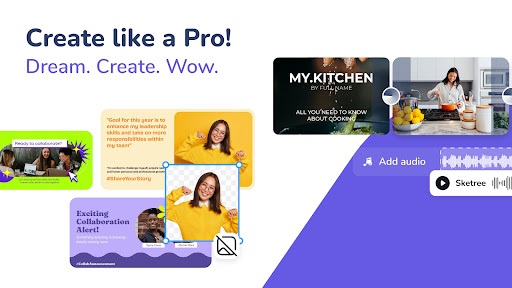
Are you looking for a simple yet powerful way to create stunning invitations for any occasion? Invitation Maker is hailed as the best & easiest invitation maker app that enables users to craft personalized invites effortlessly. Whether you're organizing a wedding, birthday party, baby shower, or corporate event, this app provides a versatile and user-friendly platform to design invitations that truly stand out.
What Makes Invitation Maker Stand Out?
Intuitive and User-Friendly Design
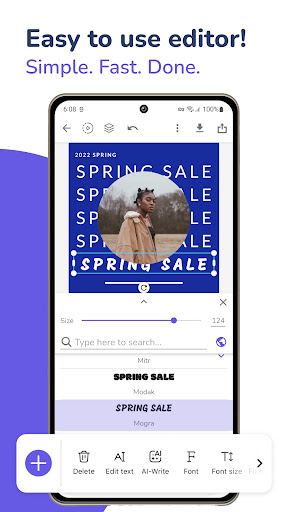
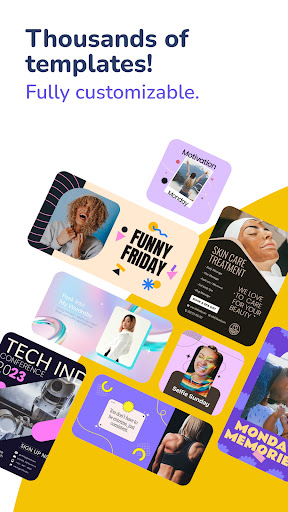
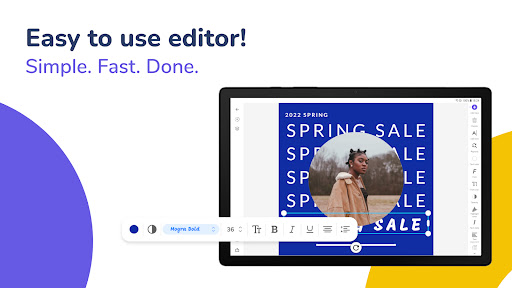
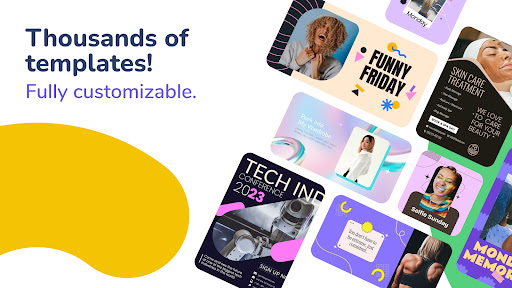
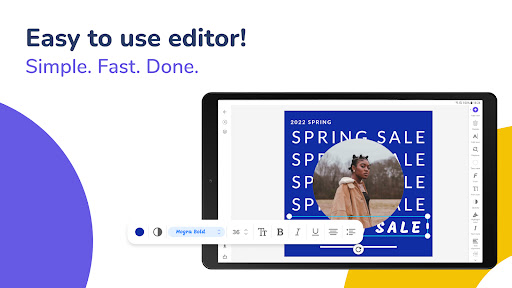
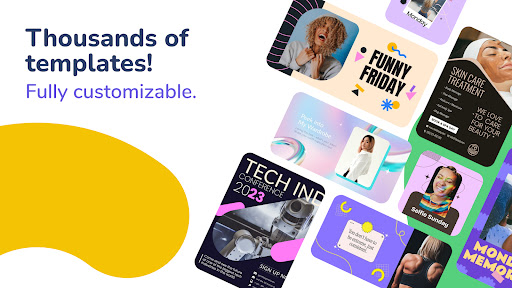
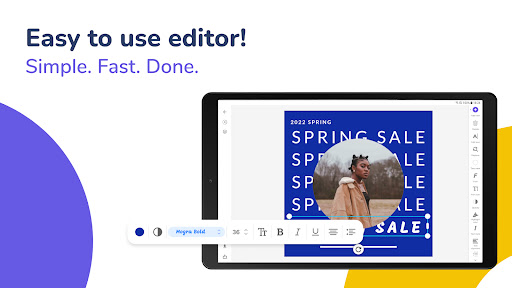
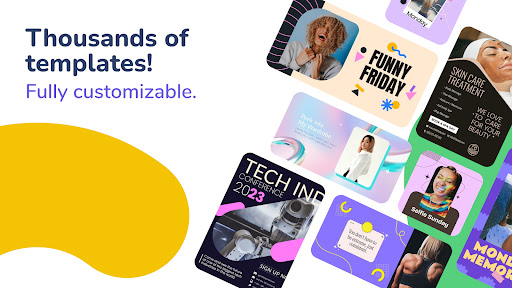
The app features an easy-to-navigate interface, making it accessible for everyone, even if you have zero design experience. With a straightforward process, you can find yourself designing professional-quality invitations in just minutes. The platform offers a vast collection of templates—over 1,000 of them—covering a wide variety of event types. From elegant wedding invites to playful birthday themes, there's a style for every preference.
Rich Customization Options
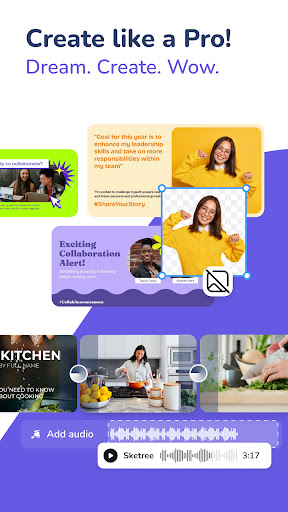
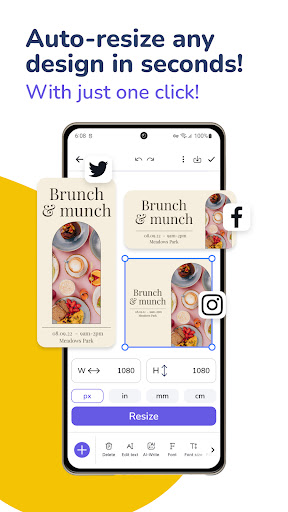
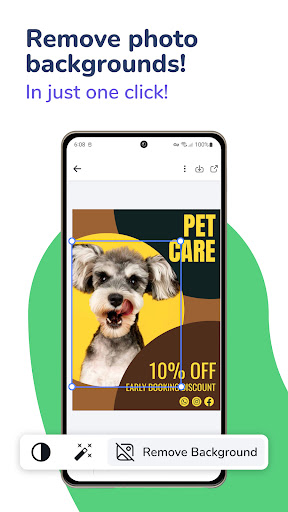
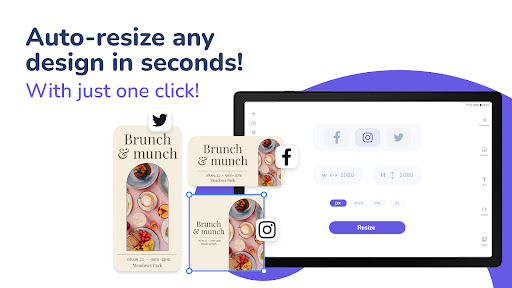
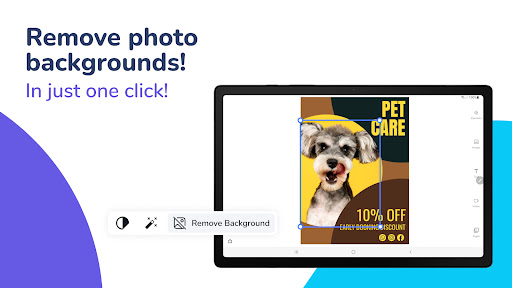
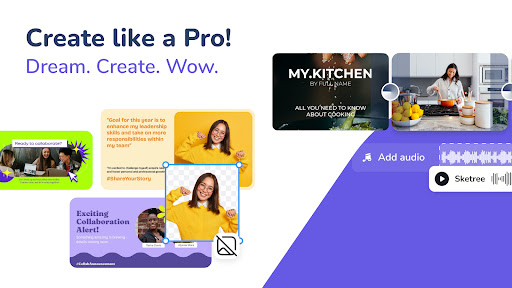
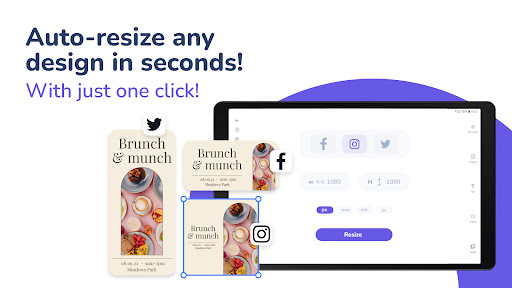
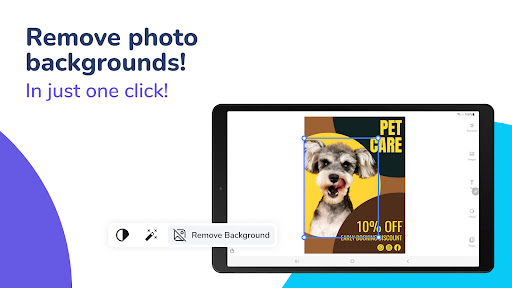
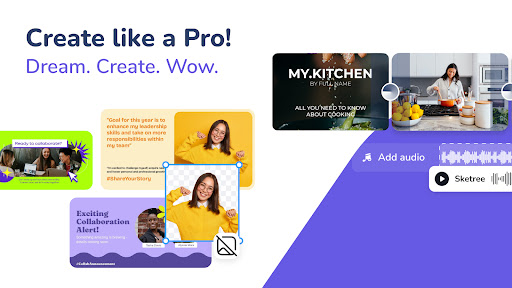
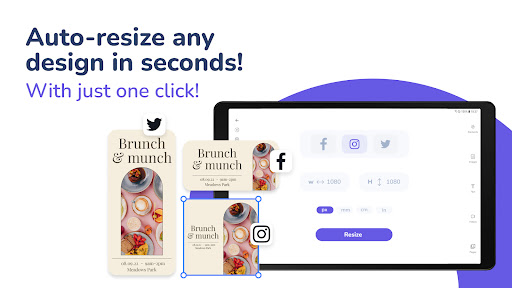
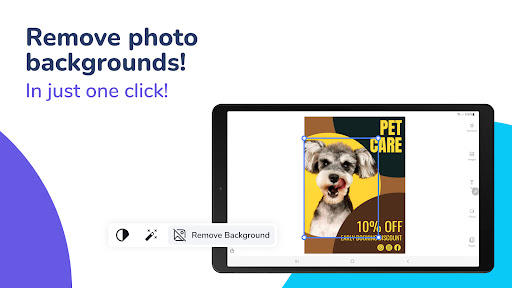
With tools that allow you to modify colors, fonts, images, and layouts, the possibilities are endless. Want to add a cherished photo or include a personalized message? The app makes it simple with a drag-and-drop interface. You can also remove backgrounds from images using AI technology, ensuring your invitation looks polished and professional. Adjusting formats and resizing ensures your invites are perfect for both digital sharing and print.
Powerful Features for Creative Invitations
Extensive Library of Resources
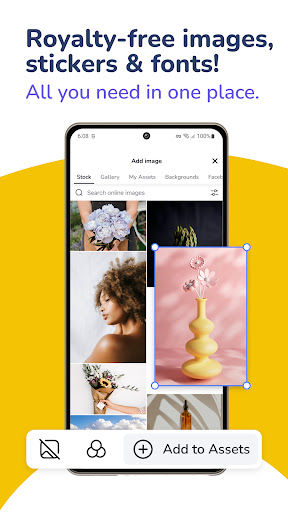
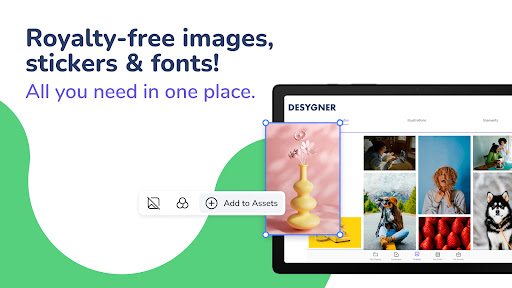
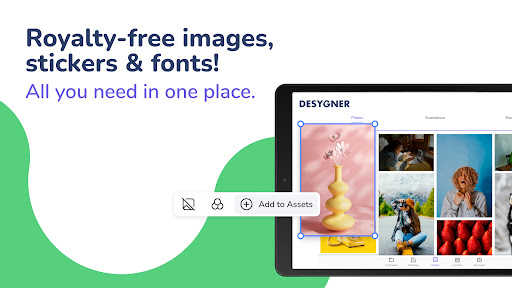
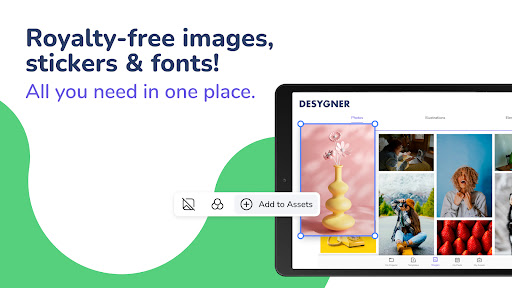
Gain access to millions of royalty-free images, icons, shapes, and fonts. Plus, the app continually updates its collection with on-trend graphics to keep your designs fresh and stylish. This vast library empowers you to customize your invitations to suit any mood or theme.
Seamless Sharing and Exporting
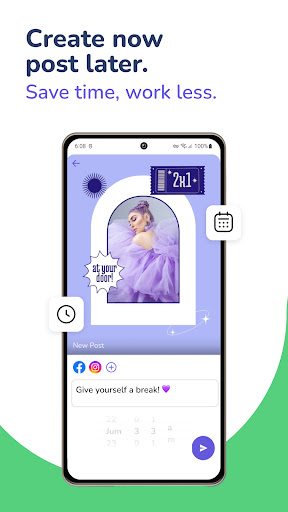
Share your invitations directly through email or social media platforms, or download high-resolution copies suitable for printing. The app ensures your invites are crisp and vibrant for any medium. With a one-click background remover and artistic tools, your creation can be elevated to a new level of professionalism.
Mobile and Cloud Compatibility
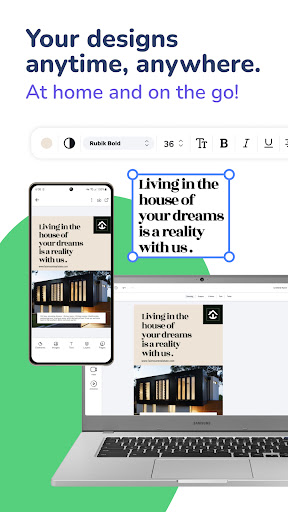
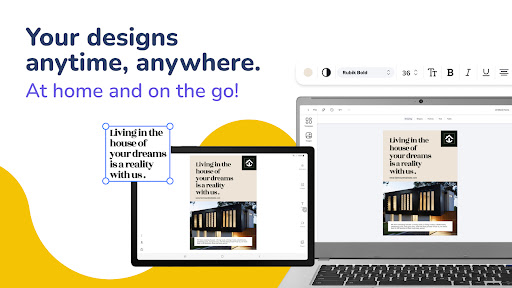
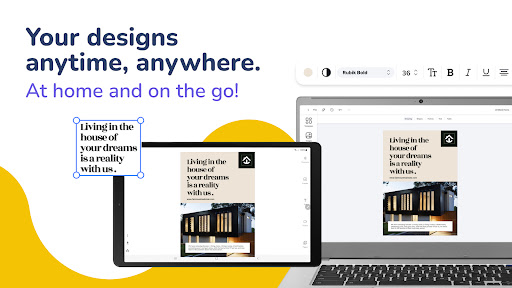
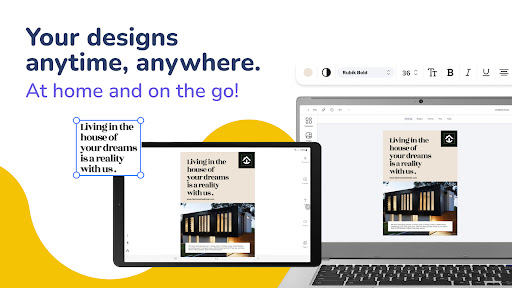
Design on-the-go with a mobile-compatible interface, and save projects to the cloud for easy access across multiple devices. Whether you start designing on your phone or your desktop, Invitation Maker keeps your project synchronized and ready for final touches.
Collaboration and Special Offers
Invite 5 Members for Free
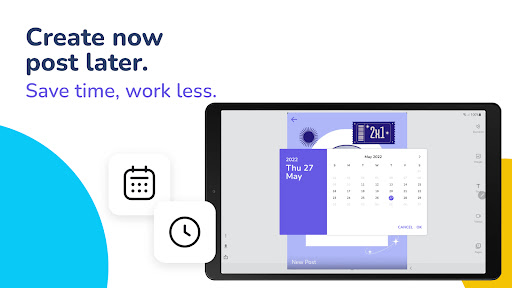
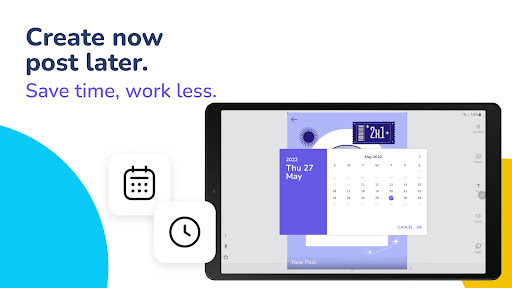
Pro+ users can invite up to five friends, family, or colleagues to collaborate in real-time, no matter where they are. This makes team-based invitations or event planning more efficient. Start a design on mobile and finish it later on a desktop without losing any progress.
Exclusive Access with Desygner Pro+
Upgrade to Desygner Pro+ for unlimited access to a huge variety of professional templates for social media posts, flyers, business cards, and more. Over 33 million users leverage these tools to create stunning, marketing-ready graphics effortlessly.
Why Use Invitation Maker?
Using Invitation Maker transforms the way you approach event invitations. Its rich feature set allows event planners, hosts, and individuals to craft invitations that leave a lasting impression. The ease of use, combined with advanced features like AI editing and extensive template collections, makes it the ideal solution for creating professional, memorable invitations quickly. Whether you're preparing for a wedding, birthday, or corporate event, this app offers everything you need to produce visually appealing and personalized invitations.
Pros
- User-friendly interface suitable for beginners.
- Includes a wide selection of templates.
- Easily customizable text and visuals.
- Compatible with multiple file formats.
- Enables sharing directly from the application.
Cons
- Features are limited in the free version.
- Reports of occasional app crashes.
- Advertisements may disrupt the user experience.
- Certain templates require purchase.
- Offline mode is not supported.










