






Introduction to the Video Background Changer App
Are you looking for an easy way to enhance your videos by changing their backgrounds effortlessly? The Video Background Changer app is a versatile and user-friendly tool designed to meet this need. Whether you're a social media enthusiast, a content creator, or someone who simply enjoys crafting engaging videos, this app provides innovative features that make background editing simple and fun. With its intuitive interface and powerful AI capabilities, the video background changer enables you to replace dull or unwanted backgrounds with stunning images, videos, or creative colors—all in real-time or during editing.
Key Features of the Green Screen Effect & Video Background Changer
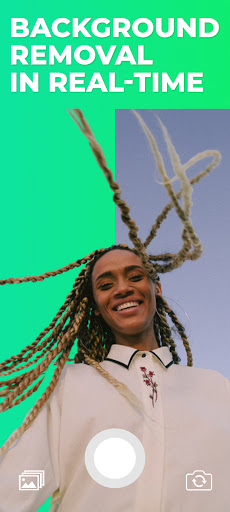
The Green Screen Effect & Video Background Changer is renowned for its groundbreaking ability to modify your camera video background in real-time. This app is entirely free and packed with impressive features such as:
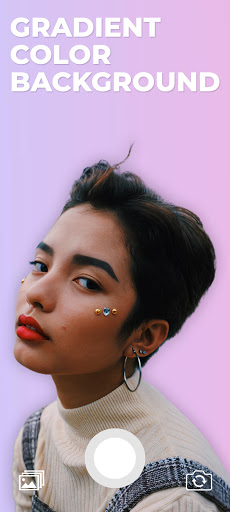
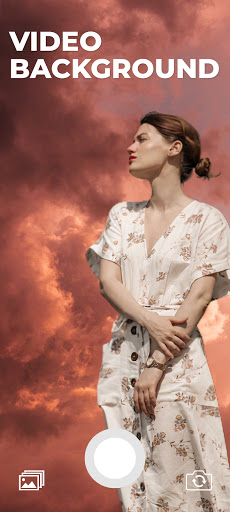
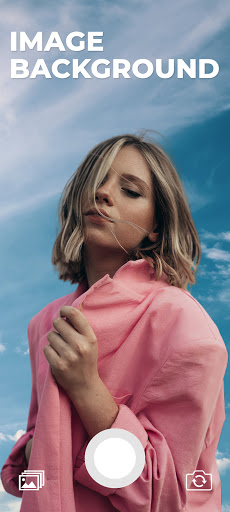
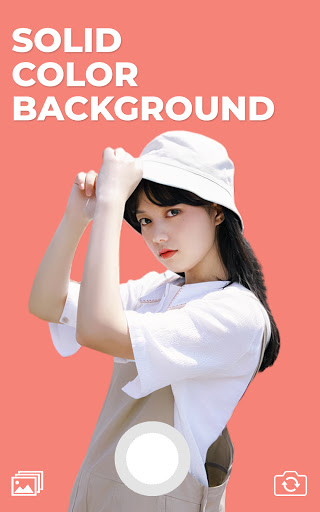
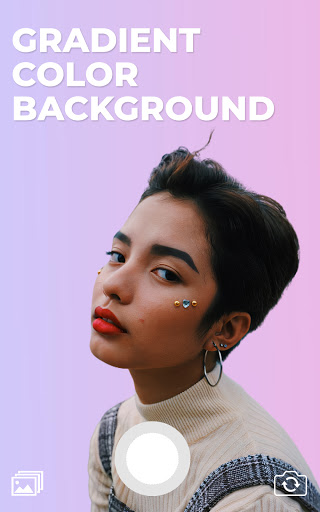
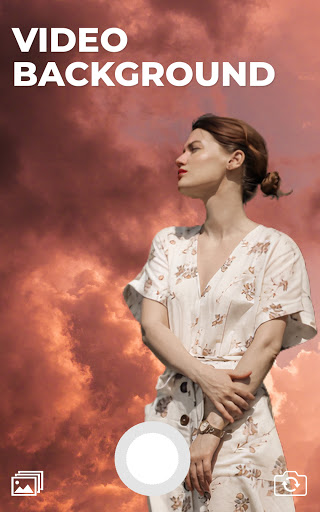
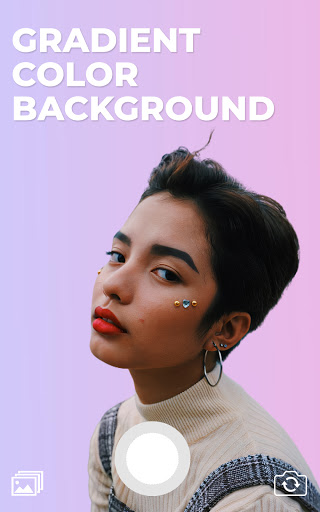
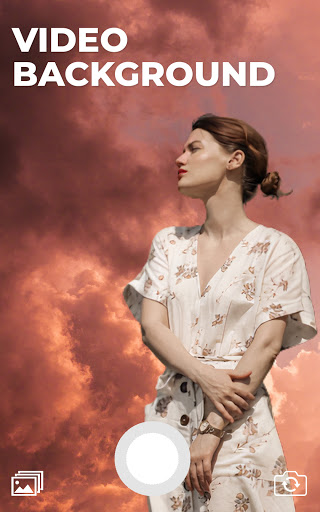
- Change video background with a solid color, gradient, image, or video
- Access to thousands of colors and customizable gradient options
- Import backgrounds from your gallery, including images and videos
- Support for both front camera (selfie mode) and back camera, with a quick switch
- One-tap functionality to save images or hold-tap to record videos
Understanding the Green Screen Effect
So, what exactly is a green screen? This technique involves using a specific color filter—commonly green—to allow background substitution in videos. Courtesy of the digital magic of chroma keying, creators can insert virtually any background behind their subjects, reminiscent of superhero movies or professional studios. The green screen effect not only adds a professional touch to your videos but also offers endless creative possibilities.
How to Use the Green Screen Effect
Using the green screen feature is remarkably straightforward:
- Open the green screen effect app.
- Tap on the plus button to start a new recording.
- The app will automatically activate your camera, and you'll see the background removed in real-time.
- From the bottom left corner, tap on the background icon to select your preferred background, such as a color, gradient, image, or video.
- You can then save your creation as an image or hold your tap to record a video.
Why Choose Video Background Changer for Your Content Creation
Have you ever wanted to modify a video background but found traditional software too complicated or time-consuming? Video Background Changer offers a solution that combines simplicity with powerful features. Designed for both casual users and social media enthusiasts, this app transforms your videos with minimal effort and maximum creativity.
Ease of Use and Performance
The app boasts an intuitive interface that guides users through every step, from selecting videos to customizing backgrounds. Its AI technology adeptly detects moving subjects and separates them from the existing background to produce smooth transitions. While occasional minor imperfections may occur—especially with challenging lighting or close shot subjects—these rarely interfere with the overall quality. Processing speed is swift, ensuring you won't wait long for your edits.
Endless Creative Possibilities
Whether you want to add a lively background, a virtual set, or a fun backdrop for social media content, this app provides a plethora of options. The ability to insert both static images and dynamic videos behind your subjects opens up a world of creative opportunities. Plus, with a variety of colors and gradients, personalizing your videos becomes as simple as selecting your favorite option.
Final Thoughts
If you're seeking an easy-to-use and powerful video background changer to elevate your video content, this app is an excellent choice. It seamlessly combines real-time green screen effect capabilities with simple editing tools, making professional-looking videos accessible to everyone. Perfect for social media posts, personal projects, or just having fun, the green screen app unlocks your creative potential in an efficient and enjoyable way. Give it a try, and start creating more engaging, visually stunning videos today!
Pros
- User-friendly interface
- Supports multiple video formats
- Produces high-quality output
- Fast processing speed
- Offers background templates
Cons
- Restricted free version
- Occasional application crashes
- Ads present in free version
- Needs internet connection to operate
- Limited set of editing tools











