




Introduction to Trace Drawing-Sketch and Paint
Are you an aspiring artist eager to enhance your drawing skills or explore the world of digital art? Trace Drawing-Sketch and Paint is a user-friendly mobile application designed to make art creation accessible and enjoyable for everyone. Whether you're a beginner or a seasoned pro, this versatile drawing app offers powerful features like tracing, sketching, coloring, and painting, all within an intuitive platform that encourages creativity at your own pace.
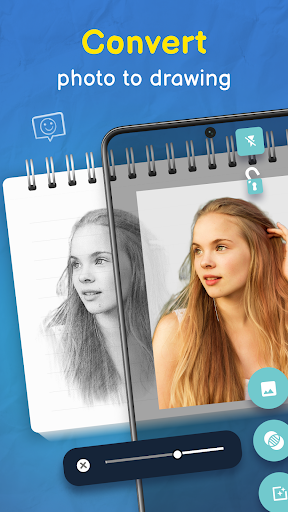
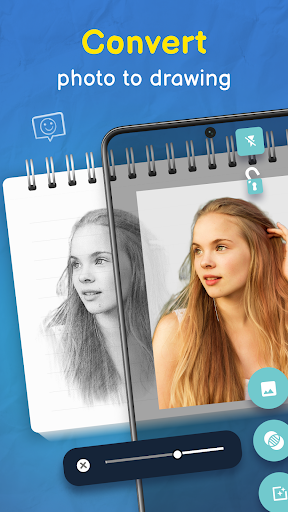
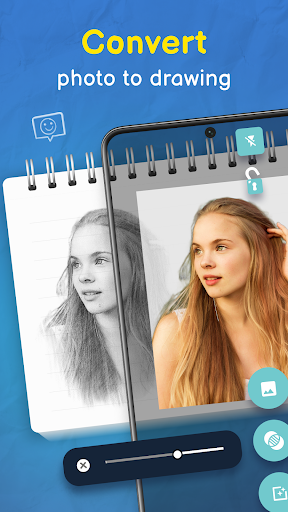
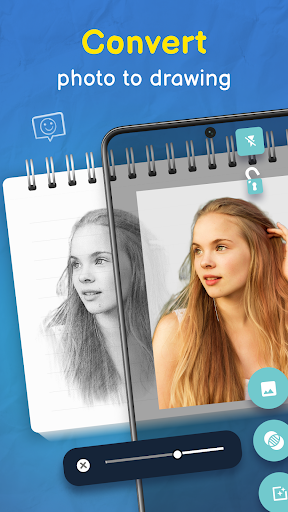
Unlike complex graphic design software, Trace Drawing Sketch and Paint simplifies the process of creating digital art. Its core focus is on providing an easy and fun experience—no pressure, just pure creativity. You can transform your favorite photos into traceable sketches, perfect for practicing or developing your personal style. The app’s advanced technology ensures precision and quality, letting you produce stunning artwork by simply tracing or sketching your images with minimal effort.
From broad landscapes to intricate portraits, the app's tools help you bring your artistic visions to life effortlessly. With its support for various surfaces and compatibility with both Android and iOS devices, Trace Drawing-Sketch and Paint opens up a world of artistic possibilities. Whether you want to learn the basics of sketching or dive into complex illustrations, this app is a perfect companion for nurturing your inner artist.
Key Features of Trace Drawing-Sketch and Paint
Easy Trace with Image Projector
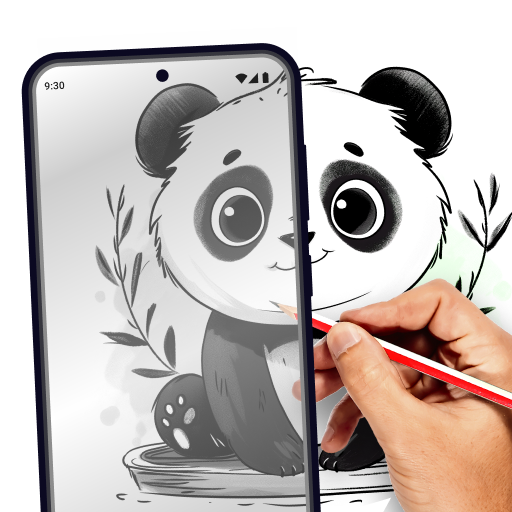
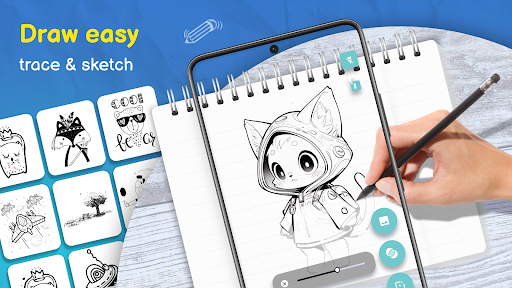
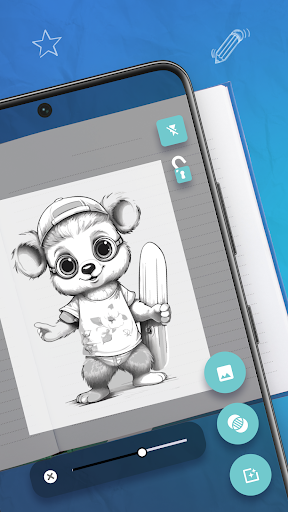
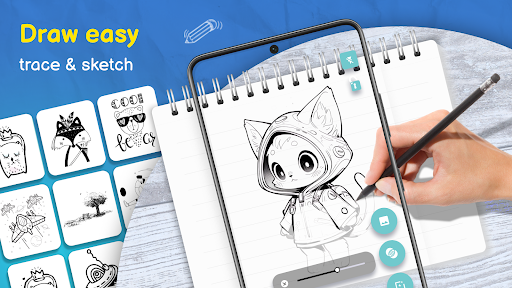
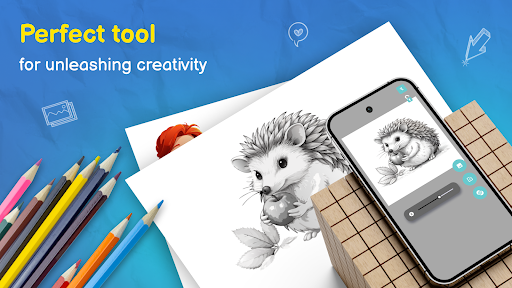
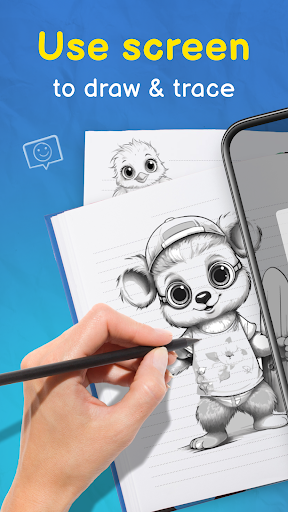
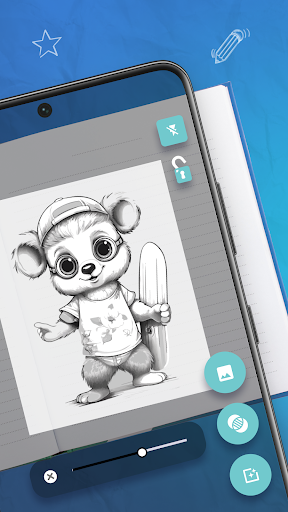
The centerpiece of the app is its easy trace functionality, allowing users to quickly convert any photo into a traceable outline. Simply select an image from your gallery or capture a new one using your device's camera. The app then transforms it into a sketch ready for tracing. The integrated image projector feature projects the image onto your surface temporarily, making the process of tracing a seamless experience for artists of all skill levels.
Trace on Any Surface
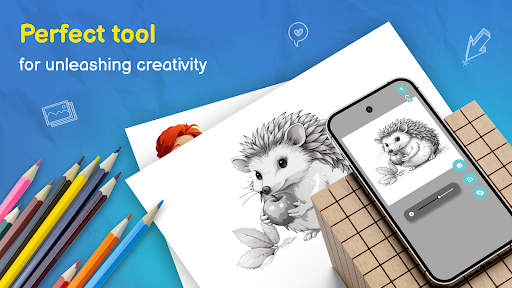
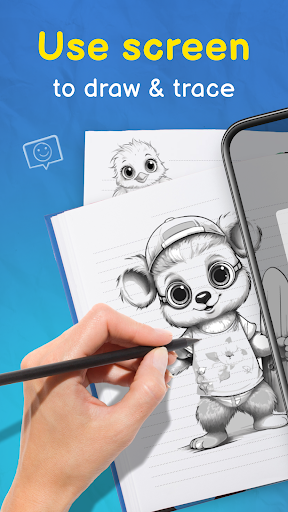
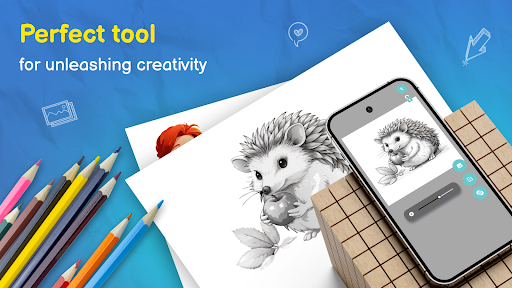
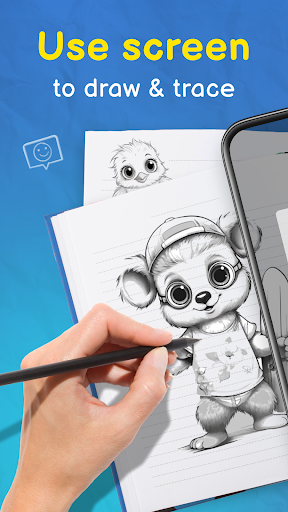
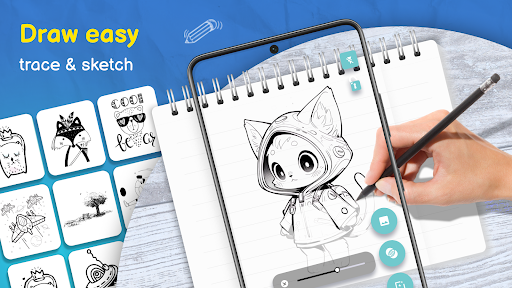
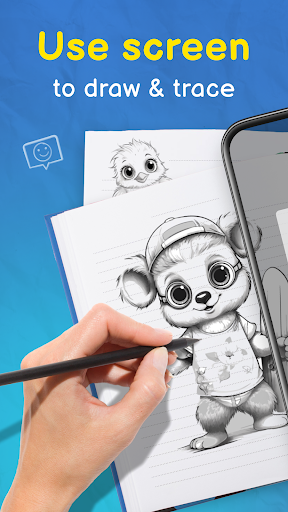
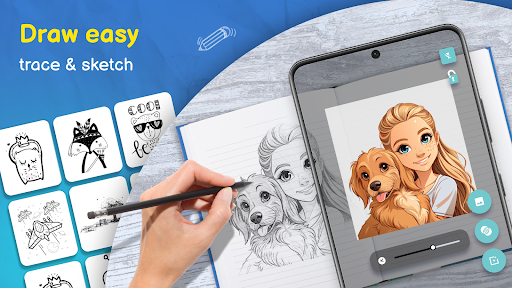
This app enables artists to trace directly over projected images onto different surfaces, such as paper or canvas. By placing your phone over your work surface and projecting the sketch, you can accurately replicate detailed images or designs. This feature is especially useful for recreating portraits, landscapes, or intricate patterns, making Trace Drawing Sketch and Paint an excellent tool for both beginners and professional artists.
Adjustable Opacity for Precision
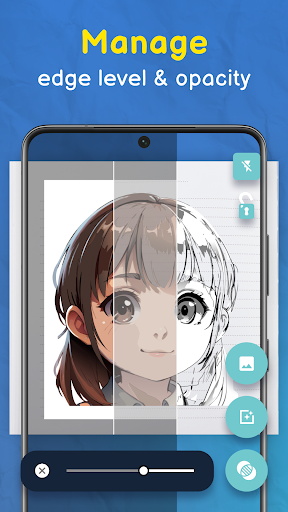
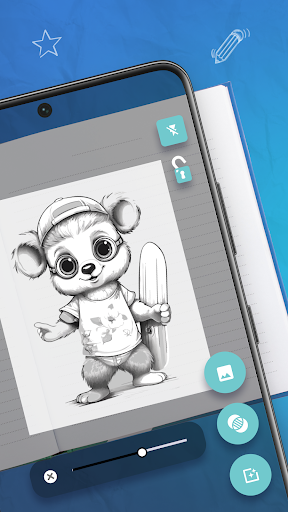
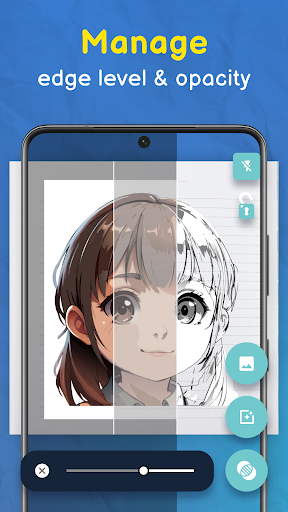
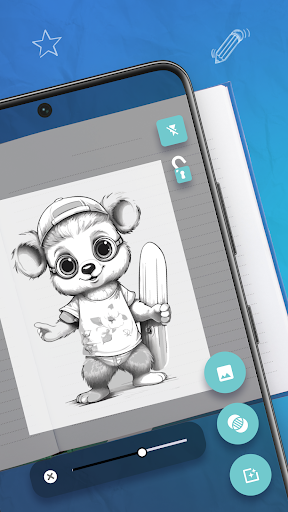
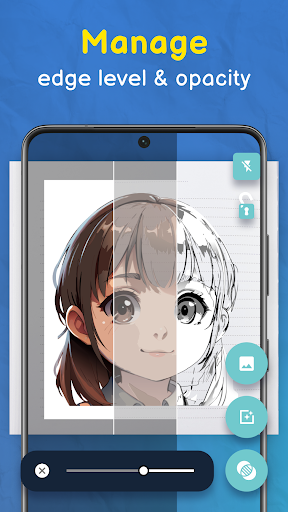
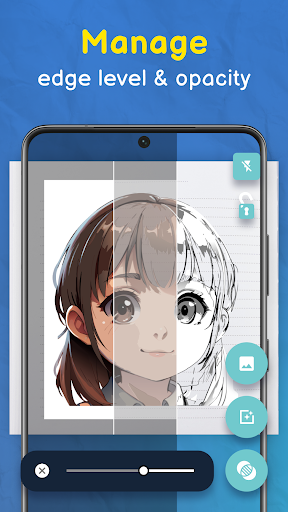
Fine-tune your tracing experience with the adjustable opacity feature. Whether you desire a faint outline to serve as a light guide or a bold template to follow closely, you can customize the transparency level of your reference image. This flexibility ensures perfect control during the tracing process, enabling more precise and cleaner sketches.
Vast Library of Traceable Images
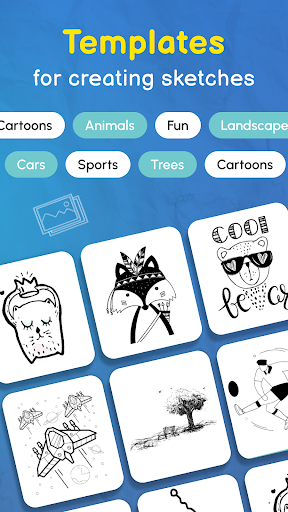
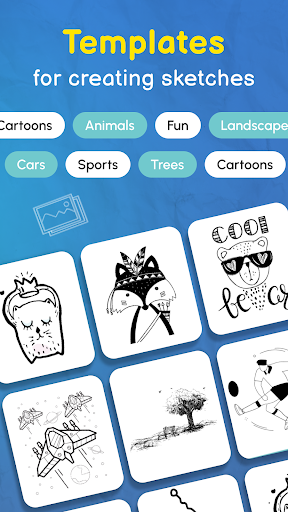
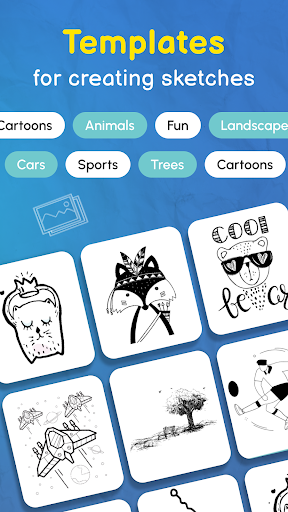
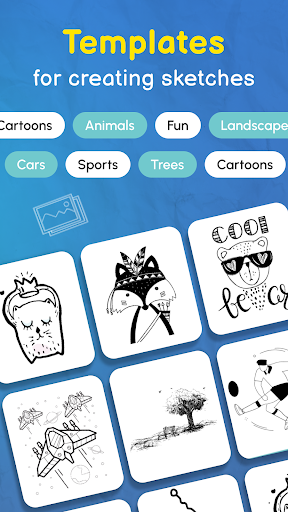
Struggling with ideas? Dive into the app's extensive library of traceable images, which features categories such as animals, nature, geometric patterns, and more. You can select a preset image to trace or use these as inspiration to craft your own masterpieces. This diverse selection keeps your creative flow active and helps you practice different styles and techniques.
Step-by-Step Drawing Guides
For those eager to improve their skills, Trace Drawing-Sketch and Paint offers step-by-step guides that walk you through creating detailed sketches. These tutorials are perfect for beginners learning the basics of drawing or for advanced users refining their technique. With these guides, you can draw like a pro while enjoying a fun and engaging experience.
Effortless Sharing and Saving
Once completed, your artwork can be effortlessly shared with friends or uploaded to social media platforms directly from the app. It supports various image formats and high-resolution outputs, ensuring your creative efforts are preserved in excellent quality. Whether showcasing your work or keeping a digital portfolio, sharing your art has never been easier.
How It Works
Getting started with Trace Drawing-Sketch and Paint is straightforward:
- Select an Image: Choose a photo from your gallery or take a new picture with your device's camera.
- Adjust the Image: Use the app’s tools to resize, position, and set the opacity level of your reference image for optimal tracing.
- Start Tracing: Place your device over your drawing surface and activate the image projector feature to project the image onto your surface, then trace with your finger or stylus.
- Finish and Save: Once your sketch is complete, save the artwork to your device or share it instantly with others through social media integration.
This simple workflow allows artists of all experience levels to create professional-looking sketches and paintings without hassle or technical barriers. Whether you're tracing a portrait, a landscape, or practicing geometric designs, this app makes the process accessible and enjoyable for everyone.
Conclusion
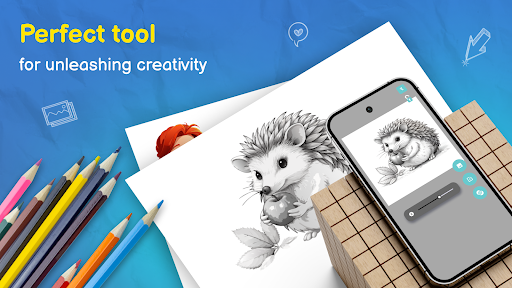
If you're looking for a powerful yet easy-to-use drawing app, Trace Drawing-Sketch and Paint is an excellent choice. Its innovative tracing projector, extensive library of images, and comprehensive tools empower users to explore their creativity and produce stunning art pieces. Perfect for doodling, detailed sketches, or learning new techniques, this app bridges the gap between beginners and professional artists alike. Download today and start exploring the endless possibilities of digital art, making it easier than ever to bring your artistic visions to life!
Pros
- User-friendly interface for smooth navigation.
- Extensive selection of brushes and colors.
- Allows multiple layers for detailed designs.
- Frequent updates introducing new features and tools.
- Easy integration with cloud storage solutions.
Cons
- Premium features require a subscription.
- Some lag on older devices.
- Limited features in the free version.
- Advertisements can sometimes be disruptive.
- Offline mode is not supported.











