
Frequently Asked Questions
What is AR Draw Sketch & Paint and how does it work?
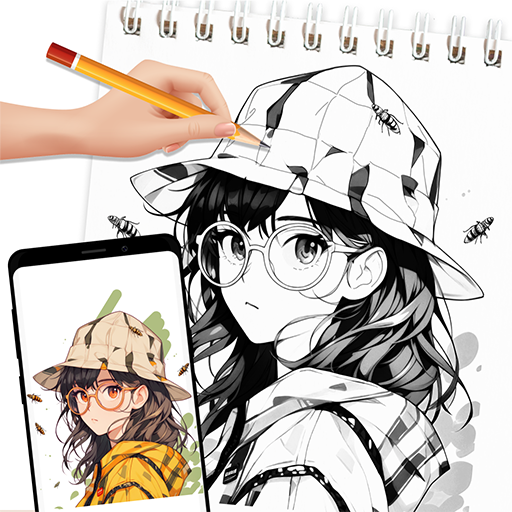
AR Draw Sketch & Paint is a novel app that uses augmented reality (AR) technology to assist users in creating beautiful sketches and paintings. It uses your smartphone or tablet camera to overlay virtual sketches onto real-world surfaces, guiding you through drawing or painting step-by-step. Its easy-to-use interface makes it suitable for beginners as well as experienced artists interested in exploring AR art creation.
Is AR Draw Sketch & Paint suitable for beginners?
Yes, AR Draw Sketch & Paint is designed for both beginners and seasoned artists. It offers simple tutorials and guides that teach the basics of sketching and painting with augmented reality. Beginners can practice and develop their skills by tracing virtual images on real surfaces, making the learning process straightforward and engaging.
What devices are compatible with AR Draw Sketch & Paint?
AR Draw Sketch & Paint works on a broad range of iOS and Android devices supporting augmented reality features. Typically, devices compatible with ARKit (iOS) or ARCore (Android) are required for optimal use. It's advisable to verify your device's compatibility with the app store before downloading to ensure a smooth experience.
Are there any costs associated with using AR Draw Sketch & Paint?
Although AR Draw Sketch & Paint is free to download, it may include in-app purchases or subscriptions for extra features such as premium tutorials, exclusive art tools, and an ad-free experience. The basic features are free to use, but additional purchases can enhance functionality and provide advanced drawing tools.
How can I share my creations made with AR Draw Sketch & Paint?
Sharing artwork from AR Draw Sketch & Paint is straightforward and can be done directly within the app. Users can save their finished artwork to their device's gallery and share it on social media platforms like Instagram, Facebook, or Twitter. The app may also support sharing via email or messaging apps, making it easy to showcase your art to friends and family.
You May Like

Canva: AI Photo & Video Editor
Art & Design
4.9
FlipaClip: Create 2D Animation
Art & Design
4.6
AI Photo Editor: BG Remover
Art & Design
4.1
Adobe Capture: Illustrator,Ps
Art & Design
4.6
Photo Editor - Retouch Photos
Art & Design
3.8
ArtPic: Photo & Video Editor
Art & Design
3.8
Figma: view. comment. mirror.
Art & Design
4.3
VistaCreate: Graphic Design
Art & Design
4.7
AR Drawing : Trace Anything
Art & Design
4.6
Draw Anime: Paint & Sketch App
Art & Design
4.4
Anime AI - Photo Enhancer
Art & Design
3.4
Paint
Art & Design
4