
Overview of Torque Pro (OBD 2 & Car)
Discover the powerful capabilities of Torque Pro, a comprehensive vehicle diagnostics and performance app designed for car enthusiasts and everyday drivers alike. This versatile application transforms your smartphone into a detailed vehicle monitoring system, providing real-time data, fault codes, and performance metrics that help you understand your car like never before.
Key Features of Torque Pro
Real-Time Data and Diagnostics
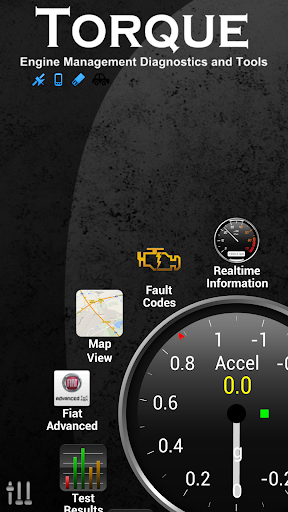
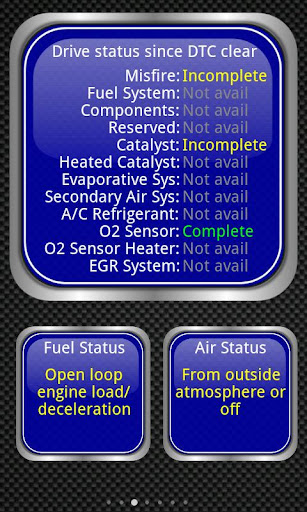
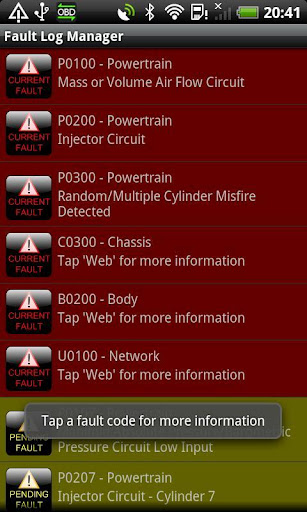
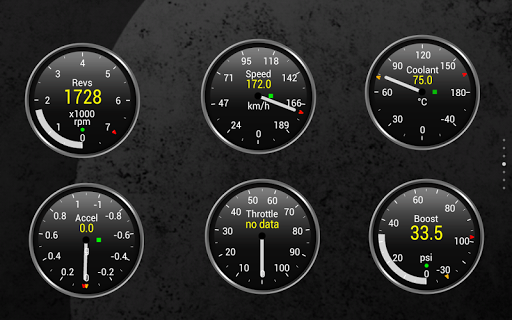
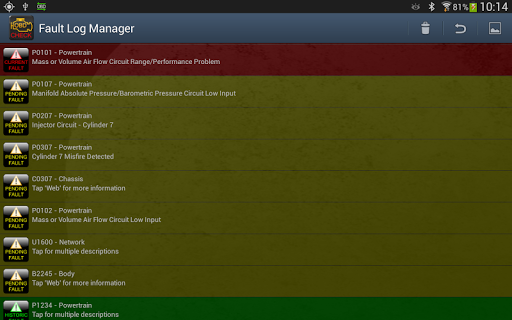
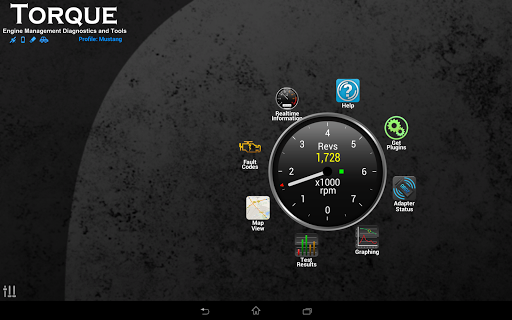
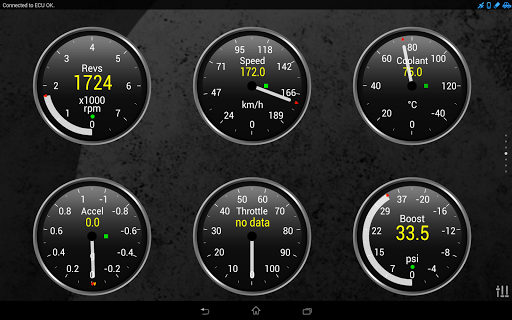
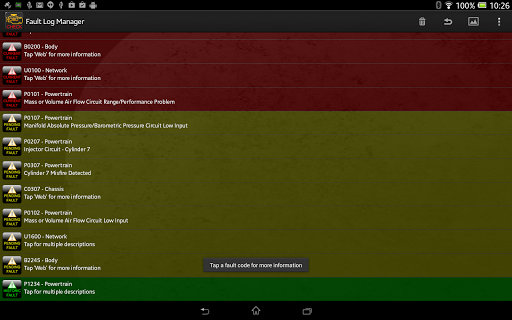
Once connected via a OBD II Bluetooth adapter, Torque Pro displays real-time sensor data such as engine RPM, throttle position, and fuel consumption, giving you immediate insights into your vehicle’s operation. It can also fetch OBD fault codes (also known as DTCs or check engine light codes), helping you diagnose issues quickly and accurately without the need for a mechanic. This feature is invaluable for pinpointing problems early and potentially reducing repair costs.
Customizable Dashboard and Profiles
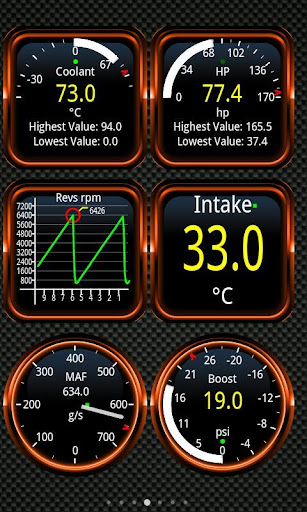
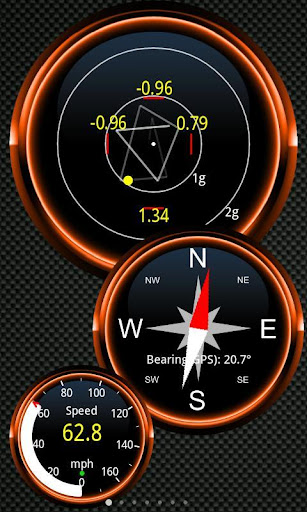
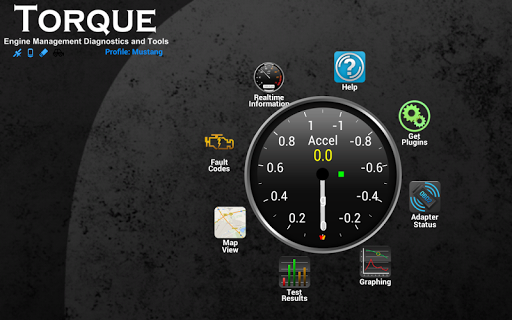
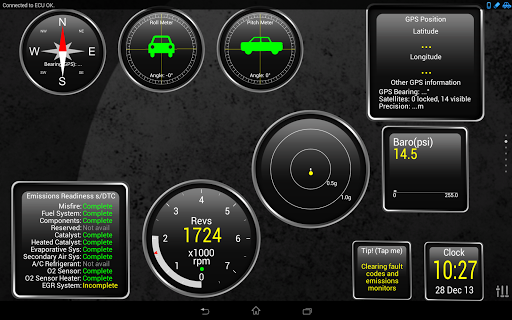
The app allows you to design your own dashboard by selecting the widgets or gauges that matter most to you. Whether you want to monitor coolant temperature, turbo boost, or horsepower, you can customize the display to suit your preferences. Multiple profiles enable different setups for various driving scenarios or vehicles, making Torque Pro adaptable and user-friendly.
Performance Tracking and Logging
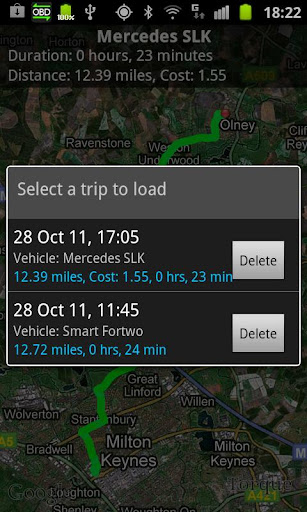
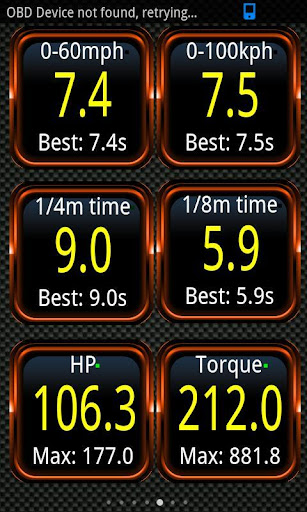
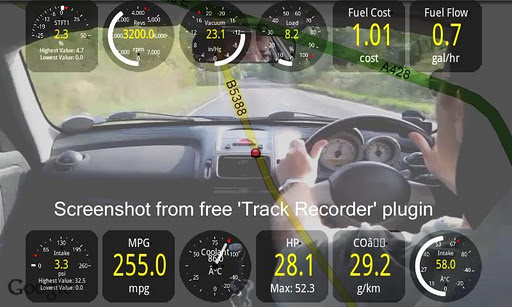
Take advantage of features like 0-60 speed timings—more precise than GPS alone—to measure acceleration. The app also supports GPS tracking, enabling you to log your trips, record engine data, and even share your journeys via social media. The Track Recorder plugin overlays live OBD data on videos, creating a "black box" record of your drives for review or sharing.
Enhanced Vehicle Monitoring
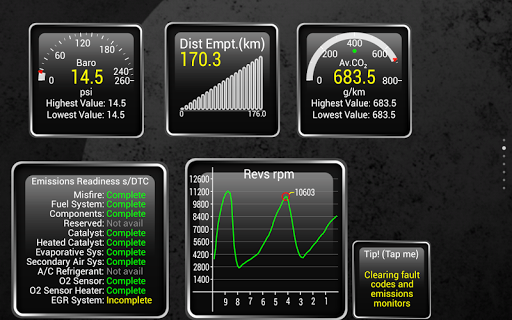
In addition to basic diagnostics, Torque Pro can display transmission temperatures (dependant on vehicle support), CO2 emissions, MPG, and even perform dyno tests to estimate horsepower and torque. For vehicles supporting MAP or MAF sensors (like VW, Audi, or Seat), the app can show turbo boost levels. Moreover, alarms and warnings alert you if critical parameters (like coolant temperature) exceed safe thresholds, sometimes with voice overlays for easier attention during driving.
Advanced Features and Compatibility
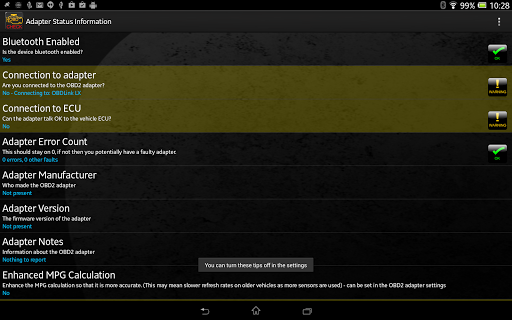
Torque Pro supports a variety of vehicle makes including Ford, VW, GM, Mercedes, Honda, Toyota, BMW, and many more, covering vehicles from European, US, and Asian manufacturers. It’s compatible with tablets like the Samsung Galaxy Tab, Nook, and Motorola Xoom, provided your vehicle has an OBD 2 port (most cars built after 2000). To connect, you'll need a compatible Bluetooth OBD2 adapter, with recommended options like OBDLink or PLX Devices for reliability.
Why Choose Torque Pro?
Torque Pro is celebrated for its intuitive interface and extensive customization options. Whether you’re a professional mechanic, a DIY enthusiast, or simply car-curious, this app offers the tools to monitor your vehicle’s health, track performance, and even share your data. Its support for third-party APIs unlocks additional possibilities for developers, making it a flexible platform for tech-savvy users and hobbyists alike.
Regular updates and a supportive community forum ensure that Torque Pro continues to expand its capabilities, adding new features based on user feedback. With its ability to provide comprehensive diagnostics and performance analytics directly from your smartphone, Torque Pro effectively acts as a mini mechanic, empowering you to keep your car in top shape and enjoy a safer, more informed driving experience.
Note that some issues with app stability on devices like HTC or Samsung tablets can be resolved by adjusting Bluetooth settings or disabling conflicting apps. Always ensure your Bluetooth adapter is reliable, and check compatibility with your vehicle before purchasing.
Pros
- Provides comprehensive real-time diagnostics for vehicles
- Compatible with various car models and communication protocols
- Allows customization of dashboard displays
- Features GPS tracking for vehicle location
- Offers an affordable one-time purchase cost
Cons
- Requires purchasing an OBD2 adapter
- Can be complex for new users to navigate
- Free version has limited functionalities
- May face compatibility issues with certain devices
- Occasional disconnections during use











