

Introducing the Flowbird Parking App: Your Ultimate Parking Companion
Parking convenience has never been this easy with the Flowbird Parking app. Designed to streamline your parking experience, this innovative app allows users to effortlessly pay for parking, receive timely notifications, and extend parking sessions—all from the comfort of their smartphone or web browser. Whether you're in a bustling city or a suburban area, Flowbird Parking aims to be your reliable digital parking assistant.
Key Features of the Flowbird Parking App
The Flowbird Parking app offers a suite of features tailored to enhance your parking experience:
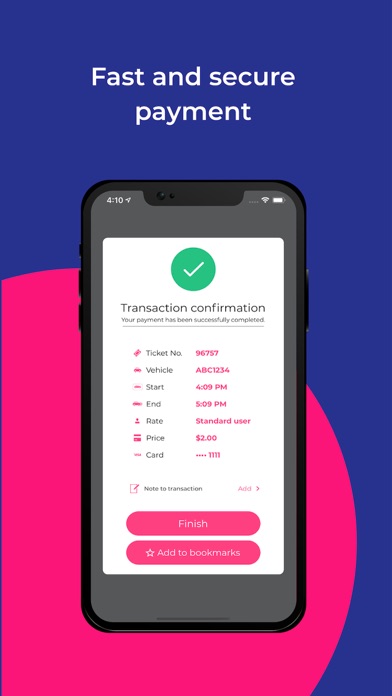
- Mobile Payments: Easily pay for parking using your smartphone or via the web, eliminating the need for cash or parking meters.
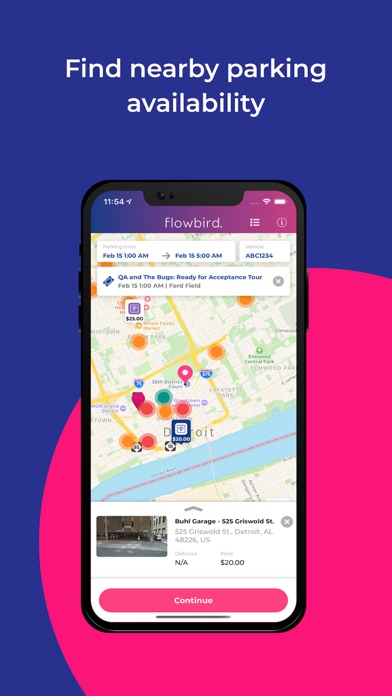
- Parking Pressure Display: Available in select locations, this feature provides real-time information about parking availability, helping you find spots quickly.
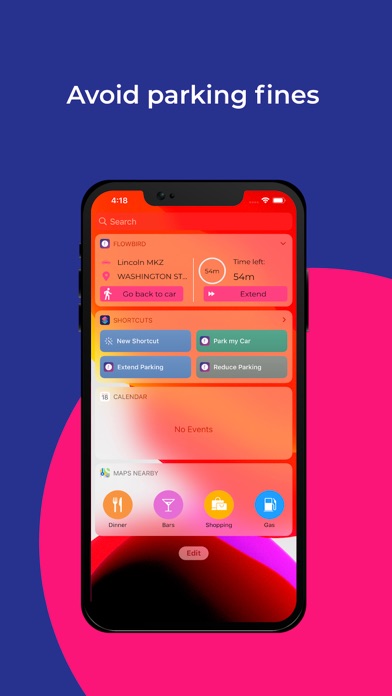
- Find My Car: Forgot where you parked? No worries—this feature helps you locate your vehicle swiftly.
- Fingerprint Login: Secure and convenient, you can log into your account using biometric authentication.
Getting Started with Flowbird Parking
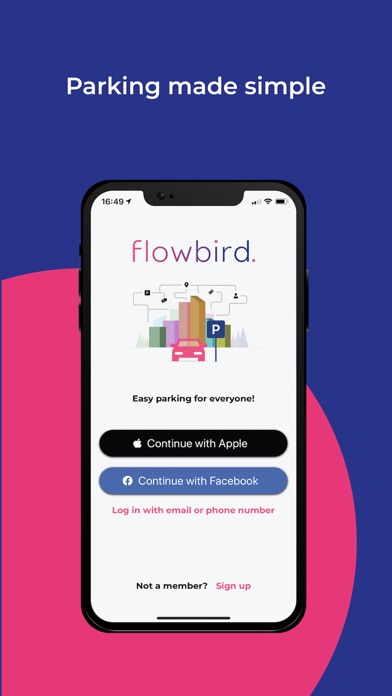
Registration is free and straightforward. Simply create an account through the app. Once registered, you can use Flowbird Parking to park and pay across multiple locations that support the system. It’s important to check if your area is eligible, as the service isn’t available everywhere. To make the most of the app, follow these simple steps:
- Create an account
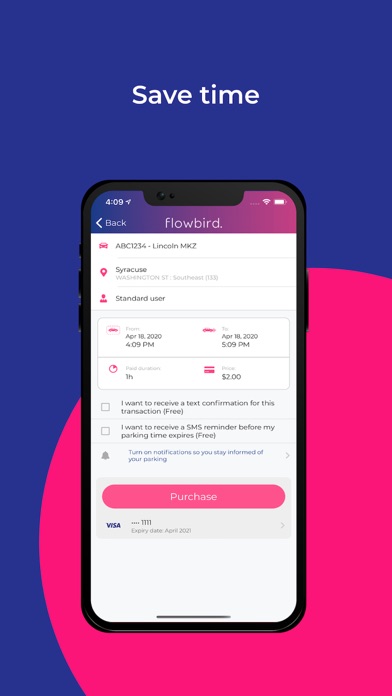
- Choose your vehicle’s license plate
- Locate your destination on the interactive map
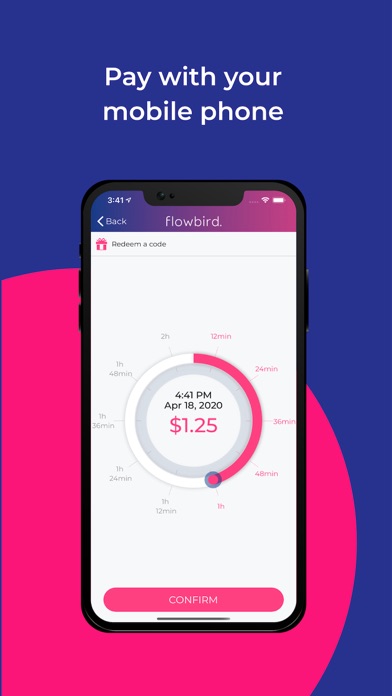
- Set your parking duration using the dial interface
- Confirm your payment and enjoy your parking session
Secure and Reliable Payments
When it comes to transactions, Flowbird Parking prioritizes security. The app employs robust encryption and processes certified by third-party audits, ensuring that your data and payment information are protected according to the Payment Card Industry Data Security Standards. With this high level of security, you can confidently pay for parking without worry.
Enhancing Your Parking Experience
Beyond just paying for parking, Flowbird Parking transforms your urban parking experience into a hassle-free process. Imagine circling a busy block, only to find every parking spot occupied—then turning to the app for real-time availability updates. With its Parking Pressure display, you'll see where space is most abundant, saving you precious time and reducing frustration.
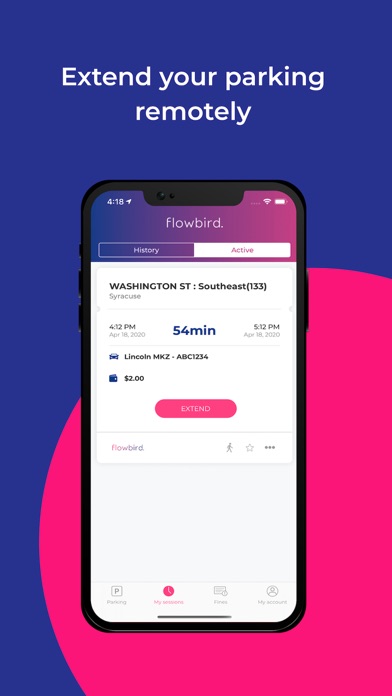
The app’s ability to help you find your car is a game-changer, especially in unfamiliar areas or large parking lots. Plus, the option to extend your parking session remotely means you won’t have to rush back to the meter or risk getting a ticket if your plans change unexpectedly.
The user-friendly interface, combined with features like detailed location information—including rates and restrictions—makes Flowbird Parking suitable for both tech-savvy users and newcomers. Its map feature provides a visual overview, helping you plan your parking in advance and navigate to the spot of your choice with ease.
In a world where convenience and security are paramount, Flowbird Parking offers a reliable, efficient, and secure way to manage your parking needs. Whether you're a daily commuter, a weekend shopper, or a visitor exploring a new city, this app is designed to make your parking process seamless and stress-free.
Pros
- User-friendly interface with intuitive navigation.
- Extensive coverage of parking locations.
- Secure and reliable payment methods.
- Provides real-time updates on parking availability.
- Supports multiple languages for ease of use.
Cons
- Occasional app crashes may occur.
- Limited options for customer support.
- Some features require additional in-app purchases.
- GPS tracking can lead to increased battery consumption.
- Notification alerts can become overwhelming.











