

Overview of Droid Dashcam - Video Recorder
Droid Dashcam is a powerful driving video recorder (dashboard camera, BlackBox) application designed for car and vehicle drivers who want reliable and continuous video recording during their journeys. This innovative app offers seamless loop recording, overlay subtitles with essential information directly on videos, and background recording capabilities. Whether you're capturing scenic drives or recording incidents for security purposes, Droid Dashcam provides a suite of features to enhance your driving experience and ensure critical moments are preserved in high quality.
Main Features of Droid Dashcam
The app stands out with several advanced functionalities tailored for ease of use and versatility:
• Hardcoded (embedded) Subtitles
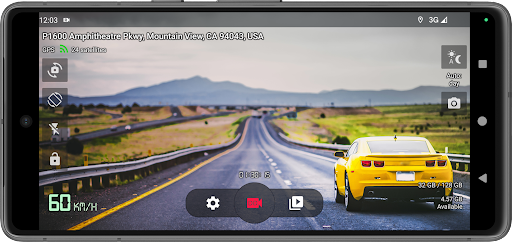
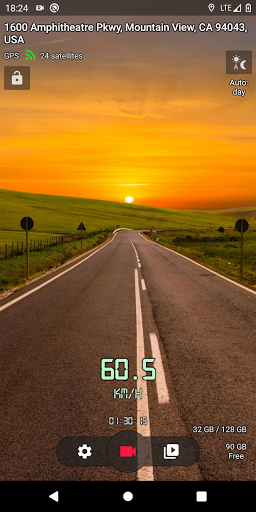
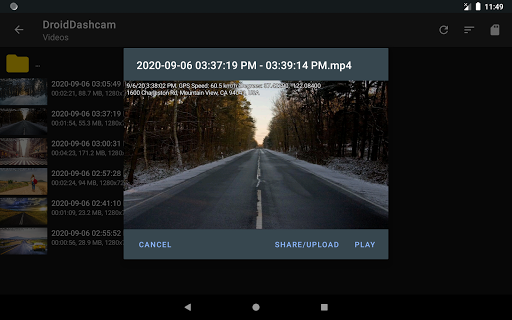
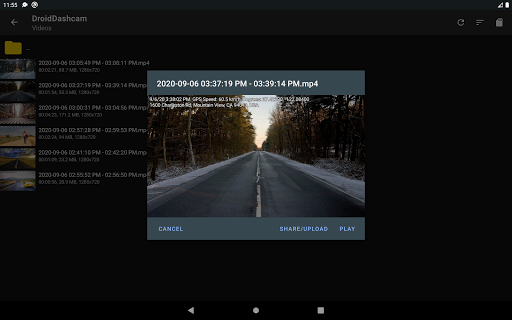
Overlay captions directly onto recorded videos, including:
- Timestamp (Date): Automatically adds the current date and time.
- Location Address: Displays the current location address.
- GPS Coordinates: Records precise geographical coordinates.
- Speed: Shows the vehicle's speed based on GPS data.
- Vehicle Registration Plate: Adds the car's license plate information.
• Background Video Recording
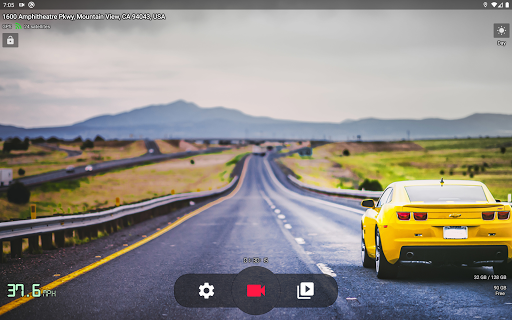
Allows users to continue recording videos even when the app is minimized or running in the background. You can start or stop recordings via the notification panel without interrupting your navigation or other critical apps.
• Loop Recording
Automatically deletes old video files to free up space once the storage limit is reached, ensuring continuous recording without manual intervention. Users can set maximum storage thresholds for all videos.
• Autostart Options
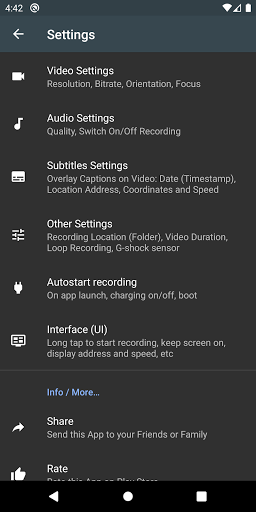
Configurable options to automatically start recording on system events such as plugging in the charger, device boot-up, Bluetooth connection/disconnection, AUX cable connection, or simply on app launch.
• Lightweight and User-Friendly Design
The app is small in size, ensuring minimal impact on device performance, and features an intuitive UI with customizable recording buttons and simple controls.
• Adaptive Recording Modes
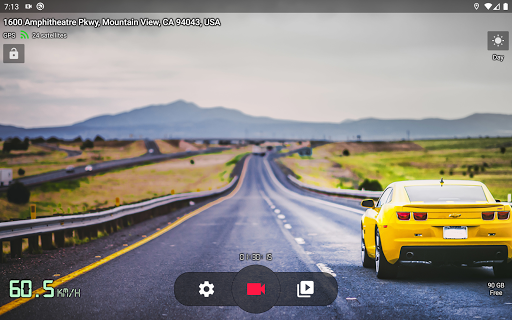
Automatically switches between day and night modes for optimal video quality and supports recording in both landscape and portrait orientations.
• Video Sharing and Storage
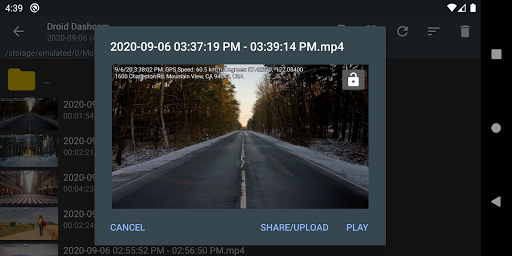
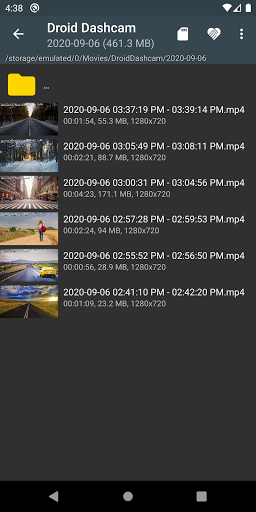
Easily share or upload videos to various online platforms. Recorded footage can be stored in shared directories or app-specific folders on both internal and external SD cards, configurable within the app settings.
• Safety and Security
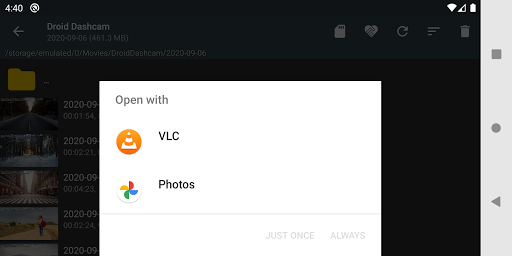
Videos are protected from being overwritten by impact detection using the G-shock sensor. Users can select and play videos directly within the app or delete unnecessary recordings.
• Additional Features
Capture photos, take advantage of a floating control window overlaying other apps, and customize video resolution and quality settings for tailored recording.
Privacy and Security
All recorded videos are saved exclusively on your device. The app neither makes backups nor connects to servers, ensuring your footage remains private and secure.
FAQs and Additional Information
While features like Video Stabilization (EIS) or support for multiple wide-angle cameras are not currently available, the app offers reliable recording with excellent video clarity. High battery consumption has been noted on some devices; optimizing background processes could improve this. For translations or contributing to language support, you can visit the app's language repository at this link.
Why Choose Droid Dashcam - Video Recorder?
If you've ever experienced the frustration of not capturing an unexpected road incident, Droid Dashcam becomes an essential tool. Its straightforward setup, high-definition recording quality, and intelligent features like loop recordings and embedded subtitles make it a valuable companion on every journey. The app’s ability to record discreetly in the background, combined with customizable options for auto-start and video protection, provides peace of mind for both daily commuters and road trip enthusiasts alike. Whether you're concerned about insurance claims or simply want to document your drives, this app offers a reliable and easy-to-use solution.
Pros
- High-quality video recording
- User-friendly interface
- Supports multiple video formats
- GPS feature for location tracking
- Loop recording to save space
Cons
- Consumes a lot of battery
- Ads can be intrusive
- Some features require in-app purchases
- Occasional app crashes
- Limited cloud storage options











