



Introducing the ebtEDGE Mobile App
Key Features of ebtEDGE
Secure and Convenient Access
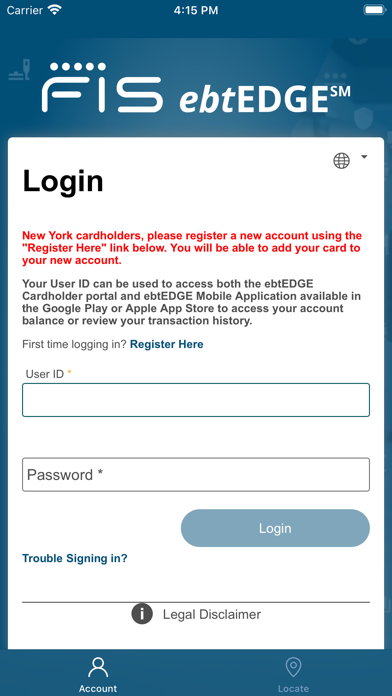
With ebtEDGE, accessing your benefits is both quick and safe. Users can log in securely using User ID and Password, or leverage biometric authentication if their device supports bio-metrics. Simply register your fingerprint on your phone, and with a quick touch, you can view your balance or account details without entering a PIN manually. For those who prefer traditional methods, entering your card number and PIN remains an option, ensuring everyone can comfortably navigate the app.
Real-Time Benefits & Transaction Tracking
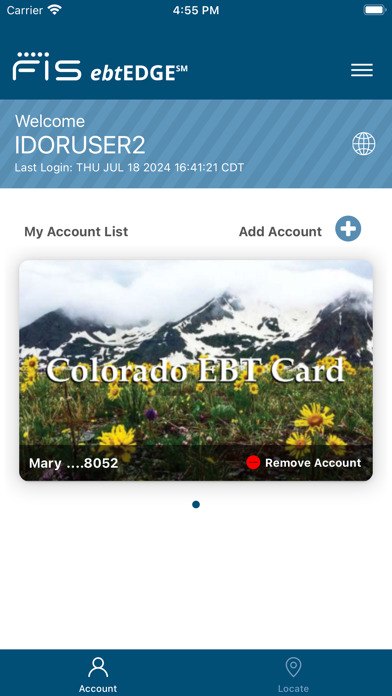
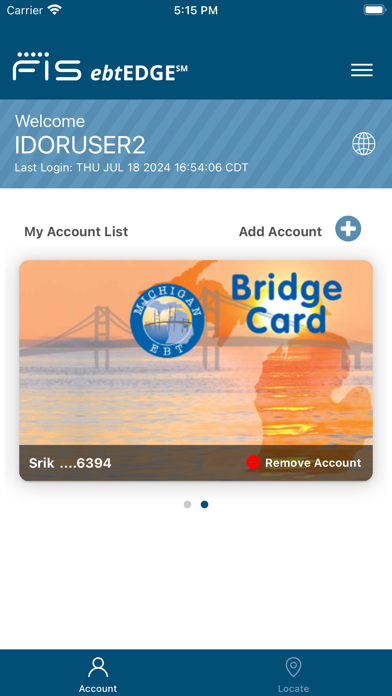
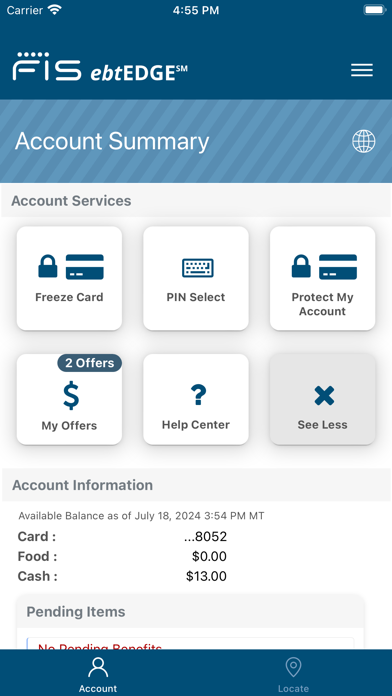
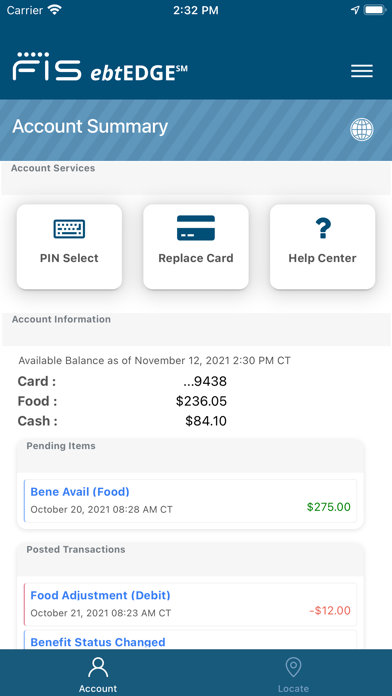
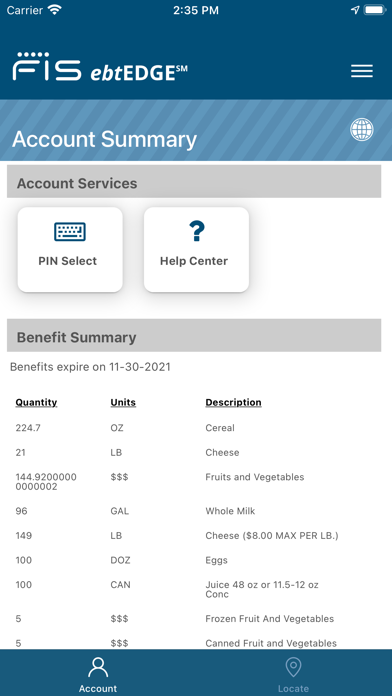
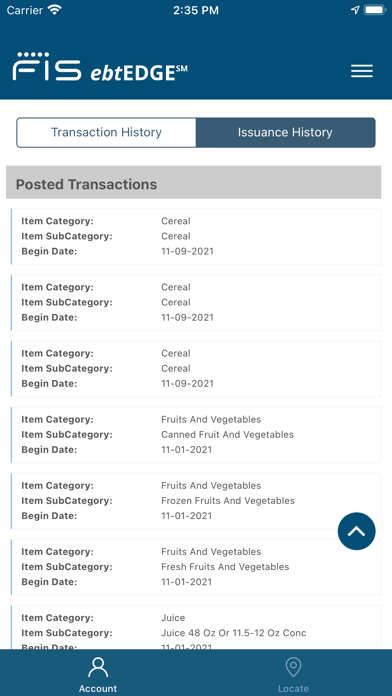
One standout feature is real-time access to your balance. No more phone calls or ATM visits—just a few taps reveal your current benefits status. You can also review your transaction history and deposit history, helping you stay organized and in control of your benefit schedule.
Store Locator & Language Preferences
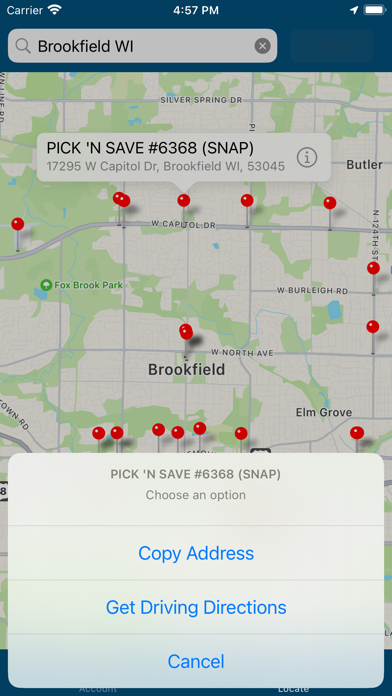
Need to find a nearby SNAP retailer? The built-in location services easily help you identify participating stores near your location or your intended destination. Moreover, the app supports multiple languages, allowing you to set your preference to English, Spanish, or Haitian Creole, making it accessible for diverse users.
Future Updates & Support
The developers behind ebtEDGE are continually working on new features, ensuring the app evolves with user needs. If you face any issues, helpful resources and a comprehensive Help Center are readily available to assist you.
Additional Capabilities
The app also enables you to select a PIN for easier logins and, if your device supports it, utilize Face ID or Touch ID for quick access. Please note that only certain devices are compatible with biometric login options. ebtEDGE is free to use for cardholders with eligible cards in many states across the U.S., including Alaska, California, Florida, New York, and many more.
Why Choose ebtEDGE?
Conclusion
Pros
- Intuitive interface facilitating easy navigation.
- Provides real-time updates of account balances and transaction history.
- Ensures secure login using multi-factor authentication.
- Supports multiple languages to enhance accessibility.
- Available on both Android and iOS platforms.
Cons
- Limited customer support options available.
- Users have reported occasional app crashes.
- Most functionalities require an internet connection.
- Advertisements can sometimes be disruptive.
- Fewer features compared to the desktop version.











