
Drawing Pad Pro - Sketchpad
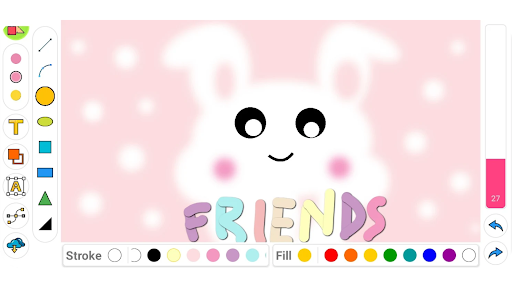
Looking for a versatile and user-friendly drawing app that caters to artists of all ages and skill levels? Drawing Pad Pro is one of the best drawing applications on the market today. Whether you're an aspiring artist, a student doodling during class, or a parent encouraging your child's creativity, this app has everything you need to create stunning illustrations and sketches. It combines a rich set of features such as a variety of brushes, pens, shapes, and colors inside an intuitive interface, making it ideal for both casual and serious digital art enthusiasts.
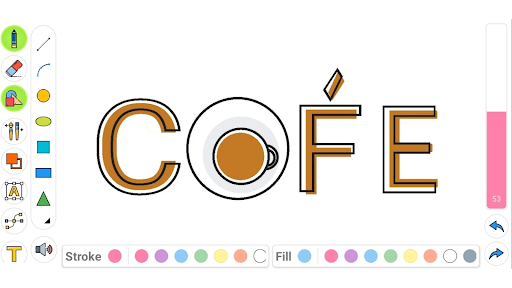
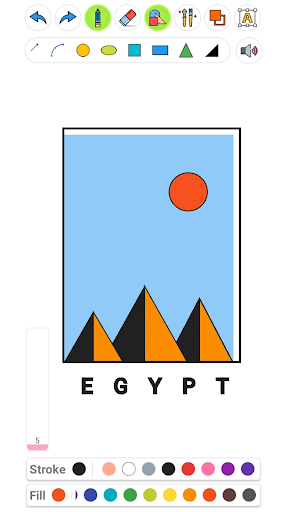
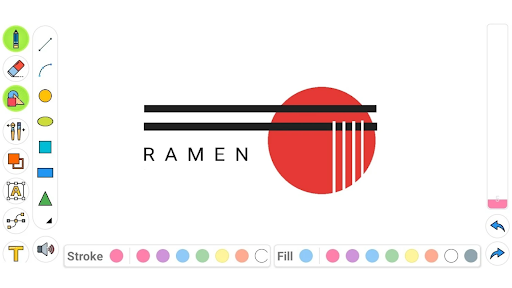
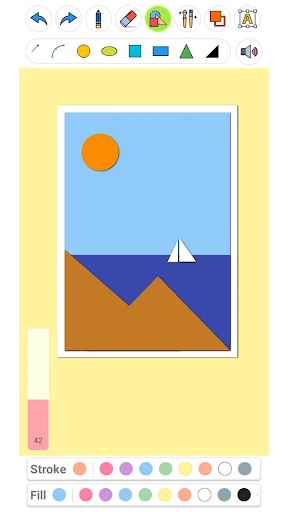
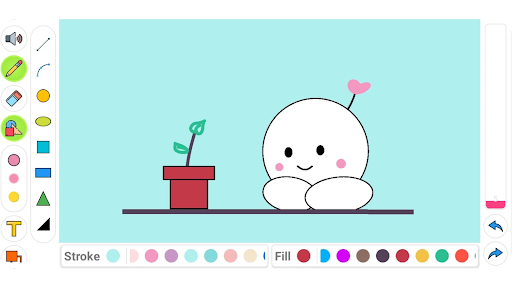
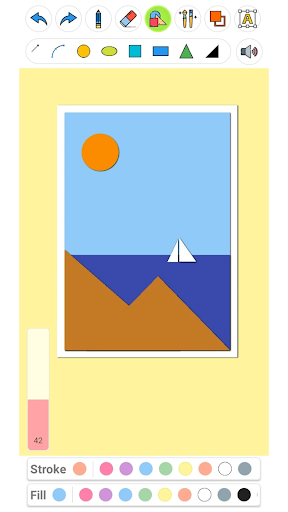
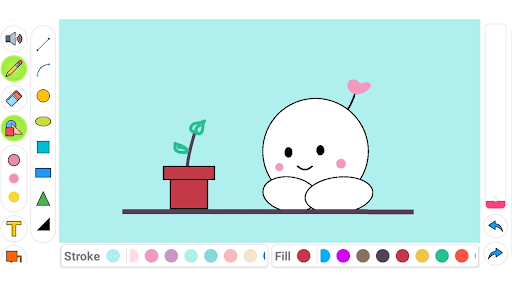
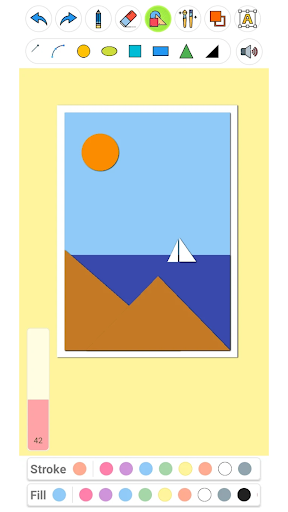
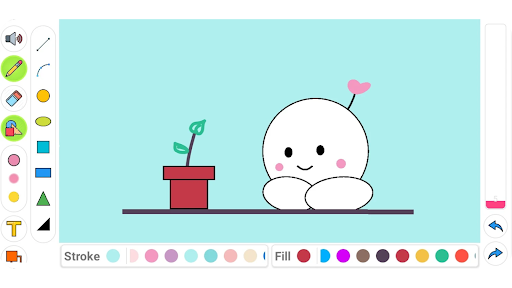
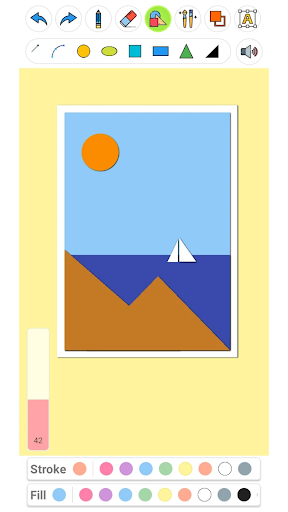
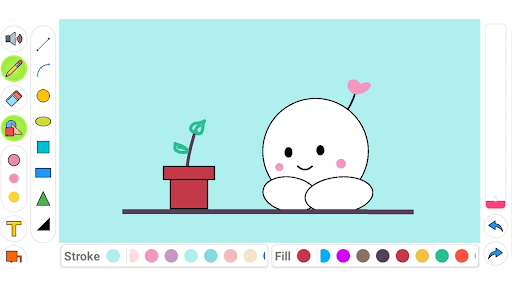
One of the key highlights of Drawing Pad Pro is its capability to serve as a digital sketchbook. Users can seamlessly paint, draw, and even type text or create shapes all within a single platform. The app offers a dynamic experience, allowing you to unlock various features that let your creativity flow freely. Whether you're working in portrait or landscape mode, this drawing desk provides a flexible workspace suitable for all your artistic needs.
Key Features of Drawing Pad Pro
- Drawing pad – Suitable for kids and adults alike, making it a perfect doodle pad for children.
- Brushes – Choose from a diverse collection of brushes, from simple strokes to detailed shading and blurring tools.
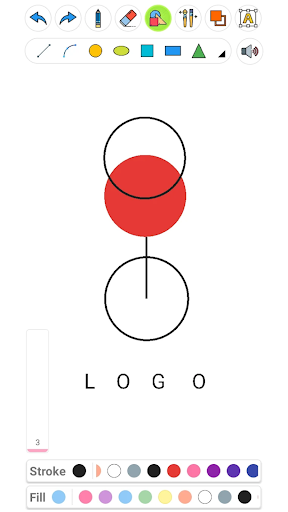
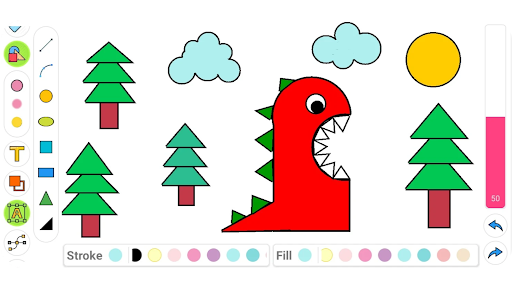
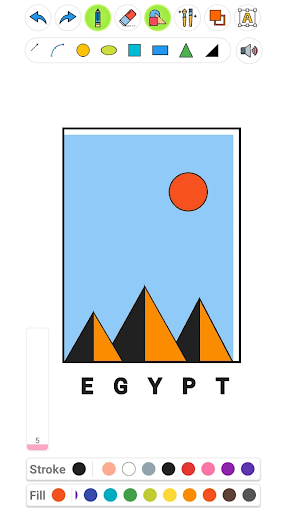
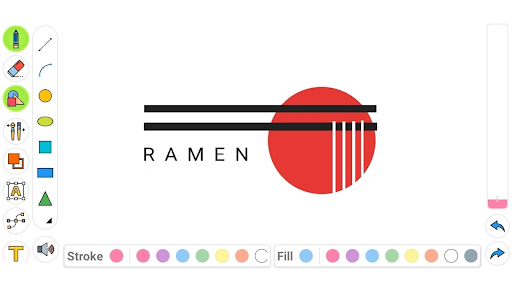
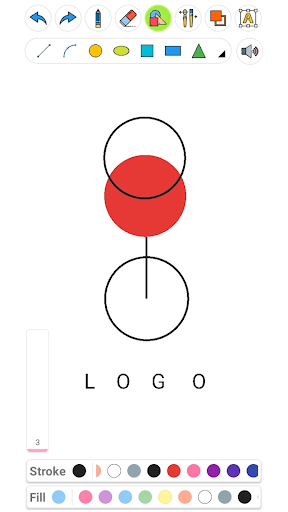
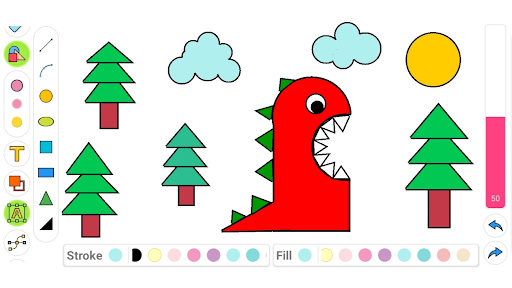
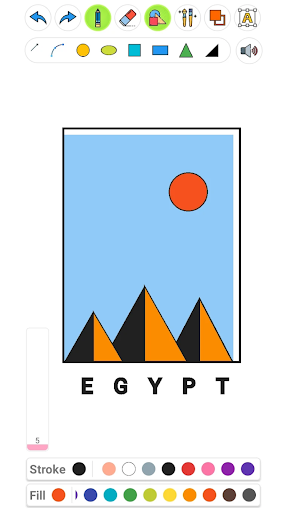
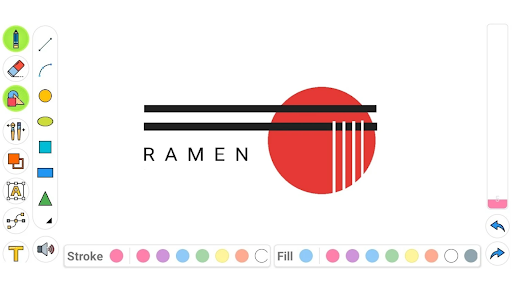
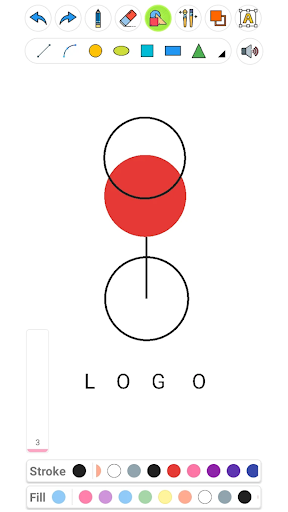
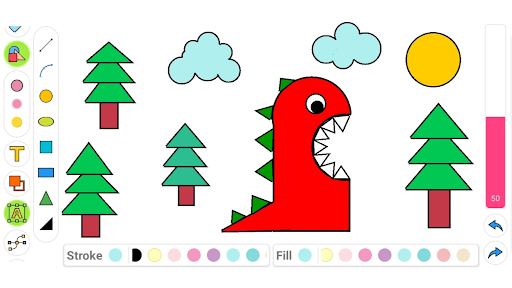
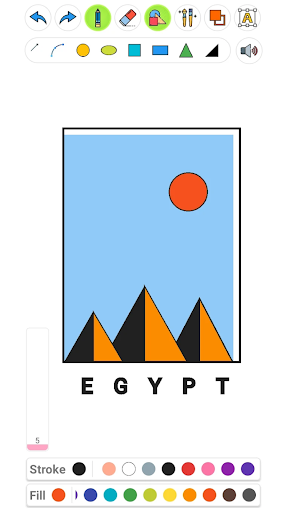
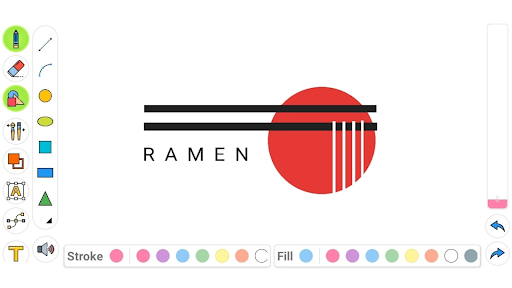
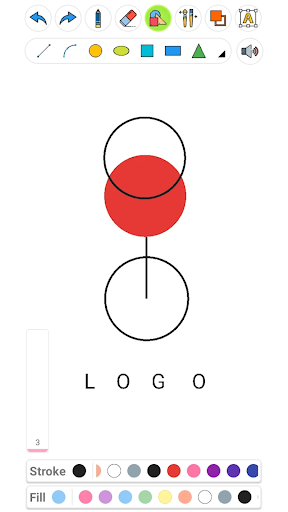
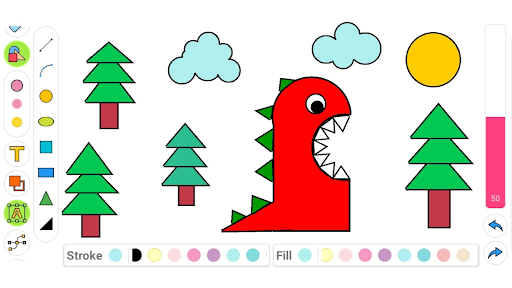
- Shapes – Create geometrical shapes and vectors like squares, circles, and triangles, along with options for stroke, fill, or both.
- Colors – Extensive color selection to match your project's needs, with the ability to customize your palette.
- Easy sharing – Save your artwork and share it effortlessly across your favorite platforms.
Perfect for All Ages and Skill Levels
The intuitive and colorful interface of Drawing Pad Pro makes it easy for anyone to start sketching straight away. Educationally, it’s a fantastic tool to teach children about shapes, colors, and drawing techniques. Kids can explore their creative minds in a safe, fun environment, developing their artistic skills as they go. For adults, the app serves as a portable sketchpad for designing, illustrating, or just relaxing with some doodling during free time.
Creative Tools and Customization
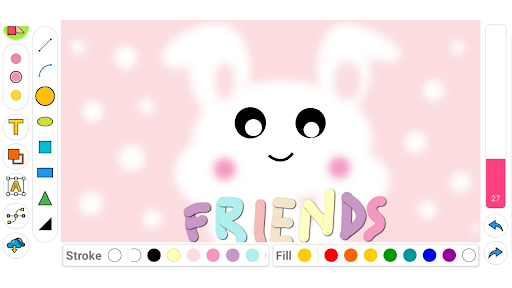
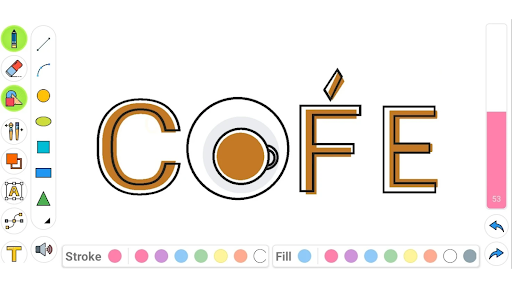
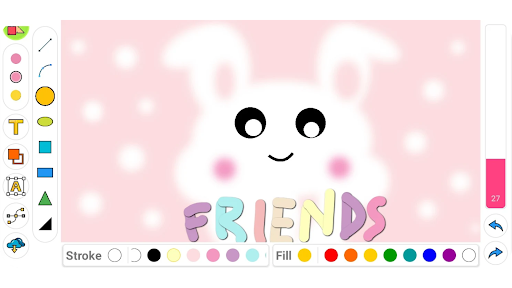
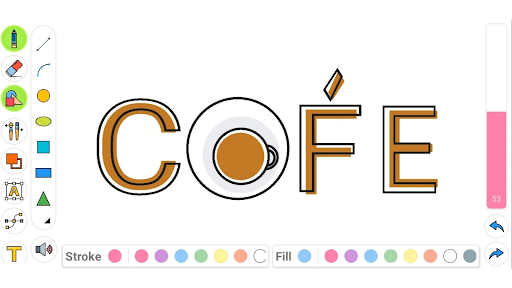
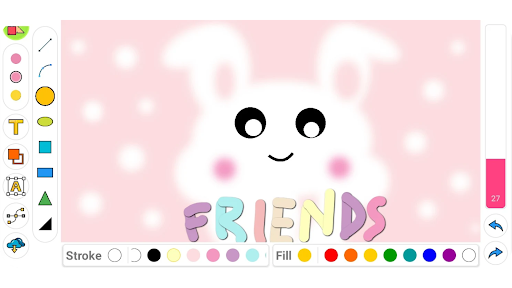
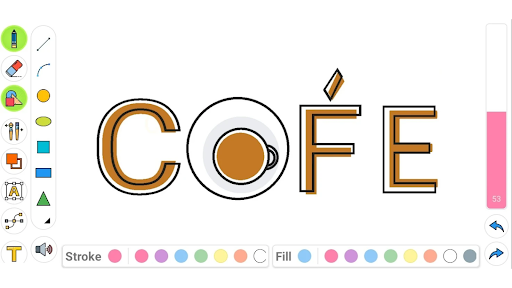
The app’s powerful suite of tools includes a vast collection of brushes – from simple to complex textured brushes – allowing for detailed work and varied artistic styles. You can also rotate and scale your shapes, as well as experiment with different color combinations for strokes and fills. The text feature lets you add word art, adjusting size, color, and rotation to fit your composition perfectly. Whether you're making detailed illustrations or quick sketches, the tools are designed to provide an amazing and creative experience every time.
Enhanced Drawing Experience
Drawing on this digital sketchpad feels natural, especially with support for stylus pressure sensitivity, which responds to different levels of pressure for more precise control. The app supports high-resolution canvases, so your artwork remains crisp and ready for printing or sharing. Its well-designed interface enables effortless tool switching, undoing, and redoing actions, ensuring your creative flow is never interrupted. Plus, tutorials and guides are available to help beginners get started quickly and confidently.
Why Choose Drawing Pad Pro?
If you're searching for a drawing app that combines ease of use with rich features, Drawing Pad Pro checks all the boxes. It’s a creative companion suitable for seasoned artists and newcomers alike. By replacing traditional paper and supplies, it offers an eco-friendly, portable solution that keeps your ideas at your fingertips. Explore the endless possibilities of digital art with this sketchpad, and unlock your inner artist today. Whether you're creating art for fun, education, or professional projects, this app provides everything you need to make your visions come to life.
Pros
- User-friendly interface suitable for beginners.
- Offers a wide variety of customizable brushes.
- Supports working with multiple layers.
- Provides high-resolution canvas options.
- Enables exporting work in various formats.
Cons
- Limited tools for text editing.
- May experience lag on older devices.
- Contains in-app purchases for premium features.
- Does not support vector graphics.
- Limited features for community sharing.











