





Discover the Artistic World with ArtCanvas: Learn how to draw
Unleash your inner artist and elevate your drawing skills with ArtCanvas: Learn how to draw, a comprehensive and engaging app designed for creators of all levels. Whether you’re just starting your artistic journey or aiming to refine your techniques, this innovative platform offers a perfect blend of tutorials, interactive challenges, and multiplayer drawing experiences. With its user-friendly interface and powerful tools, ArtCanvas - ArtLoop transforms your device into a personal art studio that’s accessible anytime, anywhere.
Step-by-Step Drawing Lessons for Every Skill Level
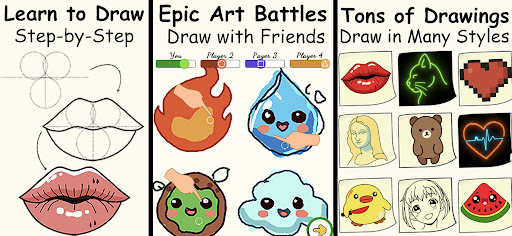
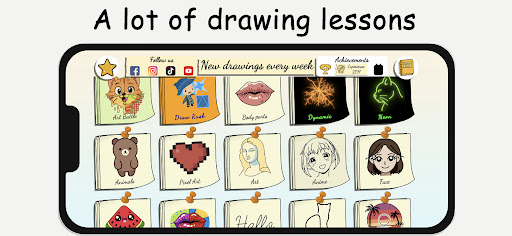
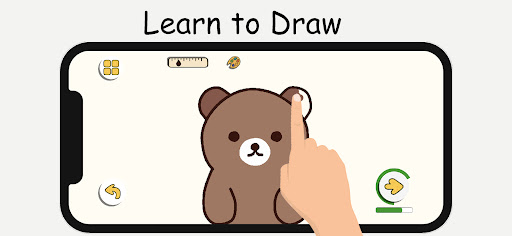
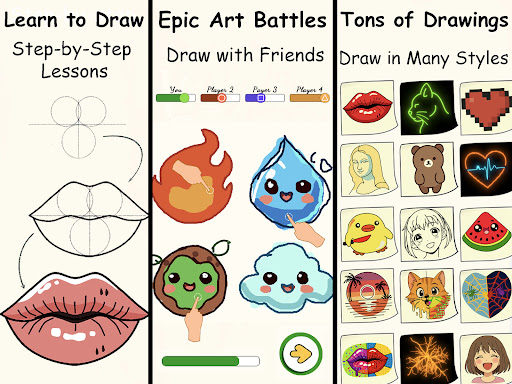
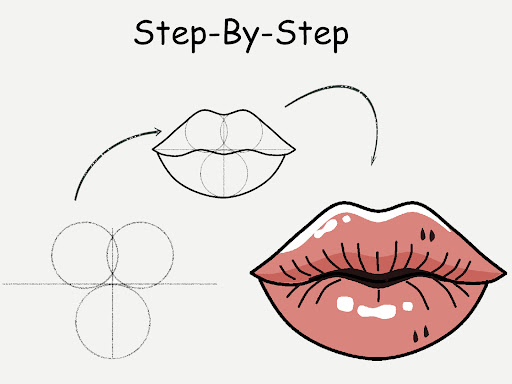
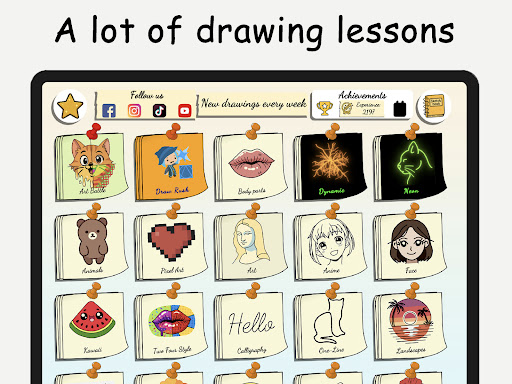
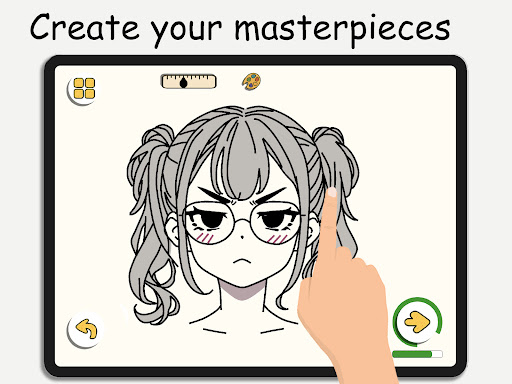
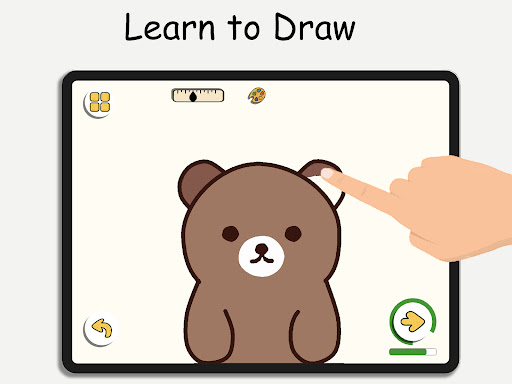
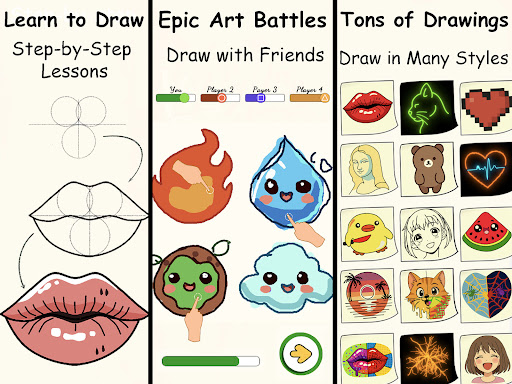
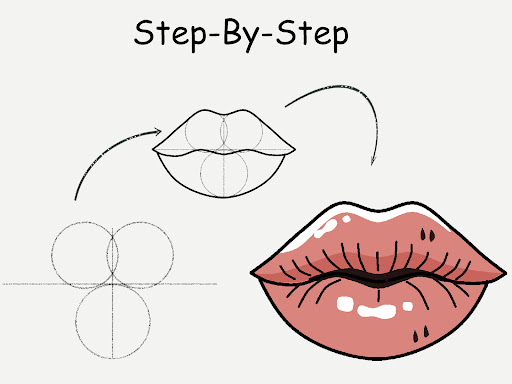
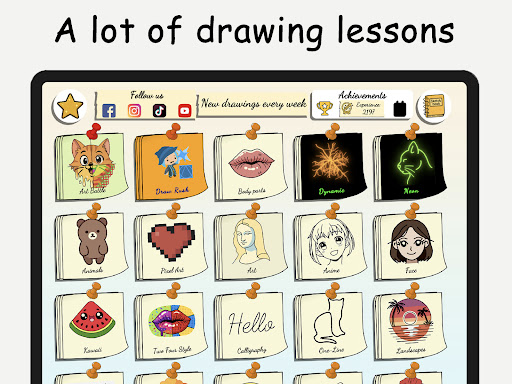
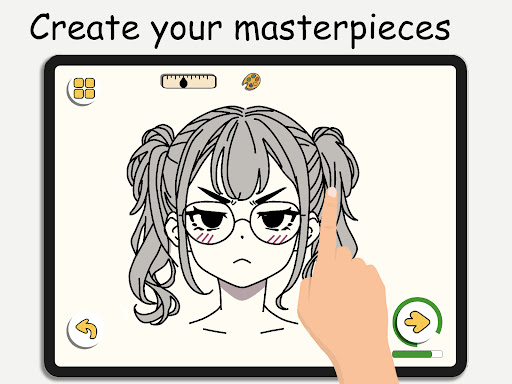
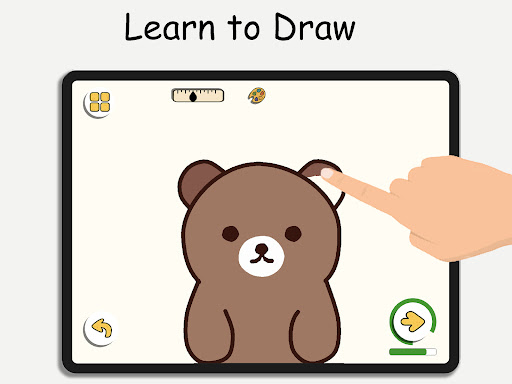
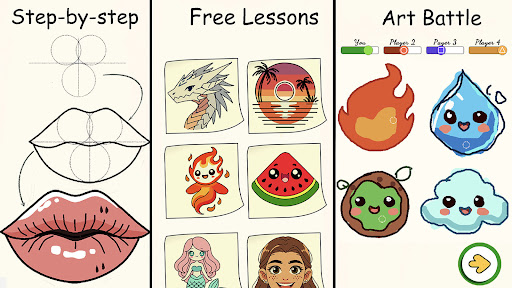
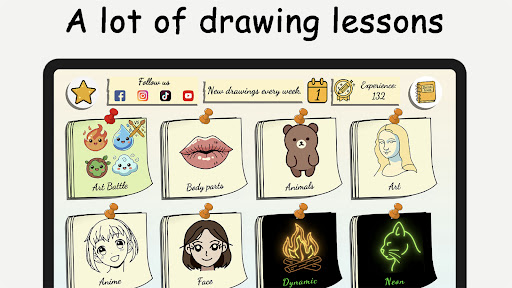
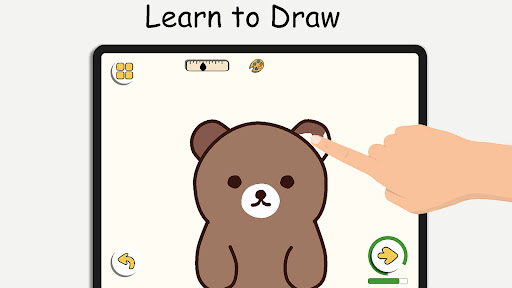
Whether you’re a novice or an experienced artist seeking to enhance your abilities, ArtCanvas: Learn how to draw provides structured tutorials catering to all. The app features • step-by-step lessons that simplify complex subjects like characters, animals, food, people, emojis, and anime. Each tutorial includes clear instructions designed to help beginners grasp fundamental concepts and improve gradually. You’ll find it easy to follow along as you learn to sketch, ink, and color different styles, building your skills with confidence.
Engage with Fun Drawing Practice
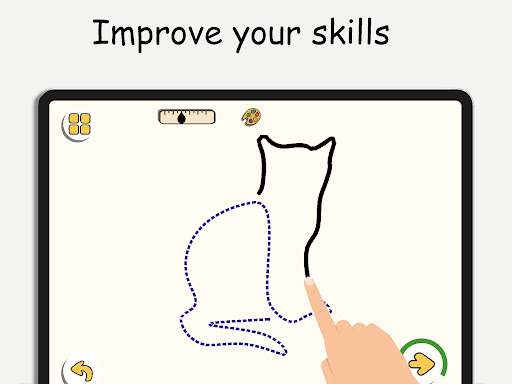
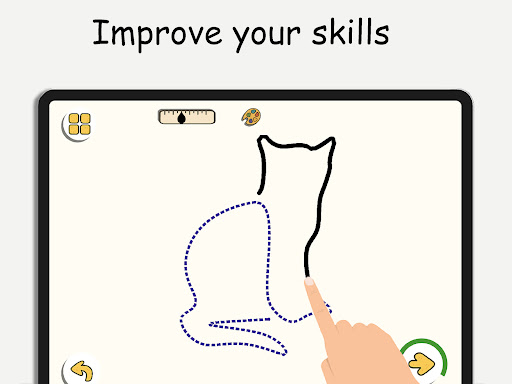
Practice makes perfect, and ArtCanvas offers a wide range of • drawing exercises and challenges to hone your craft. From basic shapes to detailed artworks, it encourages consistent practice at your own pace. The app includes interactive tools that boost creativity and help you develop a steadier hand, ultimately leading to more polished results in your digital portfolio.
Exciting Multiplayer Drawing Battles and Community Features
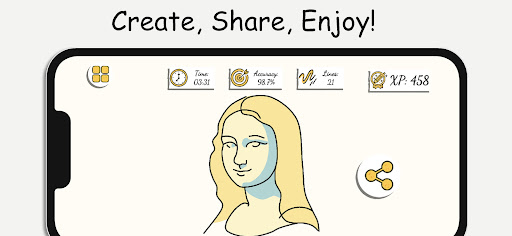
Take your art skills to the next level by engaging in • multiplayer drawing battles. Challenge friends or connect with random players worldwide to compete in real-time. These enjoyable • speed and accuracy challenges push you to draw efficiently while having a lot of fun. Plus, the app’s community feature allows artists to share their work, exchange tips, and collaborate on projects, fostering a supportive environment for growth and inspiration.
Comprehensive Tools for Creative Expression
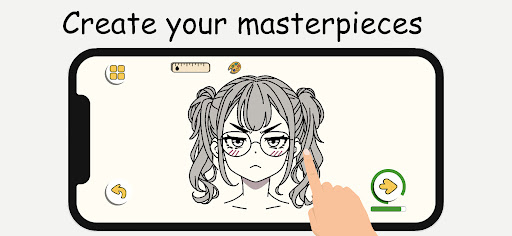
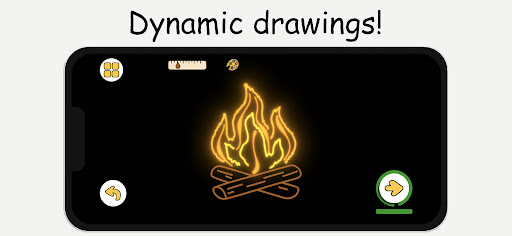
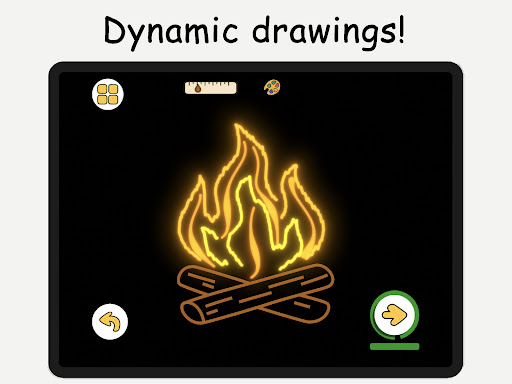
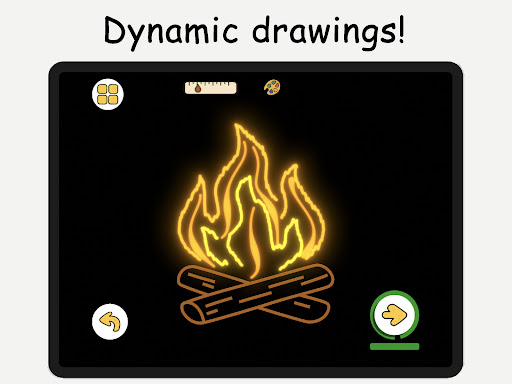
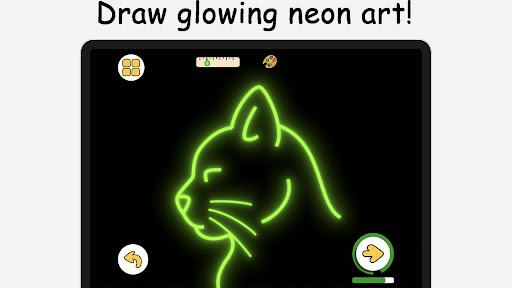
With ArtCanvas, your creative possibilities are virtually endless. The app offers • intuitive drawing tools such as a virtual sketchpad, diverse brushes, colors, and textures. Additionally, features like • pixel art mode enable pixel-perfect designs suitable for retro gaming sprites and icons. For those who love luminous effects, the • neon drawing mode provides glowing brush strokes that produce stunning luminous artwork. These versatile features inspire artists to experiment and develop their unique styles.
Timed Challenges and Offline Drawing for Flexibility
Boost your speed and precision with • quick draw & speed draw challenges that test your quick-thinking skills. Plus, you can enjoy the app’s offline mode—allowing you to sketch and paint without an internet connection—perfect for practice on the go or in areas with limited connectivity.
Designed for All Ages and Skill Levels
ArtCanvas is suitable for • kids and adults alike. Its user-friendly interface and focused tutorials make it accessible for beginners while still offering advanced features for seasoned artists. Whether you want to doodle in the margins, learn how to draw realistic portraits, or create vibrant anime characters, this app adapts to your goals. Its versatility makes it one of the best free drawing apps available for mobile devices.
Start Your Artistic Journey Today
Embrace your creativity with ArtCanvas: Learn how to draw, which combines • step-by-step tutorials, • interactive challenges, and community support—all in a single platform. With its expansive tools and resources, you’ll find everything you need to learn, practice, and showcase your art. Download now and explore a world of endless possibilities—whether you’re drawing for fun, developing new skills, or preparing for a future in digital art. Your path to becoming a skilled artist starts here!
Pros
- User-friendly interface suitable for beginners
- A wide range of drawing tools available
- Interactive tutorials that improve learning experience
- Frequent updates introducing new features
- Offline mode allowing use without internet connection
Cons
- Limited features in the free version
- Occasional reports of app crashes
- Intrusive advertisements
- High battery usage
- Need for a stable internet connection to access tutorials