

Introducing Figma: view. comment. mirror.: The Ultimate Mobile Design Collaboration Tool
Are you looking for a seamless way to collaborate on design projects while on the move? Look no further than Figma: view. comment. mirror.. This innovative mobile app empowers designers, developers, and teams to view, comment, share, and mirror their designs effortlessly from anywhere. Whether you're in a meeting, at a coffee shop, or traveling, this app ensures your creative workflow remains uninterrupted and highly efficient.
Key Features of Figma: view. comment. mirror.
Collaborate on the go
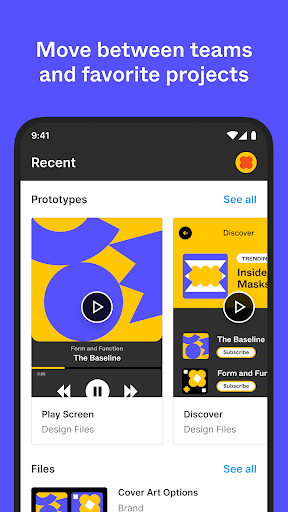
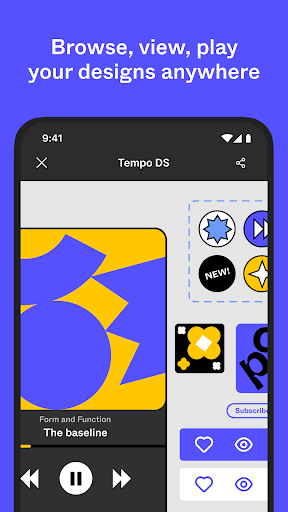
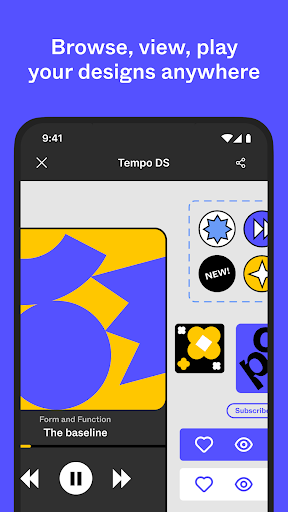
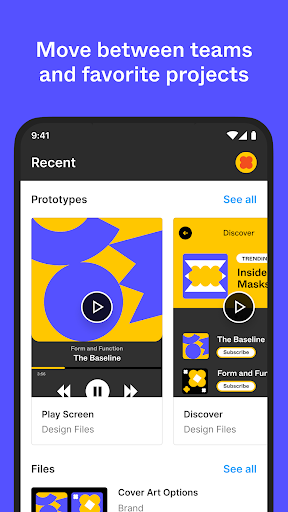
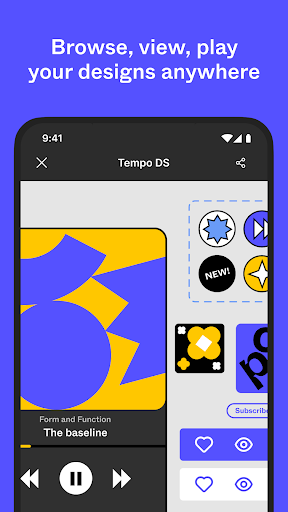
With Figma: view. comment. mirror., collaboration is just a few taps away. The app allows you to review your files by accessing various design formats such as Figma, FigJam, Prototype, and Slides. Easily search for files or browse your recently viewed ones, making it simple to pick up where you left off. Navigation between pages and flows is smooth, enabling quick review and updates, all from your mobile device.
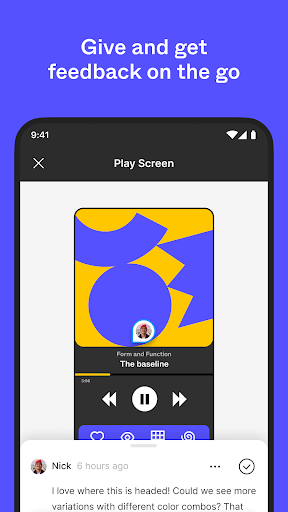
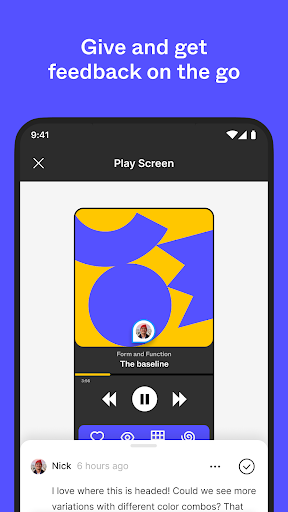
Create and reply to comments
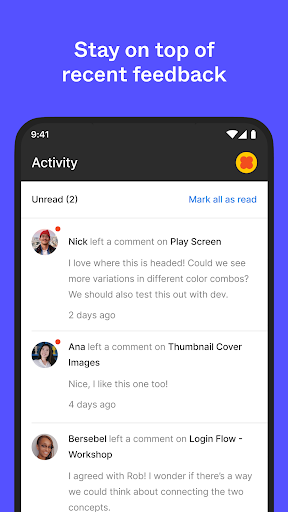
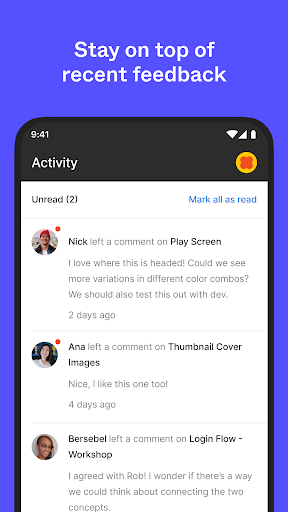
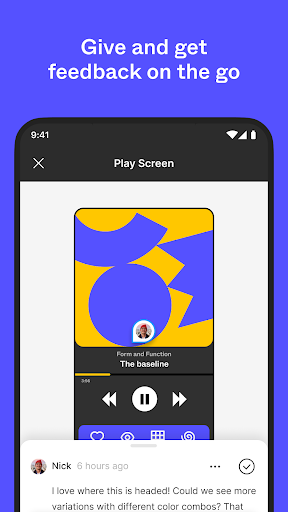
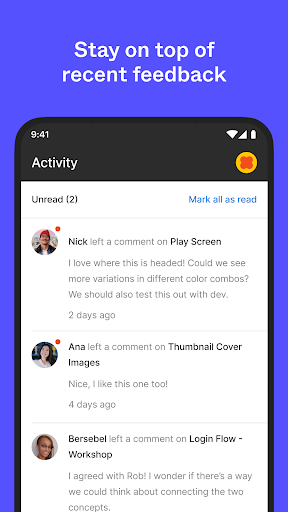
Feedback is vital in the design process, and this app makes it easier than ever. You can add comments, mention teammates, and get notifications for new comments and replies. This real-time commenting fosters instant collaboration and eliminates email chains. The ability to resolve and respond to comments instantly ensures that your project moves forward efficiently, no matter where you are.
File sharing and collaboration
Share your work effortlessly with teammates by inviting collaborators and generating share links. Managing permissions on the fly gives you control over who can view or edit your files, maintaining your project’s integrity and security.
Play and mirror prototypes in real-time
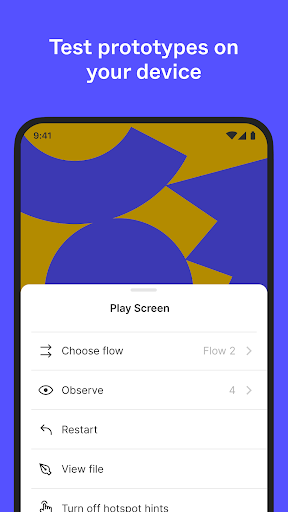
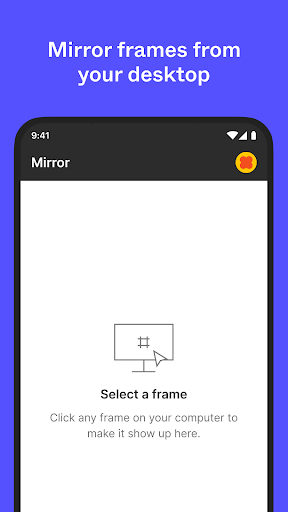
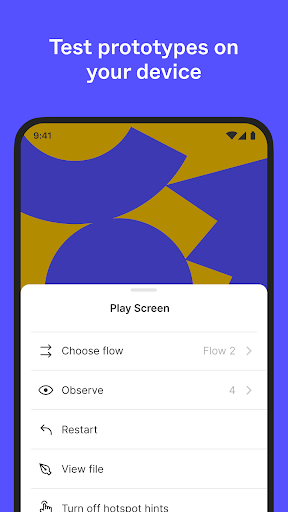
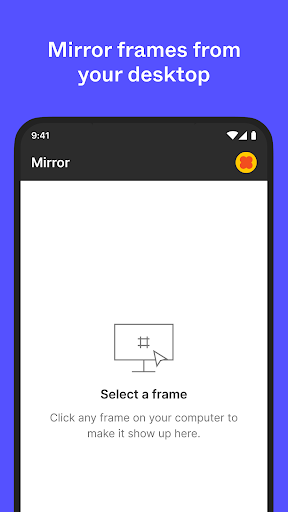
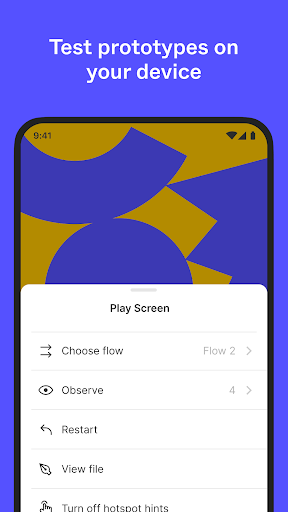
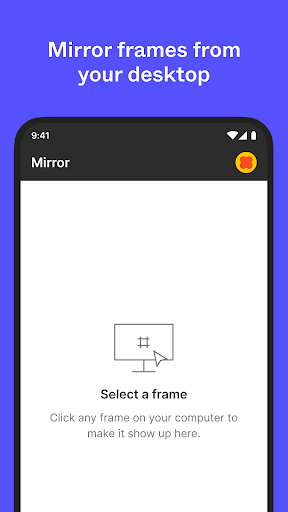
Bring your designs to life by playing prototypes or replaying them in full screen. You can also adjust prototype scaling and toggle hotspot hints to enhance presentation quality. The app supports real-time mirroring of selected frames from desktop to mobile, allowing you to see updates as they happen, directly on your device. Preview how your assets look scaled on various screens to ensure a perfect user experience.
Explore slides effortlessly
View and comment on slides in both landscape and portrait mode, simplifying the review process during meetings or presentations.
Manage permissions and switch workspaces
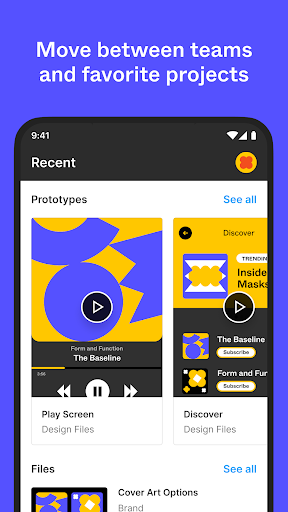
Quickly update permissions to control access and seamlessly browse and switch between teams, plans, and projects directly within the app. This flexibility makes it ideal for remote teams and freelancers managing multiple clients or projects.
Enhanced capabilities on iPad with FigJam
On iPad devices, Figma: view. comment. mirror. leverages FigJam features, allowing users to sketch with the Apple Pencil, share ideas, annotate designs, and jot down inspiration quickly and intuitively.
Why Choose Figma: view. comment. mirror.: Boost Your Design Workflow
This mobile app is a game-changer for design teams and remote freelancers alike. It ensures you stay connected with your project’s progress, collaborate in real-time, and deliver high-quality designs without being tied to a desktop. Its user-friendly interface reduces learning curves, so you spend less time figuring out how to use the app and more time creating stunning visuals and prototypes.
Whether you're conducting spontaneous design reviews, presenting prototypes during client meetings, or just iterating ideas with your team, Figma: view. comment. mirror. brings your creative process into your pocket. Its seamless integration with the desktop version guarantees a smooth transition between devices, maintaining your workflow’s continuity. If you need a reliable, versatile, and portable collaboration tool for your design projects, this app is definitely worth exploring.
Pros
- User-friendly interface for easy navigation
- Real-time collaboration enhances teamwork
- Cross-platform availability increases accessibility
- Supports a wide range of design formats
- Regular updates introduce new features
Cons
- Requires a stable internet connection
- Limited offline capabilities
- May be demanding on older devices' resources
- Some advanced features need a subscription
- Steep learning curve for new users











