
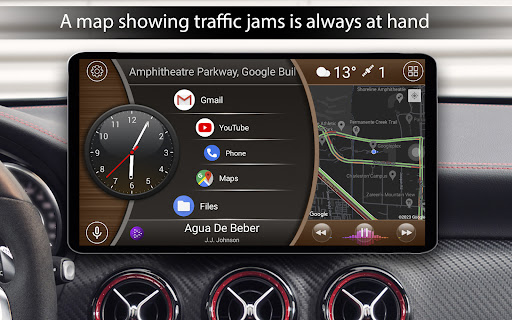
Introduction to the Car Launcher App
Ever found yourself fumbling with your phone while driving, trying to launch an app or find your favorite playlist? Well, you're not alone! That's where the Car Launcher app comes into play. This innovative application is designed to transform your driving experience into a safer, more enjoyable journey by offering quick access to essential functions directly from your dashboard.
What Makes Car Launcher a Must-Have?
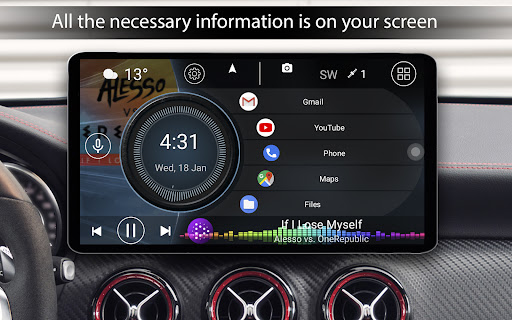
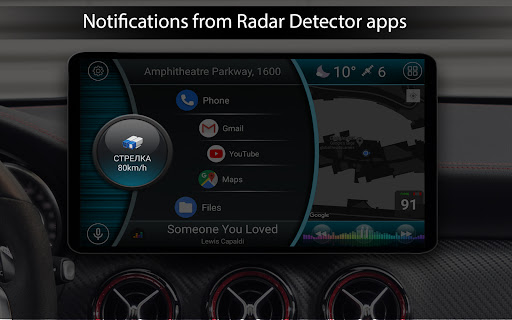
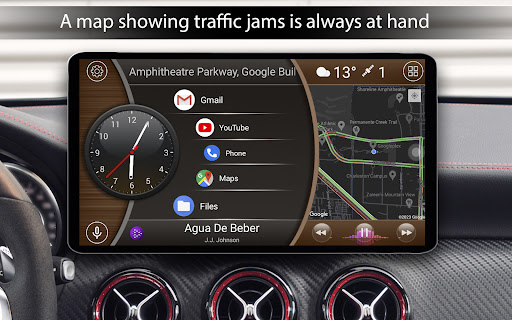
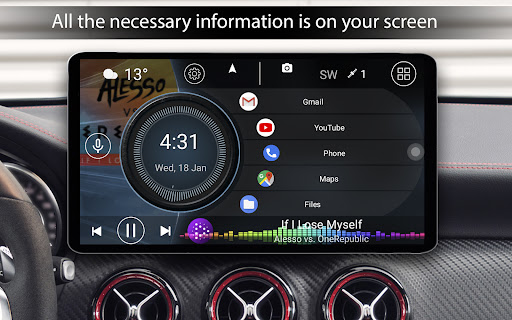
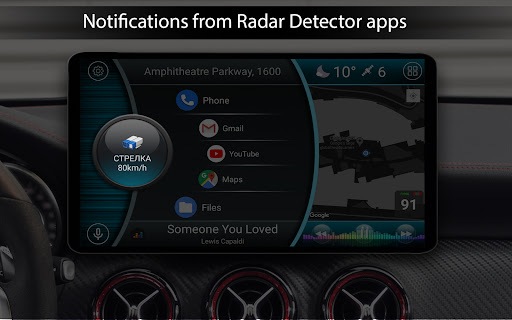
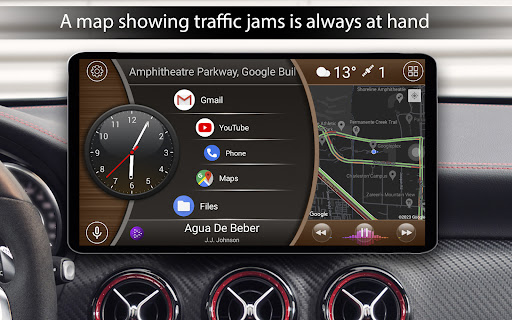
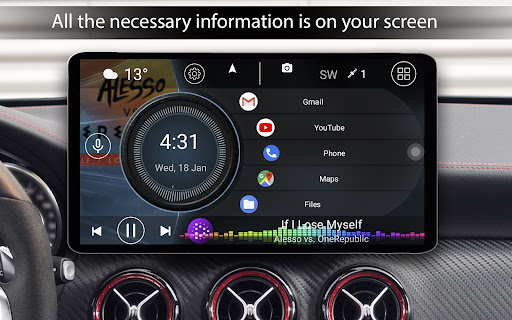
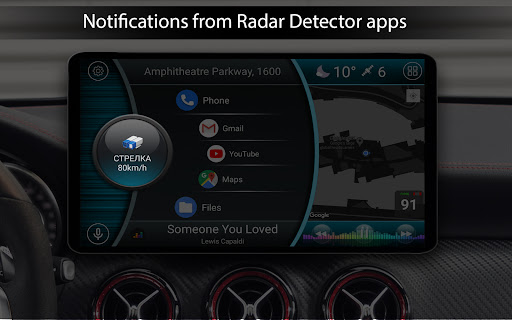
First impressions matter, and upon launching the Car Launcher, you'll be greeted with a sleek, user-friendly interface that is truly intuitive. The design minimizes distractions, which is critical for safety on the road. It acts like a mini-command center right on your vehicle's dashboard, providing large, easy-to-tap icons that enable you to operate crucial features without losing focus on driving.
Key Features and Functionalities
Highly Customizable Home Screen
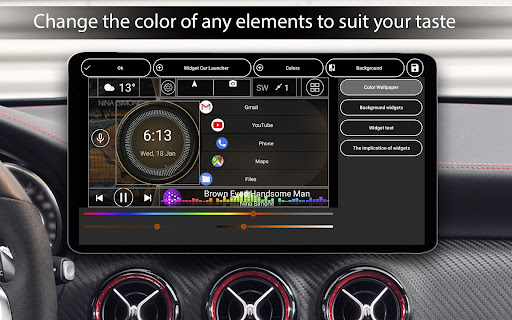
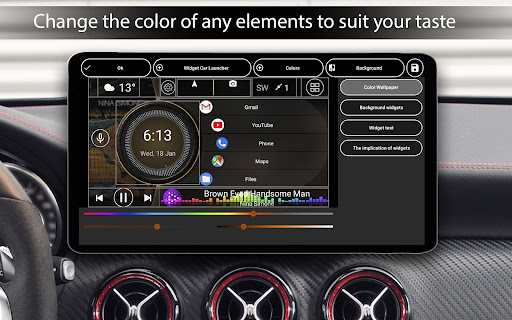
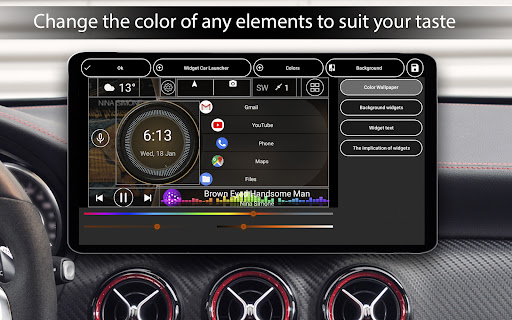
A standout aspect of the Car Launcher is its extensive customization options. You can personalize the main screen to include quick access to navigation, music, contacts, or any other applications you frequently use. You can organize applications into folders, easily add or remove apps, and set up multiple screens for different needs, all aimed at making your driving interface uniquely yours.
Built-in GPS Navigation and Speed Monitoring
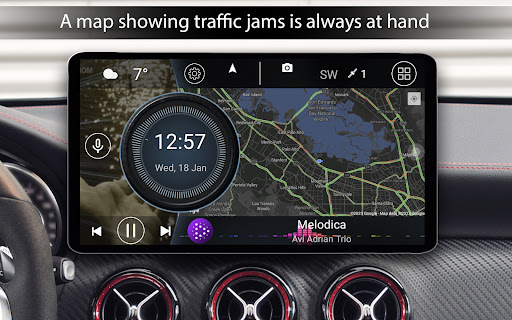
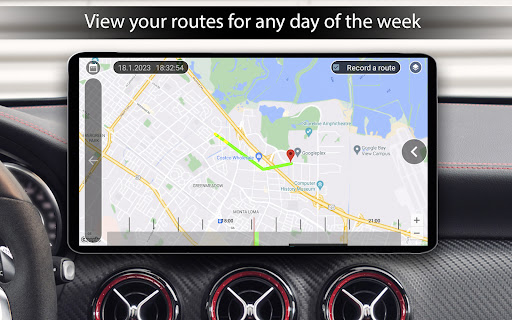
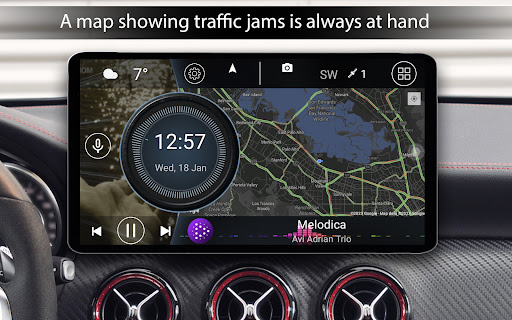
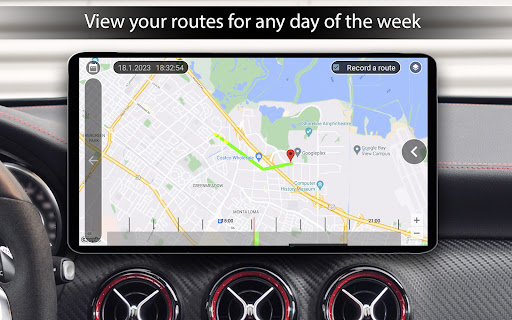
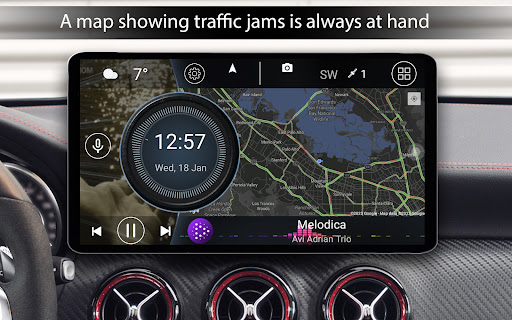
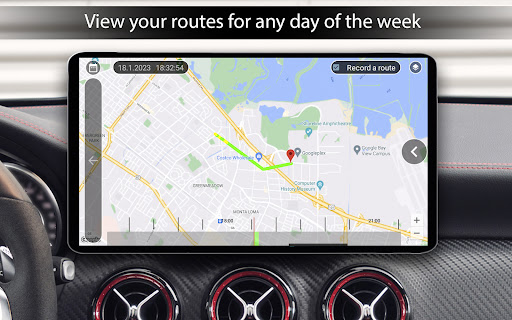
The app boasts an integrated GPS navigation system that works seamlessly even without an internet connection—ideal for areas with poor coverage. Additionally, it includes a powerful speedometer feature, which not only displays your current speed but also logs your driving speed history. This can be particularly useful for those interested in tracking their driving habits or managing speed during road trips.
Enhanced Driving Safety Features
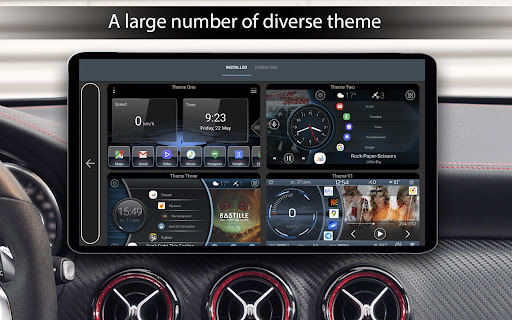
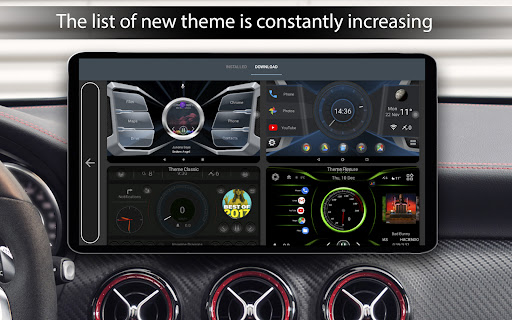
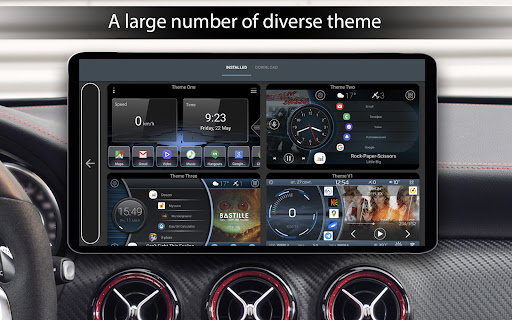
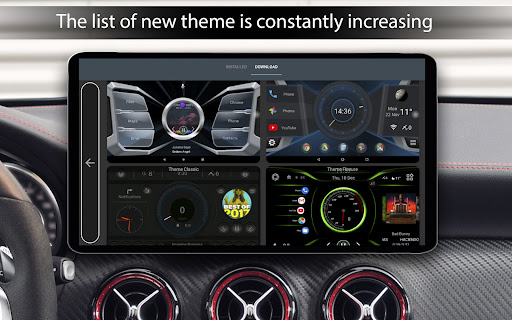
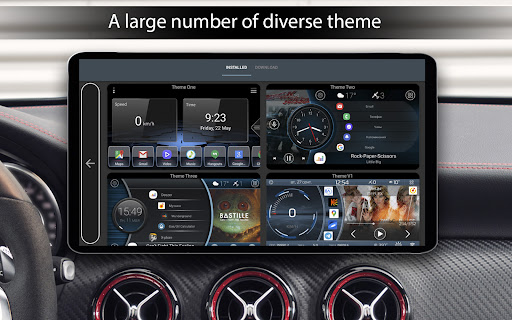
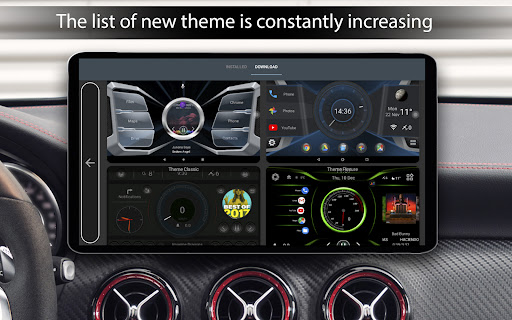
The Car Launcher offers an automatic day/night mode that adjusts screen brightness based on the time of day, reducing glare and eye strain during nighttime drives. It also provides a selection of themes and wallpapers, which can be customized or changed according to your mood or preference, helping to reduce visual fatigue.
Additional Utilities
Other notable features include:
- Current speed and passable distance display based on GPS data.
- Quick application menu with sorting options by name, installation date, or update date.
- A slide menu with detailed onboard computer data such as average speed, maximum speed, acceleration stats, and trip duration.
- Support for third-party themes, icons, and media players—allowing further personalization.
- Weather updates and location information integrated directly into the main interface (with internet connectivity).
- Automatic brightness adjustment and screensaver options with customizable fonts, colors, and data display settings.
Advantages for Daily Drivers and Long Road Trips
The Car Launcher app effectively turns your smartphone into a dedicated driving dashboard, emphasizing safety and ease of use. Its intuitive layout and customization options make it ideal for daily commuters, while its advanced features like trip data tracking and speed monitoring serve long-distance travelers well.
Paid Version Enhancements
For users opting for the paid version, the app unlocks even more functionalities:
- Support for system widgets and additional screens for a comprehensive dashboard experience.
- Ability to [edit applications and widgets](https://example.com) — including resizing, repositioning, and customizing actions.
- Expanded widget set, such as analog clocks, speedometers, address displays, and driving statistics.
- Advanced application settings with options like infinite scrolling, application grid customization, and lock on widget activation.
- Customization of icons, logos, and color schemes to suit your aesthetic preferences.
Why Choose Car Launcher?
Designed for Android devices installed in cars, the Car Launcher app makes driving safer and more enjoyable by simplifying your smartphone's interface. Its combination of practicality and personalization ensures that all necessary apps and info are just a tap away, minimizing distractions while maximizing convenience. Whether you're navigating unfamiliar routes, managing calls, or controlling your favorite music, this app truly acts as your digital co-pilot, enhancing your driving experience every mile of the way.
Pros
- Customizable interface for personalization
- Supports multiple widgets for convenience
- Enhanced GPS features for navigation
- Optimized for easy driver interaction
- Fast loading time and smooth performance
Cons
- Limited free features without premium
- Occasional ad interruptions
- May drain battery quickly
- Compatibility issues on older devices
- Paid features can be expensive











