






Discover the Power of the Home Assistant App
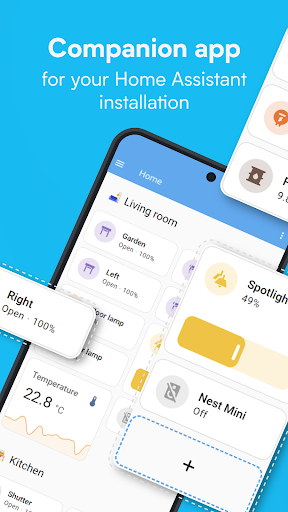
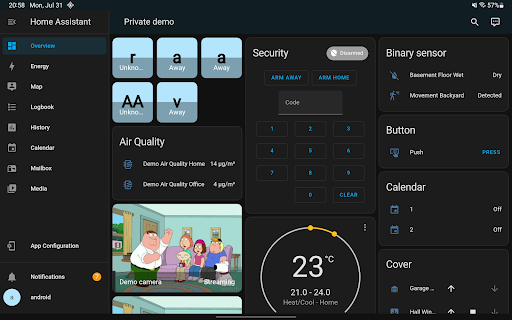
If you're looking to elevate your smart home experience, the Home Assistant Companion app offers an exceptional solution to manage all your devices seamlessly. Designed to work with your Home Assistant instance, this app transforms your smartphone or tablet into a powerful home automation hub, providing a centralized control point for your entire smart home ecosystem.
What Is Home Assistant?
Home Assistant is an open-source, privacy-focused smart home platform that runs locally within your residence. Whether you use a dedicated device like the Home Assistant Green or a Raspberry Pi, this platform enables you to connect, automate, and control a vast array of smart devices from different brands. Its core philosophy revolves around privacy, choice, and sustainability, giving users complete ownership of their data while supporting a flexible ecosystem of devices and services.
Why Use the Home Assistant Companion App?
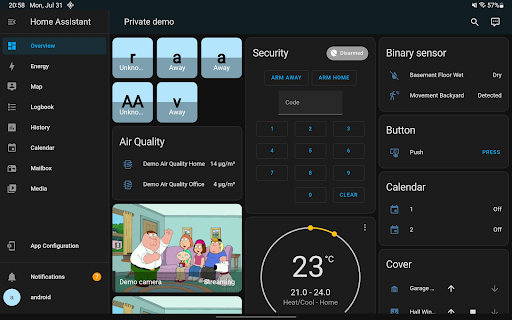
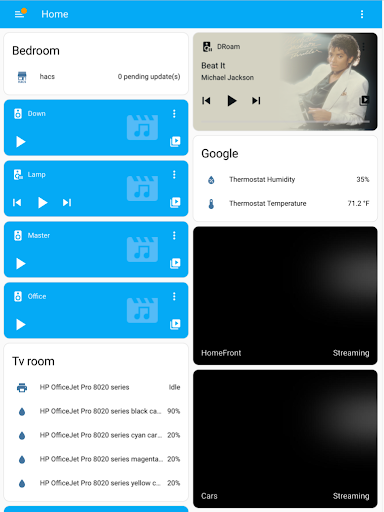
The Home Assistant app is essentially your mobile gateway to a smarter home. It consolidates all the most critical features of your Home Assistant setup into a user-friendly interface that is accessible on the go. With the app, you can control your entire home from anywhere, ensuring comfort, security, and efficiency at the tap of a screen.
Control All Your Devices in One Place
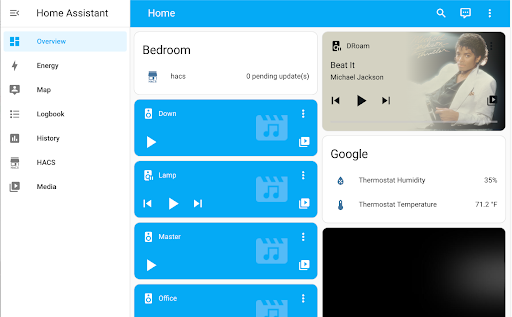
Imagine having a universal remote control that manages everything—from lights and thermostats to security cameras and smart appliances. The Home Assistant supports integration with thousands of brands including Philips Hue, Google Cast, Sonos, IKEA Tradfri, and Apple HomeKit. This compatibility ensures that no matter your device preferences, they can all be unified under a single platform for effortless control.
Simple Setup & Automatic Device Discovery
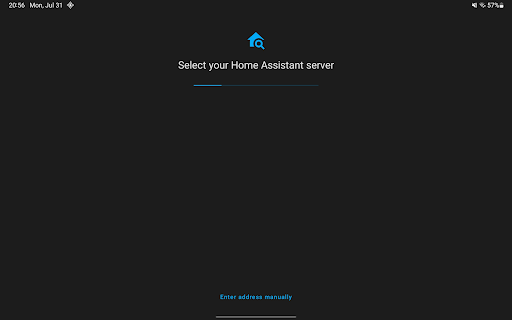
Getting started isn’t overly complicated. The app guides you step-by-step through the setup process, including quick detection and configuration of new devices. Whether you’re adding smart lighting, sensors, or smart plugs, Home Assistant makes onboarding straightforward, even for users who aren’t tech-savvy.
Powerful Automations for a Smarter Home
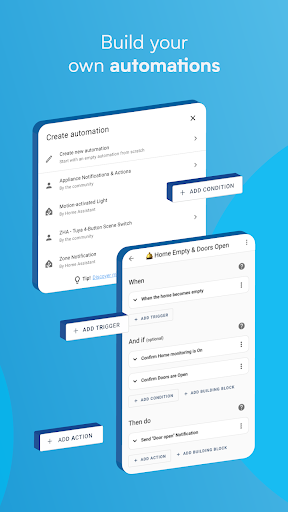
One of the app’s standout features is its ability to create automations. Want your lights to dim when you start watching a movie? Or prefer your heating to turn off when everyone leaves the house? Home Assistant makes all of this possible. Its automation engine is both flexible and user-friendly, enabling you to set routines that enhance comfort, safety, and energy efficiency.
Enhanced Features for Convenience and Security
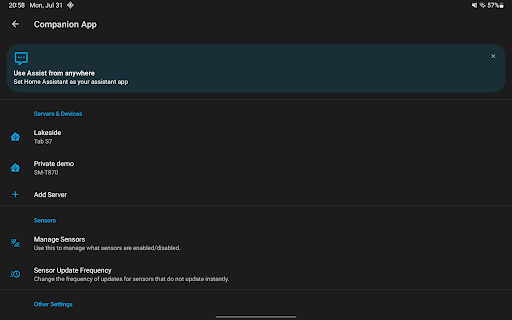
The app isn’t just about device control; it offers a range of features to keep your home connected, safe, and smartly managed. For example, with location sharing, you can automate heating, security, and other routines based on your presence. Securely connect your devices even when away from home using options like Home Assistant Cloud, which provides a straightforward way to access your setup remotely without compromising security.
Receive Real-Time Notifications
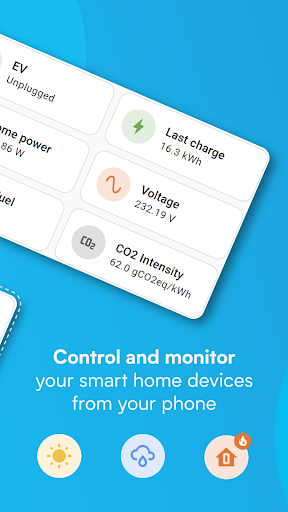
Stay informed about what's happening at home. Whether it’s detecting water leaks, identifying open doors, or monitoring sensor data, the app can send you instant alerts. This proactive approach helps you respond quickly to potential issues, ensuring your home remains safe and efficient.
Control from Your Car and Wearables
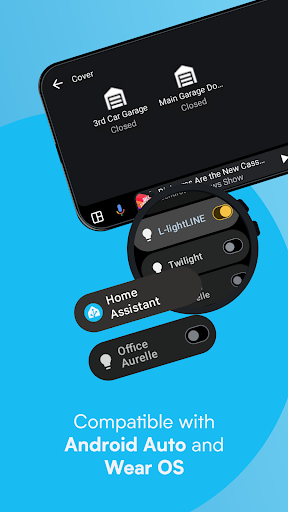
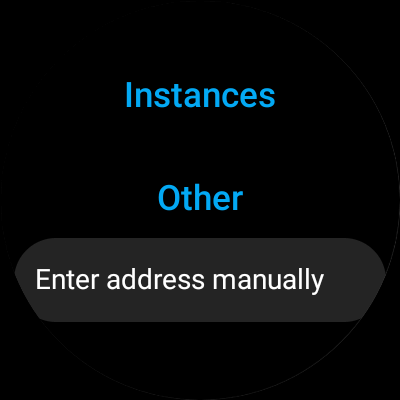
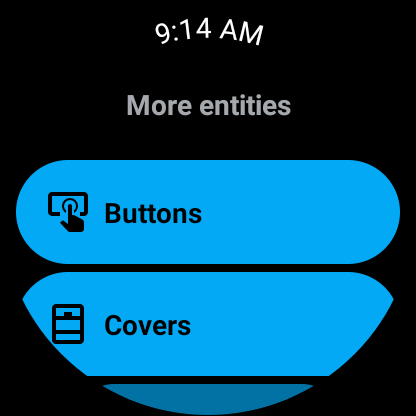
With Android Auto and Wear OS support, you can manage your smart home directly from your vehicle dashboard or smartwatch. Control your garage door, disarm security, or monitor sensors while on the move—adding an extra layer of convenience to your smart home lifestyle.
Create Custom Widgets & Use Voice Assistants
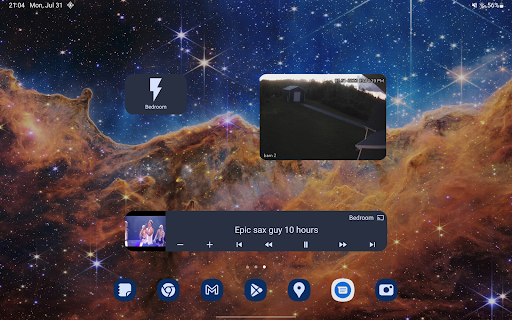
Build personalized widgets for quick access to devices, or talk to your local voice assistants to control your home with voice commands. The app’s compatibility with many services enables diverse control options, making your smart home experience intuitive and effortless.
Compatibility & Community Support
The Home Assistant Companion app works seamlessly with over 1,000 different devices and integrations, including Amazon Alexa, Google Assistant, Apple HomeKit, Z-Wave, Zigbee, Matter, and Thread. This broad compatibility ensures that your existing smart home devices continue to serve you well, and new devices can be added without fuss.
Being open-source, it benefits from a vibrant community of developers and enthusiasts who continually work on enhancing functionalities, fixing bugs, and sharing innovative automation ideas. This collaborative environment allows users to customize their setup and contribute to the platform’s growth.
Join the Smarter Home Community
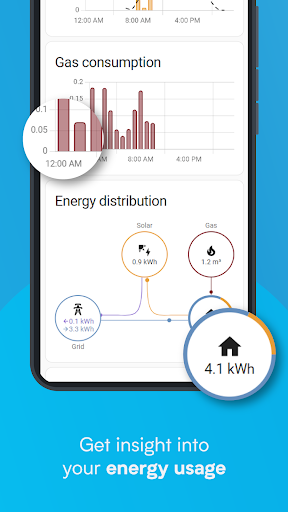
With over a million users worldwide, Home Assistant is a leading choice for those seeking privacy, flexibility, and powerful automation. Whether you want to simplify your daily routines, boost your home security, or reduce energy consumption, this app empowers you to craft a personalized smart home tailored to your lifestyle. Dive into the world of home automation today and enjoy a more connected, efficient, and secure living space.
Pros
- Highly customizable for a wide range of smart devices
- Open-source platform with an active and supportive community
- Provides local control to enhance user privacy
- Receives regular updates along with new features
- Compatible with most smart home systems
Cons
- Setup process may be challenging for beginners
- Requires technical expertise for advanced functionalities
- Official support options are limited
- User interface can sometimes be overwhelming
- Relies on a stable local network for proper operation











