

Overview of the IP Camera Viewer App
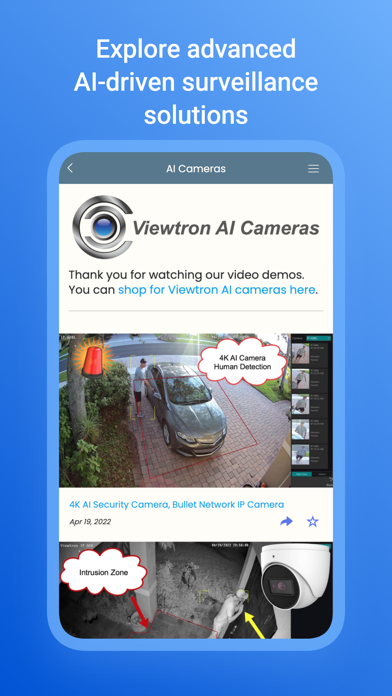
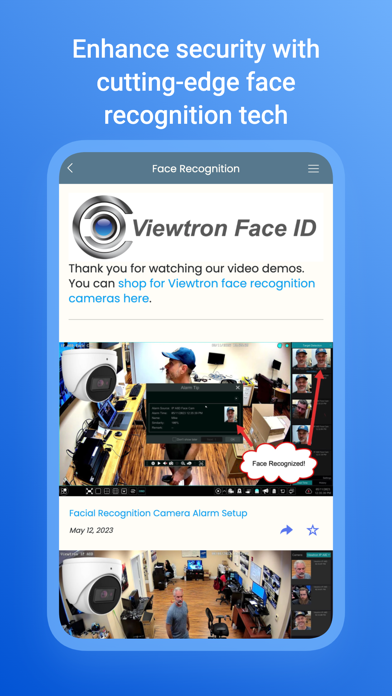
Are you searching for an efficient solution to monitor your home security cameras remotely? The IP Camera Viewer is a versatile mobile application designed to provide seamless access to your IP cameras, whether they are installed at home or in a professional environment. Compatible with most network IP cameras, this app allows you to effortlessly view live feeds on various devices such as your big TV screen, smartphone, or tablet. Its broad compatibility includes popular brands like Hikvision and Dahua, making it the go-to choice for many security enthusiasts. Whether you’re managing a home CCTV system or a commercial security setup, this app is optimized for Android-based devices, including TV boxes and tablets. From live surveillance to video playback, the IP Camera Viewer offers a comprehensive set of tools designed for both personal and professional security needs.
Key Features of IP Camera Viewer
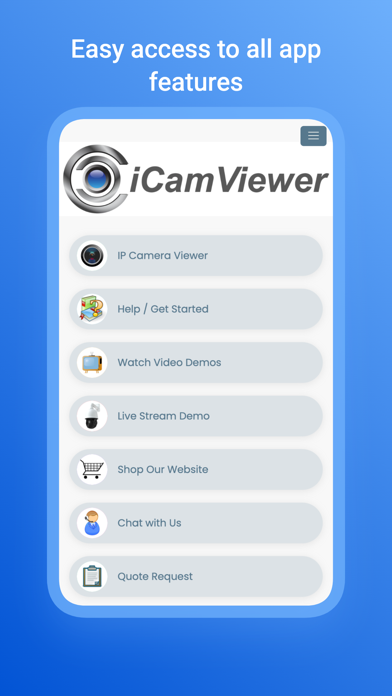
### Easy Setup and CompatibilityGetting started with the IP Camera Viewer is straightforward. Simply download the app from your preferred app store, and you’re ready to connect to your security cameras. The app supports a broad range of IP cameras, ensuring compatibility with your existing security hardware. Whether you have a WiFi cam or a more extensive home security CCTV system, the process of setup is designed to be quick and intuitive, even for users with minimal technical experience.### User-Friendly InterfaceThe design of the app emphasizes simplicity and ease of use. Its clean and intuitive interface makes navigation a breeze. The live feed is prominently displayed on the main screen, allowing you to quickly check your camera streams without having to hunt through complicated menus. This is especially useful when you need immediate access to your security footage, such as during suspicious activity or noise detection at night.### Customizable Alert SystemOne of the standout features is the customizable alert system. Users can configure notifications to alert them only for specific motions or noises, reducing false alarms and unnecessary notifications. The alert system is designed for prompt delivery, ensuring users receive real-time updates. During testing, notifications arrived almost instantly after triggering the camera’s sensors, making it an effective tool for security monitoring.### Video Playback and RecordingThe app supports video playback and recording. You can save video clips for later review or analyze past events directly within the application. The playback quality remains clear during zoom-ins, providing detailed views of security incidents. This feature is vital for users who want to maintain a history of camera activity or need evidence for security purposes.### Security and Privacy ConsiderationsIn an era where privacy concerns are growing, the IP Camera Viewer prioritizes data security. The application incorporates top-notch data encryption, ensuring that your security footage remains private and accessible only to you. This focus on privacy provides peace of mind, knowing that your surveillance data is safe from unauthorized access.
Conclusion: Why Choose IP Camera Viewer
Overall, the IP Camera Viewer impresses with its ease of use, reliable performance, and extensive feature set. Whether you want to keep a watchful eye on your pets, monitor visitors at your door, or safeguard your property remotely, this app provides a practical solution. Its support for a wide range of IP cameras, customizable alerts, and seamless playback capabilities make it a top choice in the realm of home security apps. Think of it as your portable security guard—always ready with an extra set of eyes that you can access from anywhere using your smartphone or tablet.
Pros
- Easy setup and intuitive interface.
- Compatible with various camera brands and models.
- Supports high-quality video streaming.
- Enables remote monitoring via mobile applications.
- Offers customizable alerts and notifications.
Cons
- Limited features in the free version.
- Occasional connectivity problems.
- No cloud storage options for recordings.
- Requires a stable internet connection.
- User interface can sometimes appear cluttered.











