



Introduction to My Kitchen: 3D Planner
Are you dreaming of redesigning your kitchen but feel overwhelmed by the complexity of interior planning? Look no further than My Kitchen: 3D Planner, a powerful application that transforms how you approach kitchen design. Whether you're a housewife looking to optimize your space or a professional designer seeking a versatile tool, this app caters to all needs. With its intuitive interface and comprehensive features, My Kitchen: 3D Planner allows you to craft your perfect kitchen effortlessly.
Key Features of My Kitchen: 3D Planner
Basic Version – Free and User-Friendly
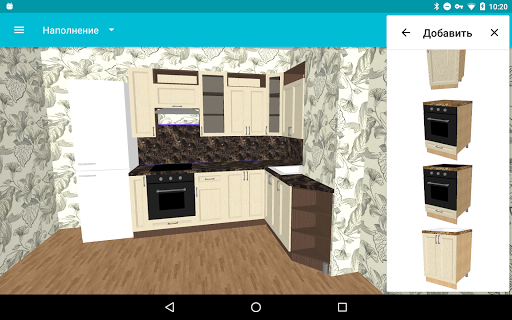
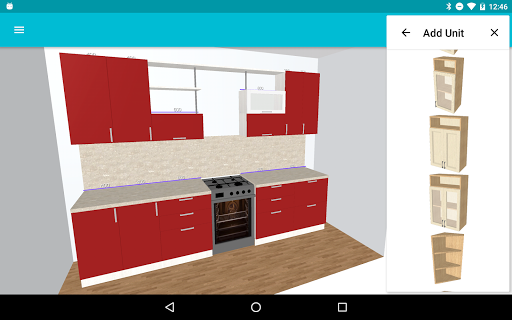
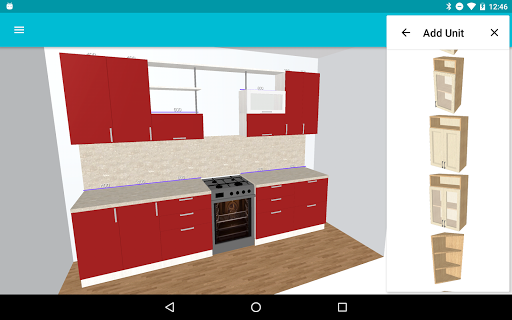
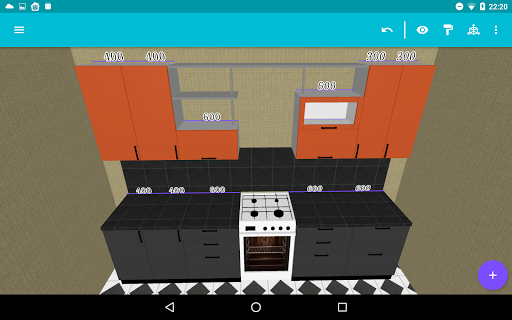
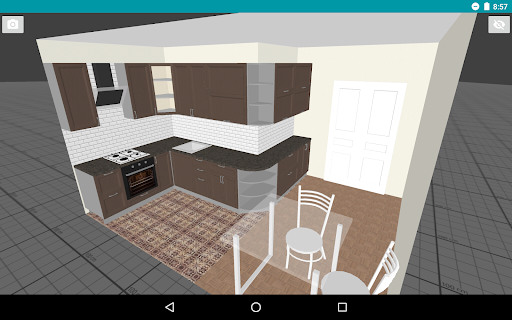
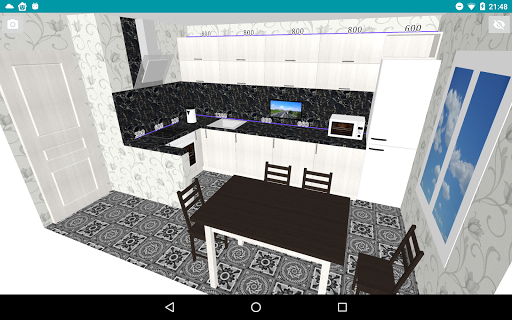
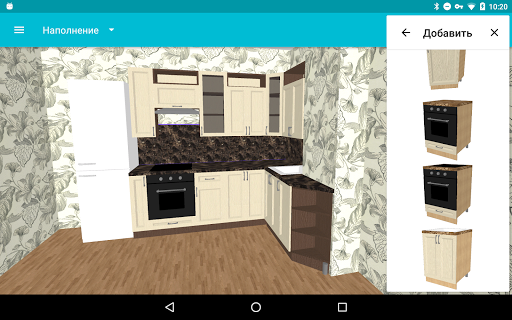
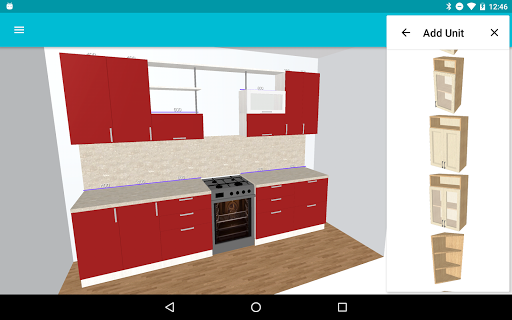
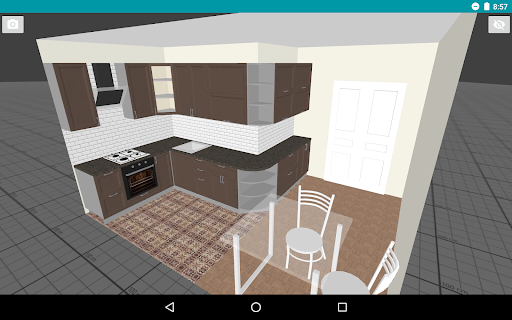
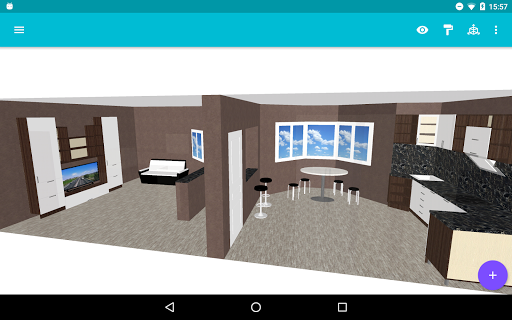
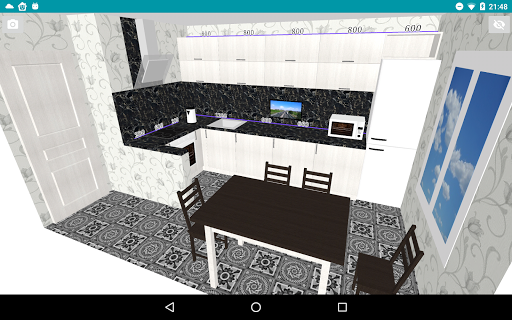
The FREE version of My Kitchen: 3D Planner provides a range of essential features to kickstart your kitchen projects. Users can create, open, and save multiple designs seamlessly, making it easy to experiment and refine their ideas over time. The app allows you to modify various kitchen components such as cabinets, appliances, hoods, windows, doors, and other modules to match your vision precisely. Additionally, you can customize your room’s configuration, including floor and wall color settings, to ensure your design reflects your style. Another engaging feature is the ability to save images of your designs, perfect for sharing ideas or presenting to family and friends. The application also supports collaboration by enabling users to send drafts and receive feedback, making it a communal creative process. For convenience, the undo function ensures you can easily correct mistakes, while options to select cabinet door and handle models allow for detailed customization. Users can import different colours and textures to make their designs as realistic as possible, and export files in DAE (Collada) format for further use or 3D printing.
Pro Version – Advanced Capabilities
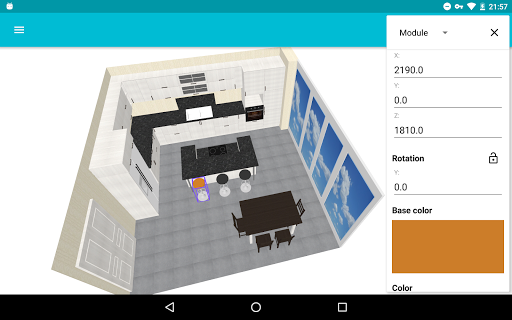
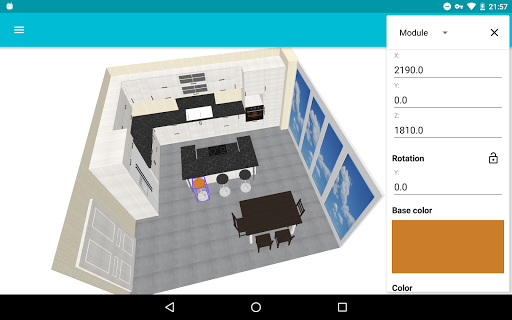
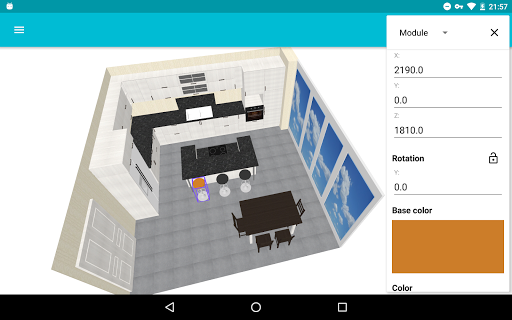
Unlock the full potential of your designs with the PRO version. This upgrade provides advanced features such as module editing, giving you full control over each component. Plus, the app offers a Free trial 1 + 3-day period, providing a risk-free opportunity to explore the enhanced functionalities before committing. With PRO, you can fine-tune every aspect of your kitchen layout, experiment freely, and create truly customized spaces.
Design Tutorials and Resources
For beginners or anyone new to kitchen planning, My Kitchen: 3D Planner offers comprehensive tutorials available at this link. These guides walk you through the basics of designing a spacious, practical, and stylish kitchen, ensuring every ingredient such as countertops, cabinets, and shelves is perfectly placed. The tutorials emphasize maintaining a consistent style across all furniture elements, making your renovation process more straightforward and enjoyable. Remember, designing a kitchen is not just about aesthetics—it’s about creating a functional, ergonomic space that suits your lifestyle and needs.
Why Choose My Kitchen: 3D Planner? - Features That Stand Out
Intuitive User Interface
One of the most impressive aspects of My Kitchen: 3D Planner is its user-friendly interface. Even users with minimal technical experience will find it simple to navigate and create custom kitchen layouts. The app offers a variety of templates to suit different styles—be it modern, rustic, or minimalist. These templates serve as a starting point that can be customized to match your unique preferences.
Drag-and-Drop Design Flexibility
The drag-and-drop feature is a game-changer, allowing you to pick up virtual furniture elements and position them effortlessly within your space. This makes the planning process as engaging as a puzzle game, transforming a potentially daunting task into a fun and creative activity.
Comprehensive Customization Options
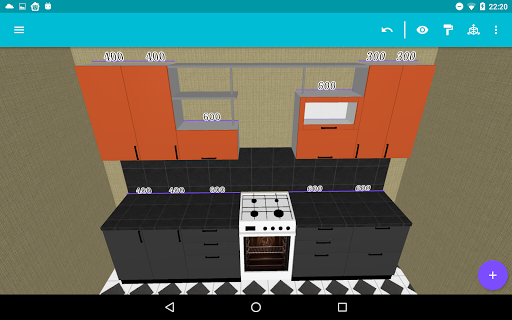
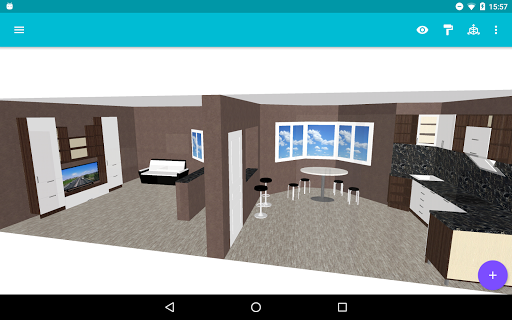
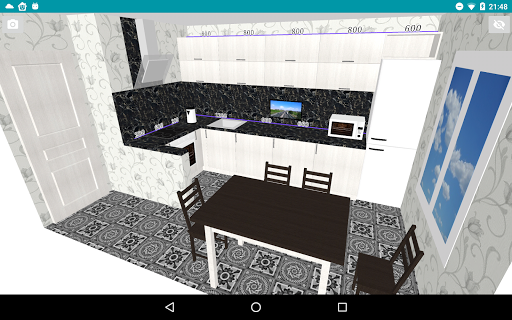
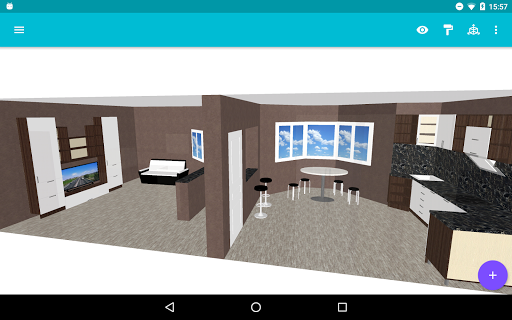
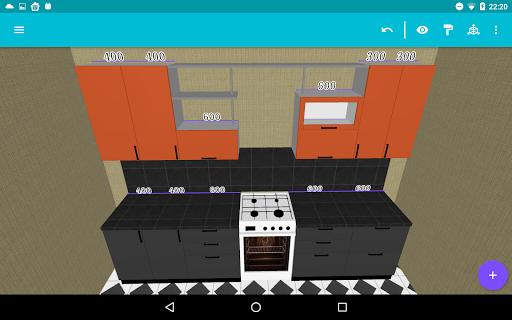
Personalization is at the core of My Kitchen: 3D Planner. Adjust materials for countertops, choose different cabinet finishes, and select suitable handles and doors. The high-quality 3D rendering gives a realistic preview of your finished kitchen, almost like walking through a showroom virtually. Layout options enable optimization of space, making it perfect for homes with limited room or specific design constraints.
Easy Saving and Sharing
Saving your projects is quick and straightforward. Sharing your designs with your family, friends, or even professional designers is made easy, thanks to built-in sharing features. The application supports both metric and imperial measurement systems, ensuring compatibility with users worldwide.
Final Thoughts
In conclusion, My Kitchen: 3D Planner is an essential tool for anyone planning a kitchen renovation or interior redesign. Its combination of a simple interface, extensive customization options, and realistic 3D visualization makes designing your dream kitchen both enjoyable and efficient. Whether you're a homeowner wanting to experiment with layouts or a professional seeking a reliable design tool, this app offers everything you need to bring your vision to life. Download My Kitchen: 3D Planner today and start creating the spacious, practical, and stylish kitchen you’ve always wanted.
Pros
- User-friendly interface for easy design
- Realistic 3D visualization of kitchen plans
- Extensive library of kitchen appliances
- Customizable color and material options
- Works offline for planning anytime
Cons
- Limited free version features
- Occasional app crashes reported
- Ads can be intrusive at times
- Requires large storage space
- No direct customer support channel











