


Kitchen Design: 3D Planner - Transform Your Dream Kitchen into Reality
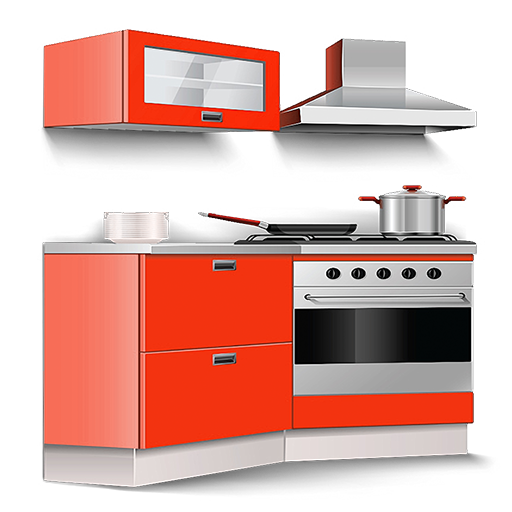
Are you passionate about creating the perfect kitchen but unsure where to start? Kitchen Design: 3D Planner is a powerful and user-friendly interior design application that empowers homeowners and interior enthusiasts to plan, visualize, and customize their kitchen spaces with ease. Whether you're imagining a compact country-style kitchen with pristine white cabinets or a sleek modern layout with contemporary decor, this app provides all the tools you need for inspiring kitchen design ideas. Its realistic HD renderings and comprehensive furniture library make it feel like having a personal interior designer right at your fingertips.
Effortless Planning and Visualization
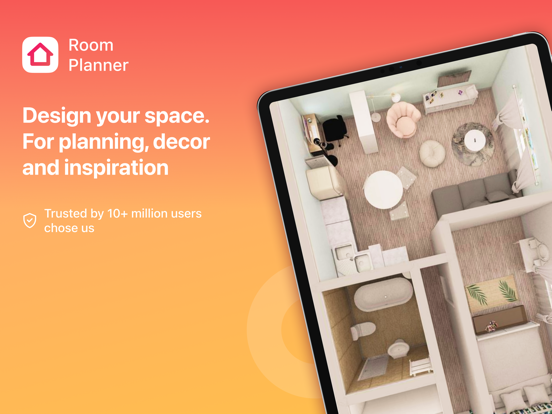
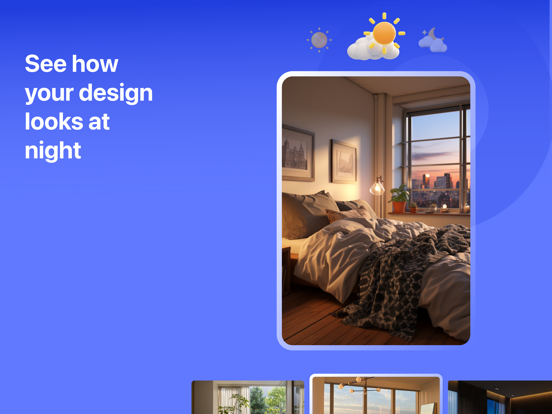
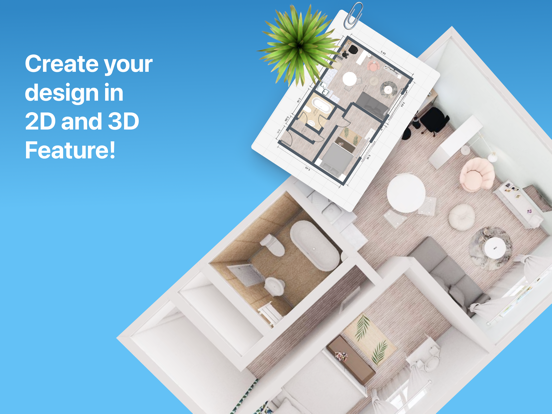
Getting started with Kitchen Design: 3D Planner is straightforward, thanks to its intuitive interface. Users can input the dimensions of their kitchen space, guiding the app to generate a tailored layout. The app's hallmark feature is its stunning 3D visualization, which allows you to see photorealistic images of your proposed room. You can experiment extensively—changing colors, textures, or furniture placement—without any real-world commitment. This virtual sandbox enables you to visualize your idea clearly, fostering better decision-making and reducing the guesswork involved in remodeling projects.
Comprehensive Furniture and Decor Library
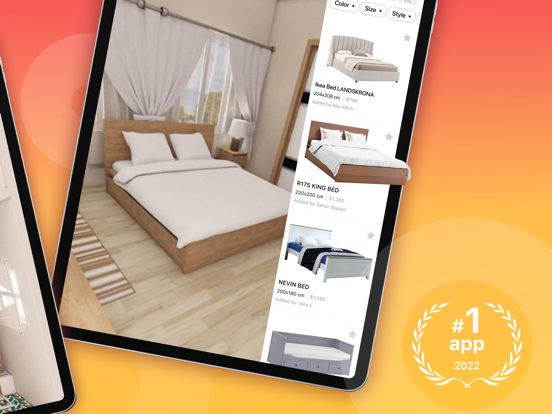
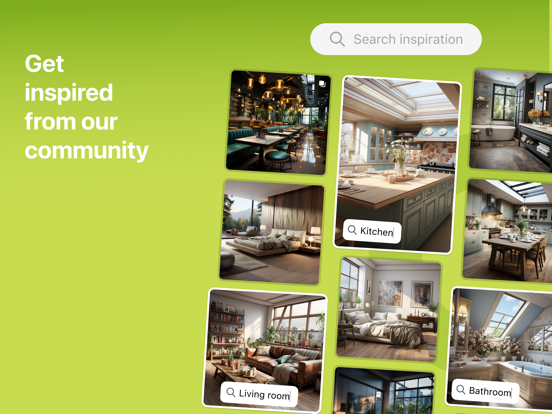
With a vast library of furniture and appliances sourced from world-famous brands, the app allows you to add and customize items that match your style. Whether you prefer minimalistic modern kitchens or cozy traditional setups, you can browse and select hundreds of pieces to fit your vision. Drag-and-drop functionality ensures a smooth experience, enabling you to arrange and rearrange elements effortlessly. Not only does this facilitate better spatial planning, but it also helps you see how each piece complements your overall design before making any purchases.
Personalized Design Experience
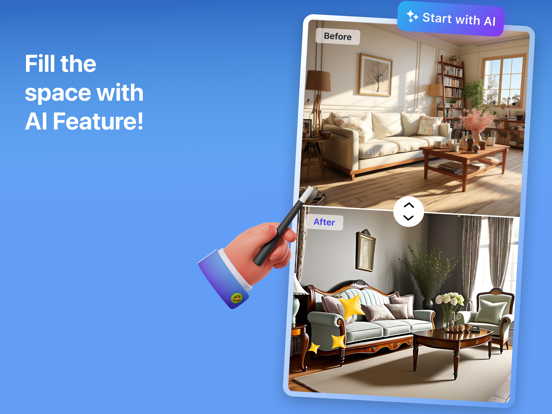
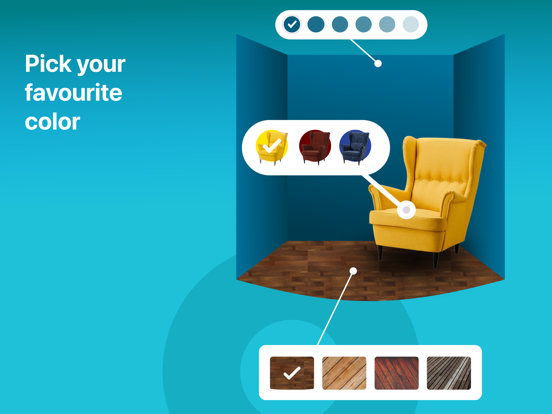
One of the best aspects of Kitchen Design: 3D Planner is its high degree of customization. Change wall colors, switch flooring materials, or modify layout plans easily—this flexibility lets you explore creative options until your ideal kitchen emerges. Want to see how a new backsplash will look against your countertops or if different cabinet finishes work together? The app makes it simple to test different scenarios and finalize a look that aligns perfectly with your style preferences.
Share and Collaborate Effortlessly
Once you've crafted your dream kitchen, sharing your design ideas is seamless. Export high-resolution images or 3D snapshots to communicate your vision clearly with partners, contractors, or friends. Whether for feedback or professional reference, these visualizations make collaboration straightforward. The ability to showcase your plans helps ensure everyone involved understands your concept, streamlining the renovation or decorating process.
Flexible Versions for All Users
The FREE version of Kitchen Design: 3D Planner provides fundamental features, including room layout creation, a library of approximately 100 furniture pieces, and the ability to generate up to three realistic room photos. For more advanced needs, upgrade to the BASIC or PRO versions. These paid versions unlock a broader database of over a thousand furniture items from luxury brands, enhance rendering resolution, speed up the design process, and even provide cost estimates. The PRO version also enables exporting your designs to professional platforms like 3ds Max, perfect for detailed presentations or professional use.
Why Choose Kitchen Design: 3D Planner?
Whether you're remodeling a small kitchen, designing a spacious country-style layout, or planning a contemporary dining area, Kitchen Design: 3D Planner simplifies the process. It bridges creativity with practicality, allowing you to test ideas, visualize details, and communicate effectively. With its realistic rendering and extensive furniture library, this app helps turn your design concepts into tangible, beautiful spaces. No matter your skill level, you can enjoy designing your perfect kitchen—saving time, reducing costs, and avoiding mistakes along the way. Start exploring today and bring your dream kitchen to life with confidence!
Pros
- Intuitive user interface for easy navigation
- High-quality 3D rendering of designs
- Extensive library of kitchen elements
- Customizable design options
- Fast performance with minimal lag
Cons
- Limited free features without a subscription
- Occasional bugs in rendering
- Requires high-end devices for optimal performance
- No offline mode available
- Limited customer support response time











