

Mirror Link Car Connector: Enhance Your Driving Experience with Seamless Screen Mirroring
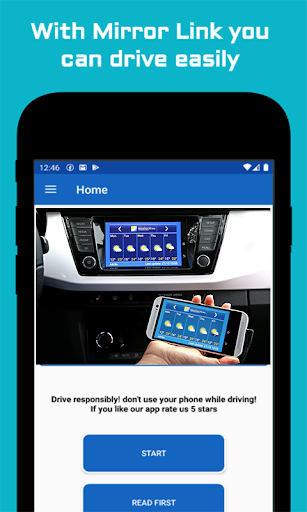
Are you looking for a simple, safe way to connect your smartphone to your car’s infotainment system? The Mirror Link Car Connector is an innovative app designed to make driving easier and more enjoyable by enabling full mirror link mobile functionality without the hassle of cables. This powerful software allows you to mirror your phone’s screen directly onto your car’s display, providing quick access to navigation, music, messages, and more—all while keeping your focus firmly on the road.
What is the Mirror Link Car Connector?
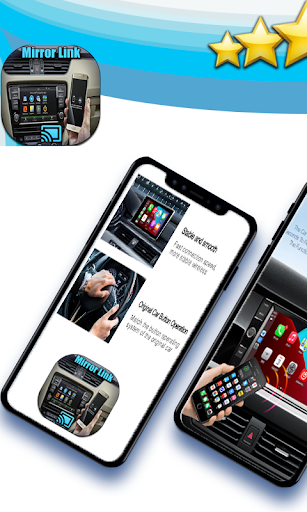
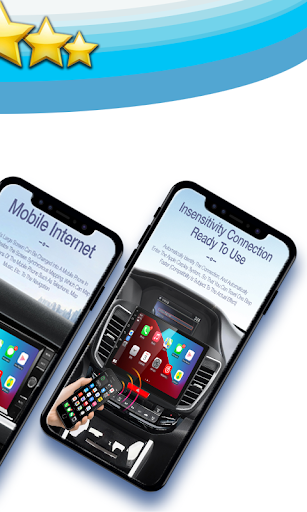
The Mirror Link Car Connector is a versatile application that connects your Android device wirelessly to your car’s infotainment system. By using the screen mirroring technology embedded in your Android device, this app transforms your driving experience, turning your car’s display into an extension of your smartphone. Whether you want to view maps, control music playlists, or access multimedia content, this app makes it effortless and safe—eliminating the need for physical cables or complex setups.
Key Features of the Mirror Link Car Connector
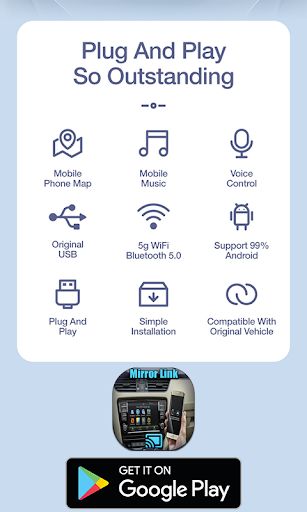
- Wireless Connectivity: Connect with any device beyond just cars, including TVs and other screens, making it highly versatile.
- Ease of Use: Designed with a user-friendly interface, setup is straightforward, even for non-tech-savvy users.
- Automation Capabilities: The app can automatically handle actions like playing or pausing music when you connect or disconnect from your car’s system, ensuring a distraction-free drive.
- Navigation Integration: Seamlessly work with popular navigation apps such as Google Maps and Waze, providing real-time directions directly on your car’s screen.
- Multimedia Access: Effortlessly switch and control music playlists, podcasts, or videos, enhancing your entertainment experience while driving.
Why Choose the Mirror Link Car Connector?
If you’re someone who frequently spends time on the road, this app is a game-changer. It reduces the need to handle your phone physically, helping you stay focused on driving safety. Plus, with the ability to mirror your phone’s display on your vehicle’s screen, you can enjoy a range of functionalities at your fingertips—be it navigation, music control, or messaging—without distractions. The app’s intuitive design ensures a smooth experience, making it an excellent addition for anyone looking to upgrade their in-car tech setup.
Setting Up and Using the App
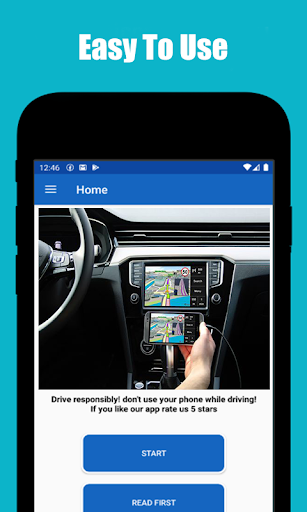
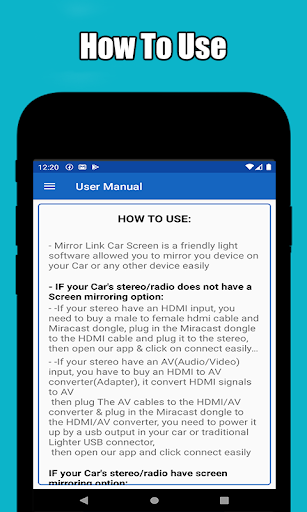
Getting started with the Mirror Link Car Connector is simple. After downloading, you connect your Android device to your car via USB, and the app guides you through the setup process step-by-step. Once connected, the interface remains clean and easy to navigate. Switching between apps or controlling multimedia content is quick and hassle-free, ensuring that you can keep your attention on your driving rather than fiddling with your device.
Final Thoughts
In conclusion, the Mirror Link Car Connector is an excellent tool for anyone looking to enhance their driving experience with technology. It offers a safe, cable-free way to mirror your smartphone onto your car’s screen, making navigation, entertainment, and communication more accessible and less distracting. Whether you’re on a daily commute or heading out on a long road trip, this app acts like a personal co-pilot, allowing you to stay connected without compromising safety. Give it a try and transform the way you drive—more connected, safer, and more enjoyable.
Pros
- Easy to set up with an intuitive interface
- Compatible with most car models
- Allows seamless phone mirroring
- Supports both Android and iOS devices
- Enhances driving experience with voice control
Cons
- May sometimes lag or disconnect
- Requires a strong internet connection
- Limited app compatibility
- Some features are behind a paywall
- Can drain phone battery quickly











