


Discover the Versatile Camera Endoscope / OTG USB Inspection Tool
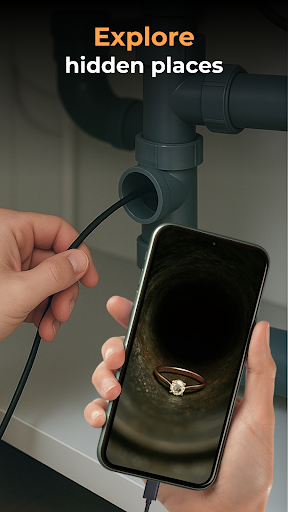
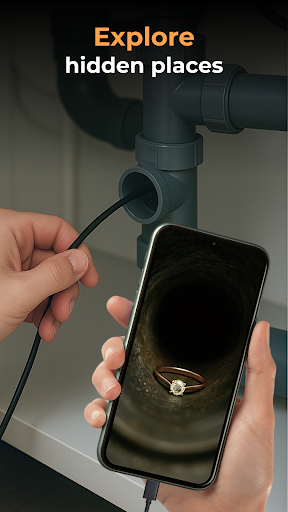
Imagine a compact device that transforms your smartphone into a powerful inspection tool, capable of peering into the tightest spaces and revealing hidden details. The Camera Endoscope / OTG USB is precisely that gadget—an innovative accessory designed for DIY enthusiasts, professionals, and curious users alike. Whether you need to inspect plumbing, electronics, or automotive parts, this portable endoscope device offers an efficient and affordable solution to access areas normally out of reach.
Getting Started with Your Camera Endoscope / OTG USB
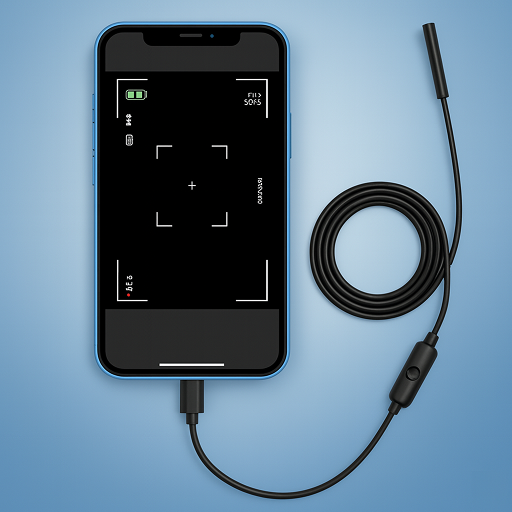
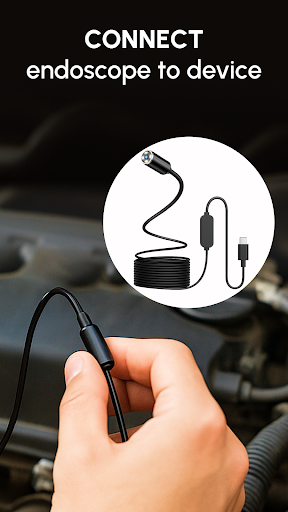
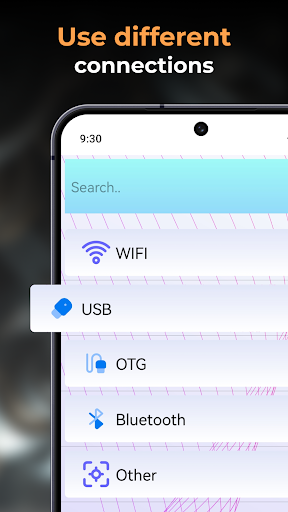
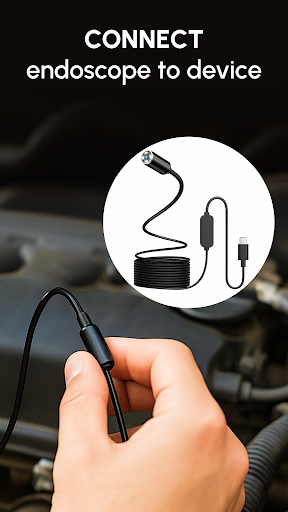
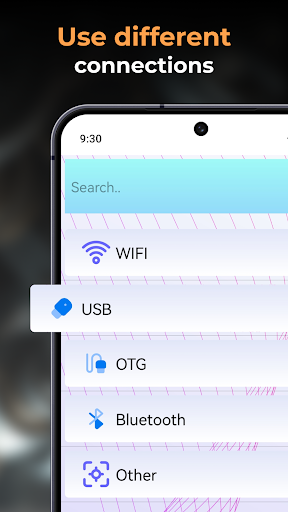
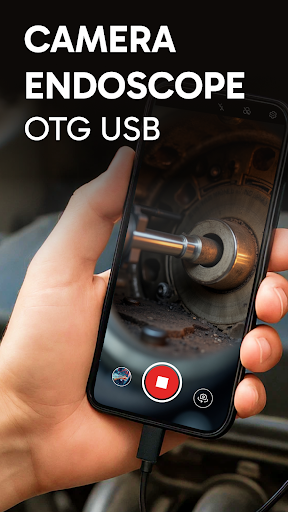
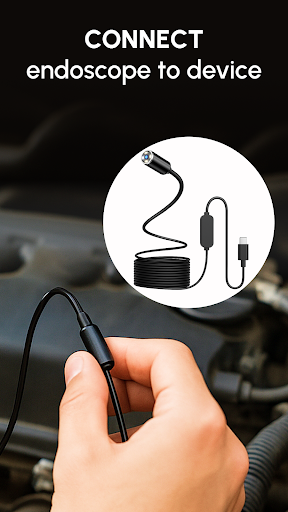
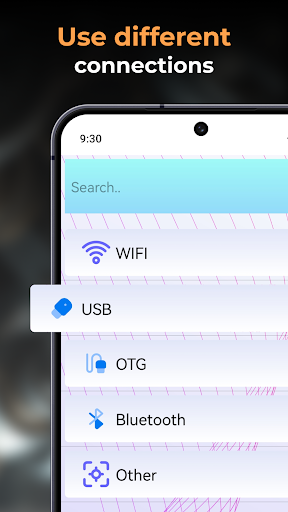
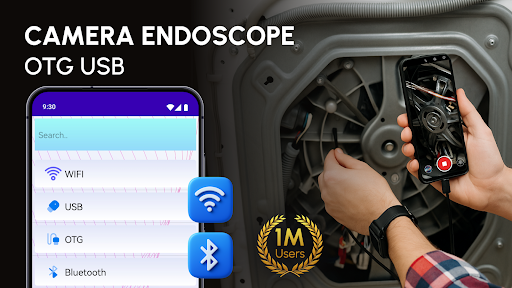
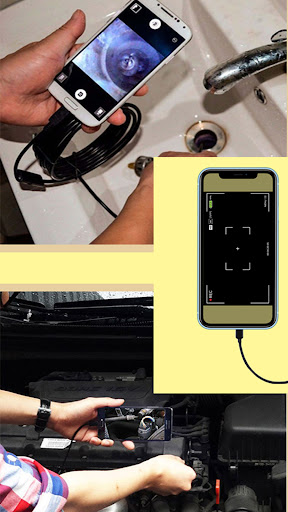
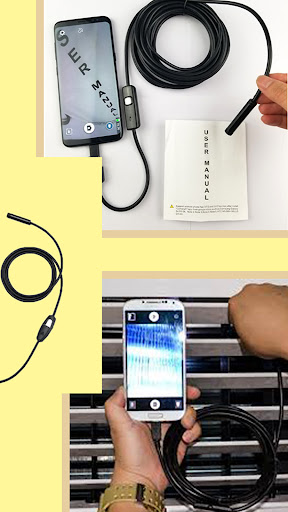
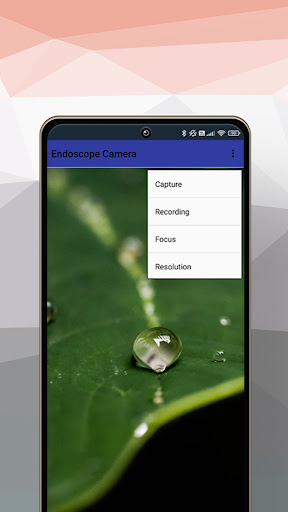
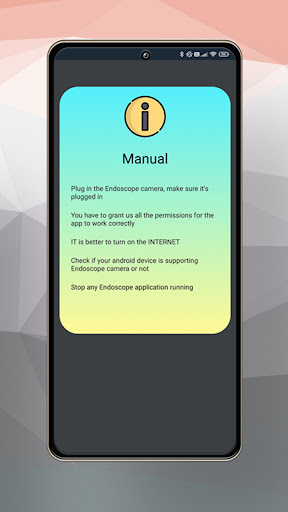
Setting up the Camera Endoscope / OTG USB is straightforward and user-friendly. Simply connect the device to your Android smartphone using a compatible OTG (On-The-Go) cable. Once connected, launch the dedicated inspection app—commonly known as the Endoscope Camera app. This intuitive software provides an instant live video feed, enabling you to explore hidden spaces instantly. Many models come with a variety of attachments such as hooks and magnets, making them ideal for retrieving small items or inspecting complex machinery. With this setup, even novices can quickly become adept at using their new inspection tool.
Feature Highlights of the USB OTG Camera
The USB OTG Camera offers impressive features that enhance its practicality and performance:
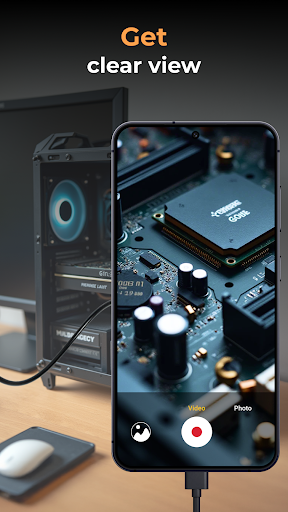
- High-Quality Video and Images: Capture clear, detailed photos and videos, essential for documentation or further analysis.
- Real-Time Streaming: The connected app streams live video, helping you navigate tight spaces with ease.
- Adjustable LED Lights: Brighten dark nooks and crannies for better visibility, ensuring your inspection is precise and efficient.
- Waterproof Design: Safe to use in wet environments like drainpipes, making it versatile for various tasks.
- Extended Cable Length: Models with longer cords provide greater reach—up to several meters—ideal for deep inspections.
- Seamless Media Management: Organize your photos and videos within the app, with options to delete, share, or review your media files easily.
- Compatibility and Easy Setup: Supports a wide range of Android devices with plug-and-play functionality, facilitated by user-friendly OTG software.
Using the Camera Endoscope / OTG USB for Practical Inspections
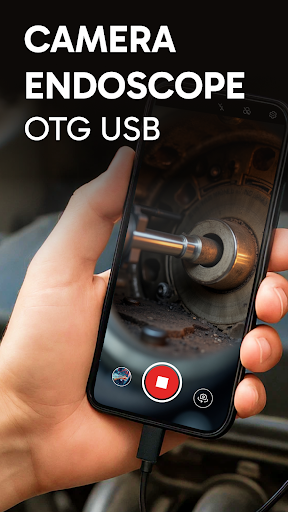
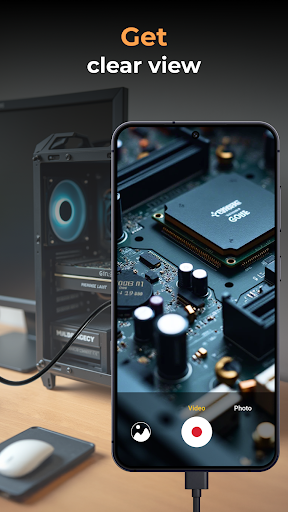
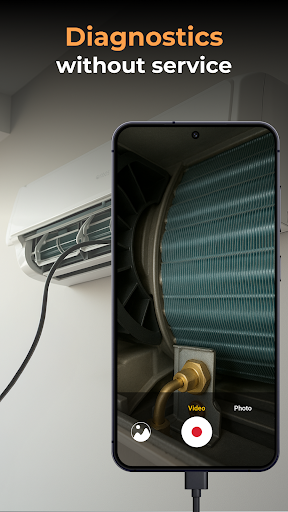
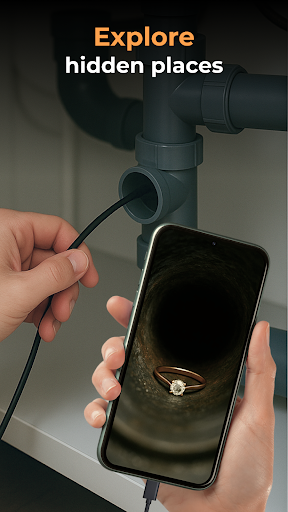
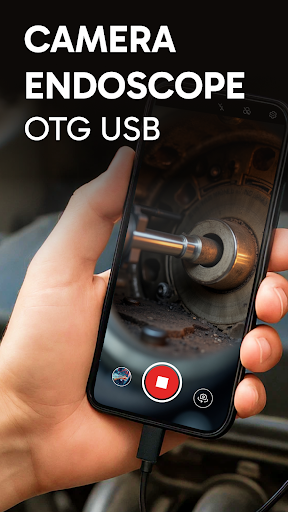
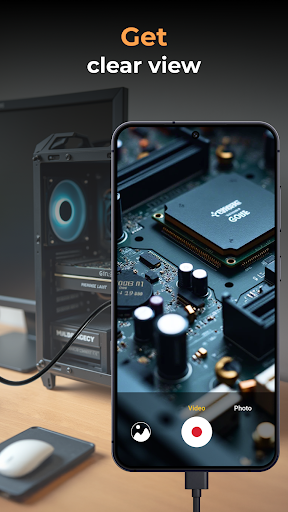
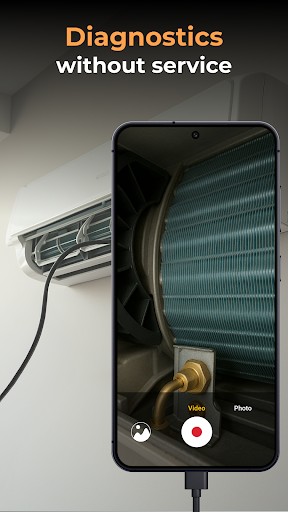
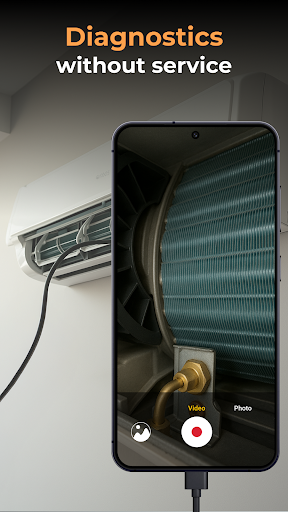
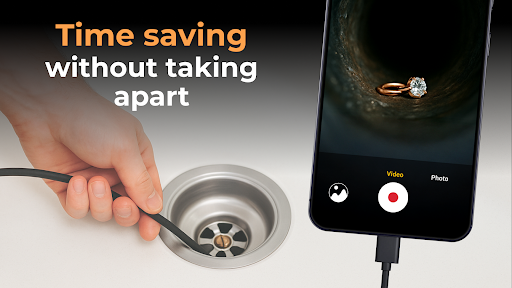
Using the Camera Endoscope / OTG USB is remarkably simple. After connecting the device and opening the app, a live view appears, allowing you to explore spaces that are otherwise inaccessible. Whether peering into a clogged pipe, examining the inside of a car engine, or inspecting electronic components, this tool delivers crisp visuals in real-time. Its adjustable lighting and flexible cable make manual operation smooth and accurate. The device's waterproof nature ensures durability and reliability across various environments, from wet drains to oily engine parts.
Creative Applications and Everyday Use Cases
Beyond household repairs, the Camera Endoscope / OTG USB opens up a plethora of creative possibilities. Musicians use it to check instrument insides for dust or damage, while technicians employ it to diagnose electronic devices. Hobbyists appreciate its ability to explore tiny corners of projects, making it a versatile companion for many tasks. Whether you're a professional technician, a DIY hobbyist, or just someone eager to explore unseen areas, this inspection camera adapts to your needs effortlessly.
Why Choose the Camera Endoscope / OTG USB?
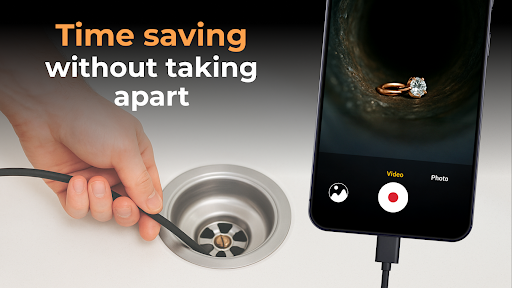
This compact inspection camera is not only affordable but also incredibly practical. Its ease of use, combined with high-quality imaging capabilities, makes it an invaluable tool for everyday inspections and professional diagnostics. Save time and avoid unnecessary disassembly or guesswork—get a clear view of hidden areas immediately. Its compatibility with the Endscopetool software for Android ensures seamless media management and enhances user experience.
Start Exploring Today
Unlock the potential of your Android device with the Camera Endoscope / OTG USB. Whether you're troubleshooting plumbing issues, inspecting electronic gadgets, or exploring mysterious crevices in everyday objects, this portable inspection tool provides the insights you need. Download the compatible app today, attach your endoscope, and begin discovering the unseen worlds right beneath your nose. With this gadget, quick, detailed inspections are just a tap away—making your life easier, safer, and more enjoyable.
Pros
- Easy connectivity with OTG support.
- High-quality image resolution.
- Compact and portable design.
- Compatible with most Android devices.
- User-friendly interface.
Cons
- Limited compatibility with iOS devices.
- Short cable length for certain applications.
- Requires an additional app for complete functionality.
- No built-in battery included.
- Depends on the device's power supply.
- May overheat during extended use.











