

Overview of the Update Software App: Updates
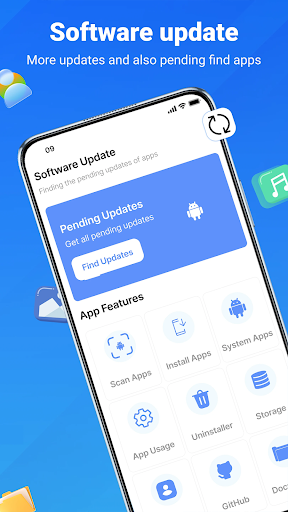
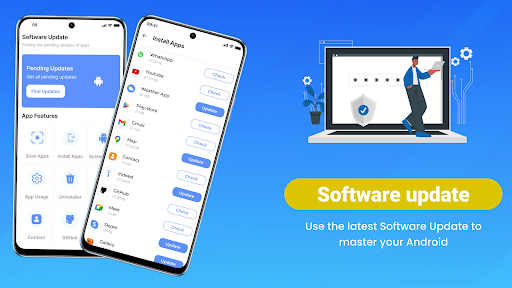
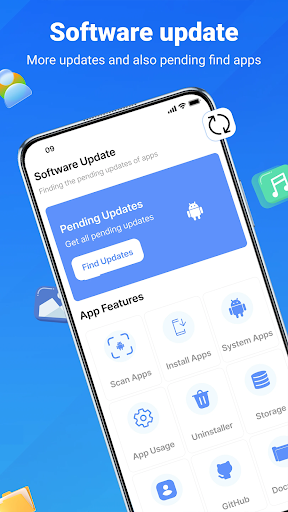
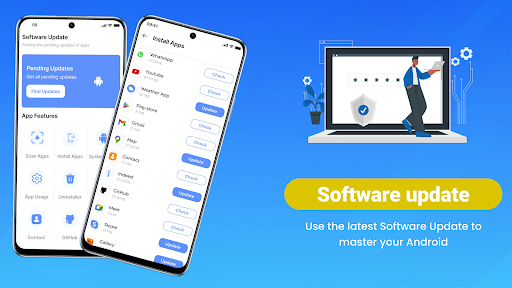
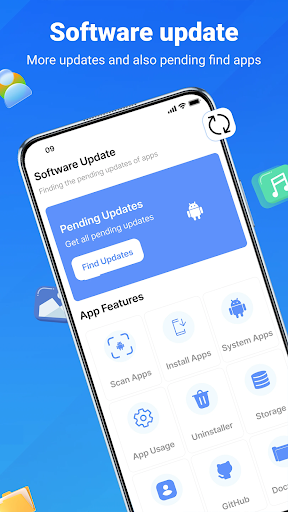
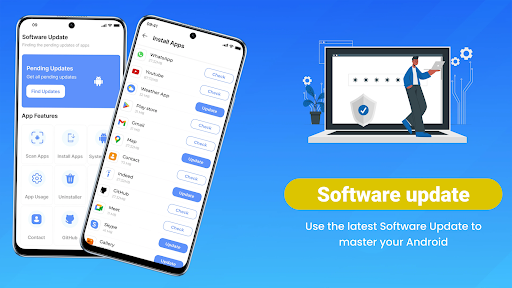
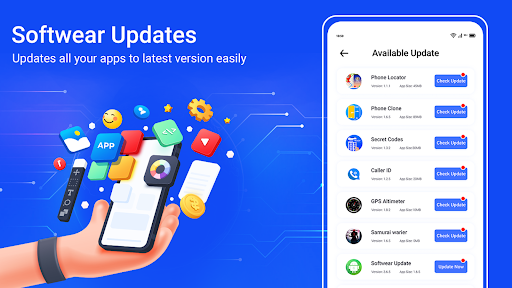
This comprehensive app updates manager simplifies the tedious process of checking for software updates and automates the task of updating multiple applications at once. No more navigating through endless menus or manually searching for app updates. With just a few taps, you can ensure that all of your installed apps are current, protected, and optimized for top performance. The app studio offers an intuitive interface suitable for all users, regardless of their technical expertise, making it ideal for anyone wanting to keep their Android device in excellent condition.
In a world where digital security and app functionality are critical, staying current is essential. Update Software App: Updates offers smart scanning features that instantly detect outdated applications and system components, prompting you to action. Whether it’s an urgent security patch or a new feature release, you’ll be notified promptly, allowing you to update apps individually or in bulk. This proactive approach boosts your device's overall health, improves speed, and enhances security—making this app a must-have utility for Android maintenance enthusiasts.
Key Features of Update Software App: Updates
Real-Time App Scanning
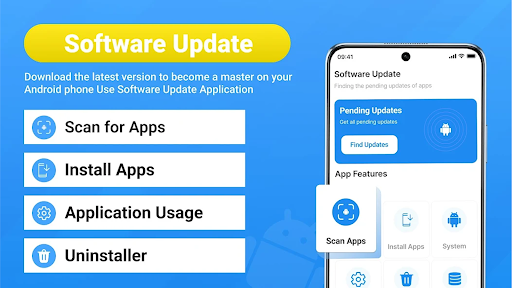
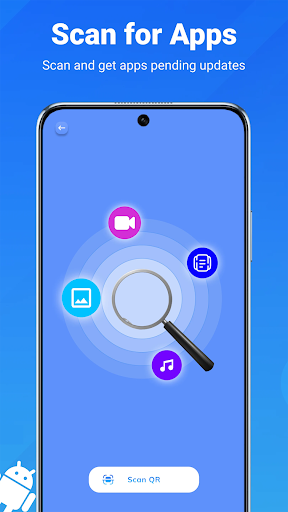
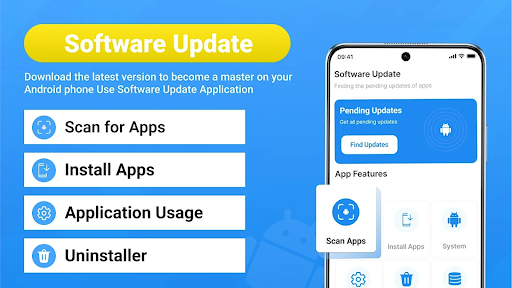
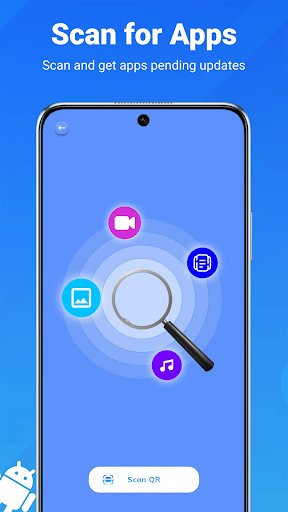
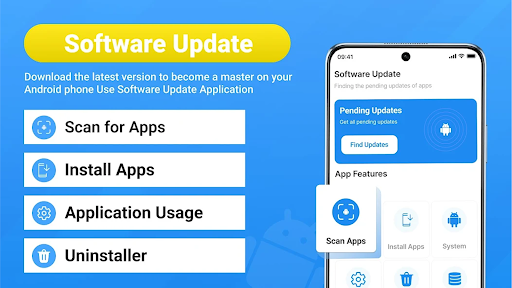
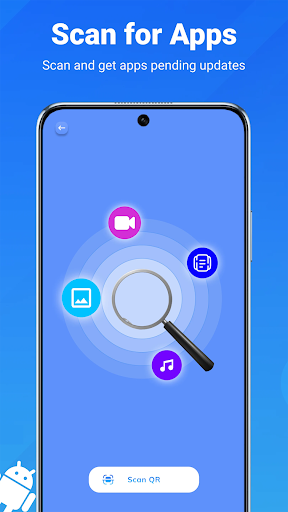
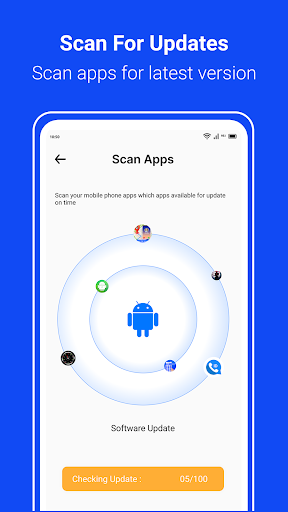
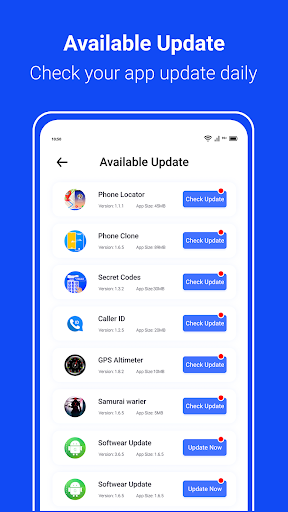
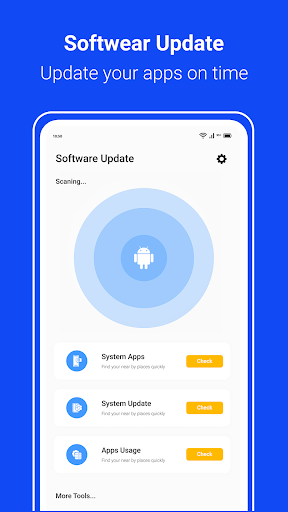
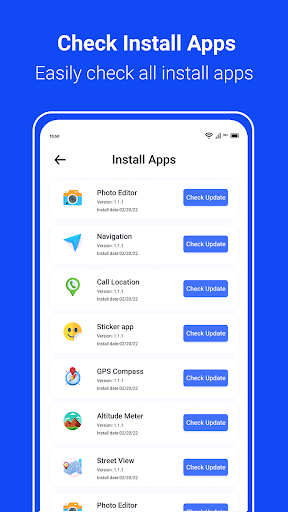
Quickly scan your Android device for pending app updates. The app provides an accurate list of outdated applications, so you’re always aware of what needs an update. This feature ensures your apps are current, which is vital for security and optimal performance.
One-Tap Update All
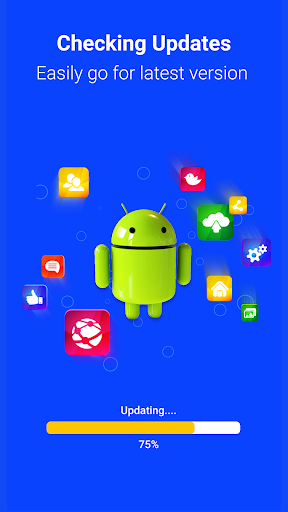
With a single tap, you can update all apps simultaneously. This hassle-free feature saves valuable time and effort, especially if you manage multiple applications. It keeps your device in top shape with minimal manual intervention.
System and Firmware Checks
Stay ahead of potential issues by quickly checking for system firmware updates. Keeping your Android system updated ensures better battery life, security, and compatibility with new apps or features.
Bulk Uninstallation & Storage Optimization
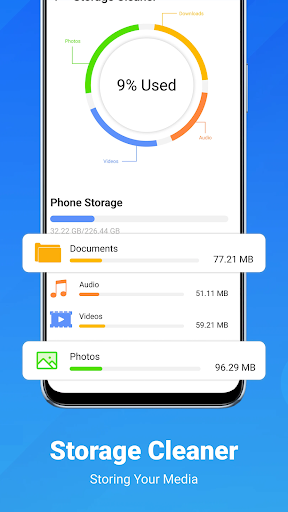
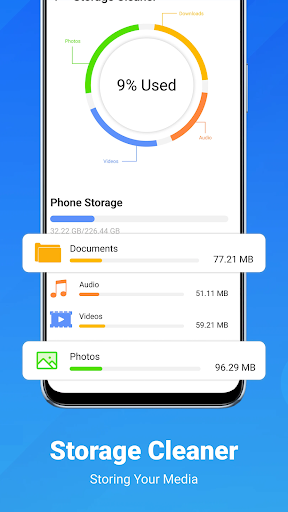
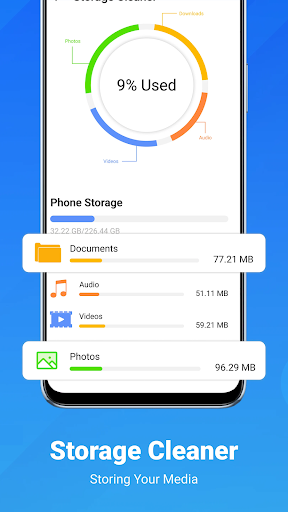
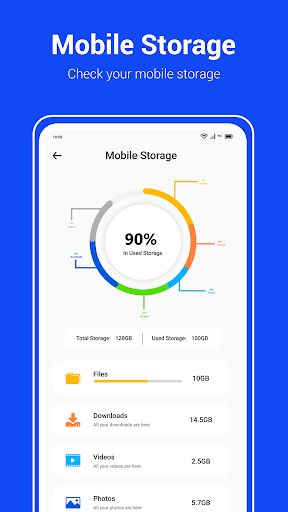
Identify and remove unused or unwanted apps in bulk. This bulk uninstaller helps free up storage space, declutter your device, and improve overall responsiveness.
Device Info & Usage Monitoring
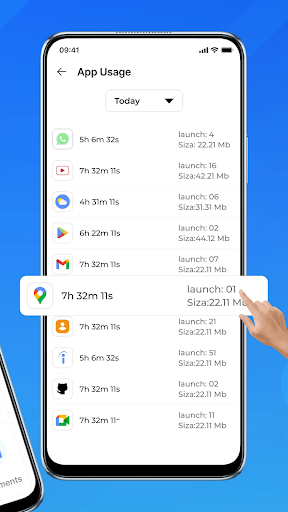
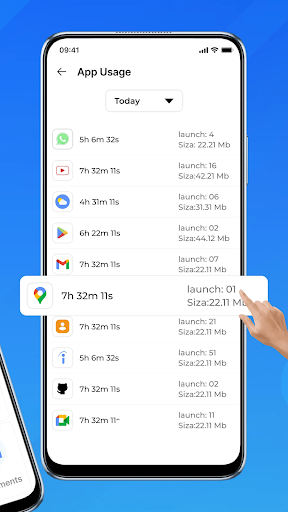
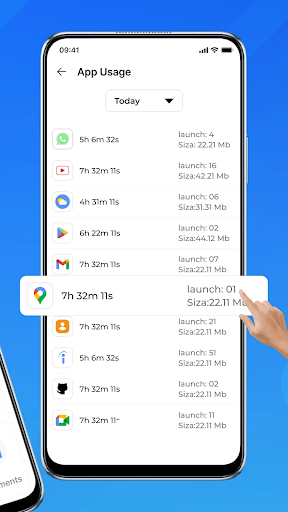
Access detailed system information, including hardware specifications, model, and current Android version. Additionally, monitor your app usage to optimize your daily app activity, ensuring you prioritize what matters most.
Notifications & Automatic Updates
The app’s smart notification system keeps you informed about available updates, whether from the Play Store or system updates. Set automatic or scheduled updates so your device stays current without constant manual checks.
Intuitive User Interface
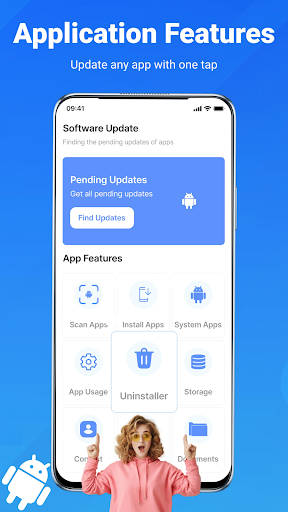
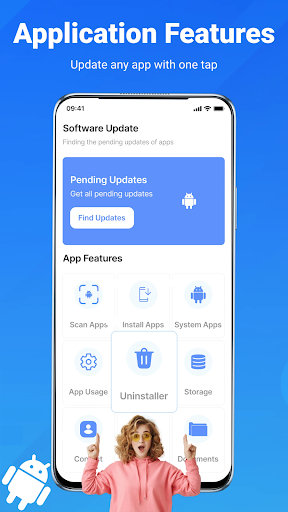
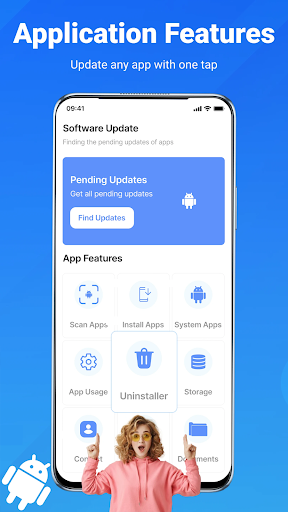
The design is simple and easy to navigate, suitable for users of all ages. Every feature—from scanning for updates to initiating full app or system updates—is accessible within a few taps, making maintenance effortless.
User Guidance and Usage Tips
- Open the Update Software App: Updates tool.
- Tap “Scan” to detect all available updates for your apps.
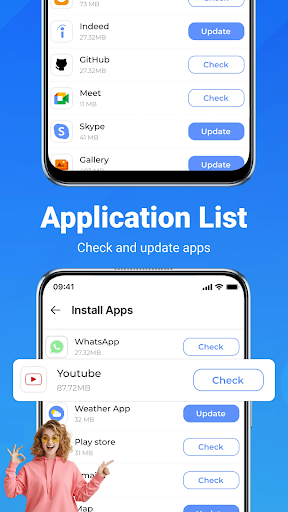
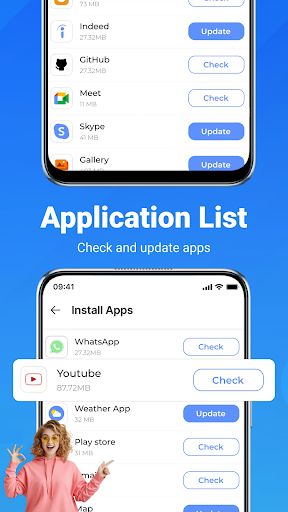
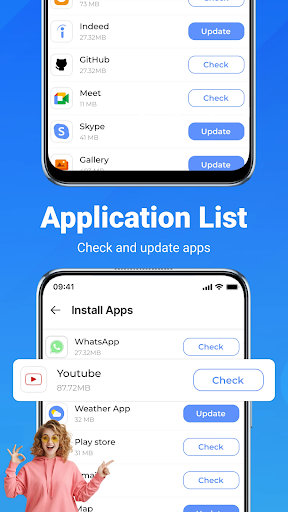
- Choose to update individual apps or use the update all button for multiple updates at once.
- Optional: Uninstall outdated or unused apps with the bulk remover feature.
- Enable notifications to stay informed about automatic updates, ensuring your device remains up to date effortlessly.
Conclusion: Why Choose Update Software App: Updates
Pros
- User-friendly interface for easy navigation
- Supports a wide range of Android devices
- Regular updates to enhance performance
- Lightweight application
- Doesn't impact device speed
- Efficiently detects outdated software
Cons
- Requires internet connection to check for updates
- Limited features in the free version
- Contains some advertisements in the free version
- May not identify all updates accurately
- Occasional compatibility issues with older devices











